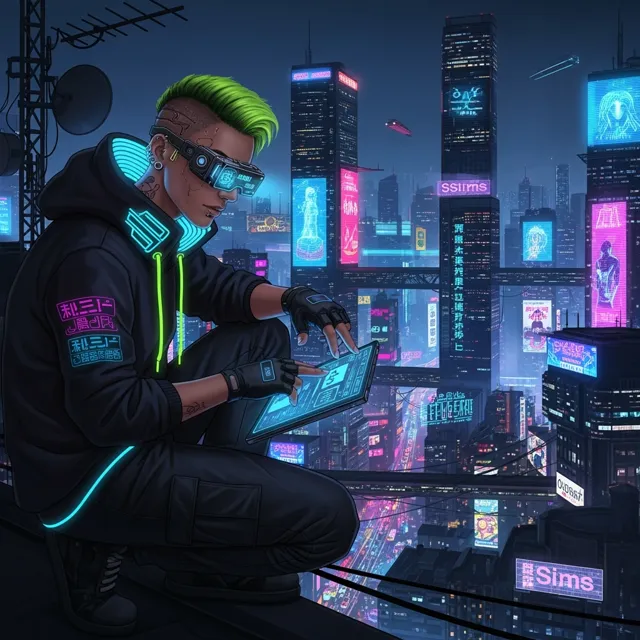
AI Influencer Generated
12K
342
2.6K
Add intermediate frames to make motion feel smoother, especially for animation tests, product loops, and short clips that need a more polished cadence.
A Gemini AI Video Generator can prove the idea fast. But a real video example still needs clean motion, readable framing, HD export, and no watermark before it becomes an ad, product reveal, or social post.
How LlamaGen Helps
Upload a clip with clear movement, review the generated in-between frames, and export when the motion feels cleaner.
Describe the frame interpolation moment you want: subject, action, camera motion, mood, and final use case.
Preview the motion direction and refine the prompt until the opening frame, pacing, and subject remain clear.
Export the version that is ready for a social post, pitch, product page, or client handoff.
Who benefits from LlamaGen
01
Frame Interpolation AI Video Tool lets you test the motion and story beat before committing to a finished download.
Frame Interpolation AI Video Tool prompt starters
Frame Interpolation AI Video Tool lets you test the motion and story beat before committing to a finished download.
Shape hooks, transitions, product reveals, avatar moments, and character scenes for real publishing contexts.
Move from prompt to preview to HD export without making the page feel like a generic demo gallery.
FAQ
Yes. Frame Interpolation AI Video Tool works best when the starting prompt or reference is specific about the subject, action, camera movement, and intended use.
Use clips with clear motion and limited blur, then preview the transition points where artifacts are most likely to appear.
Export when the motion feels smoother and the added frames do not bend faces, hands, product edges, or important details.