

AI Multi-Shot Video Generator for Shot Sequences
Upload one image and generate a prompt-ready multi-shot video plan: 4 camera angles, cinematic shot descriptions, storyboard notes, and a clear sequence for AI video production.
Shot planning
Create Multi-Shot Video Prompts, Camera Angles, and Shot Sequences
Use one source image to plan the practical production layer first: shots, camera angles, prompts, and storyboard structure for the next AI video pass.
Multi-Shot Video AI
Plan a prompt-ready video sequence from one source image instead of generating one disconnected clip.
Multiple Camera Angles
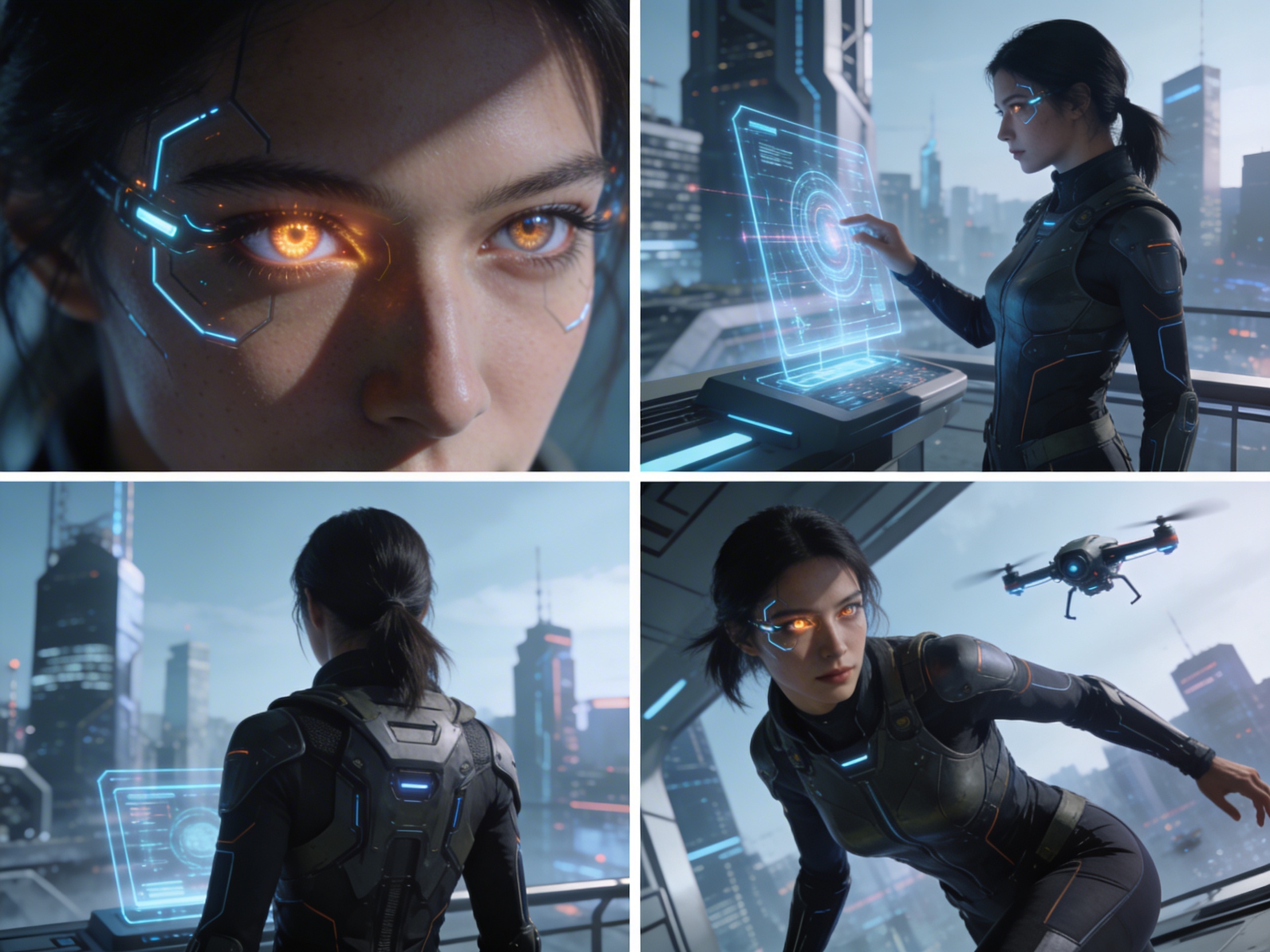
Create close-up, medium, wide, product, action, and cinematic angle prompts for the same subject.
Shot Sequence Generator
Turn a single image into a clear four-shot structure with framing, pacing, and production notes.
Cinematic Storyboard
Use the generated shot descriptions as storyboard notes for AI video, ads, social clips, and pitches.
Multi-Shot Video AI for Camera Angles and Shot Sequences
Plan the shot sequence, camera-angle prompts, and storyboard notes before you generate the final clip
4 Camera-Angle Prompts
Automatically generate 4 different camera angles, shot types, and sequence ideas from a single image
Editable Shot Descriptions
Precizno podesite opis svakog kadra da savršeno odgovara vašoj kreativnoj viziji
Munjevito brzo
Generate multi-shot video prompts and storyboard notes in seconds, not hours
Savršeno za svakog kreatora
Od profesionalaca do početnika, naš alat se prilagođava vašim kreativnim potrebama
Filmski stvaratelji
Kreirajte detaljne storyboardove i liste kadrova za vaš sljedeći filmski projekat
Kreatori sadržaja
Generate multi-shot video prompts for social media and YouTube concepts
Storytellers
Pretvorite pisane priče u vizuelne narative iz više perspektiva
Marketari
Kreirajte privlačne vizualne kampanje sa više varijacija kadrova
Kako funkcioniše
Simple 3-step process to create professional multi-shot video prompts
Otpremi sliku
Postavite bilo koju sliku – fotografiju, umjetničko djelo ili konceptnu sliku. Naš AI podržava sve glavne formate.
AI analiza
Our advanced AI analyzes your image and generates 4 unique camera-angle prompts and cinematic shot descriptions.
Uredi i izvezi
Doradite opise i izvezite svoj storyboard sa više kadrova za produkciju videa.
Ready to Plan a Multi-Shot Video?
Join creators using LlamaGen to plan shot sequences, camera angles, and AI video prompts before production.
AI MULTI-SHOT STORYBOARD EXAMPLES
Pogledajte šta naš AI stvara
From single images to cinematic sequences, see how one source can become multiple shot prompts and video concepts.
STARI PROCES PRODUKCIJE VIDEA
Why Planning Multi-Shot Videos Usually Requires a Full Production Team
The traditional path from concept to multi-shot video is expensive and time-consuming. Even before generation or filming, creators need shot planning, camera angles, sequence logic, and multiple revisions.
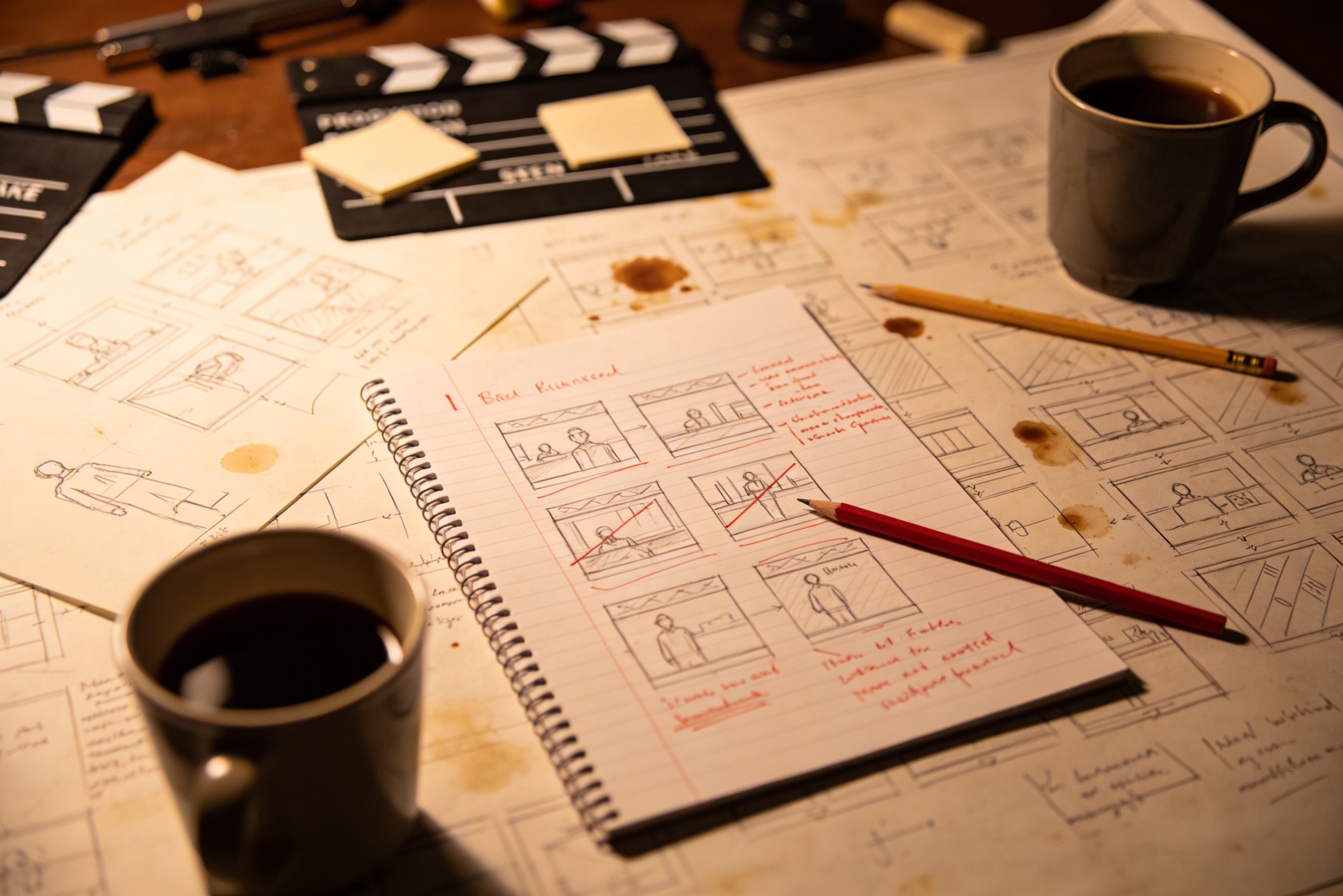
Concept Development & Storyboarding
Prevođenje vaše kreativne vizije u detaljne opise kadrova zahtijeva puno planiranja i više revizija kako bi bilo ispravno.
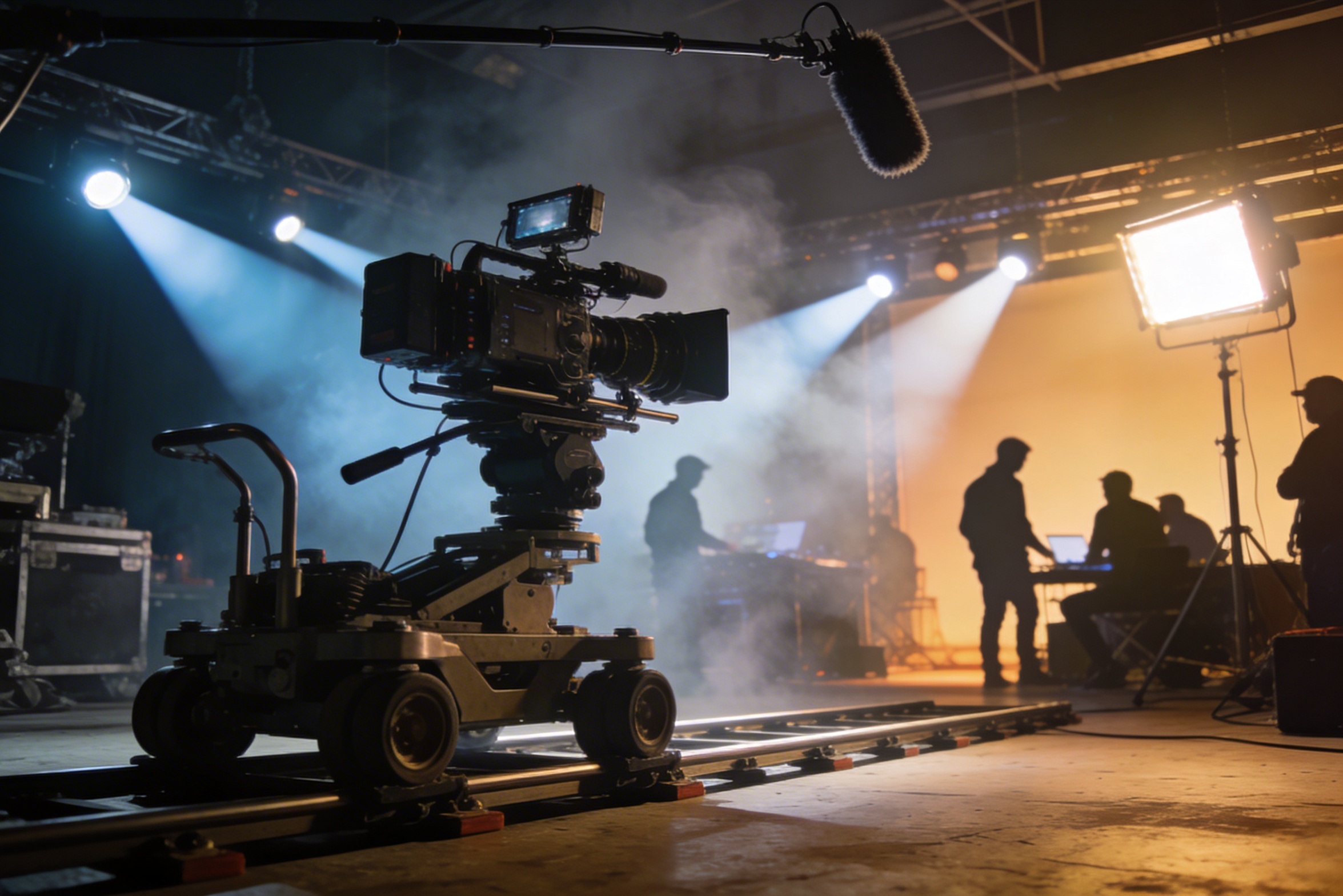
Video Production & Filming
Professional filming requires expensive equipment, lighting setups, locations, and often a full crew – costs that quickly spiral out of control.
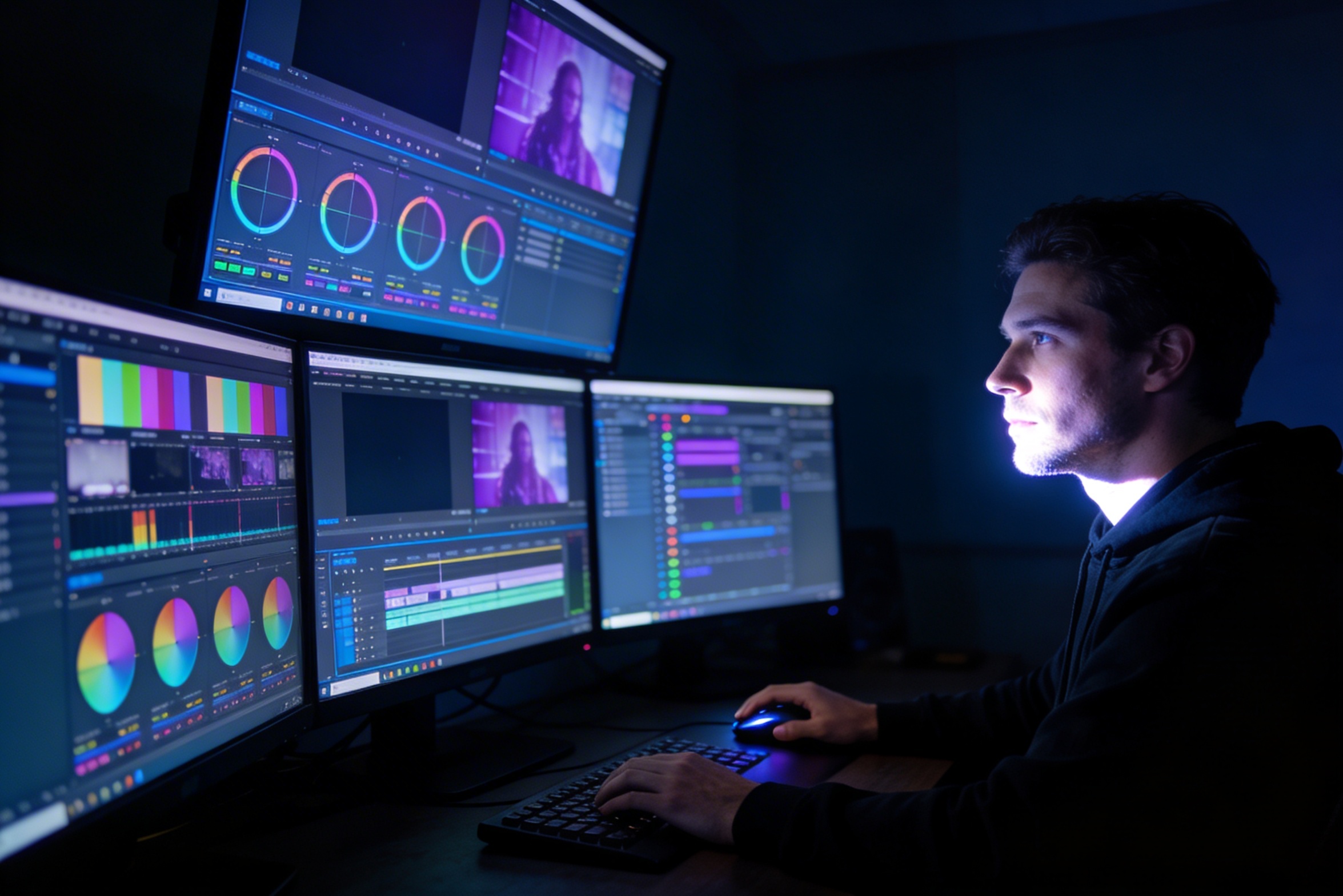
Post-Production & Visual Effects
Montaža, podešavanje boja, vizualni efekti i kreiranje više varijacija kadrova zahtijevaju specijalizirane softverske vještine i sedmice rada.
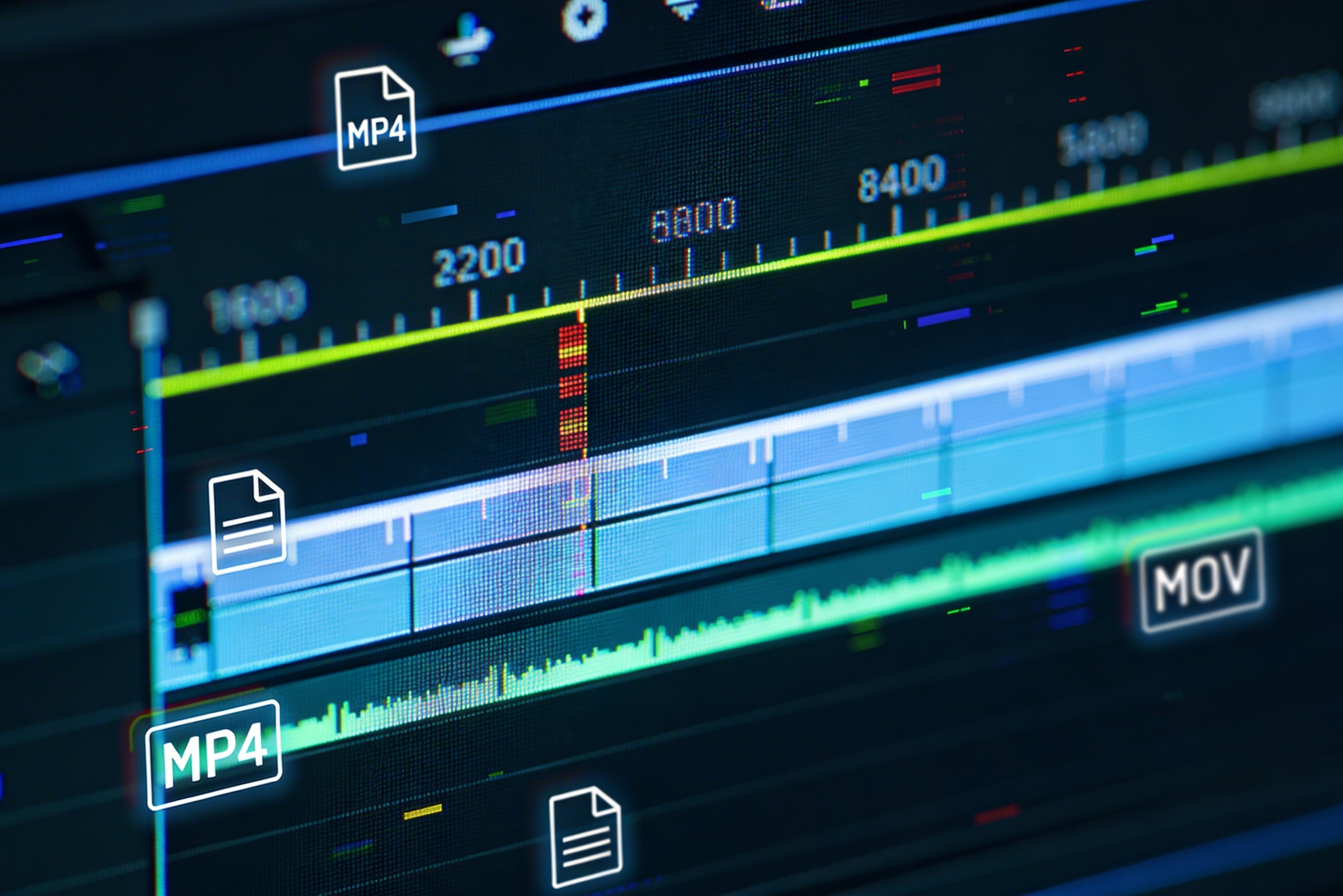
Multiple Format Exports
Creating versions for different platforms – YouTube, TikTok, Instagram – means re-editing and re-rendering for various aspect ratios and lengths.
The Budget Reality Check
Professional multi-shot planning can cost hours of creative direction before a final video is generated, filmed, edited, or approved.

What if you could create a multi-shot video plan in minutes?
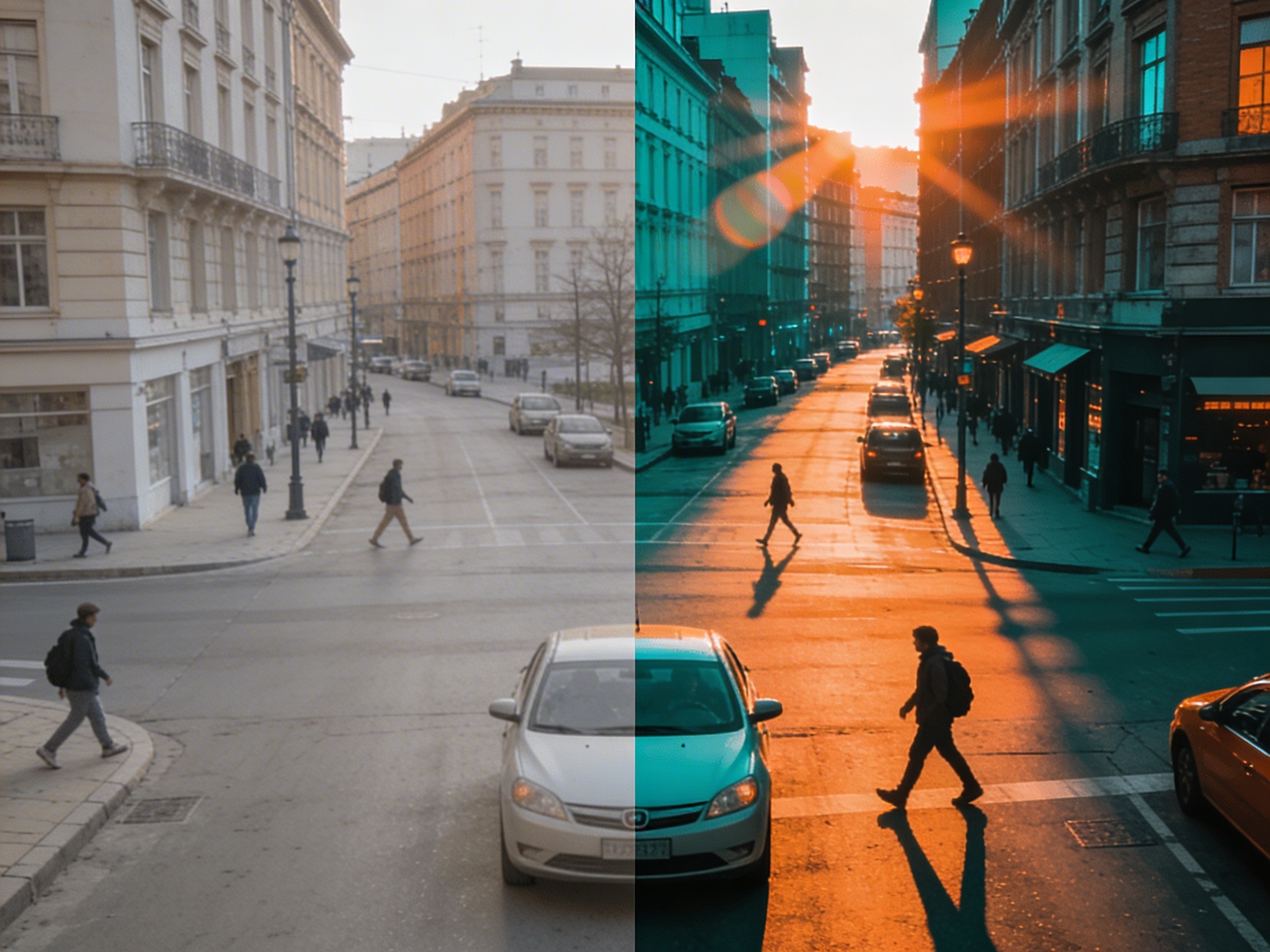
|Transforming your images into cinematic shot sequences
uvijek je bio san.
Now, the plan starts instantly.
How Your Image Becomes a Multi-Shot Sequence
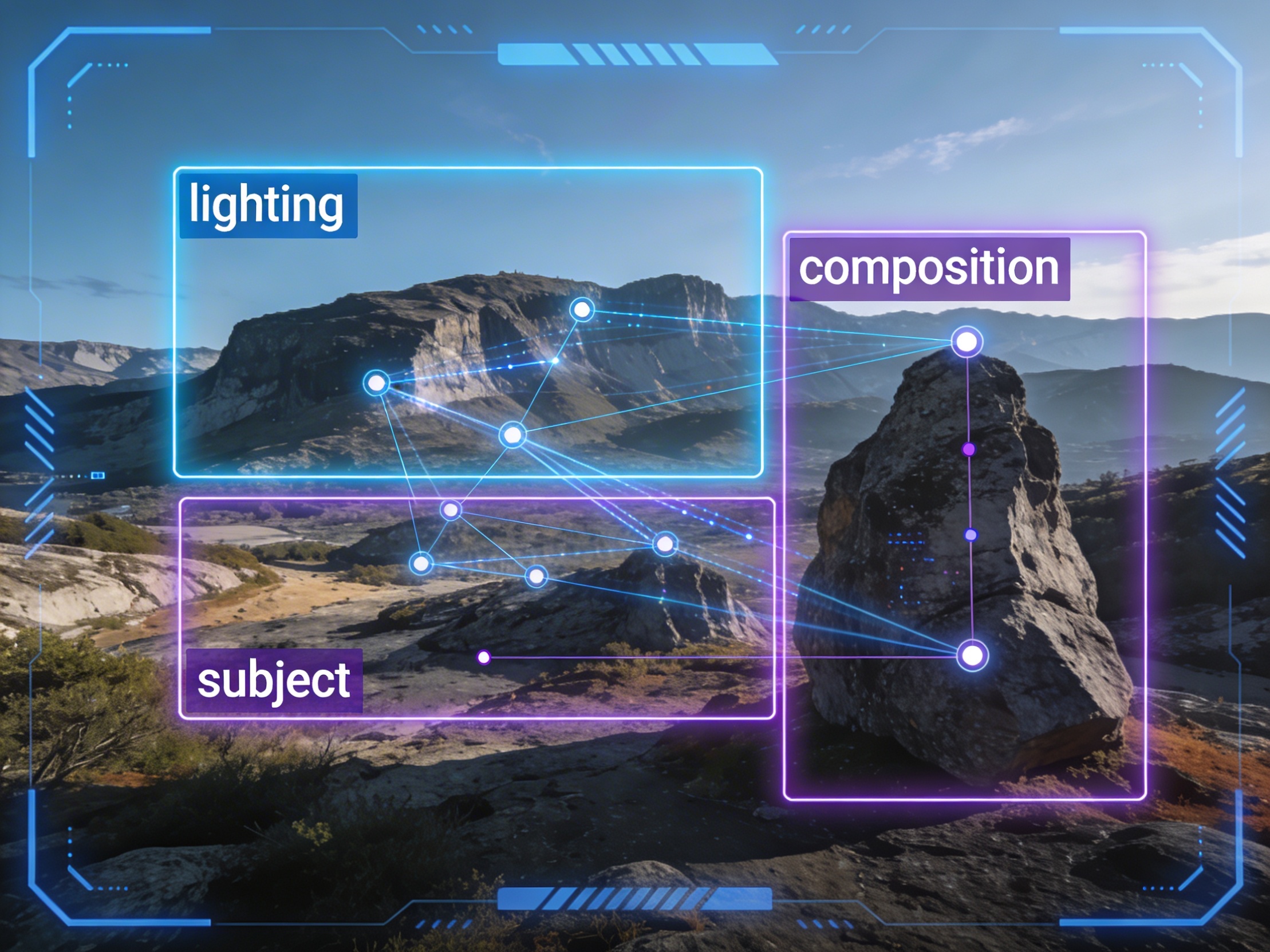
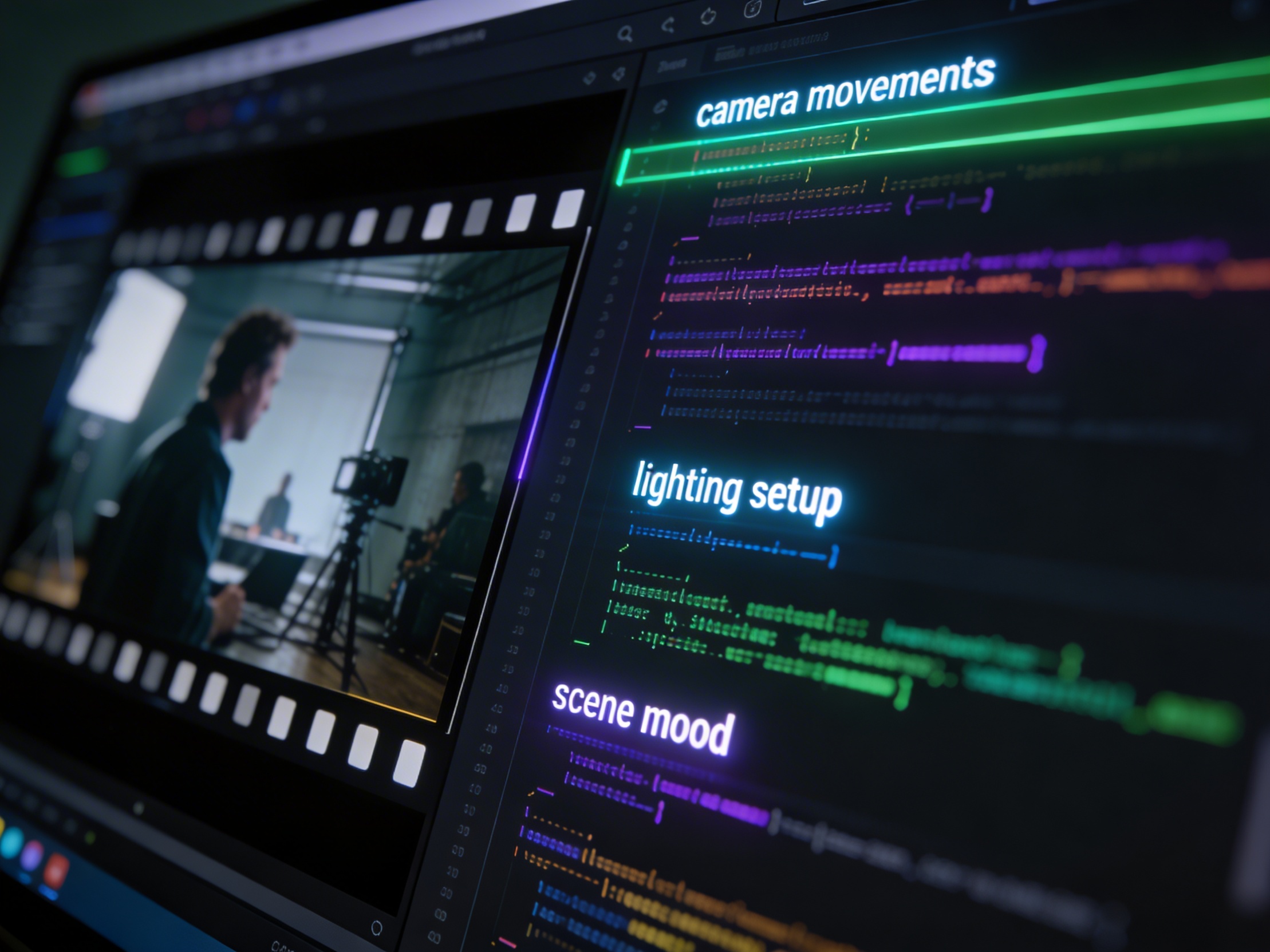
It's not just about creating variations. Our AI reads composition, cinematography, and storytelling needs to create shot prompts that strengthen your visual narrative.
Related writing workflow
Move the draft into screenplay form.
Use the AI Screenplay Editor when a script, fiction draft, storyboard brief, video idea, or canvas note needs proper scene headings, action, dialogue, parentheticals, cover pages, outlines, beats, and collaboration-ready revisions.
INT. COMMUNITY CENTER - NIGHT
Folded chairs. A storm outside. MAYA stands at the microphone with a page of notes she no longer needs.
MAYA
If the city will not read the record, we will read it out loud.