AI Manga Filter
Apply artistic filters to your images
1
上传您的图片
点击上传或将图像拖到此处JPG、PNG、WEBP | Max 10MB
2
选择喜欢的图片滤镜
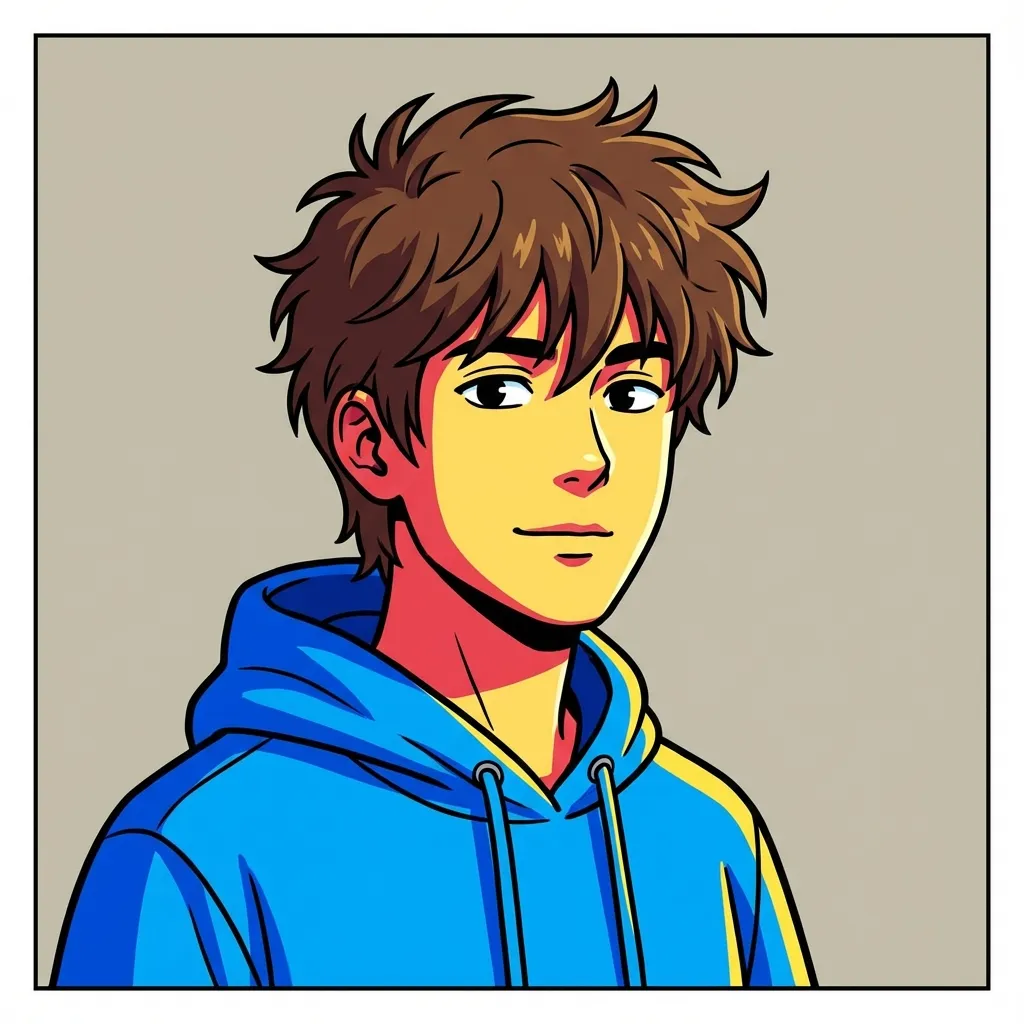
网络漫画
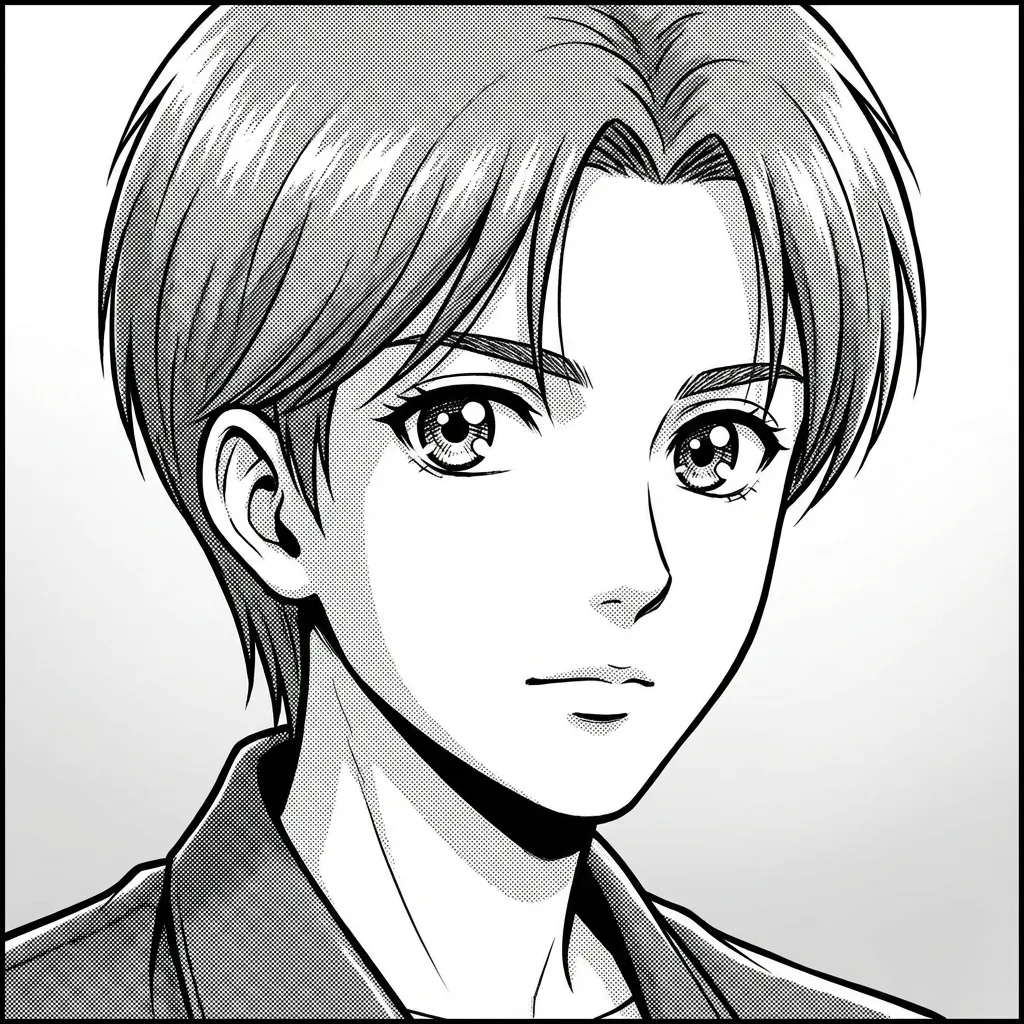
日漫
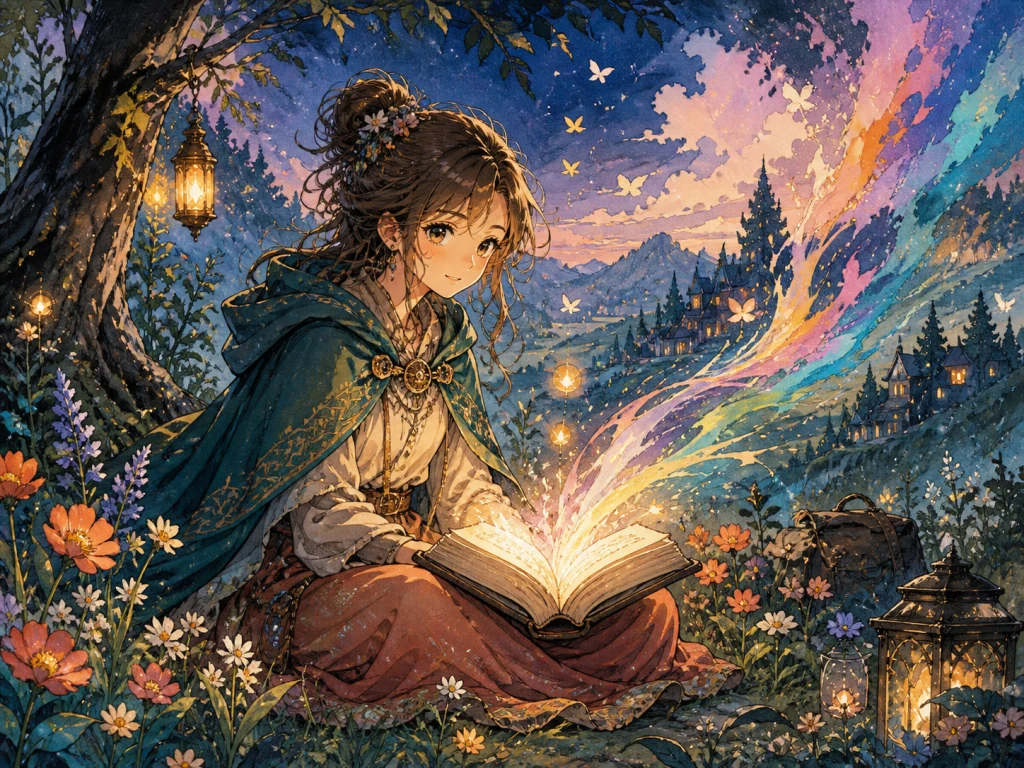
Hand-painted Storybook
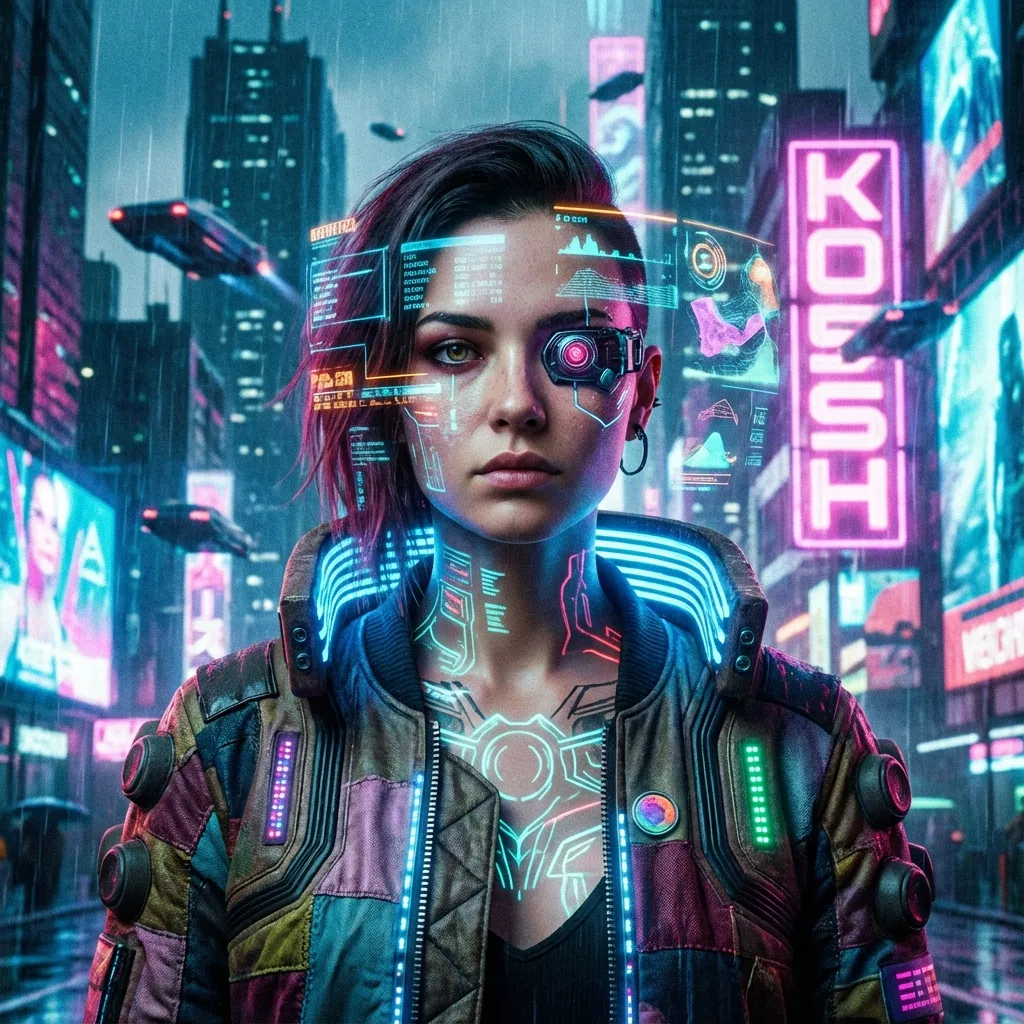
赛博朋克
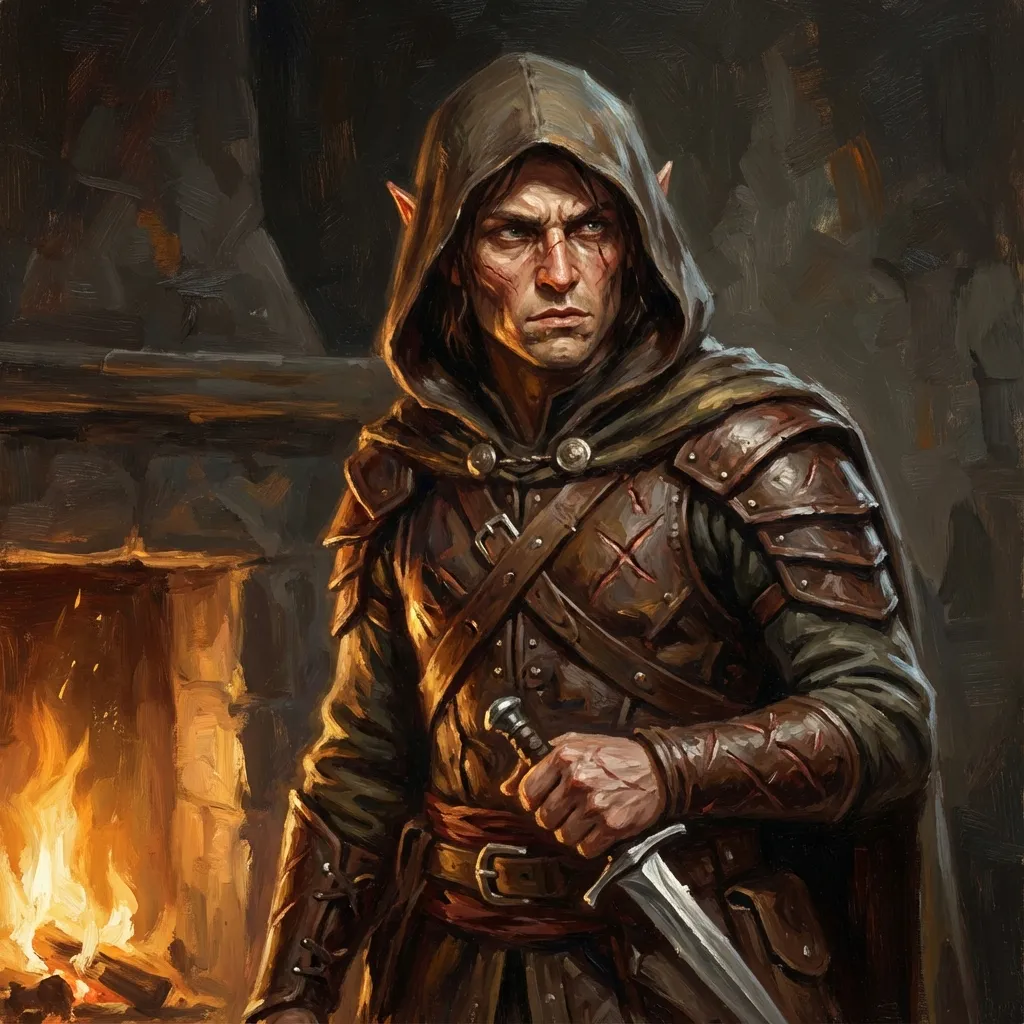
Tabletop Fantasy
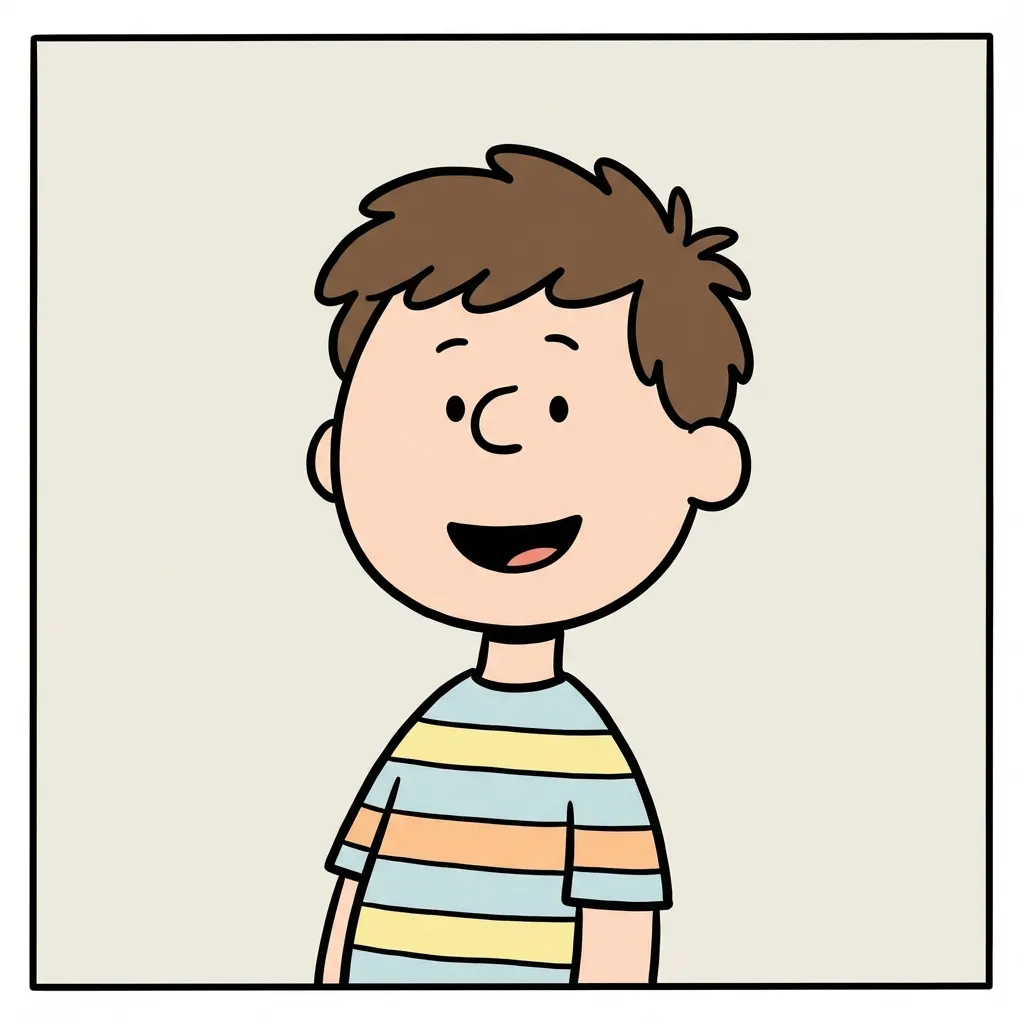
Minimal Comic

Q版
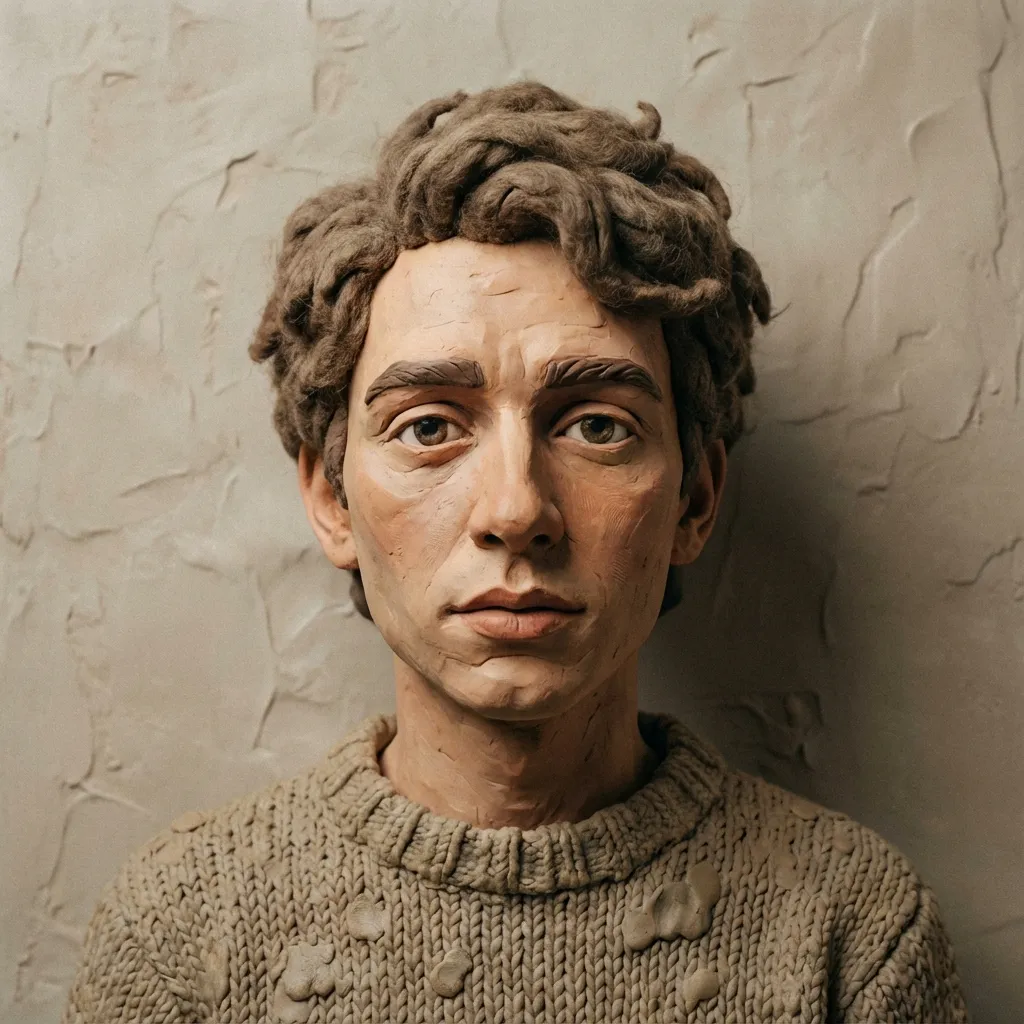
黏土
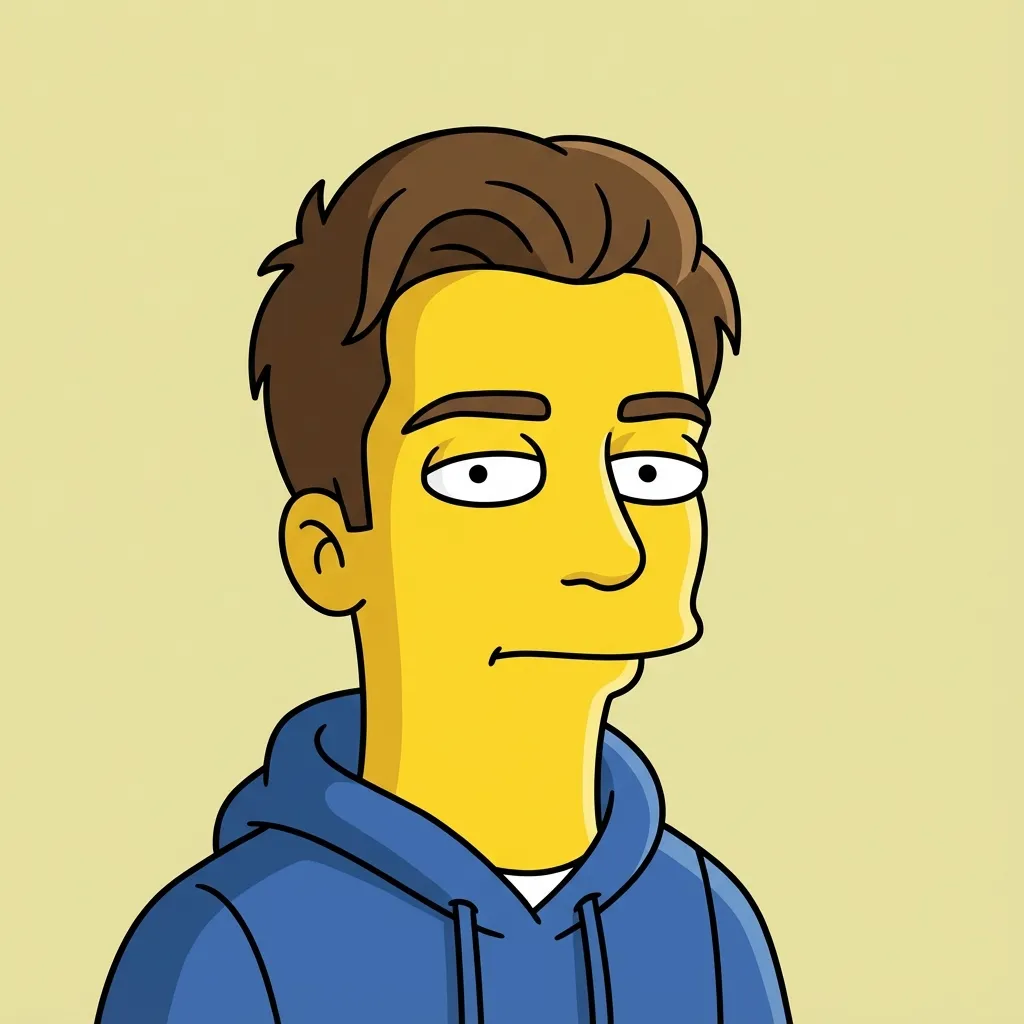
Flat Sitcom Cartoon

Paper Cutout
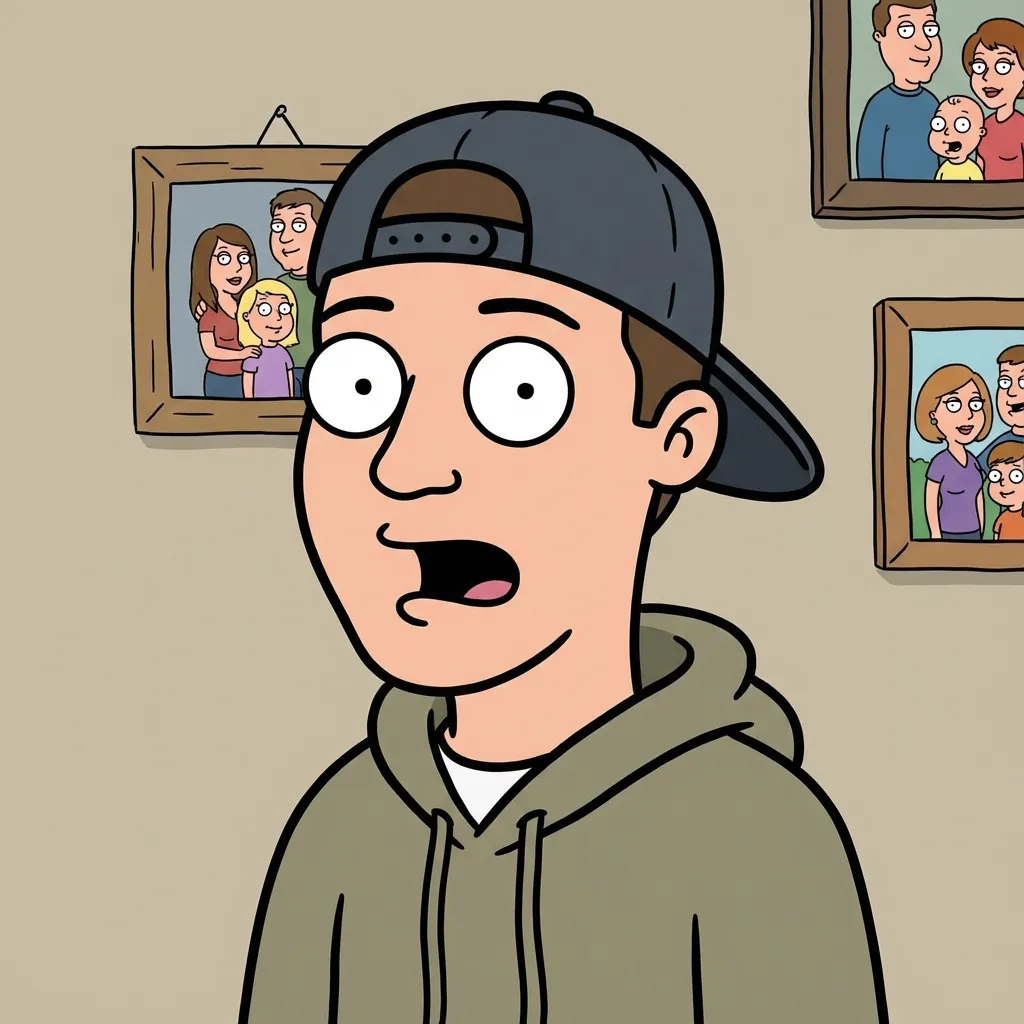
Family Sitcom Cartoon
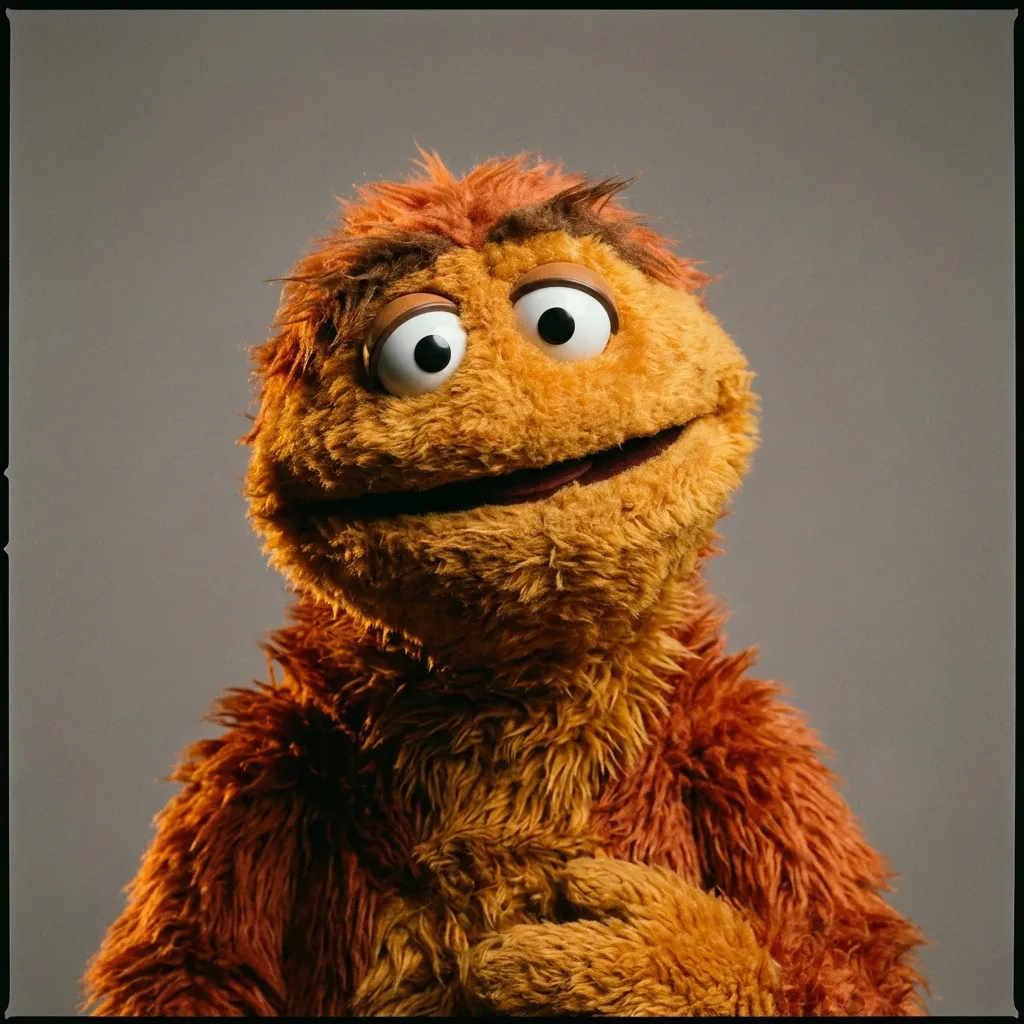
Fabric Puppet
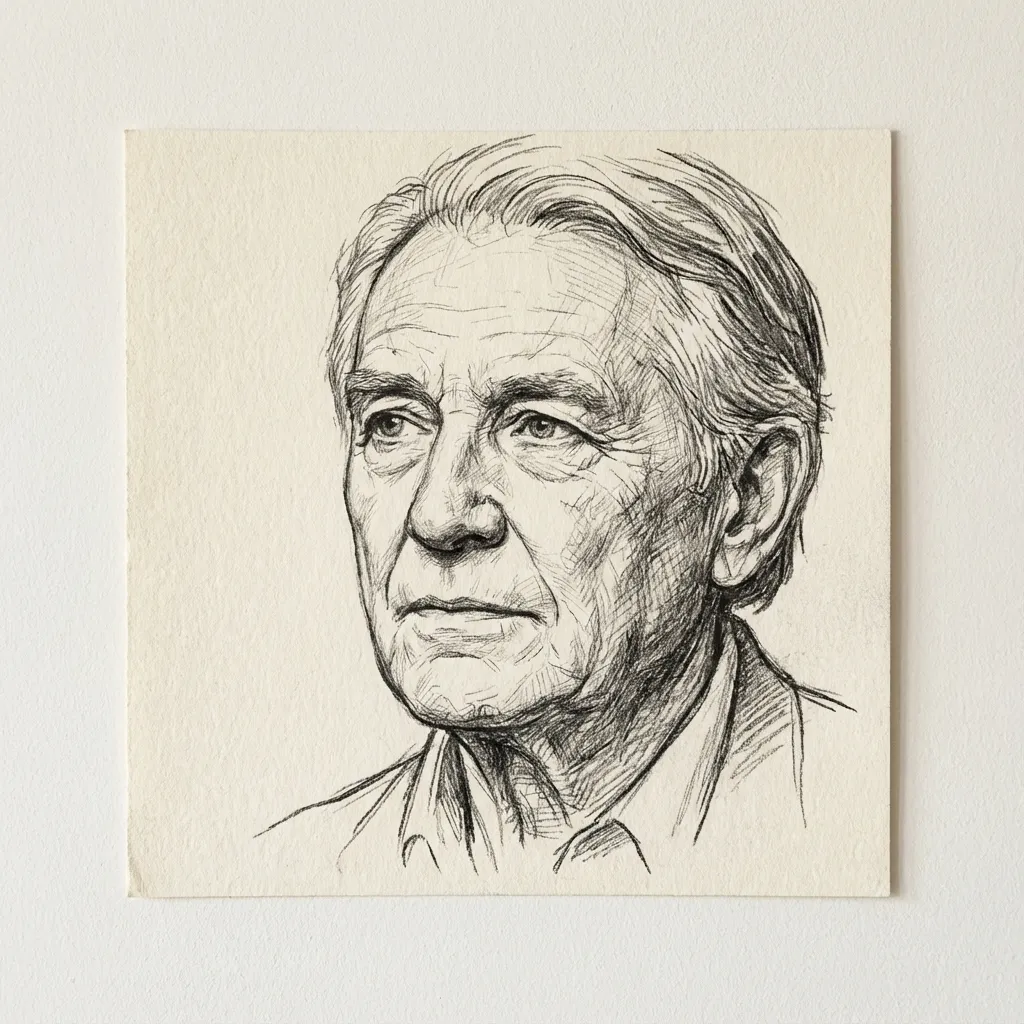
线稿
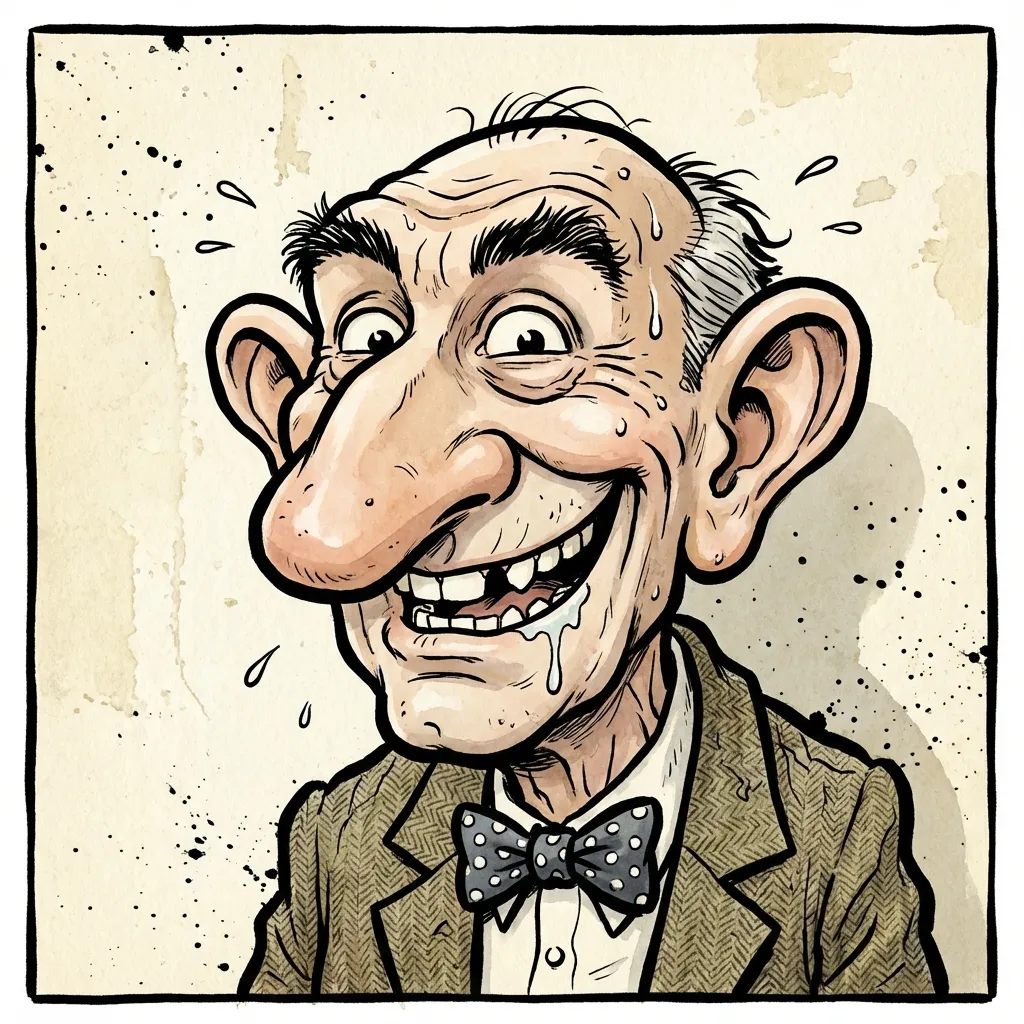
夸张漫画
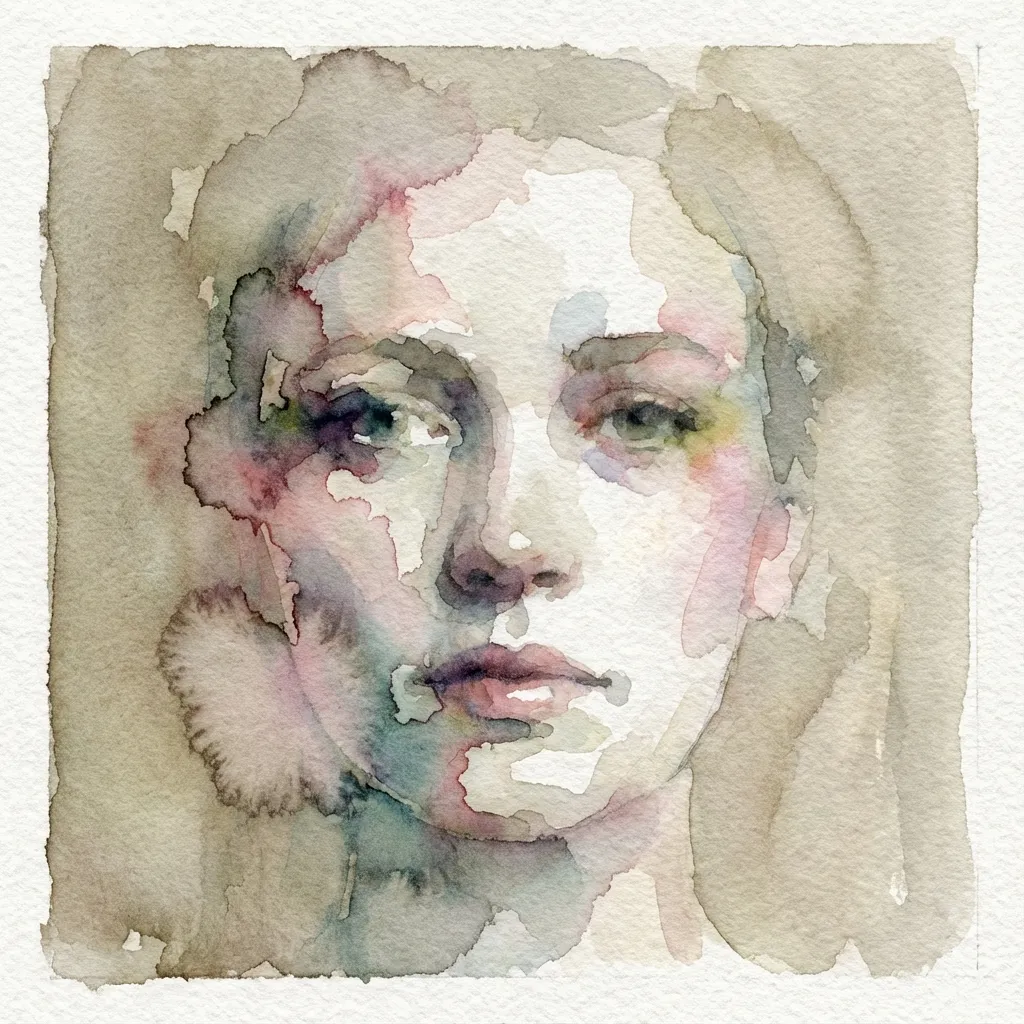
水彩
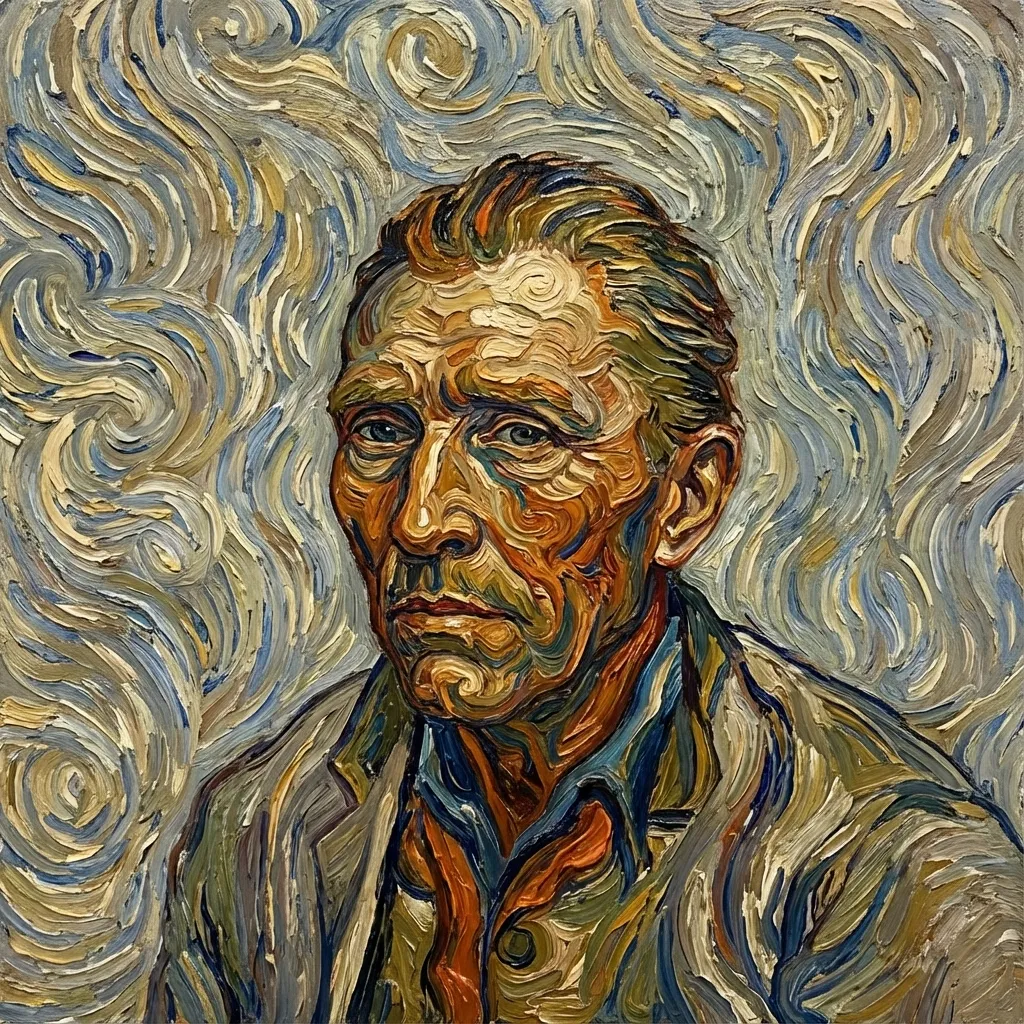
Post-impressionist
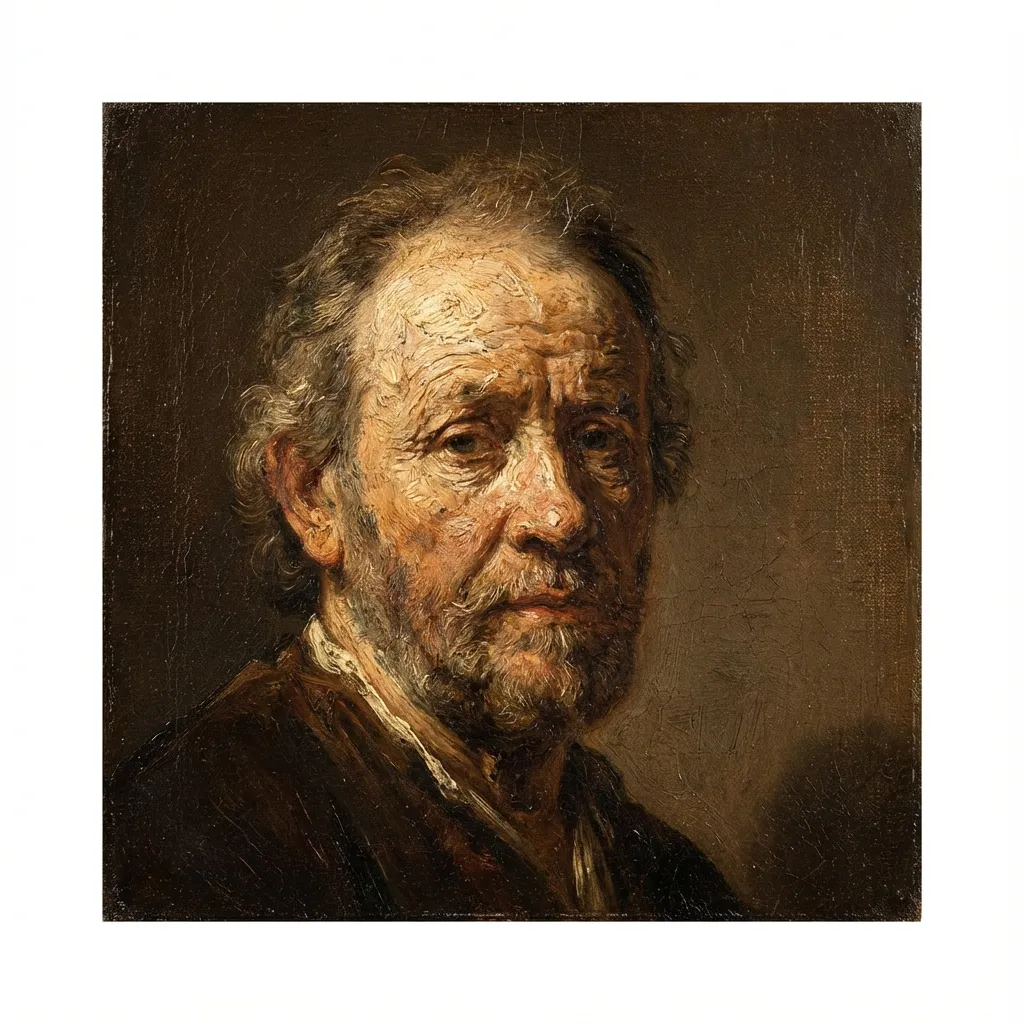
油画
Voxel
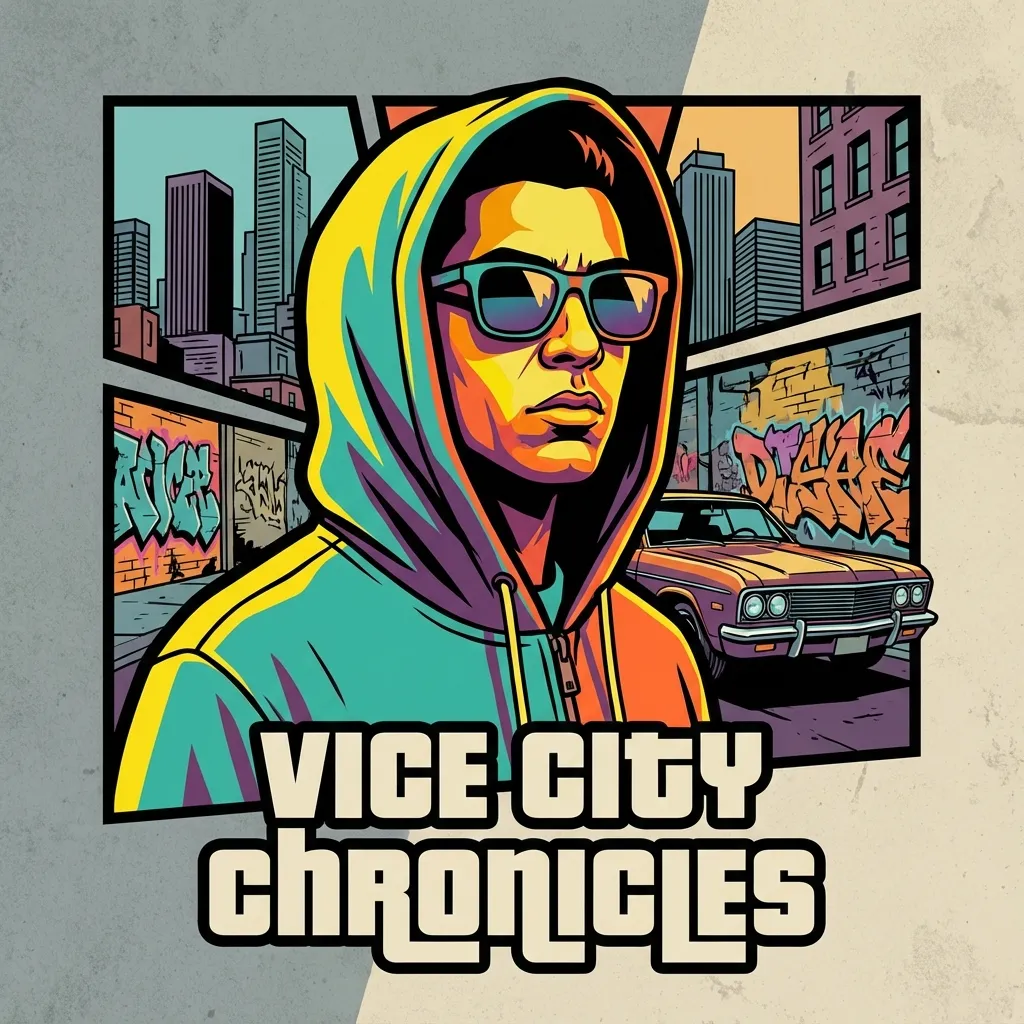
Crime Game Poster
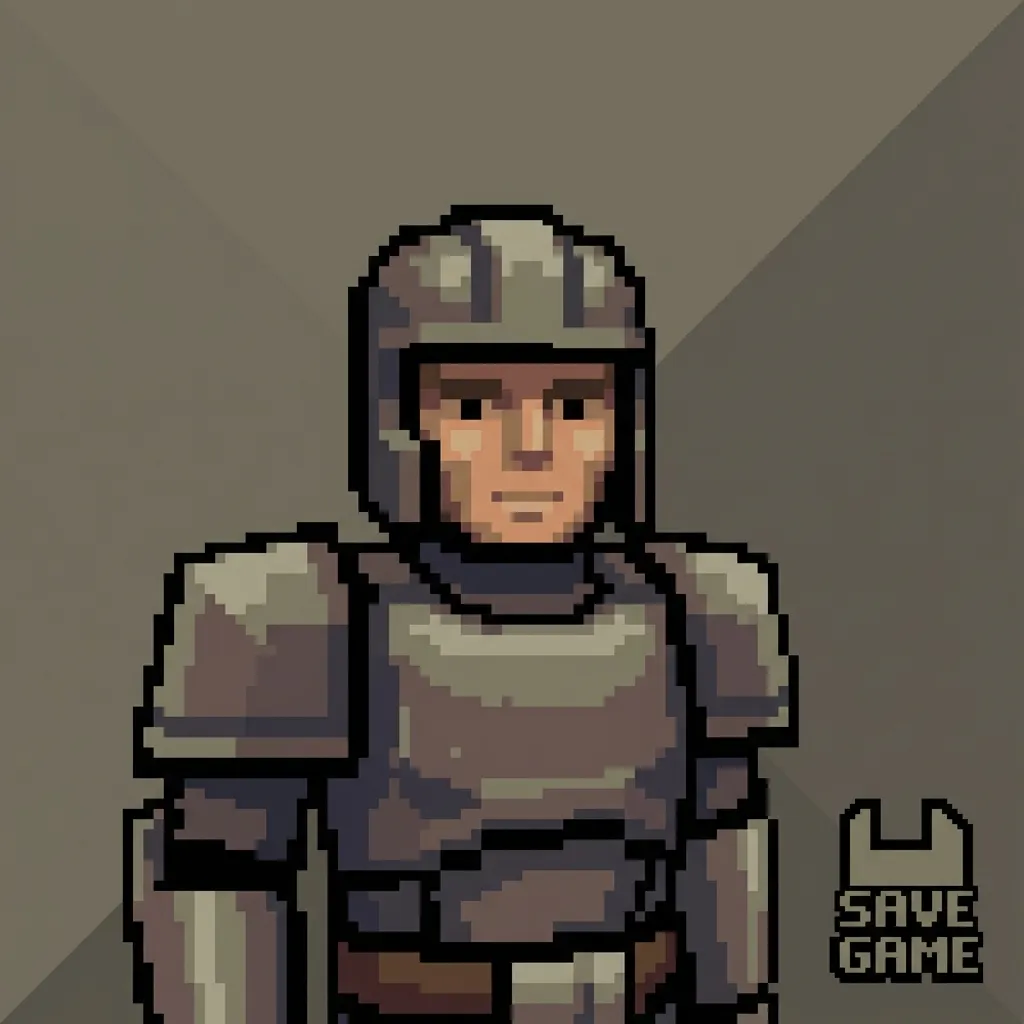
PS2
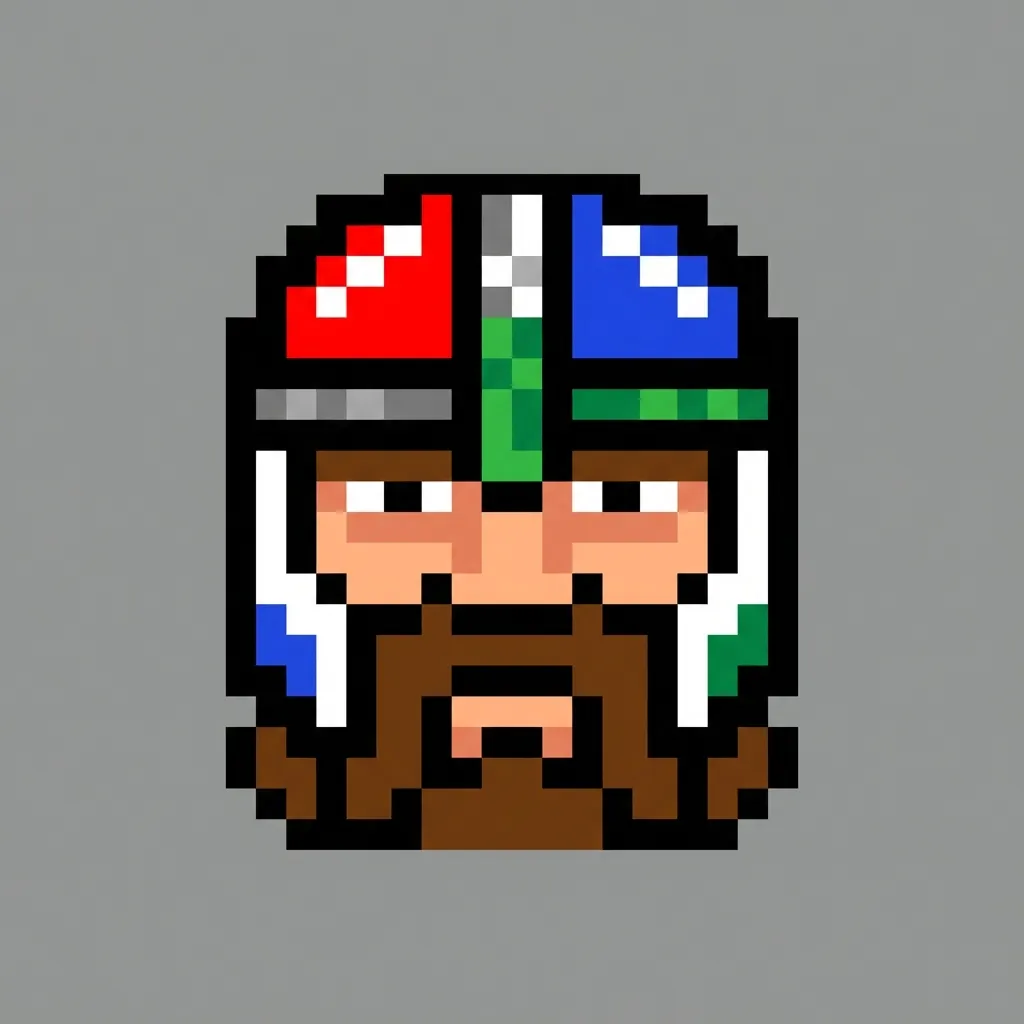
像素
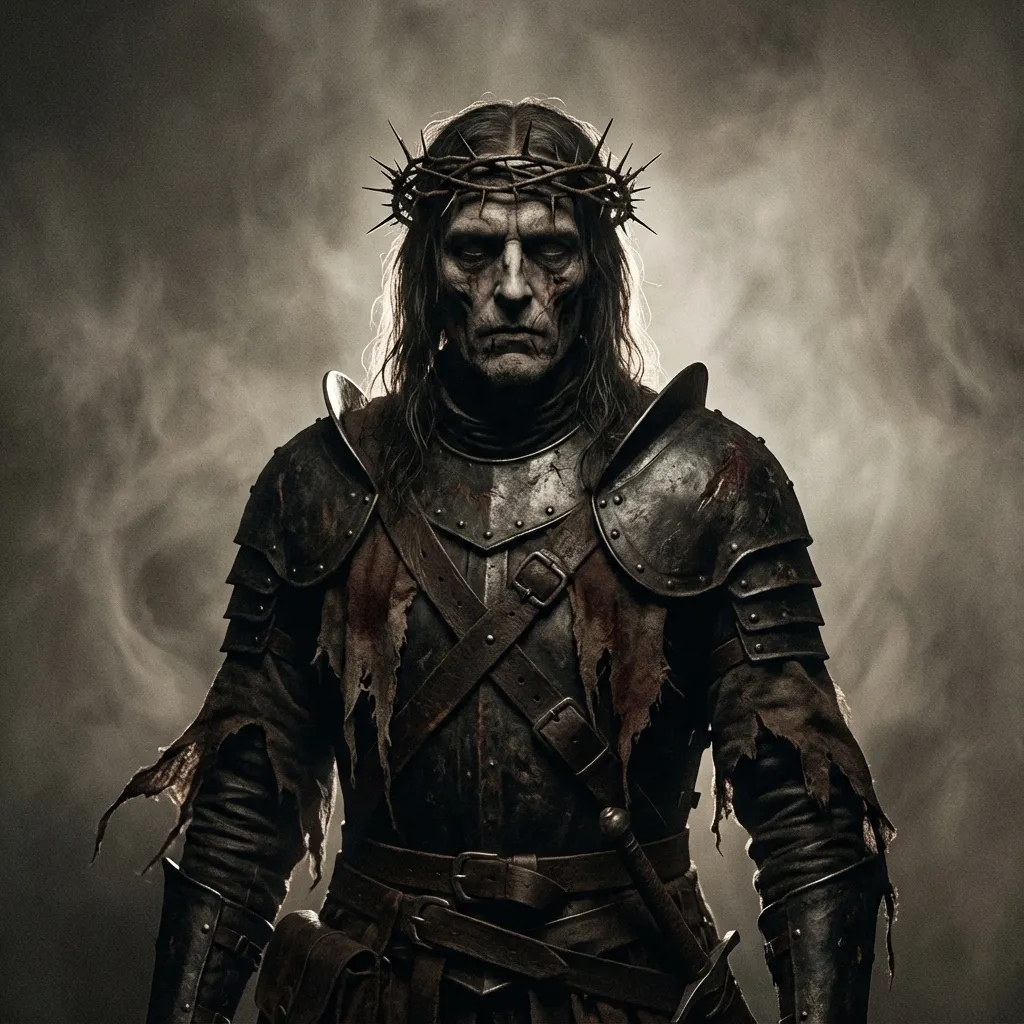
黑暗奇幻
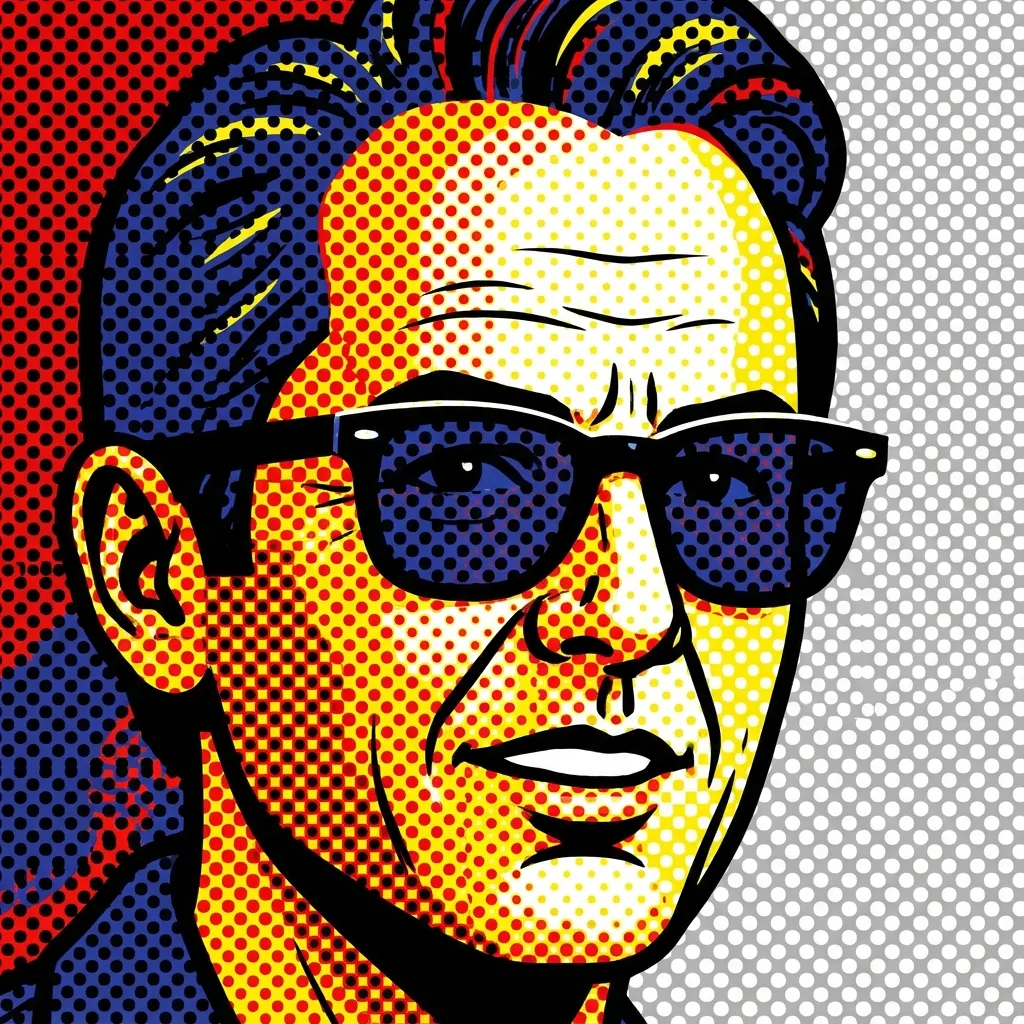
波普艺术
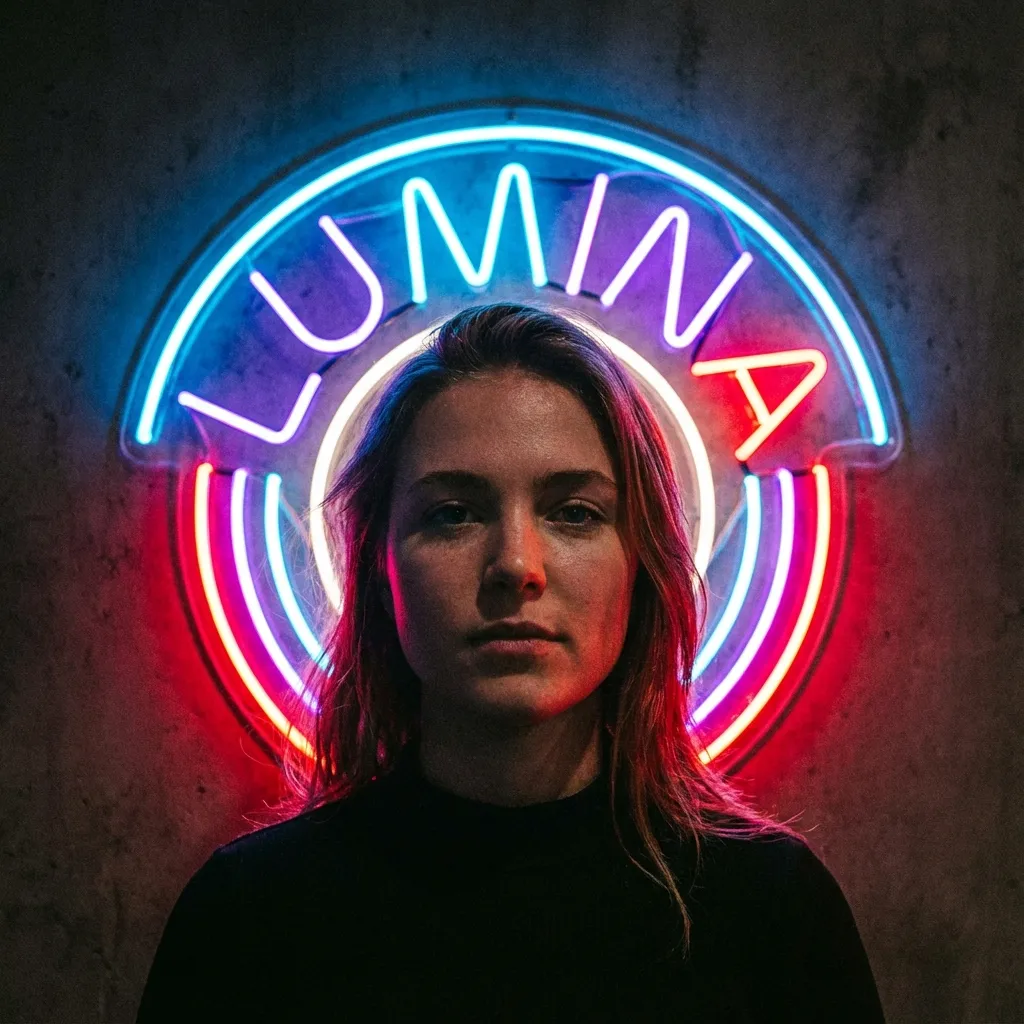
霓虹灯牌
3
选择模型
将扣除 300 积分
上传图片以查看预览
Your filtered image will appear here
没有灵感?试试我们的预设模板快速开始吧
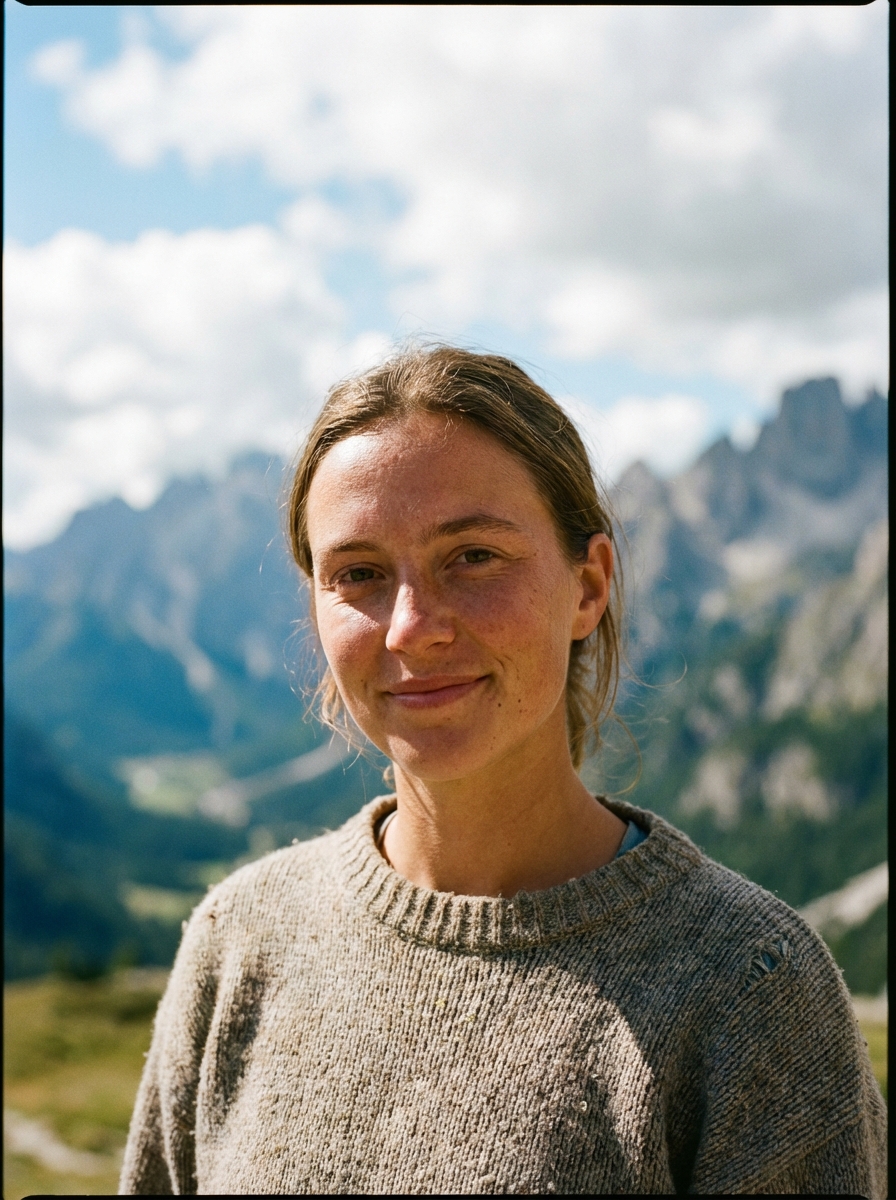
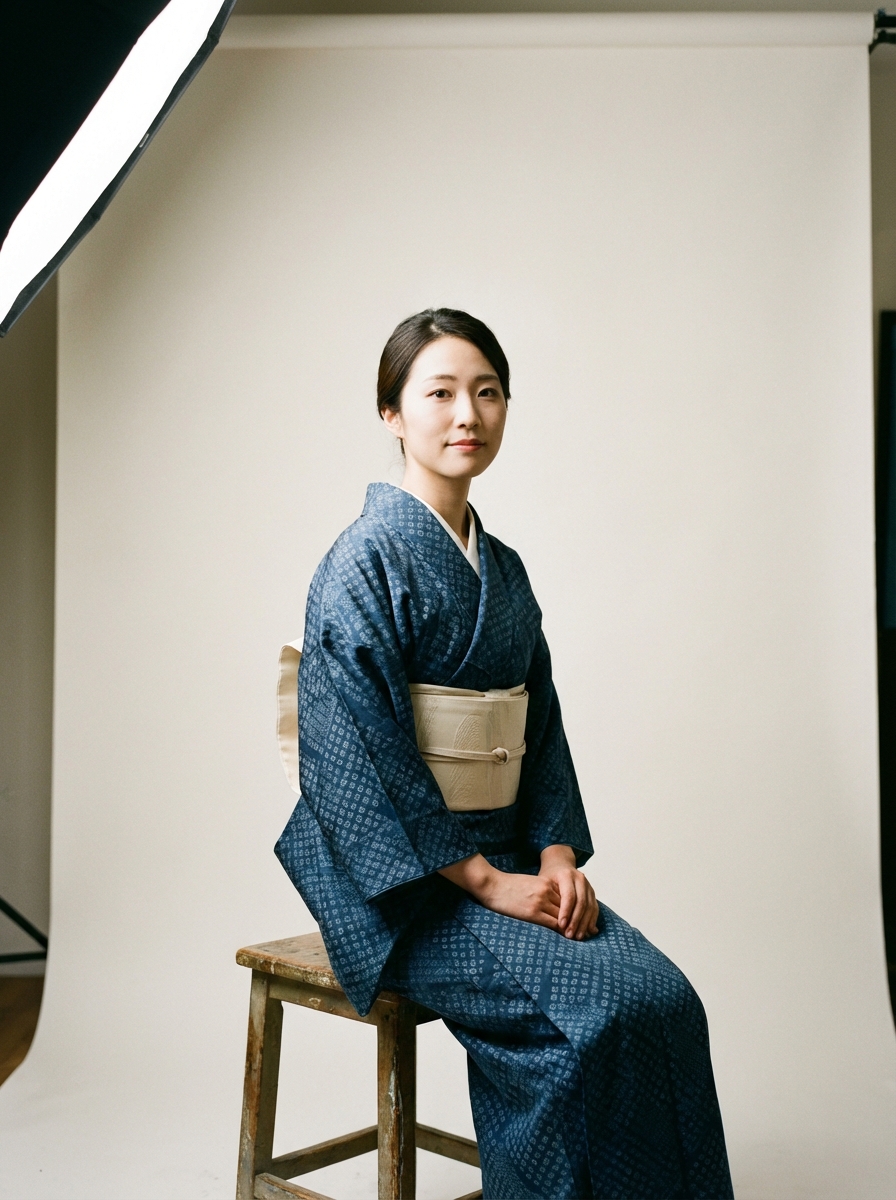
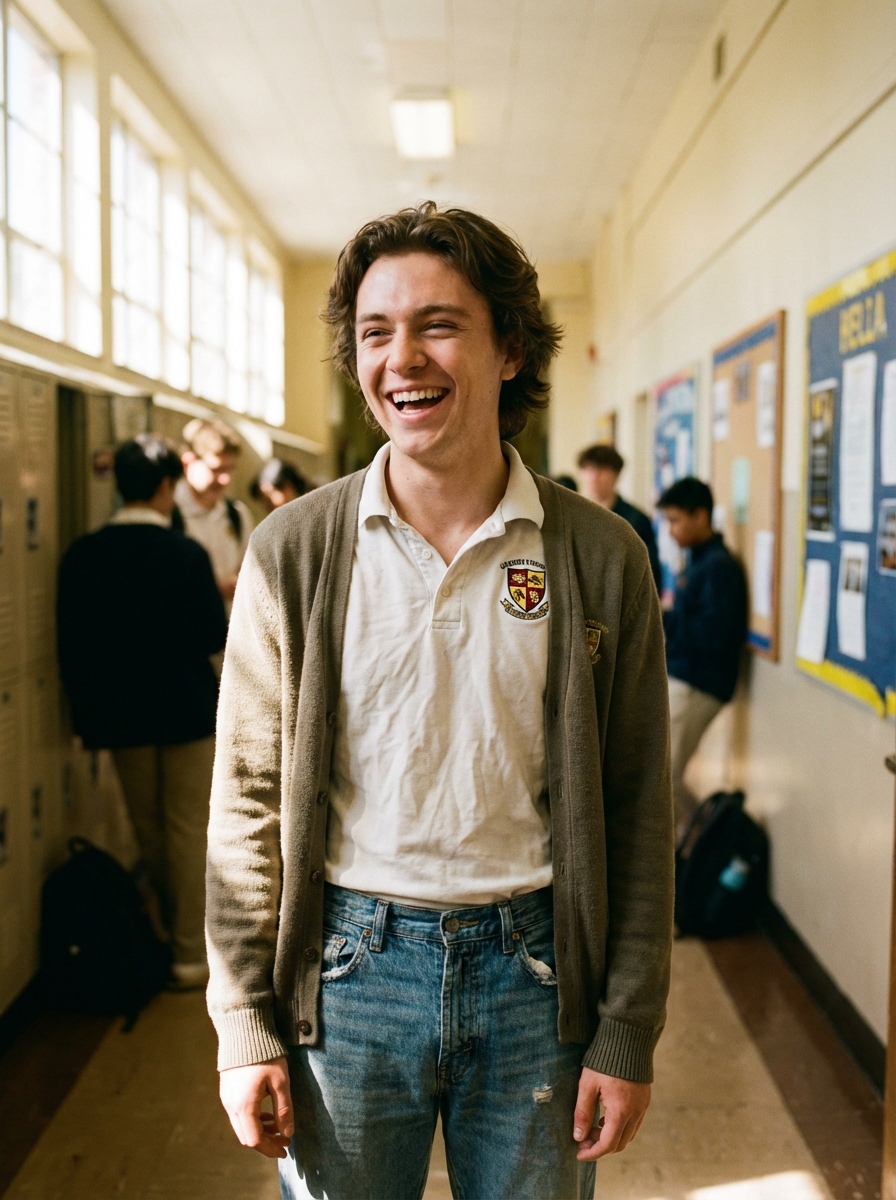
教程
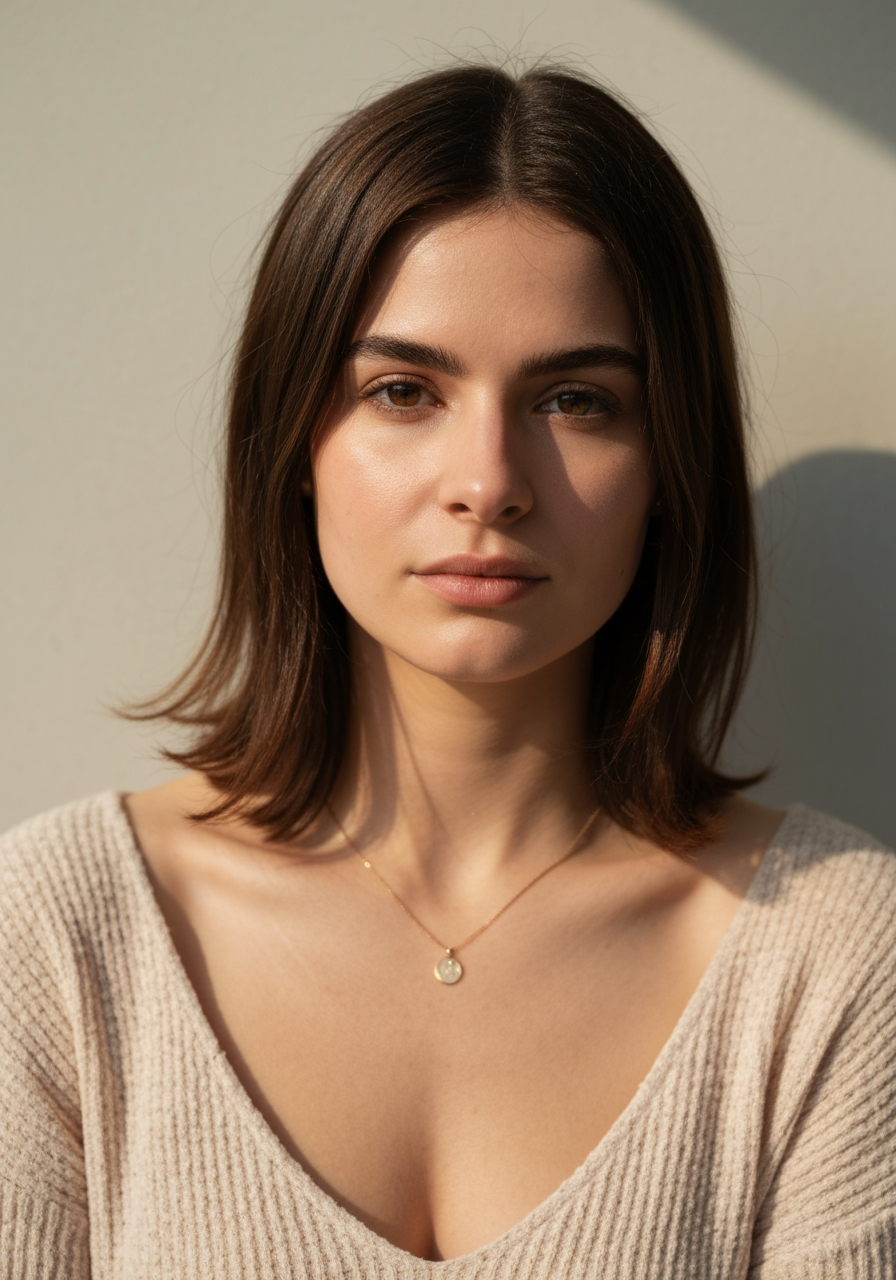
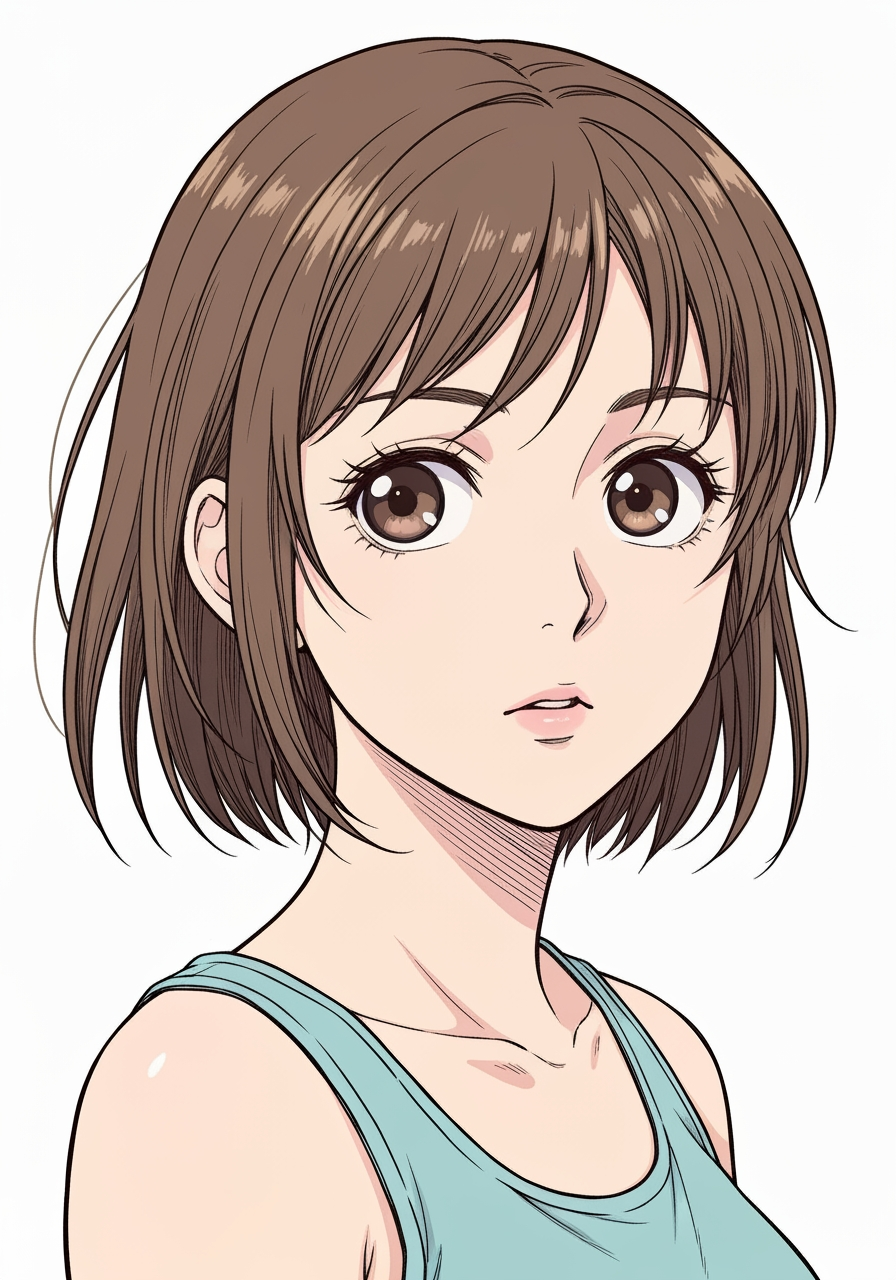
AI Manga Filter is best when you use it to re-render portraits and photos into manga or anime-inspired styles.
Step 1: Prepare the right input
Start with a clean image where the subject, pose, and lighting are easy to interpret.
Step 2: Set the generation direction
Choose the filter style and model that best match the look you want to emulate.
Step 3: Generate, review, and keep the strongest result
Generate several passes, compare face fidelity and line treatment, then keep the most readable variant.
Best results
- The simpler the background, the stronger the face conversion usually feels.
- Pick one target style per iteration.
- Use manual filter mode only when you need tighter style control.