Modern Anime Illustration Quality
Create polished anime portraits, manga-style key art, and expressive original characters with crisp linework and rich color.
 Animagine XL 4.0 AI Anime Image GeneratorAI Image Generator
Animagine XL 4.0 is a next-generation anime image model for creators who want cleaner character art, sharper illustration details, and stronger Danbooru-style prompt control. Use it for anime portraits, manga-inspired key art, character concepts, and polished social-ready illustrations.
What You Get
Animagine XL 4.0 is tuned for anime creators who want expressive character art, reliable tag prompting, and polished manga-style visuals.
Create polished anime portraits, manga-style key art, and expressive original characters with crisp linework and rich color.
Works well with Danbooru-style tags, making it easier to specify character traits, outfits, composition, and mood.
Use Animagine XL 4.0 for original characters, light novel covers, visual novel concepts, and social-ready anime art.
Gallery
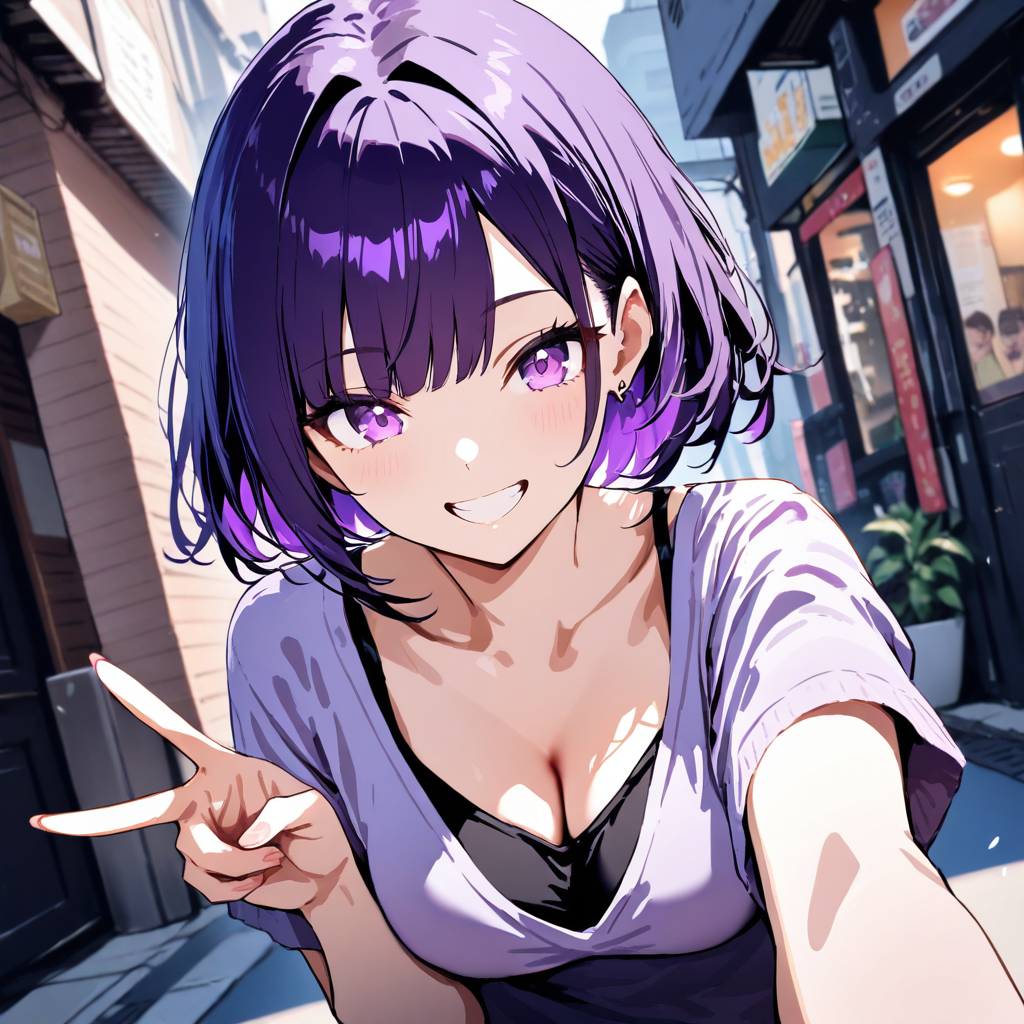
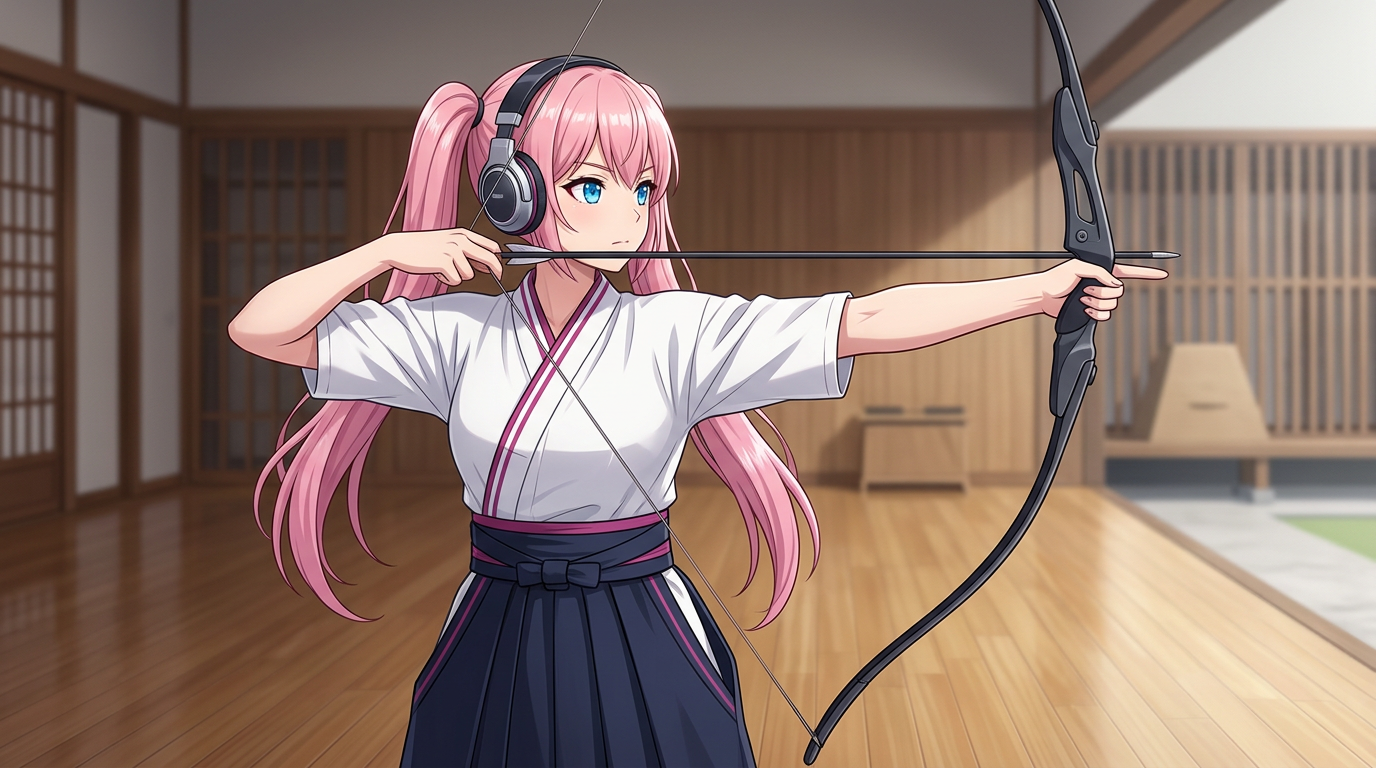
Animagine XL 4.0 preview image for detailed anime character illustration.
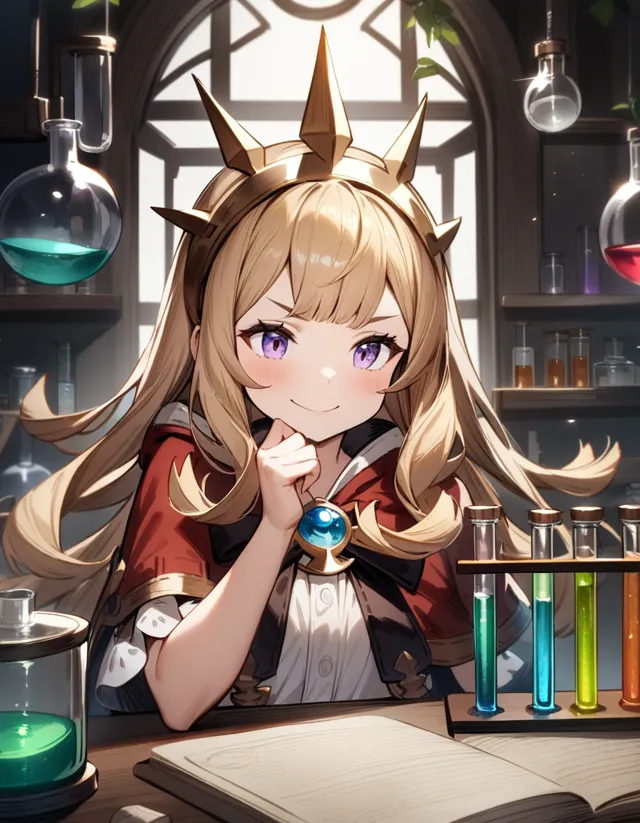
Anime character concept with strong costume detail and polished lighting.
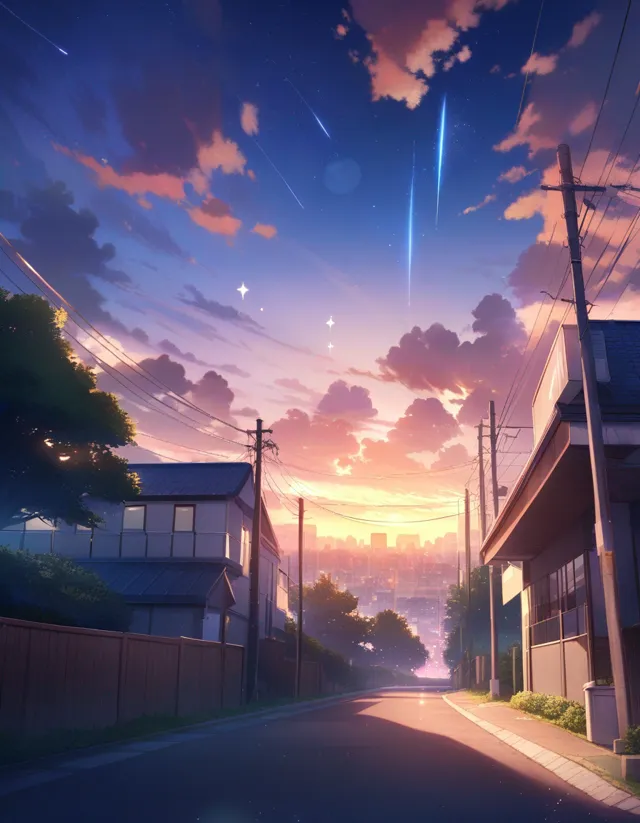
Anime scenery prompt example with cinematic sky, city detail, and atmospheric lighting.
Workflow
Describe the character, setting, style tags, camera framing, and quality tags you want in the final anime image.
Add negative prompt notes for unwanted artifacts such as low quality, bad anatomy, extra fingers, or watermark text.
Generate the image, compare the character and composition, then refine the prompt with stronger tag ordering.
FAQ
Animagine XL 4.0 is a modern anime-focused image generation workflow based on the Animagine XL v4 model lineage. It is built for high-quality character art, manga-inspired visuals, and tag-driven anime prompts.
Animagine XL 4.0 is positioned as the newer anime illustration workflow, with stronger detail, cleaner composition, and better fit for modern character art prompts. Animagine XL 3.1 remains a reliable baseline for classic anime tag prompting.
Use concise Danbooru-style tags for subject, hair, eyes, outfit, pose, lighting, composition, and quality. Add negative prompts for low quality, watermark, bad anatomy, and unwanted artifacts.
Related Tools
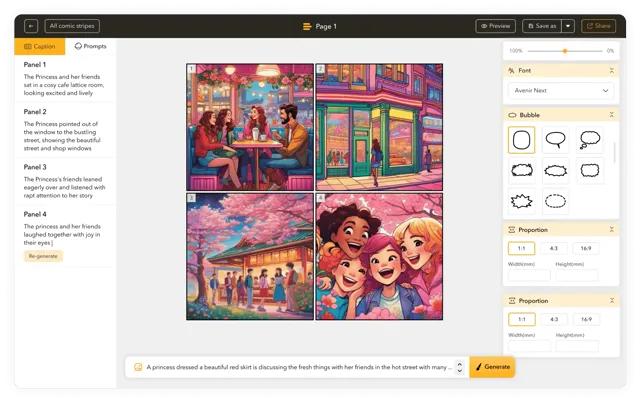
Unleash your inner comic creator with AI Comic Strips Maker: Create comics 10x faster!
Create Stunning Comics without Drawing Skills using our cutting-edge AI Comic Generator.
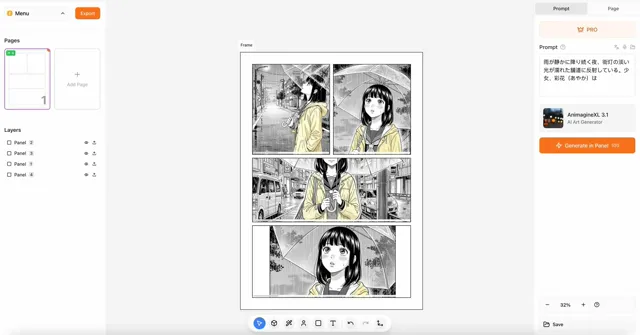
Create stunning manga with AI
Unlock the power to create captivating videos that leave a lasting impression.
Sound in Motion
Create professional AI motion graphics, AI animations, and AI motion design instantly.
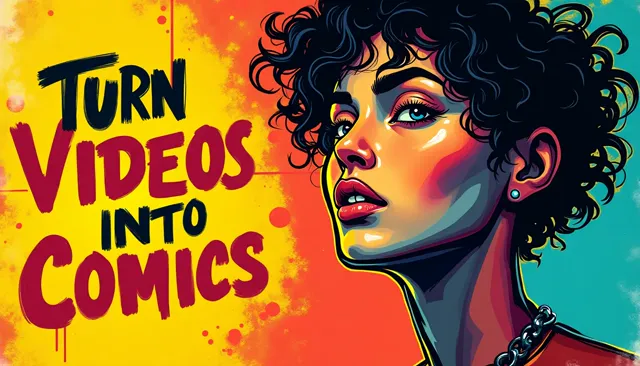
Turn your YouTube videos into captivating comic strips with our AI Comic Generator, and ensure perfect character consistency
Voices fit for all of your ideas, making content universally accessible
Harness the power of AI to transform your visuals into captivating cartoons effortlessly.
Turn your photos into comic strips with our AI Comic Generator.
Our AI Webtoon Generator lets you create thousands of webtoon strips in minutes
Our AI Manga Generator lets you create thousands of Manga in minutes.
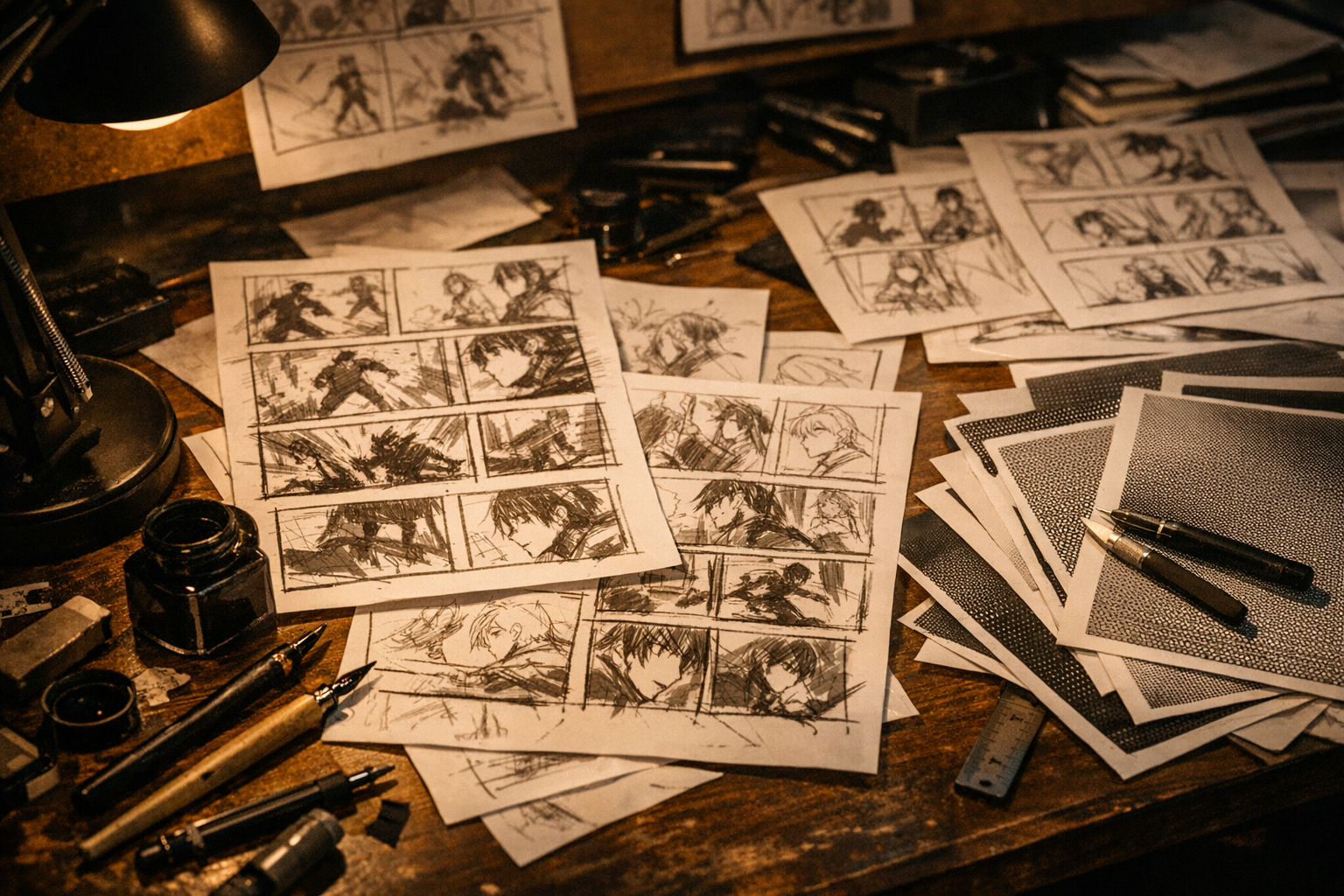
Turn a simple prompt into manga panels with consistent characters and clean ink style.
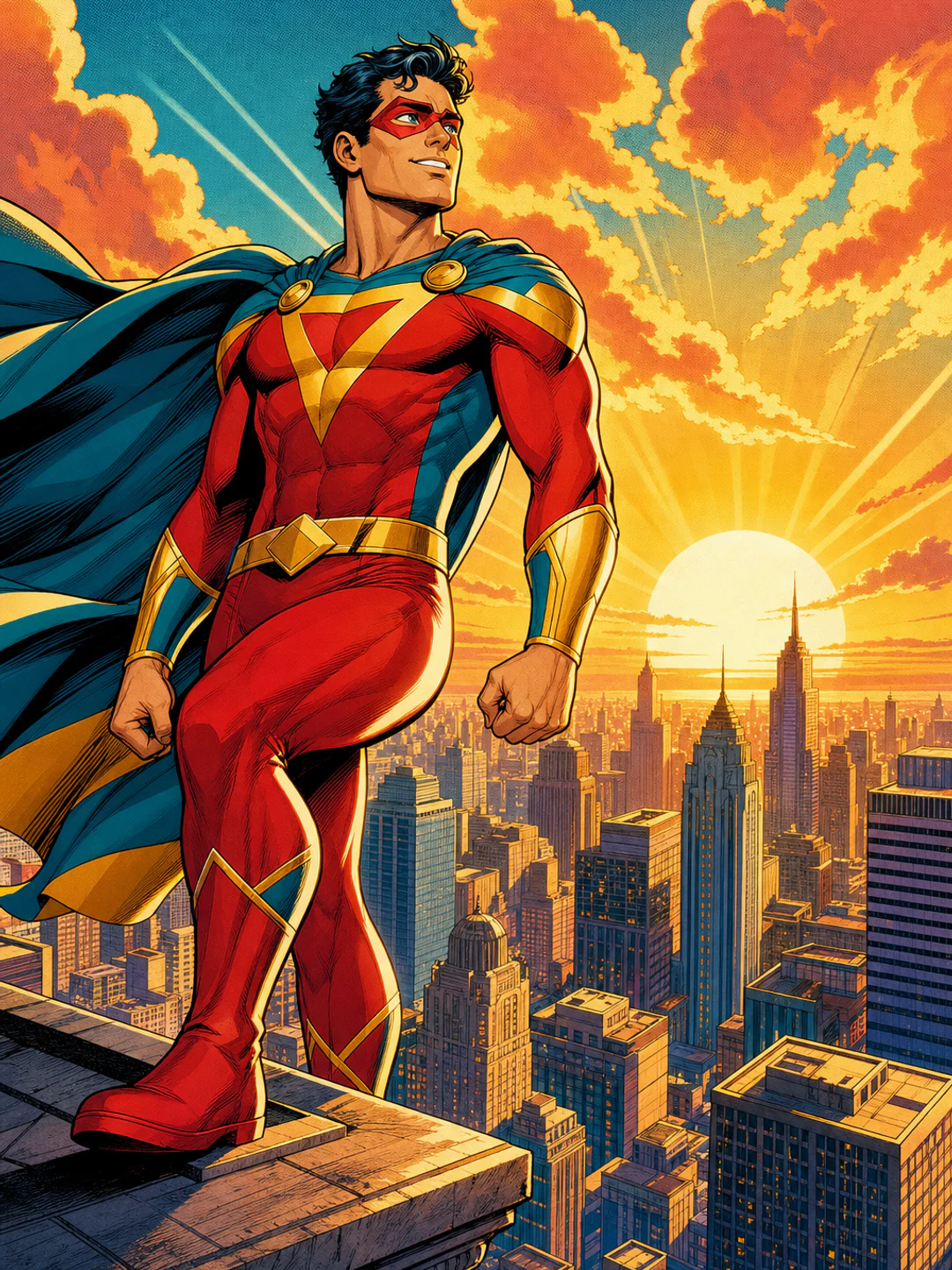
Create original superhero comic art visuals with safe prompts, cinematic style cues, and editable direction.
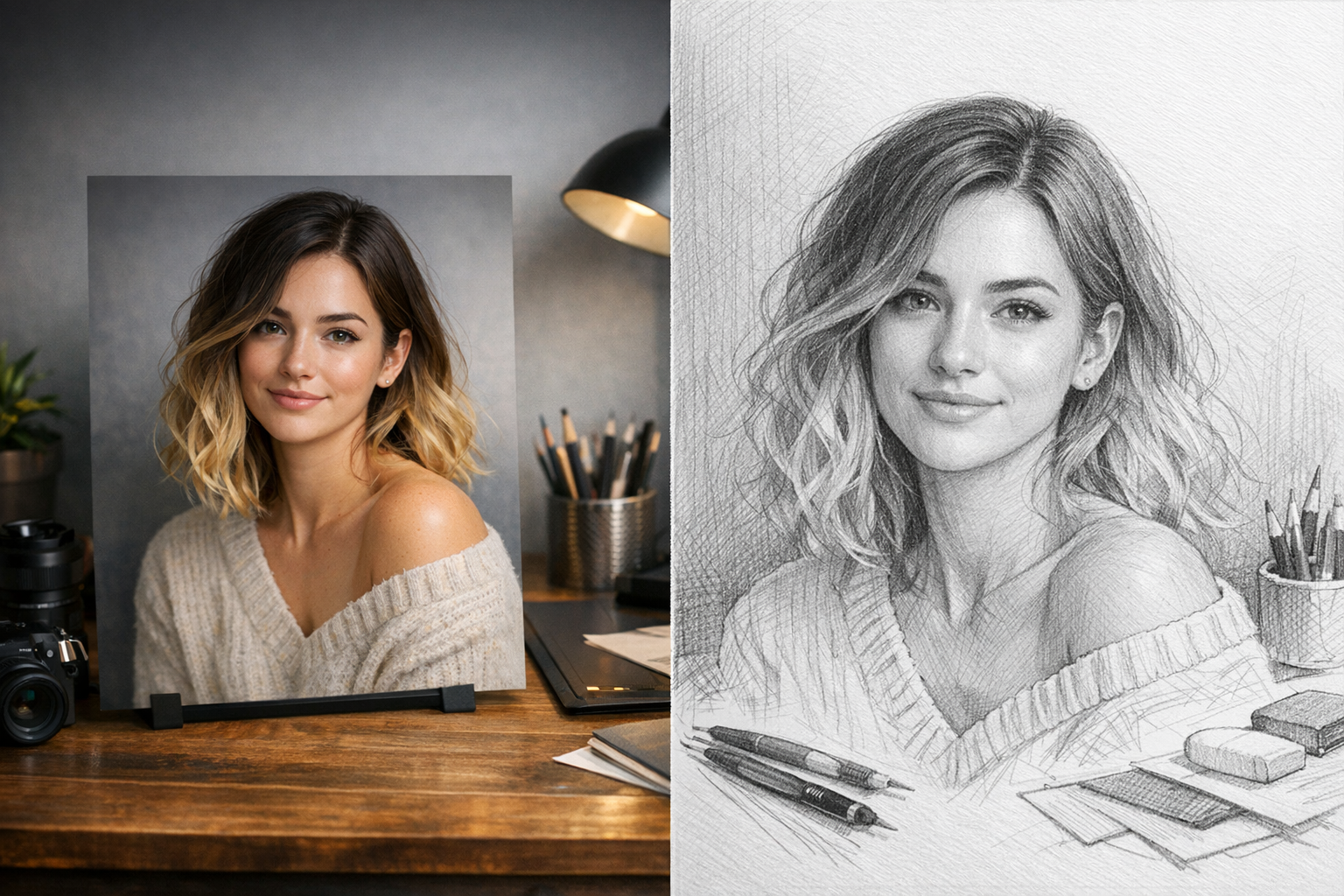
Upload a photo and generate a clean pencil sketch in seconds — download and share instantly.
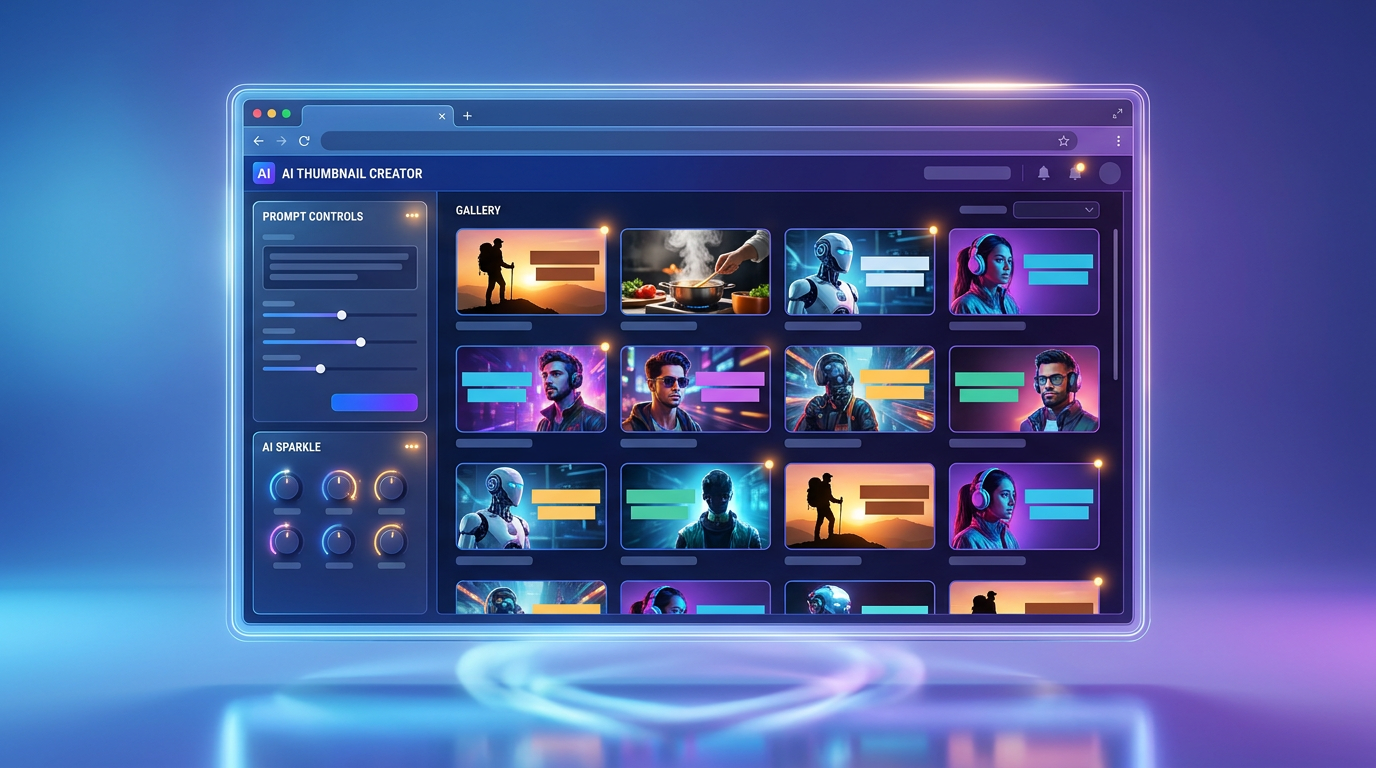
Generate attractive thumbnails for videos, posts, courses, launches, and creator content.
Trusted Creative Infrastructure
Generate clean character art, manga-style scenes, and high-detail anime illustrations from structured prompts.
Best results come from clear character tags, style notes, and negative prompts.
Anime Model
Prompt Control
High Detail