

Scripts need structure
A story needs to be split into beats before it becomes panels.
From script to visual story
Turn story ideas, scripts, dialogue, and scene outlines into comic sequences with panels, recurring characters, and visual pacing.
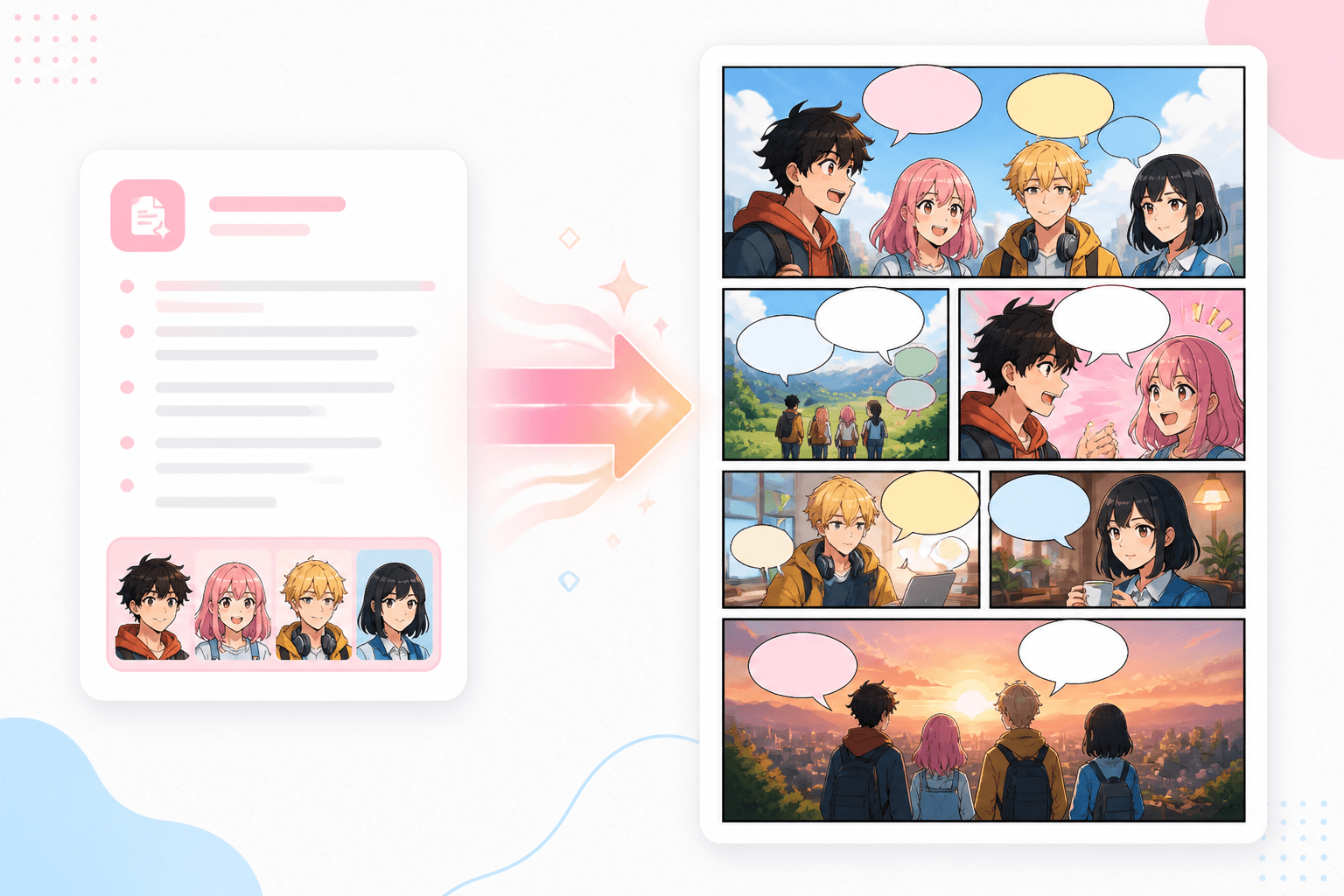
Paste a plot, scene outline, or block of dialogue and turn it into a comic sequence with panel pacing, character continuity, and a clear path from text to finished story.
Add a short story, scene list, or dialogue script.
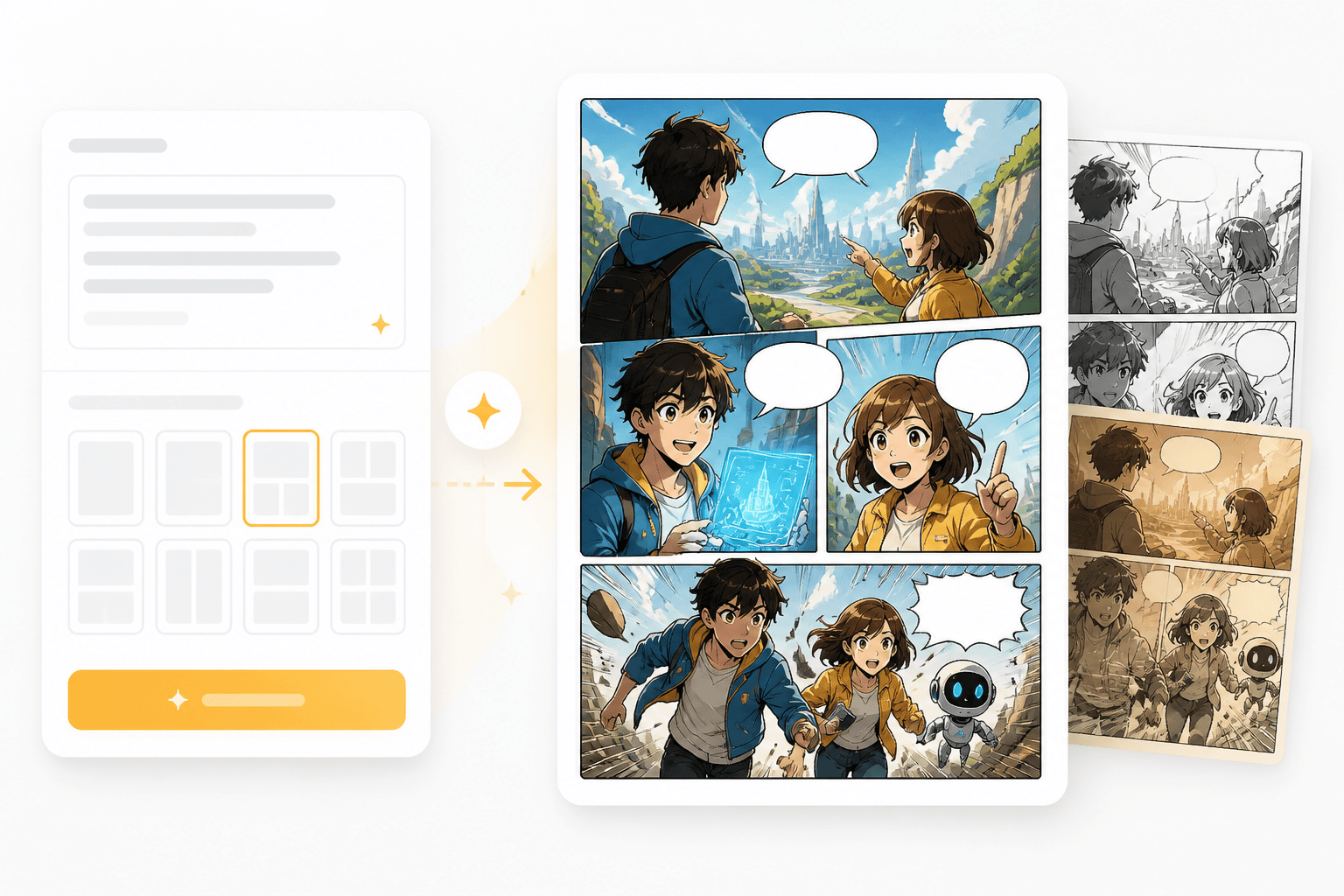
Shape the narrative into panels with pacing and visual direction.
Create comic panels and refine the cast, mood, and layout.
Break an existing story into visual beats, scenes, and connected comic panels instead of starting from a blank canvas.
A story needs to be split into beats before it becomes panels.
Comic output should leave room for speech bubbles, captions, and reaction shots.
The same cast should stay recognizable across the generated sequence.
Narrative
Turn a paragraph, outline, or scene into visual moments you can generate panel by panel.
Panels
Each beat can become a panel with camera direction, mood, and consistent character notes.
Workflow guide
This workflow helps break a story into beats, then map each beat into comic-ready visual panels.
Add a short story, scene list, or dialogue script.
Shape the narrative into panels with pacing and visual direction.
Create comic panels and refine the cast, mood, and layout.
These examples work best when they include plot, cast, and emotional change.
Related writing workflow
Use the AI Screenplay Editor when a script, fiction draft, storyboard brief, video idea, or canvas note needs proper scene headings, action, dialogue, parentheticals, cover pages, outlines, beats, and collaboration-ready revisions.
INT. COMMUNITY CENTER - NIGHT
Folded chairs. A storm outside. MAYA stands at the microphone with a page of notes she no longer needs.
MAYA
If the city will not read the record, we will read it out loud.
Start with text, then generate comic-ready panels that can grow into a strip, manga page, or webtoon episode.