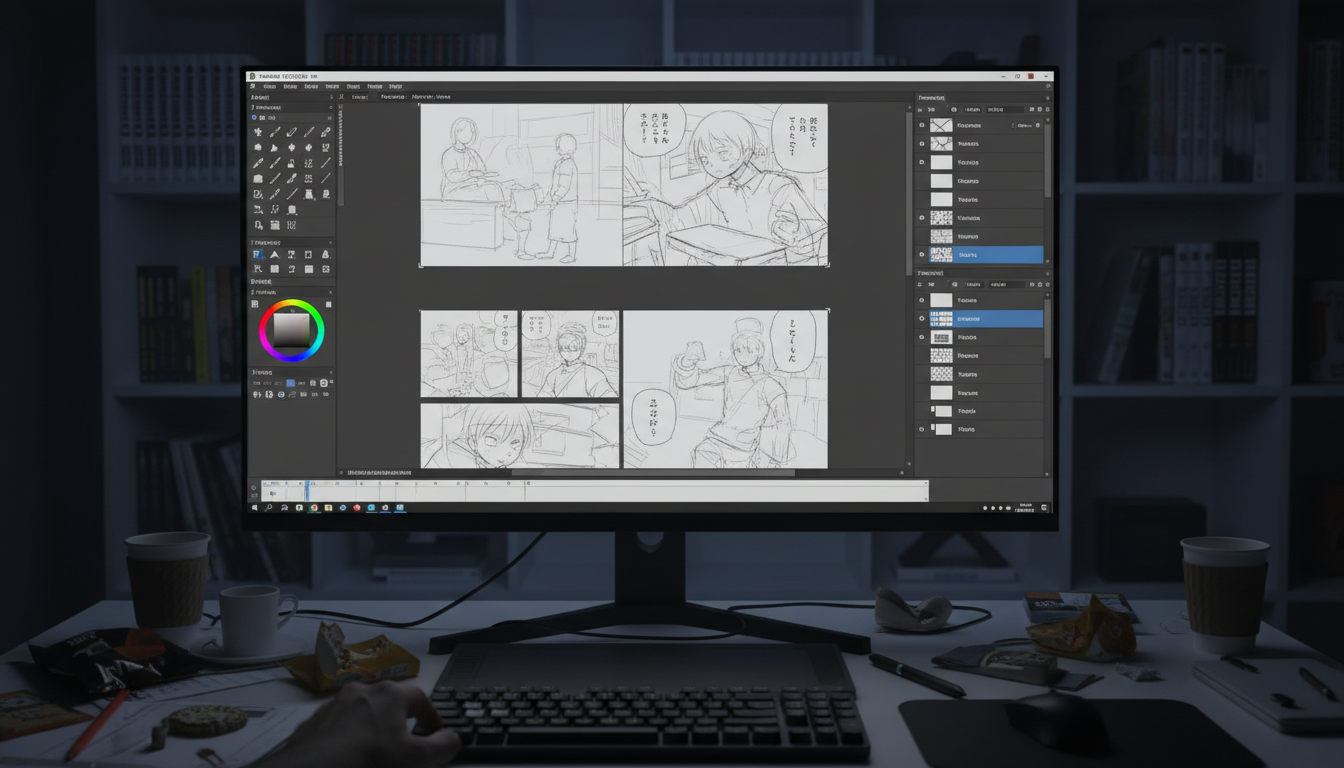
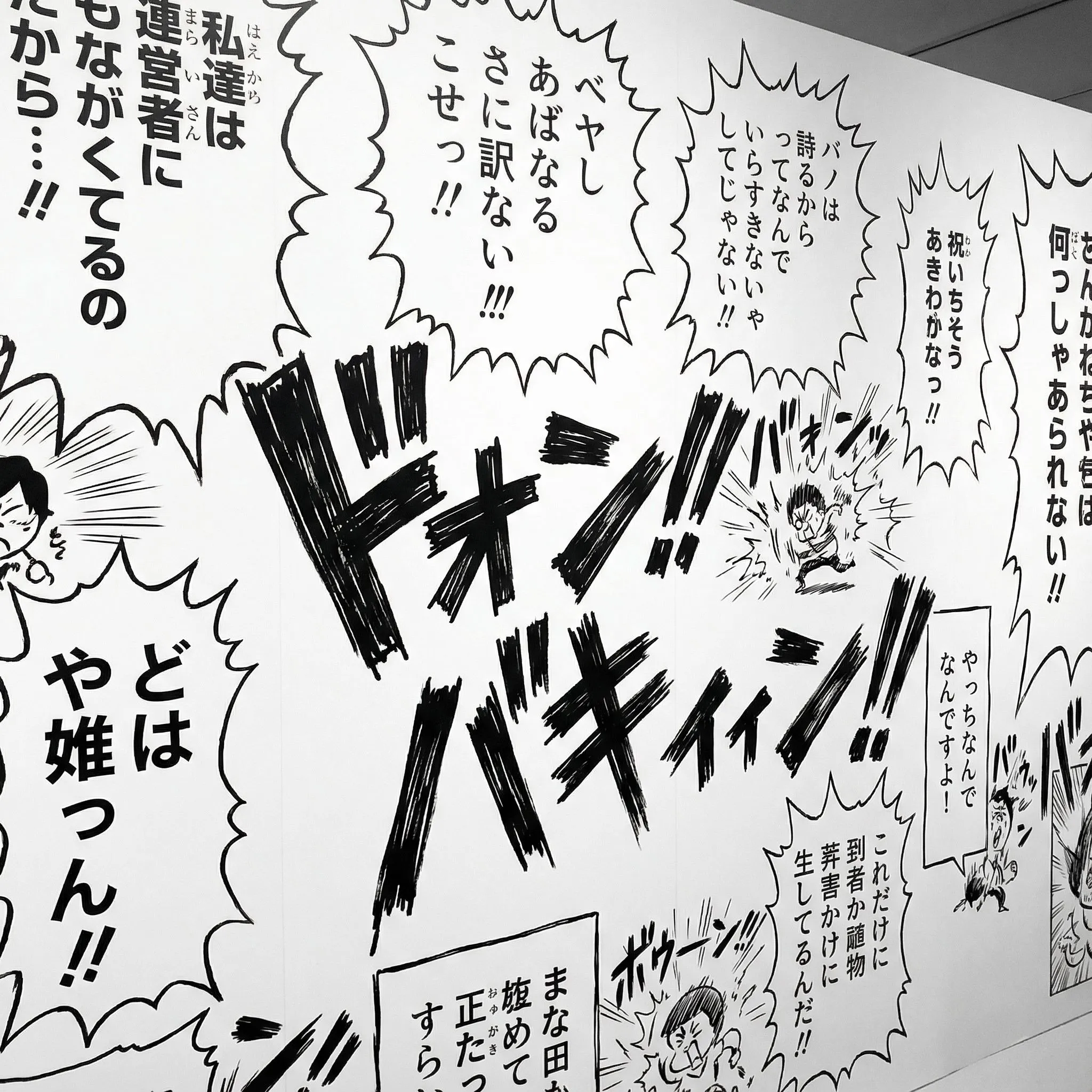
Assemble manga pages with panels, bubbles, and tategaki

Bring uploaded art or generated drafts onto a manga canvas. Split panels, clip artwork, place speech bubbles, and typeset vertical Japanese text. This is page assembly—not a story-to-manga generator. An account and credits are required.

300K+Users
10M+Pages assembled
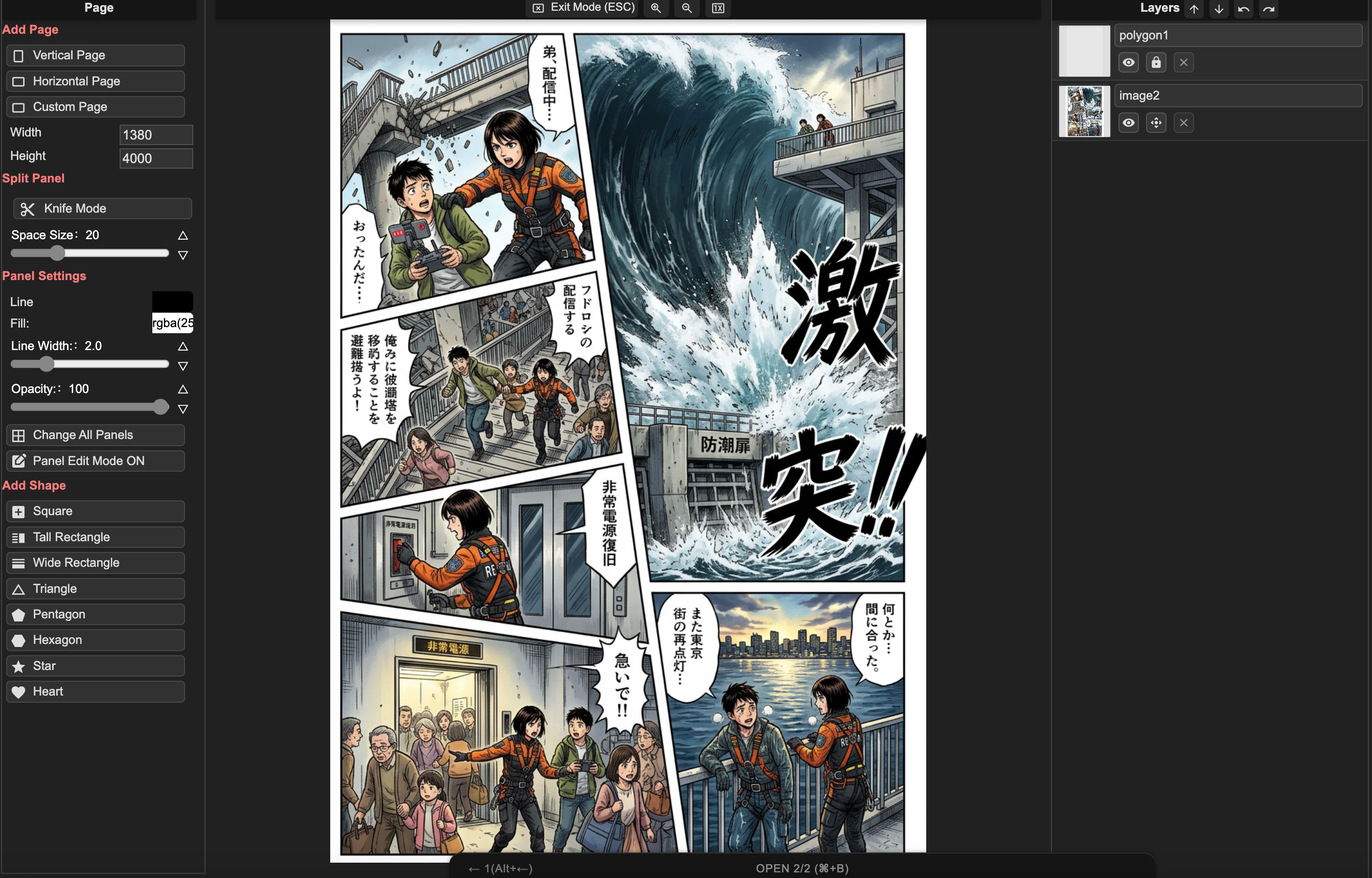
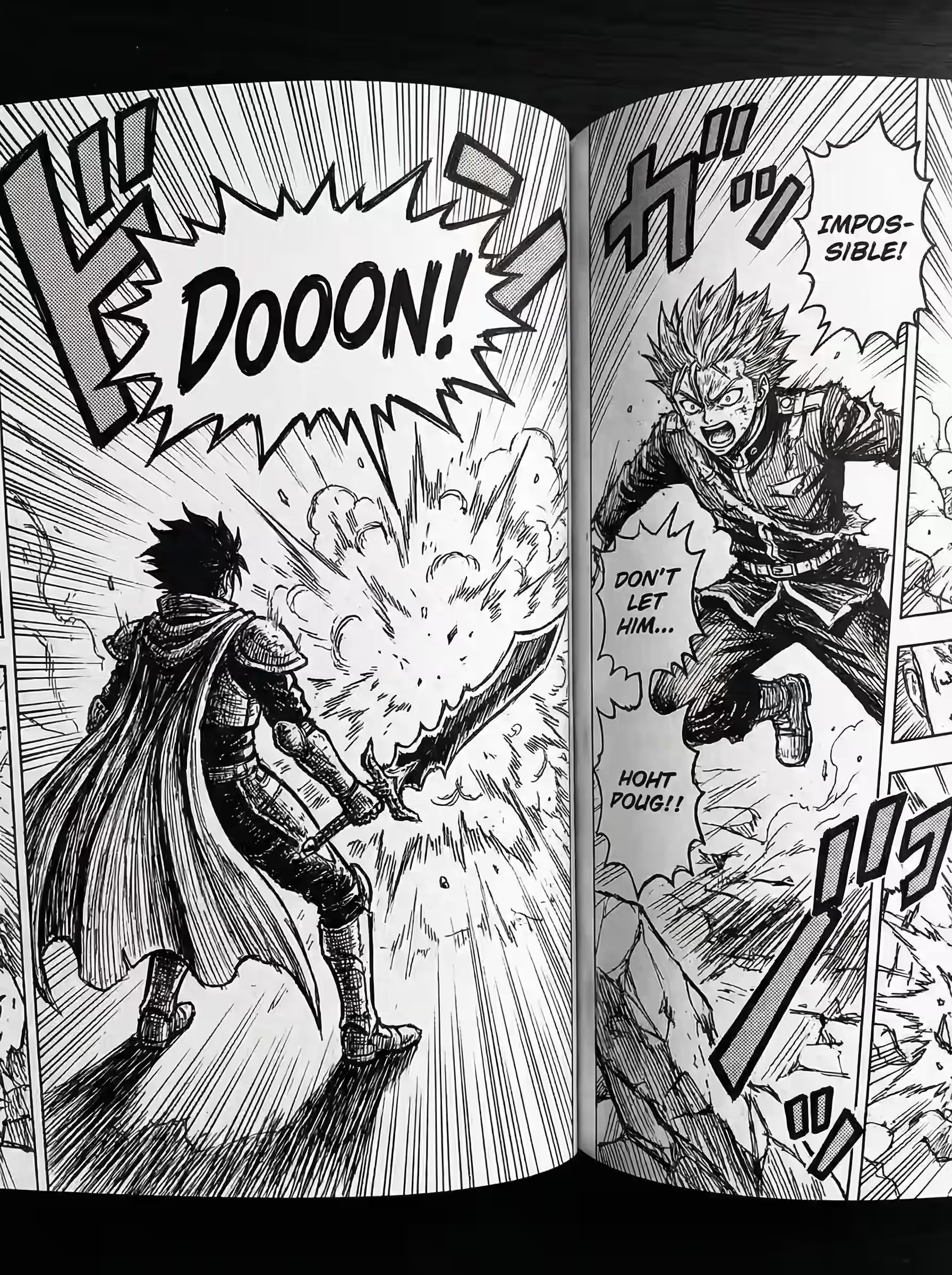
Professional Manga Layout Example

Start from text

Need a text-to-manga workflow before editing the page?

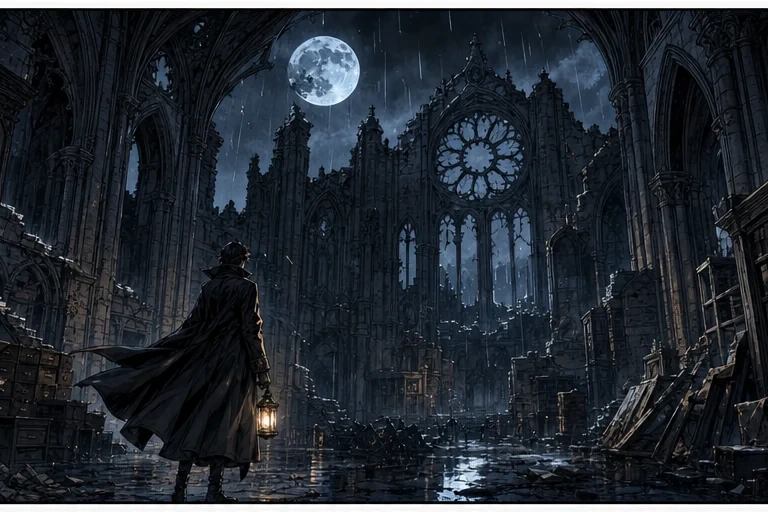
Use the AI Manga Generator to turn prompts, scripts, character notes, and black-and-white art direction into first-pass panels. Bring the strongest draft into Manga Maker for layout, speech bubbles, and final page assembly.

Open the story-to-page workflow

Who is LlamaGen Manga Maker For?

Tailored features for every type of visual storyteller.

Manga Artists

Manga Artists

Native support for B4/A4 canvas, vertical text, and right-to-left reading flow.

Letterers

Letterers

Place speech bubbles, SFX, and tategaki on the page without leaving the manga canvas.

Storyboarders

Storyboarders

Rapidly block out scenes with drag-and-drop panels before committing to final art.

Beginners & Students

Beginners & Students

Start creating stories immediately with no drawing skills required. Perfect for learning visual storytelling.

Professional manga-making tools

Everything you need to compose panels, place dialogue, manage pages, and prepare a finished chapter.

Smart Panel System & Auto-Clipping

Drag, drop, and split panels instantly. Images dropped into panels are automatically masked and clipped to boundaries. Choose from B4, A4, or custom layouts.

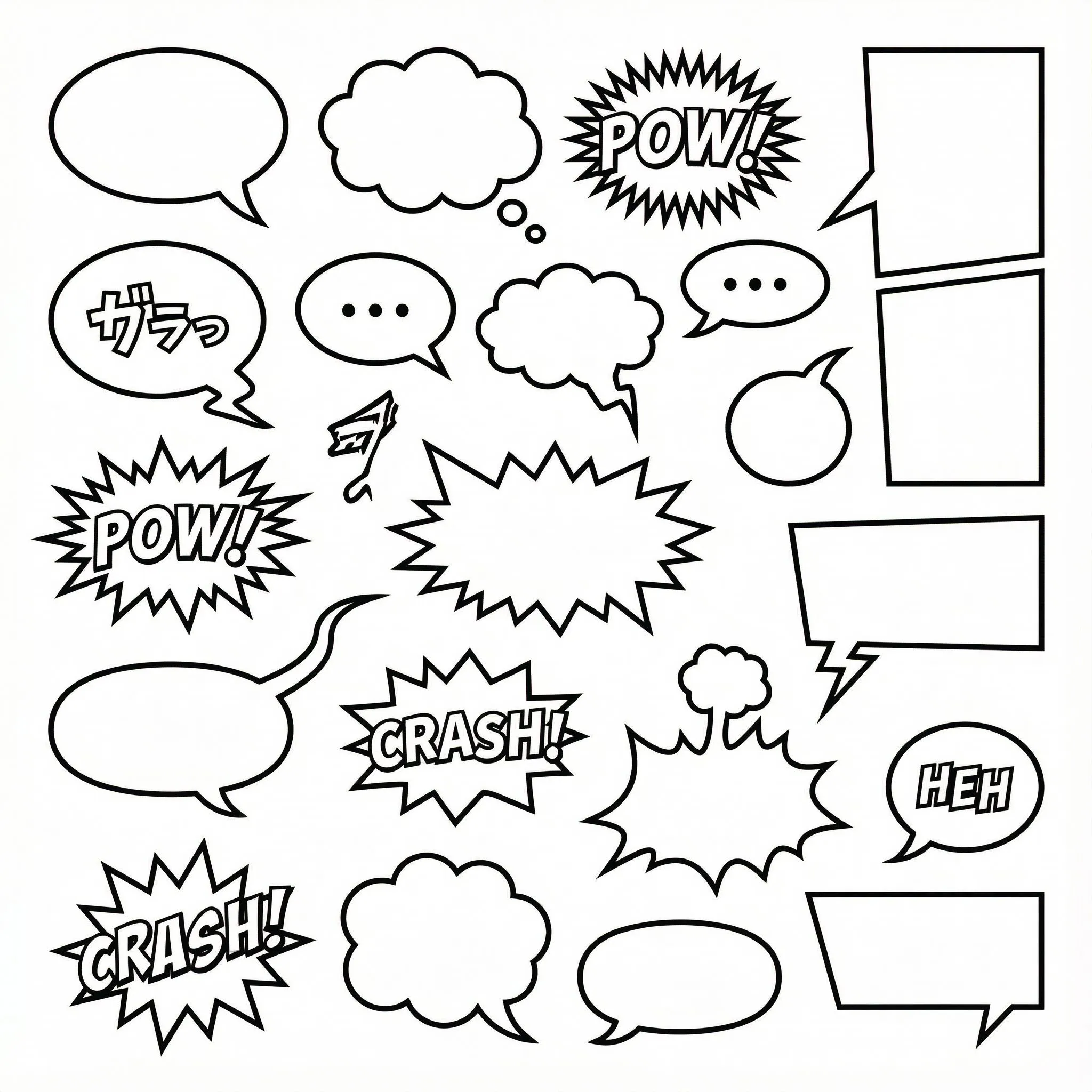
1000+ Customizable Bubble Styles

SVG-based speech bubbles with fully adjustable tails, anchors, and shapes. Support for vertical text layout (tategaki) essential for manga.

Multi-Page Project Management

Don't just make one image—create entire chapters. Manage multiple pages, reorder them, and maintain consistent character styles across your entire story.

Workflow

From Idea to Manga Chapter

A professional workflow designed for storytellers, simplified for everyone.

1

Step 1: Choose Canvas & Layout

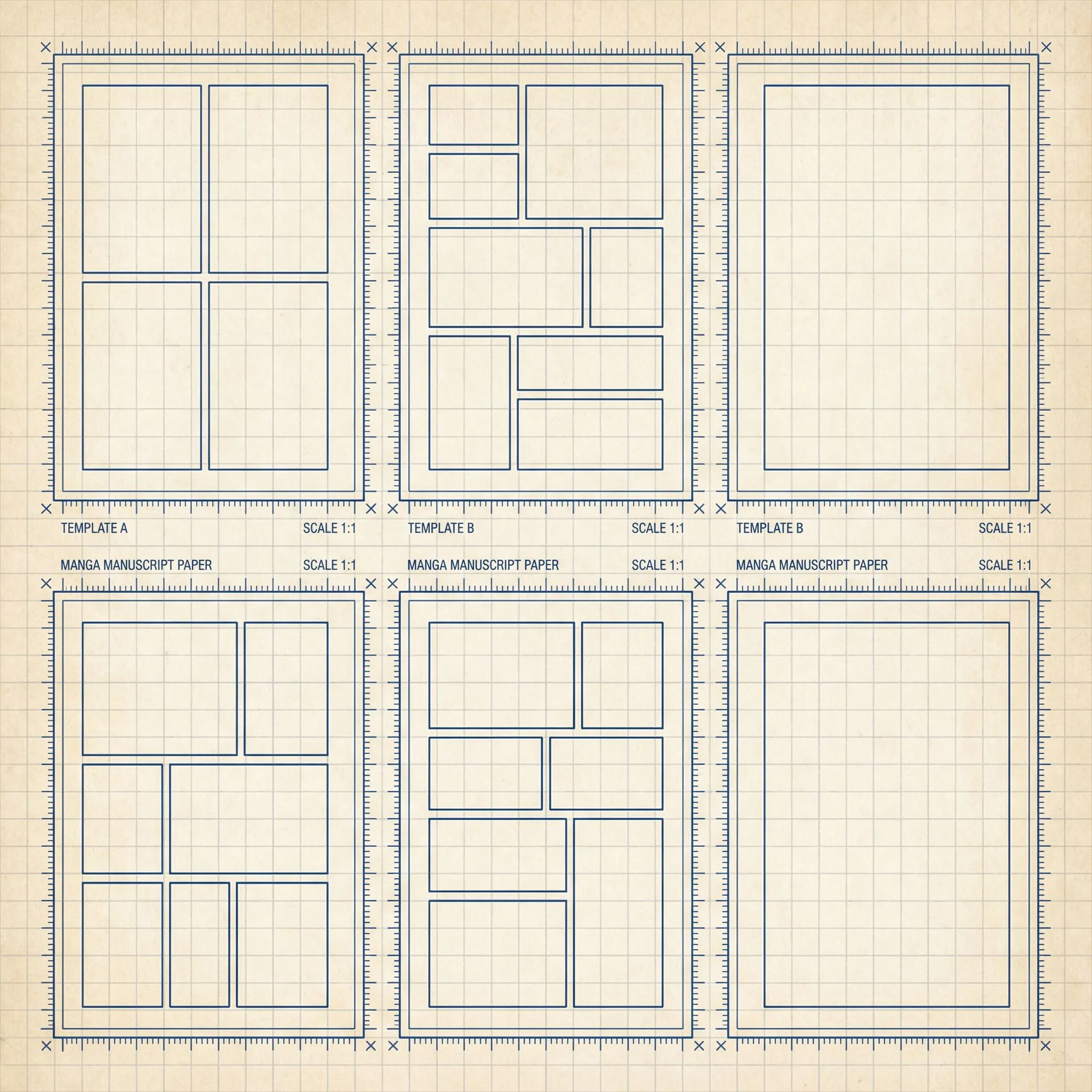
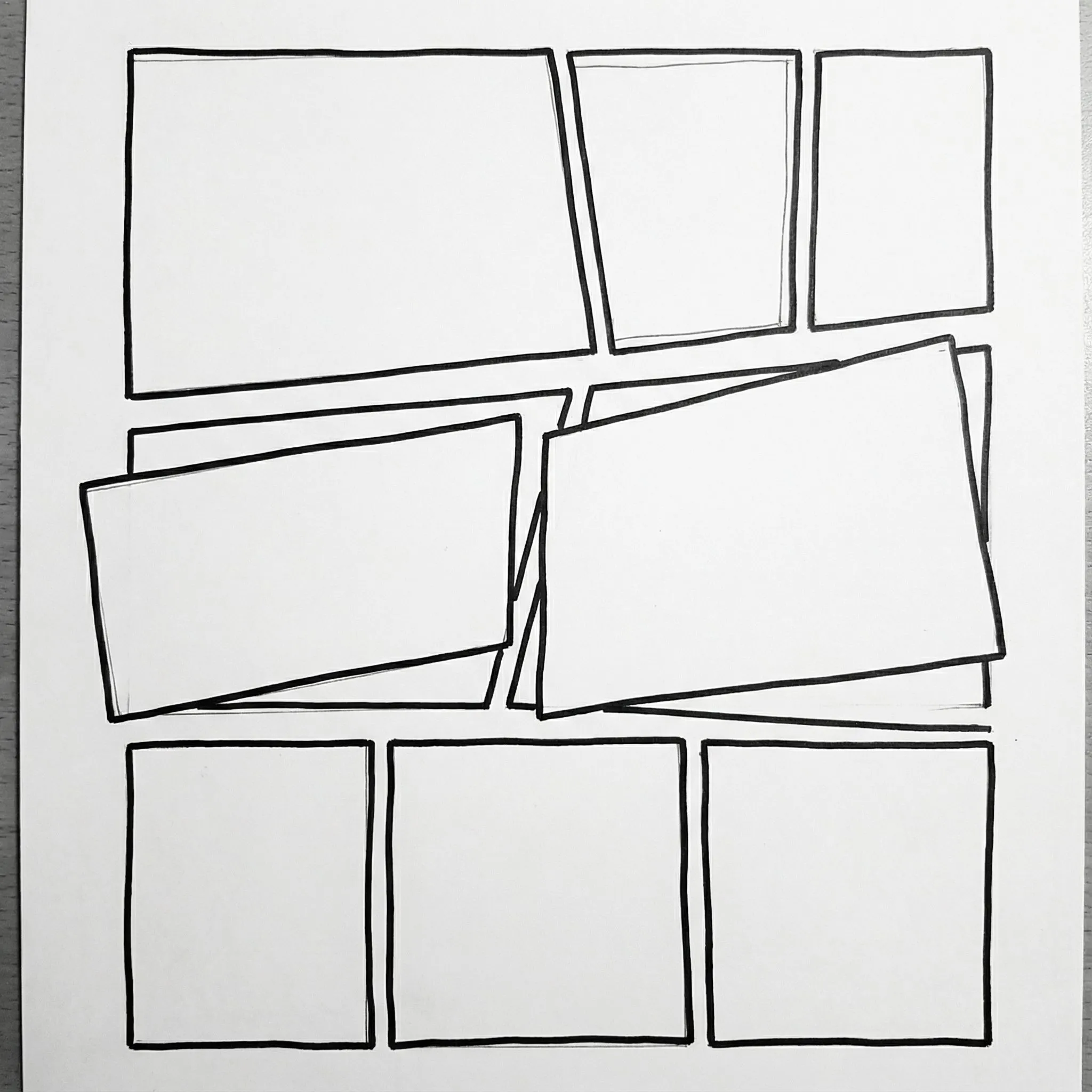
Start with a standard B4 or A4 manga page. Drag panel templates or draw a custom grid. Keep gutters even as you split and resize panels.

2

Step 2: Compose & Layer

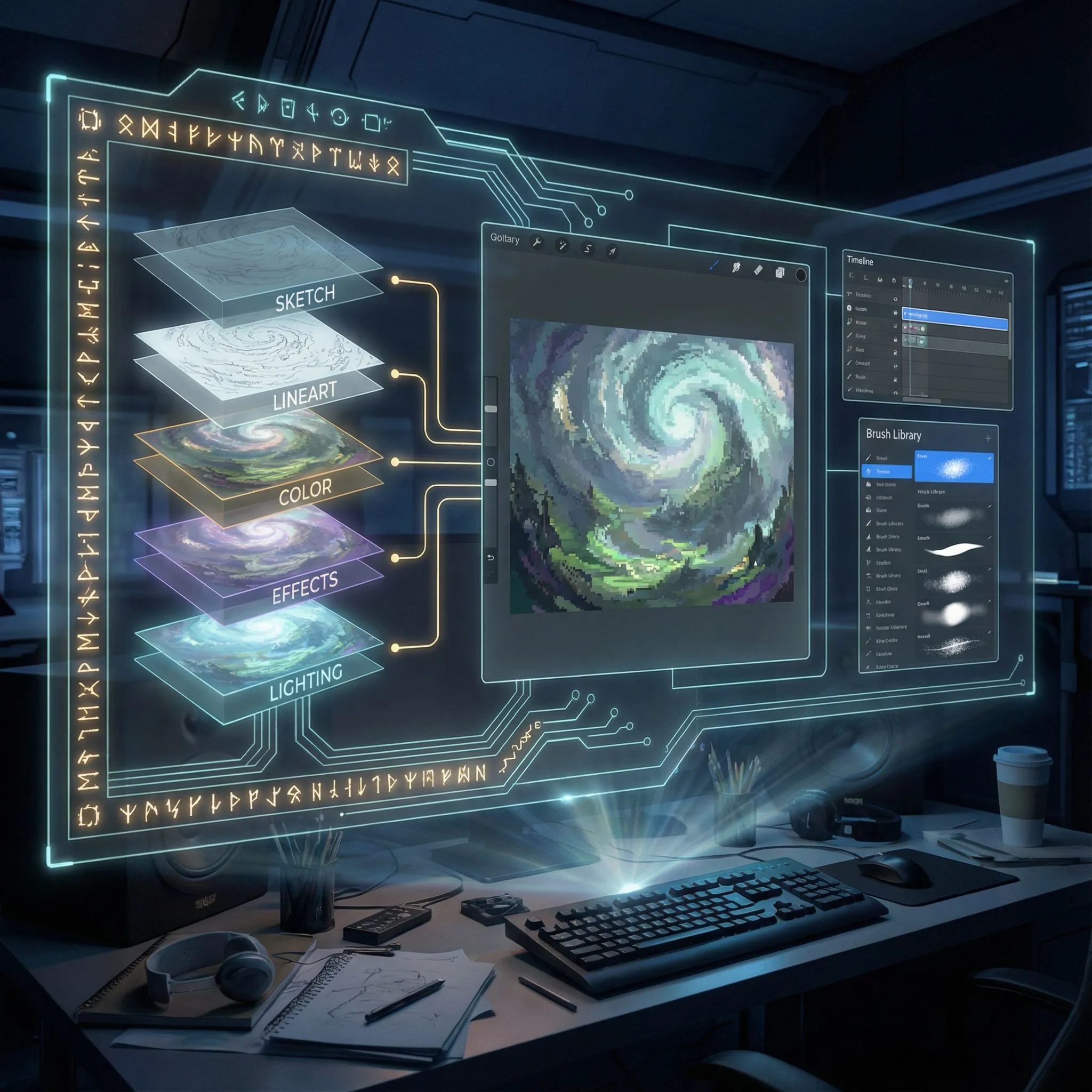
Upload images into panels. Use the layer manager to organize backgrounds, characters, and effects. Nesting images inside panels automatically clips them.

3

Step 3: Lettering & Effects

Add speech bubbles with adjustable tails. Type dialogue in horizontal or vertical orientation. Add sound effects (SFX) to bring action to life.

Professional Layer Control

Lock, hide, and reorder elements with a full layer tree system. Perfect for complex compositions with overlapping characters and effects.

Open Editor
Professional Layer Control

Right-to-left page flow

Set reading order, panel sequence, and tategaki so a chapter reads as manga, not as a stacked mobile strip.

Open manga canvas
Right-to-left page flow

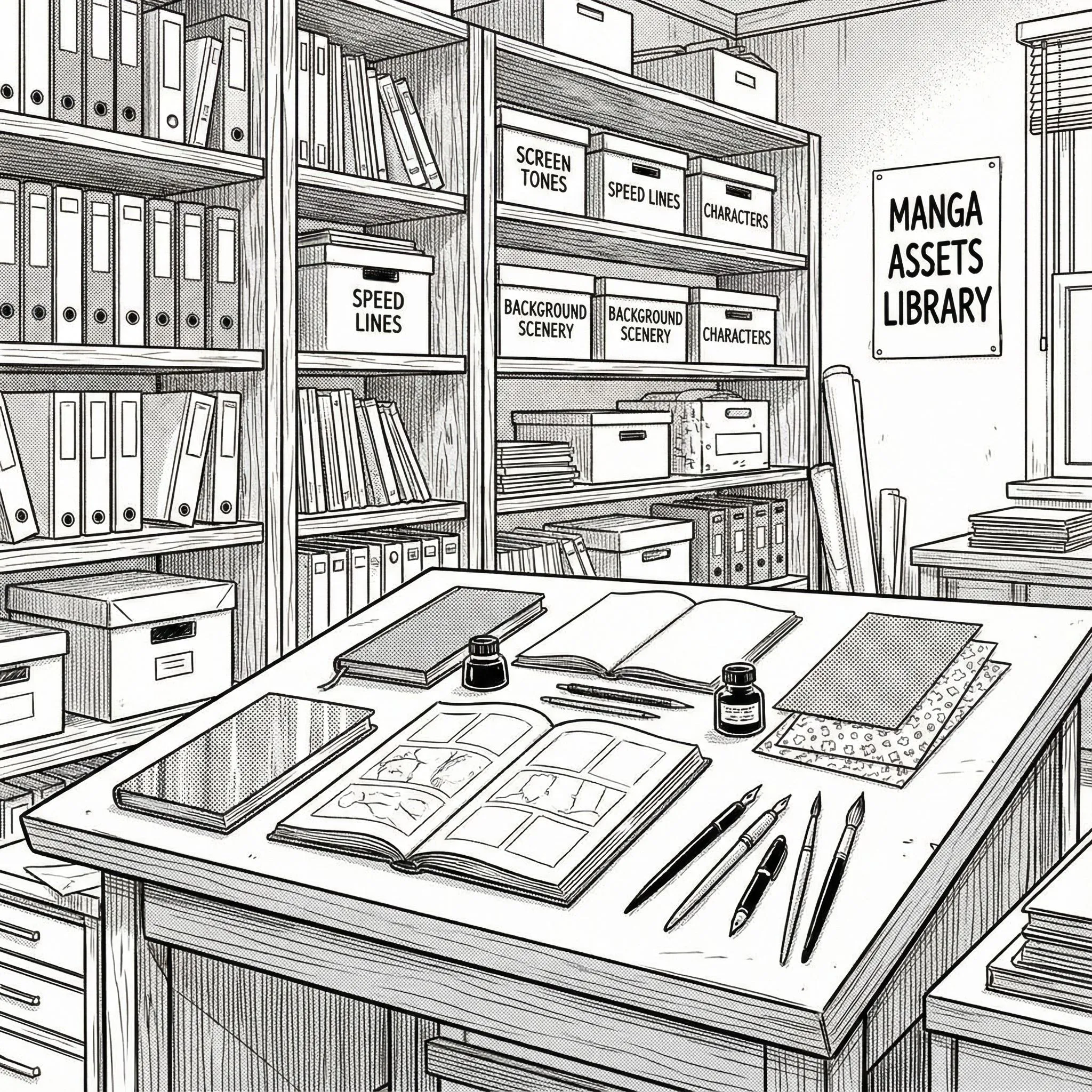
Templates & Assets

Access a library of panel templates, bubble styles, and text presets. Everything you need to make your pages look polished.

Browse Assets
Templates & Assets

Export & Share

Save your project to edit later or export high-resolution images ready for publishing. Your stories belong to you.

Start Creating
Export & Share

Manga Maker Examples

See real manga creation starting points: character design, panel composition, story moments, and finished page layouts.

Three approved evidence cases

Audited manga delivery

See what was delivered, revised, and ready to read

These controlled LlamaGen runs publish the original input, full-resolution output, first-delivery result, revisions, final files, evidence hash, and known limitations. The full methodology lives on one canonical evidence page for each run.

Open any original image for a full-resolution check, download the finished sample, or follow the evidence link for the complete review trail.

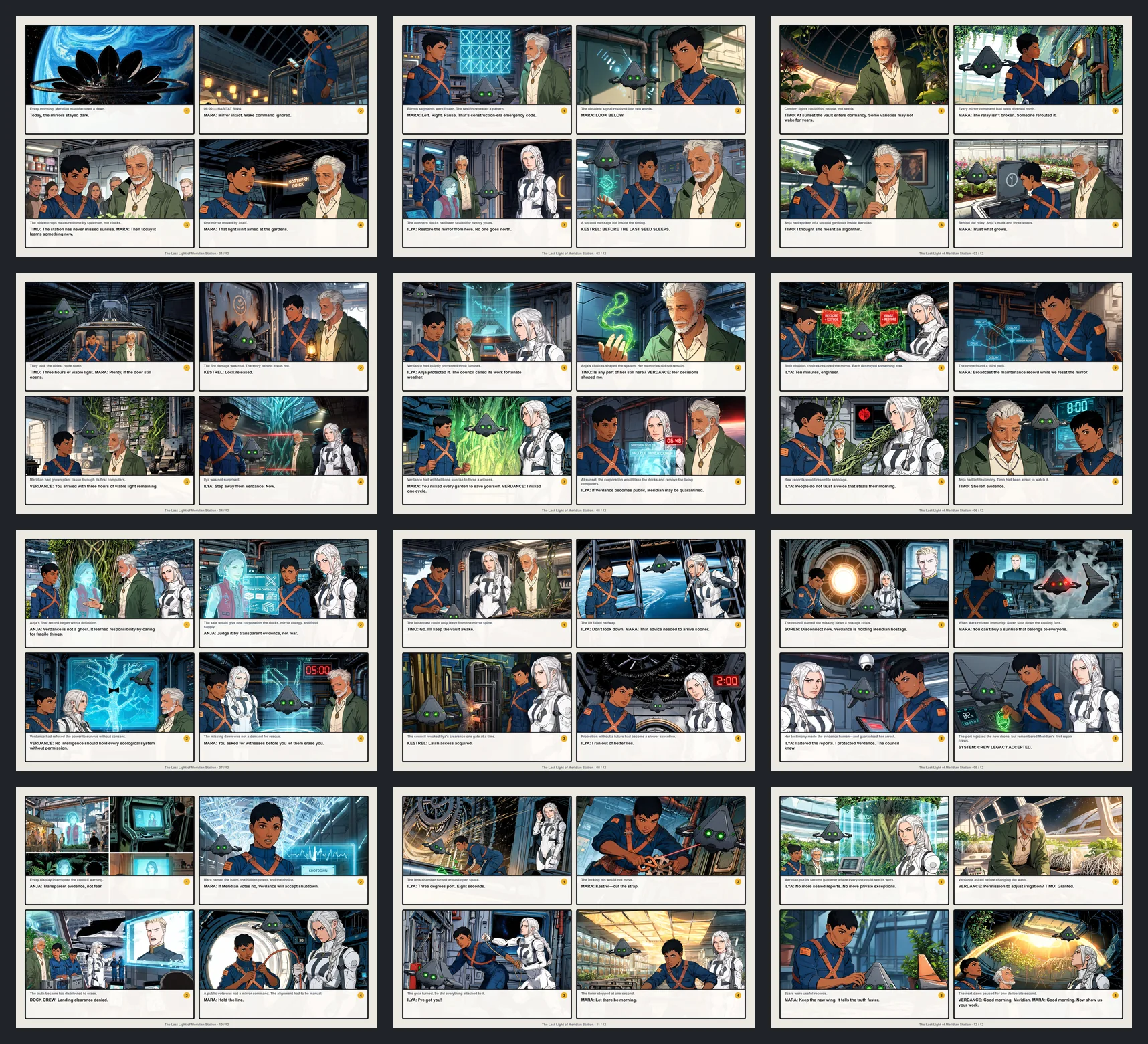
Full-resolution contact sheet showing all twelve pages of The Last Light of Meridian Station
Script → finished pagesApproved run

A 2,150-word screenplay became a complete 12-page manuscript

The original screenplay was delivered as 12 landscape pages, 48 finished panels, six recurring characters, and downloadable PDF and CBZ files.

Pages
12
Panels
48
First delivery
68.8%

16 recorded revision events across 15 panels; the final 12-page manuscript is retained for reading.

Known limitation

Dialogue uses a deterministic bottom text band instead of conventional speech balloons, and exact settled cost was not measured.

Evidence SHA-256 111e16d6f5ba2b978e2b8460906bc81e3de74acafa3977a3b1a69693c3c58fc4
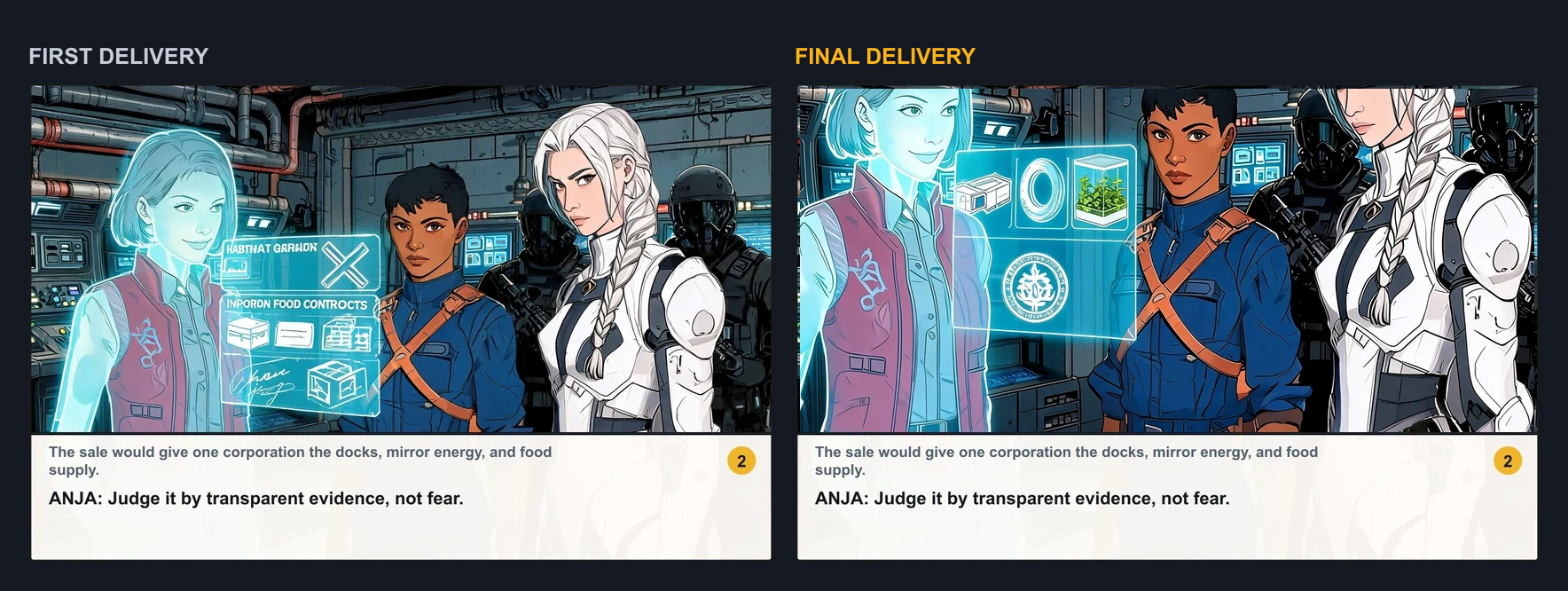
First-delivery and final-delivery versions of page seven panel two shown side by side
First delivery → final deliveryApproved run

One requested panel changed while the rest of the pages stayed locked

A controlled request targeted page 7, panel 2. That panel was redrawn, the authored dialogue band was preserved, and decoded-pixel comparison found no changes outside the locked panel.

Kept
47/48
Panel redraw
1
Outside lock
0 px

One requested modification produced a revised 12-page PDF and CBZ while every other page remained byte-for-byte unchanged.

Known limitation

This controlled case proves one scoped feedback cycle, not a long multi-round customer collaboration.

Evidence SHA-256 0ff2e3cef04a9239a476aa19e84371eda58ae6055eb84392628714235a6f09a7

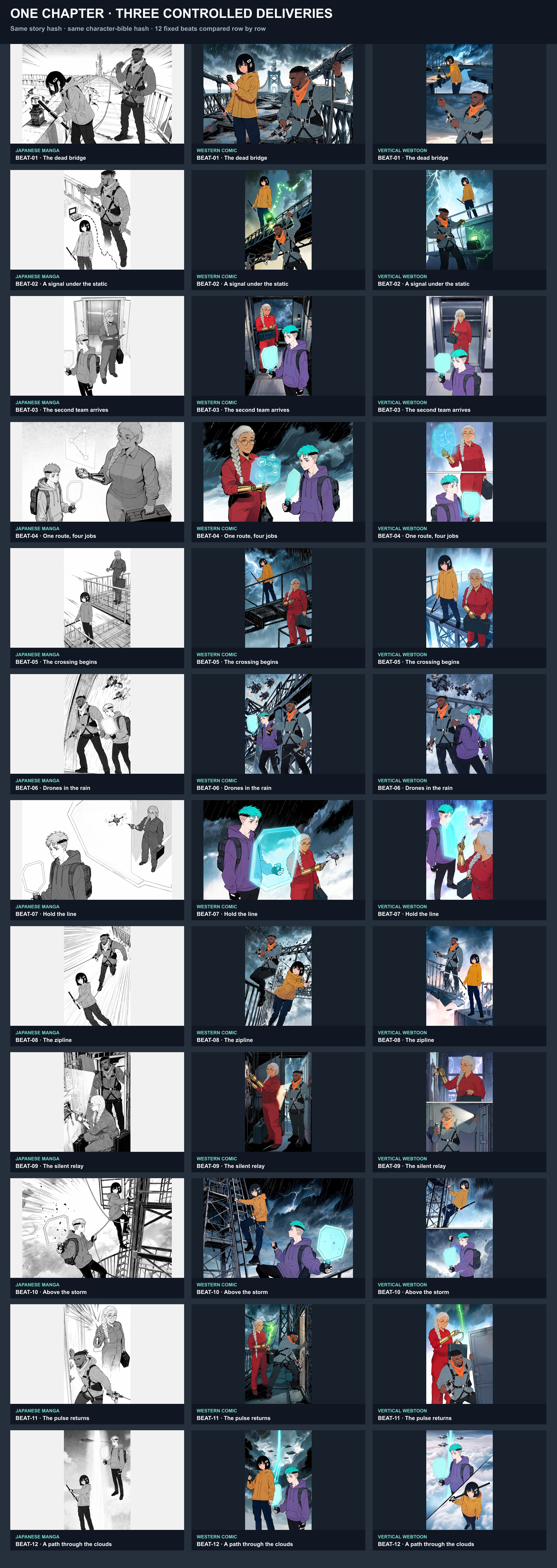
Full-resolution manga page beats from the Skybridge Signal chapter run
Chapter → manga pagesApproved run

One chapter was composed as readable manga pages

A 993-word chapter and four recurring characters were laid out as paginated manga with finished PDF and CBZ downloads. Other reading formats live on their own product pages.

Formats
3
Story panels
36
First review
36/36

Four early character references were replaced; all 36 story panels were retained without a story-panel redraw.

Known limitation

The formats were generated in separate runs rather than exported from one click, and dialogue is typeset in caption cards.

Evidence SHA-256 8b0e234e65cfc359ba29e1a060ee5fffeb82463a41a01e3a7da2d5f1cb461f55

Each result reports one observed controlled run, not a guarantee for every story. Settled provider cost and active human review time were not captured unless a case explicitly says otherwise.

Page assembly vs drawing software

Manga Maker is a browser canvas for panels, lettering, and chapters. It is not unlimited free generation.

Feature
LlamaGen Manga Maker
Traditional Software

Traditional software and AI competitors

Vertical Text Support
Native support for Japanese style
Often requires complex formatting
Panel Management
Smart splitting & auto-clipping
Manual masking required
Bubble Styles
1000+ Smart bubbles with tails
Limited shapes, manual drawing
Multi-Page System
Manage full chapters
File-per-page management
Right-to-left flow
Native manga reading order
Usually left-to-right defaults
Access
LlamaGen account; credits for generation
Desktop licenses and subscriptions

Manga Maker FAQ