

LinkedIn carousel + X post
Launch day, as a comic
A founder announces a product launch while tiny error bubbles keep trying to steal the spotlight.
A relatable launch story with one clean punchline and a final frame that invites comments.

Social Media Comics
Write a simple idea, generate a comic image, then turn that image into an animated post for TikTok, Instagram, YouTube, or LinkedIn.
Idea
Write or paste
Image
Generate comic
Animate & share
Download or post
Pick one, edit the idea, then generate.
Click to load
LinkedIn carousel + X post
A founder announces a product launch while tiny error bubbles keep trying to steal the spotlight.
A relatable launch story with one clean punchline and a final frame that invites comments.
Instagram Reels + TikTok
A creator asks for one simple thumbnail idea and accidentally discovers the perfect mini story for their next post.
A light creator-process comic that feels personal without needing a long caption.

YouTube Shorts + Reels
A teacher explains a confusing topic by turning each step into a tiny comic panel with a friendly visual metaphor.
A short educational comic that can become a carousel, a short video, or a lesson recap.
Discord + TikTok + Instagram
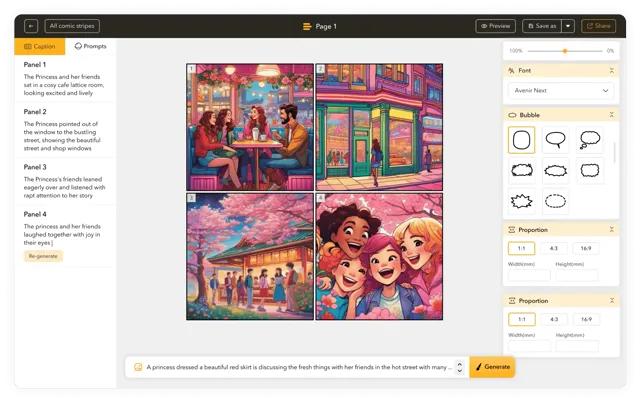
A brand turns a routine community update into a playful comic about missing the content calendar and finding it in plain sight.
A friendly update format that can announce launches, events, polls, or weekly recaps.
Write a simple idea. We make the image, then animate it.
Type a moment, joke, lesson, or post idea.
Turn the story into one comic image.
Reference image
Optional. Add one image for style guidance.
Make the image move, then download or post it.