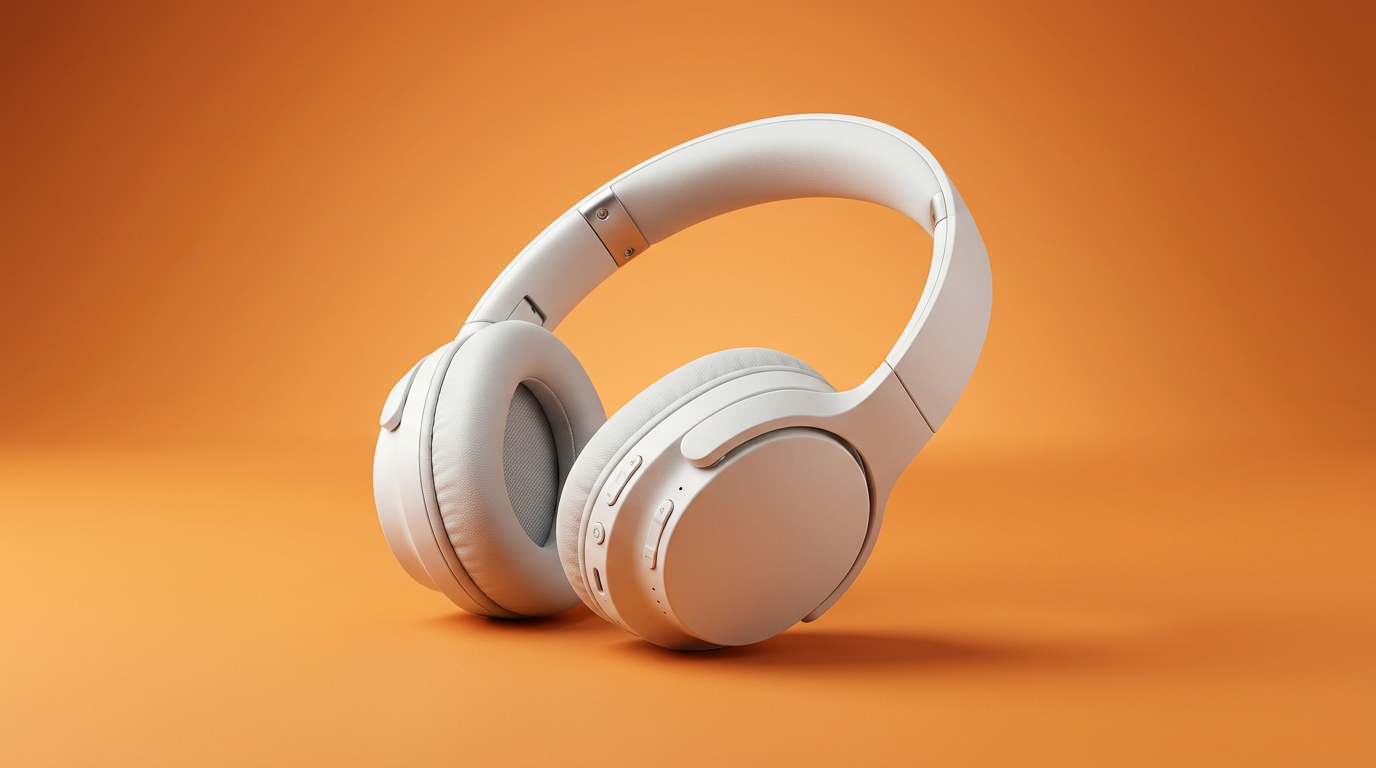
Ecommerce product visuals
Clean product scenes and lifestyle shots from a prompt or reference.
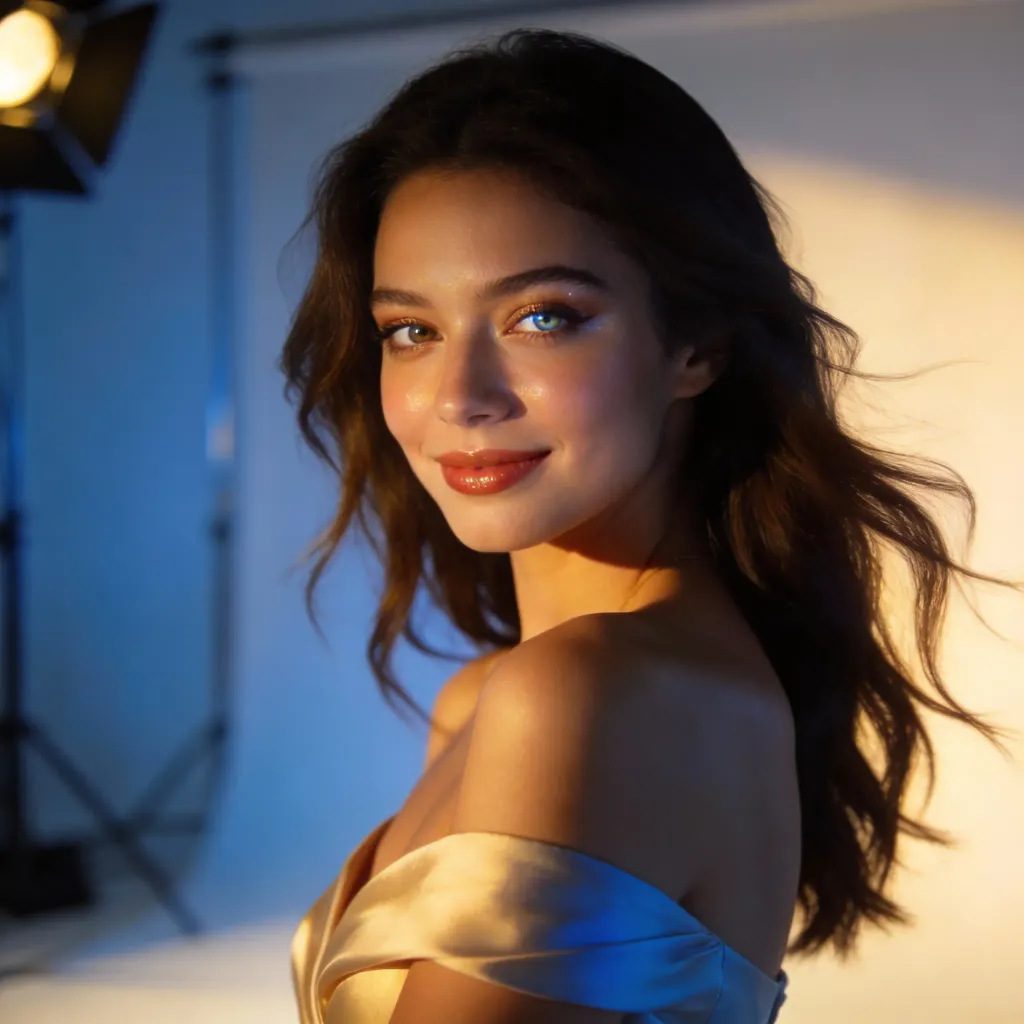
Free AI image generator
Type a prompt, add a reference, and generate production-ready visuals in seconds.
or drag in a reference
Prompt, image, or both.
By creating or uploading an image, you agree to ourTerms of ServicePrivacy Policy
Create campaign images, product scenes, thumbnails and visual variations from one simple workflow.
Clean product scenes and lifestyle shots from a prompt or reference.
Covers, headers, thumbnails and ad-ready images.
Keep the subject, change the style, lighting and scene.
Refine mood and direction without opening a heavy editor.
All-in-one AI image generator
Create polished images for products, ads, thumbnails, covers and creative tests without starting from a blank canvas.
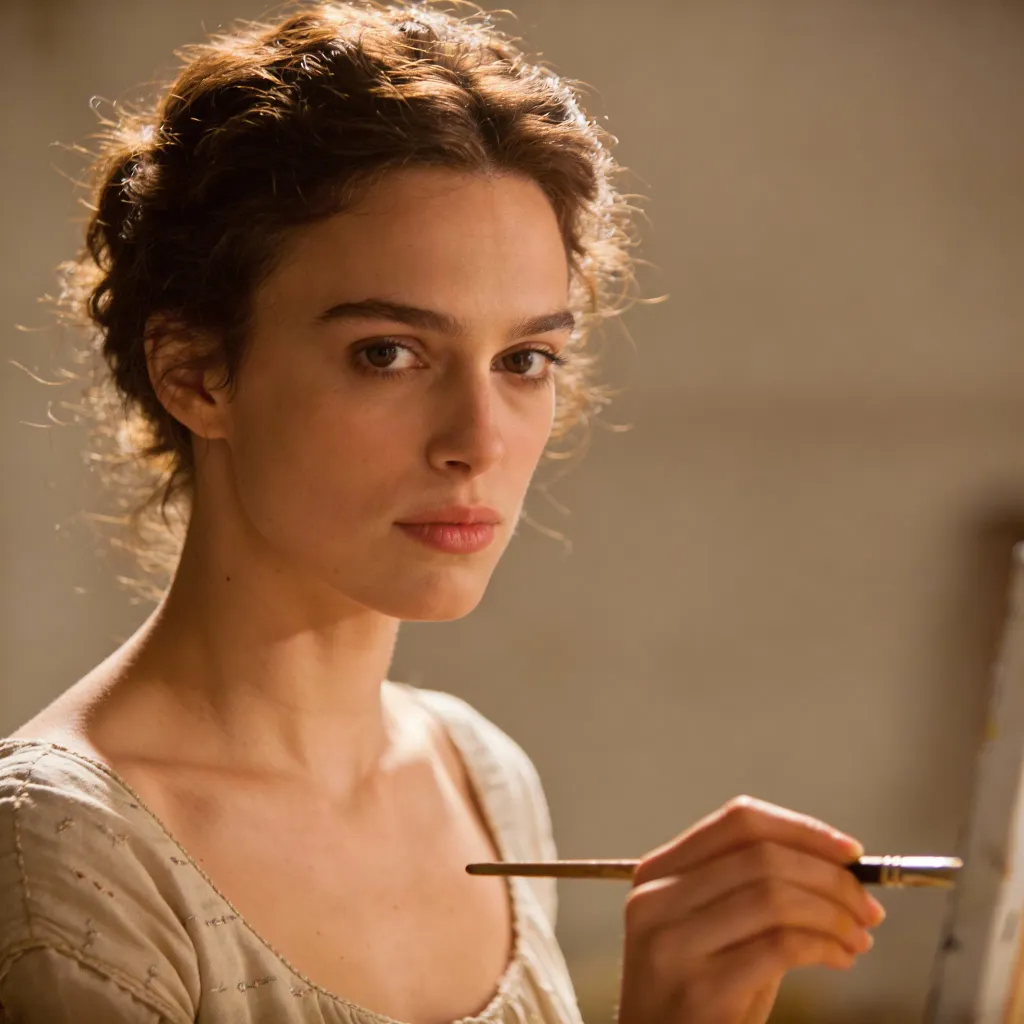
Choose your workflow
Choose the path that fits your starting point, then turn the result into a practical creative asset.
What do you want to make?
Create from scratch
Build from an existing asset
Start here
Start with a plain-language prompt, then add the format, style, lighting, background and intended use.
More control
Use a product photo, portrait, character or composition as the starting point when a pure prompt is too open-ended.
Quick edits
Turn an existing asset into product visuals, thumbnails, avatars or campaign variations.
Ready to reuse
Use AI images as social posts, ecommerce assets, ad drafts, character references and opening frames for image-to-video workflows.
Quick answers before you get started.
An AI image to image generator starts with a reference image and creates new variations while keeping key visual direction such as the subject, pose, product, layout or composition. It's useful when you want more control than a text-to-image prompt alone.
Yes. You can start creating AI images online for free and use the workflow to test prompts, explore styles, and generate visuals for ads, social posts, product pages, thumbnails and creative concepts.
Yes. If you drafted a prompt in ChatGPT, Gemini, Claude or another writing tool, you can paste it into LlamaGen and turn it into images, product scenes, social posts, thumbnails or image to image variations in your browser.
Strong prompts include the subject, audience, format, style, lighting, camera angle, background, mood, colour palette and intended use. For example, specify whether the image is for an ecommerce hero, social post, YouTube thumbnail or video frame.
Use LlamaGen to generate image to image variations, ad visuals, product scenes, thumbnails and video-ready frames from one simple workflow.