

Free Photo to Anime AI Converter Online
Upload a selfie, portrait, pet photo, or travel shot and turn your image into anime online for profile pics, thumbnails, creator branding, and shareable posts.
Upload Your Image
Click to upload or drag image here
JPG, PNG, WEBP | Max 10MB

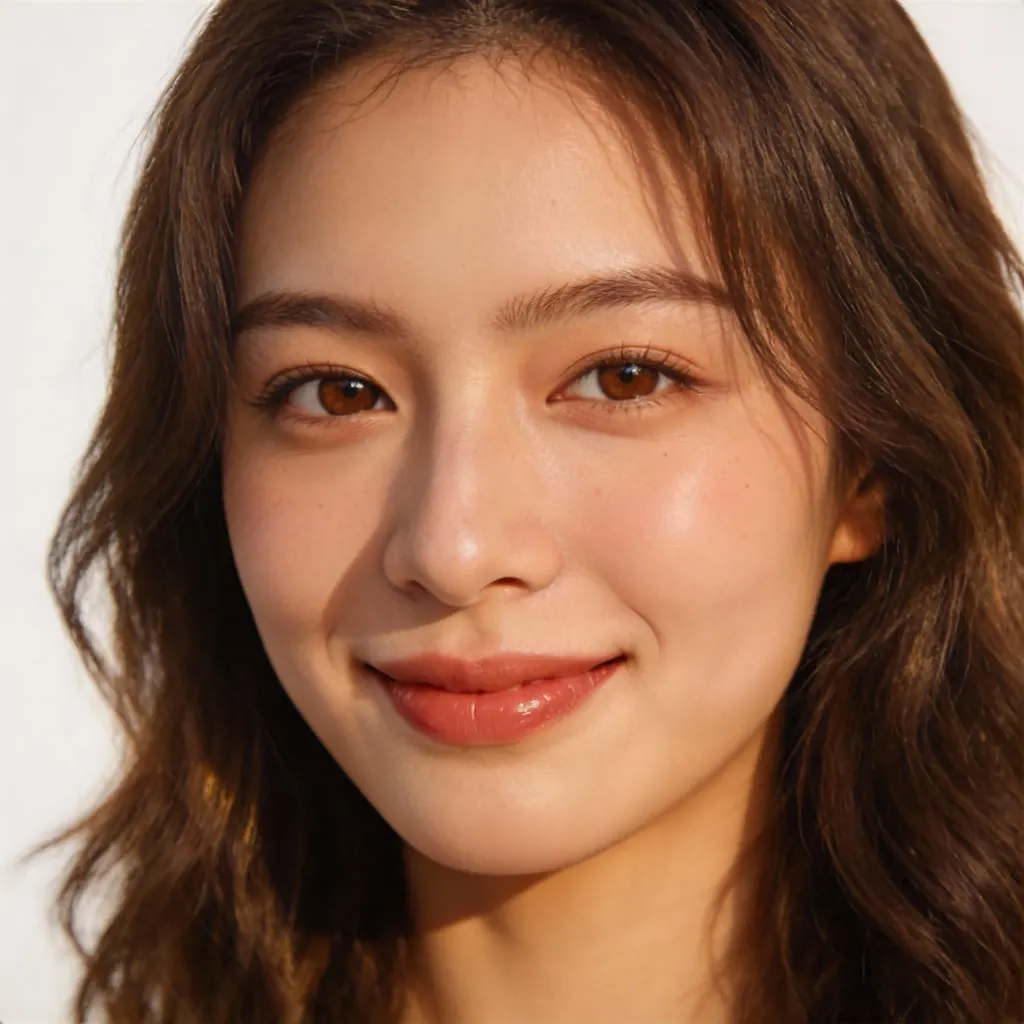
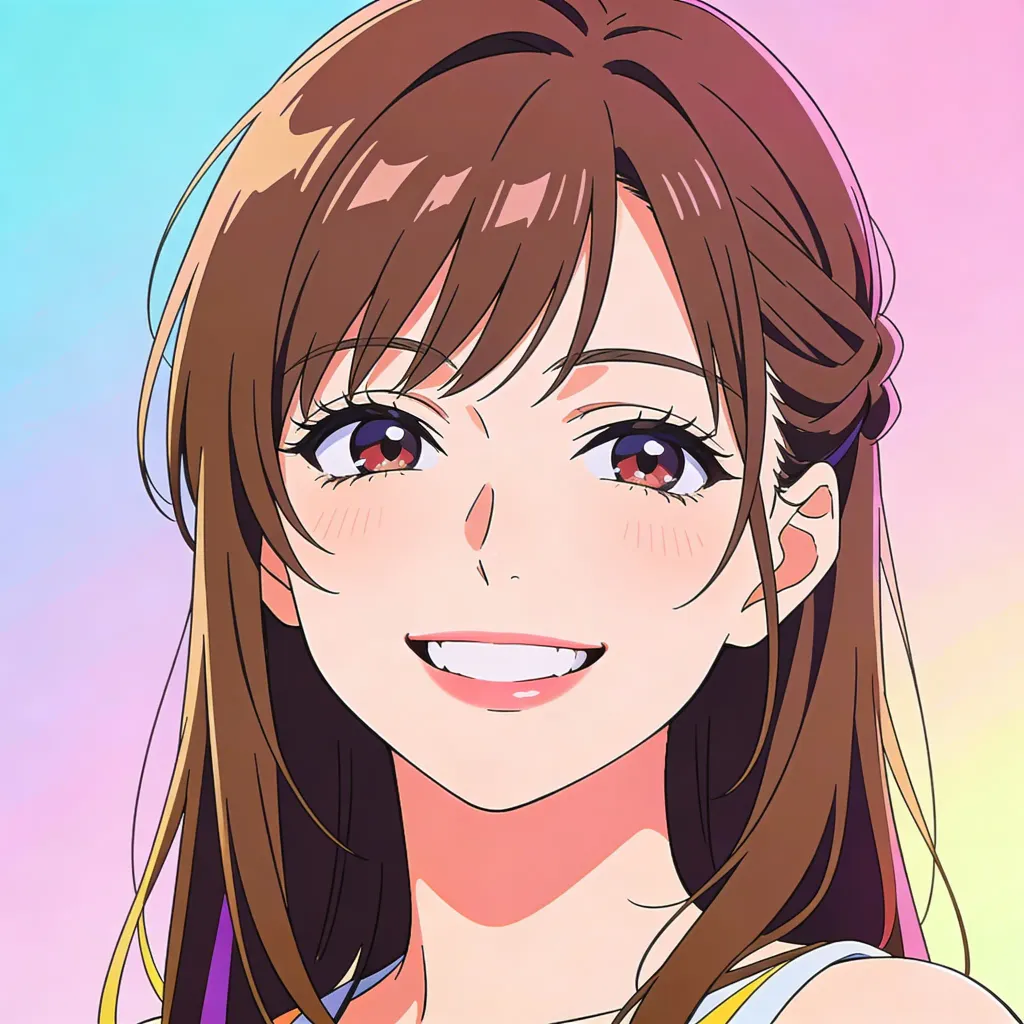
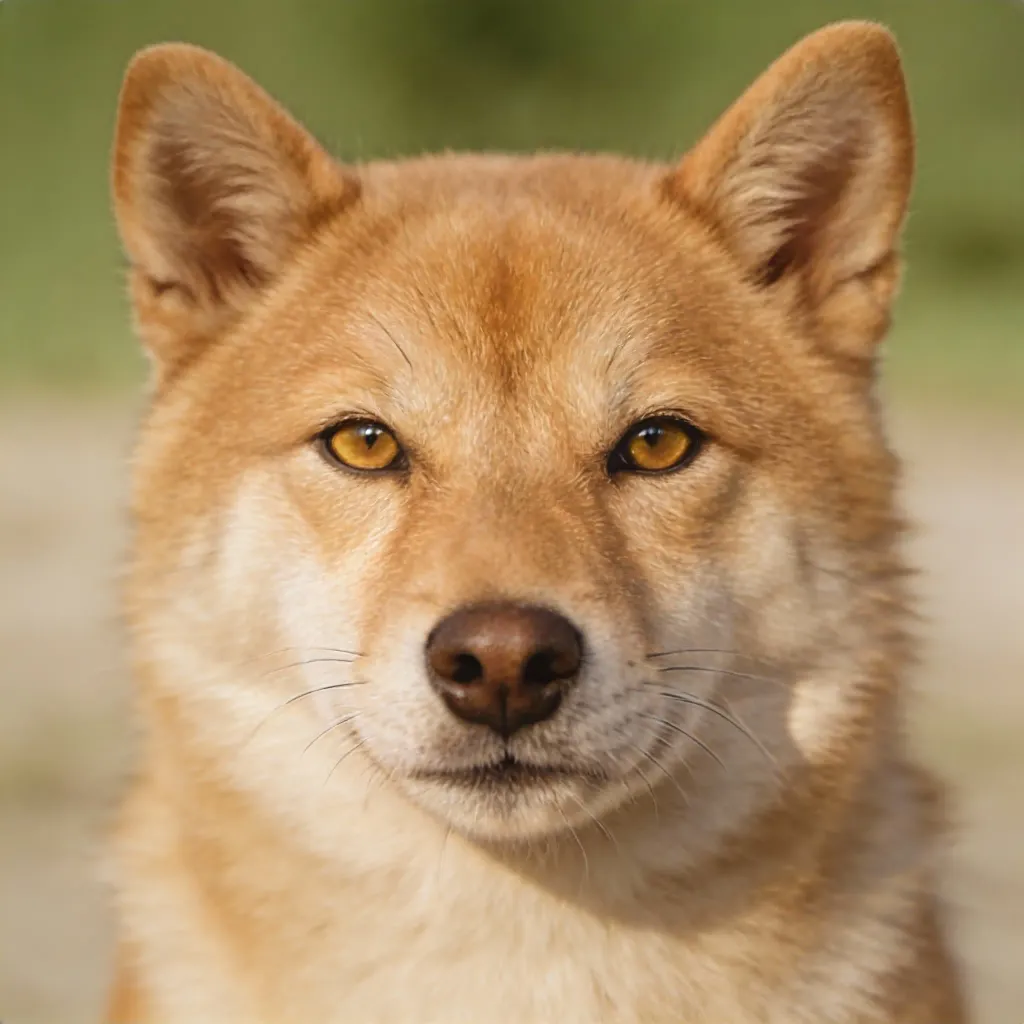
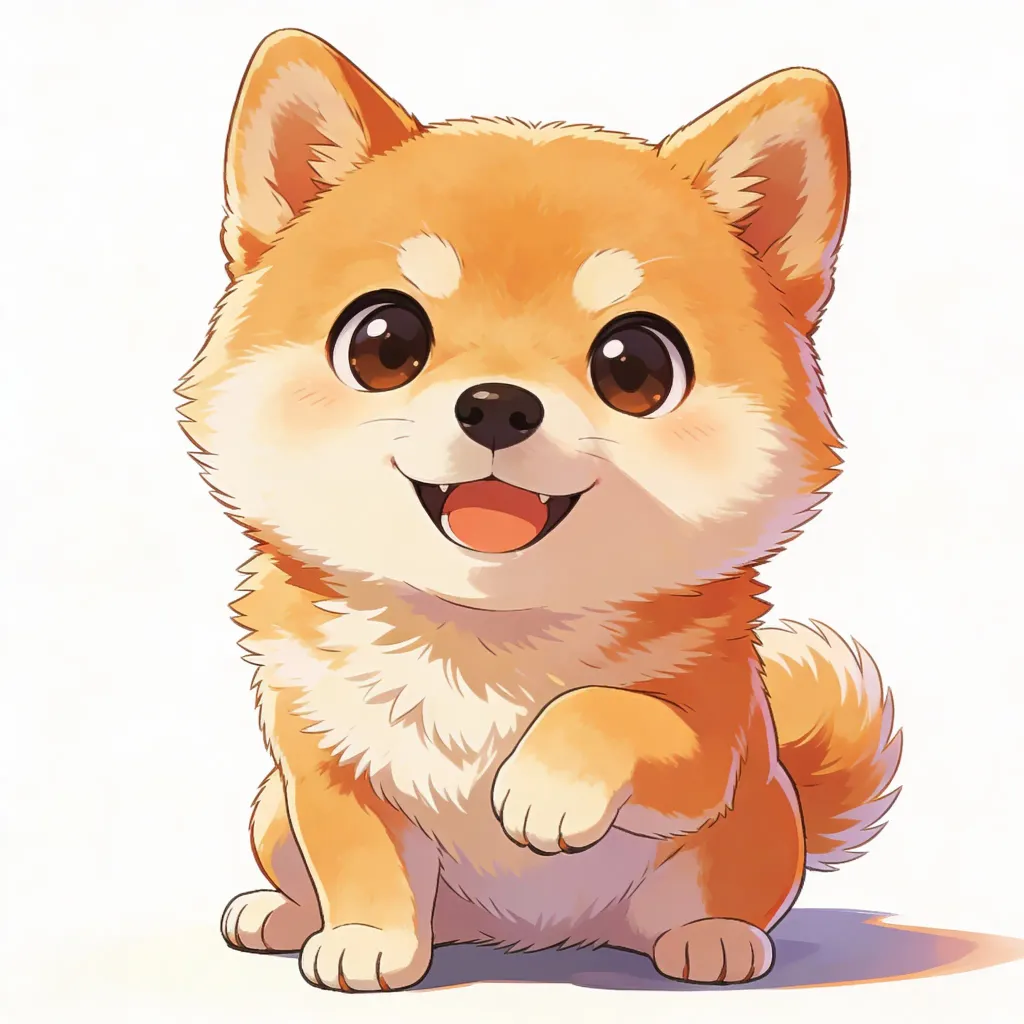
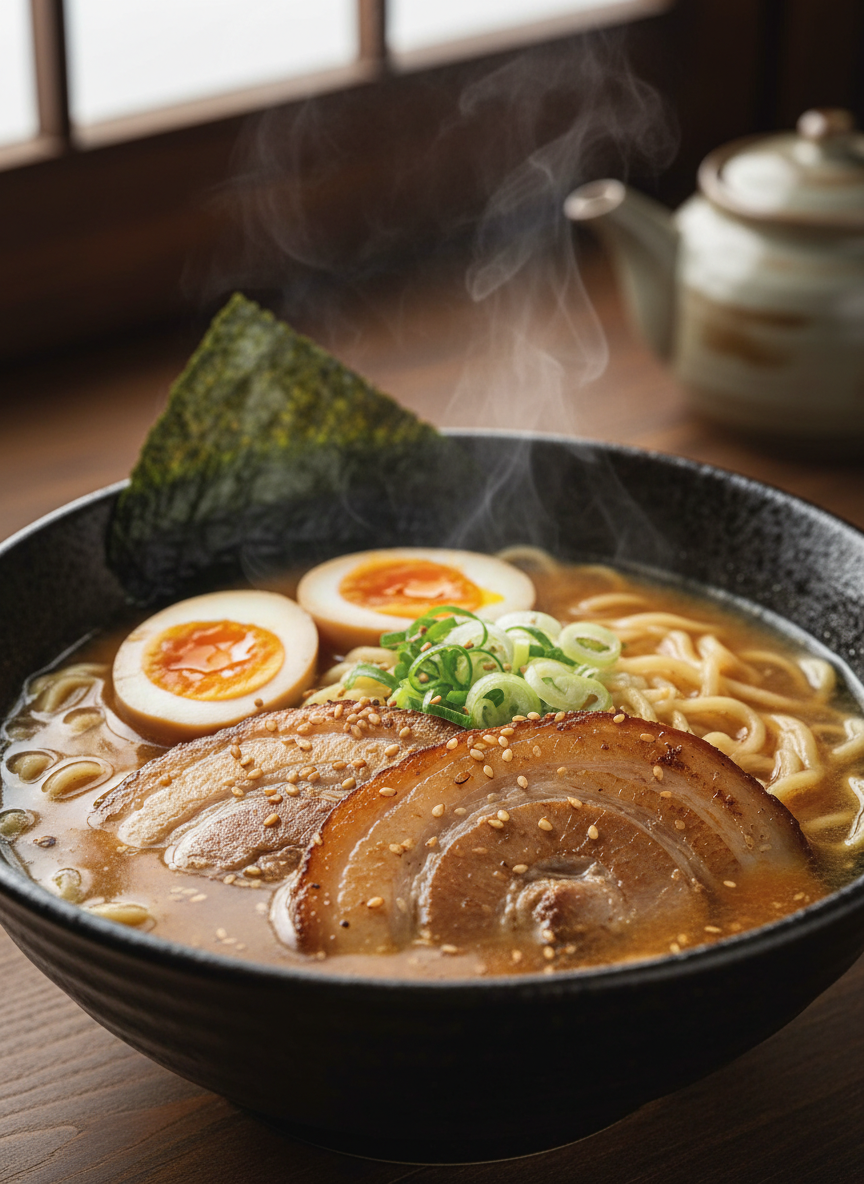
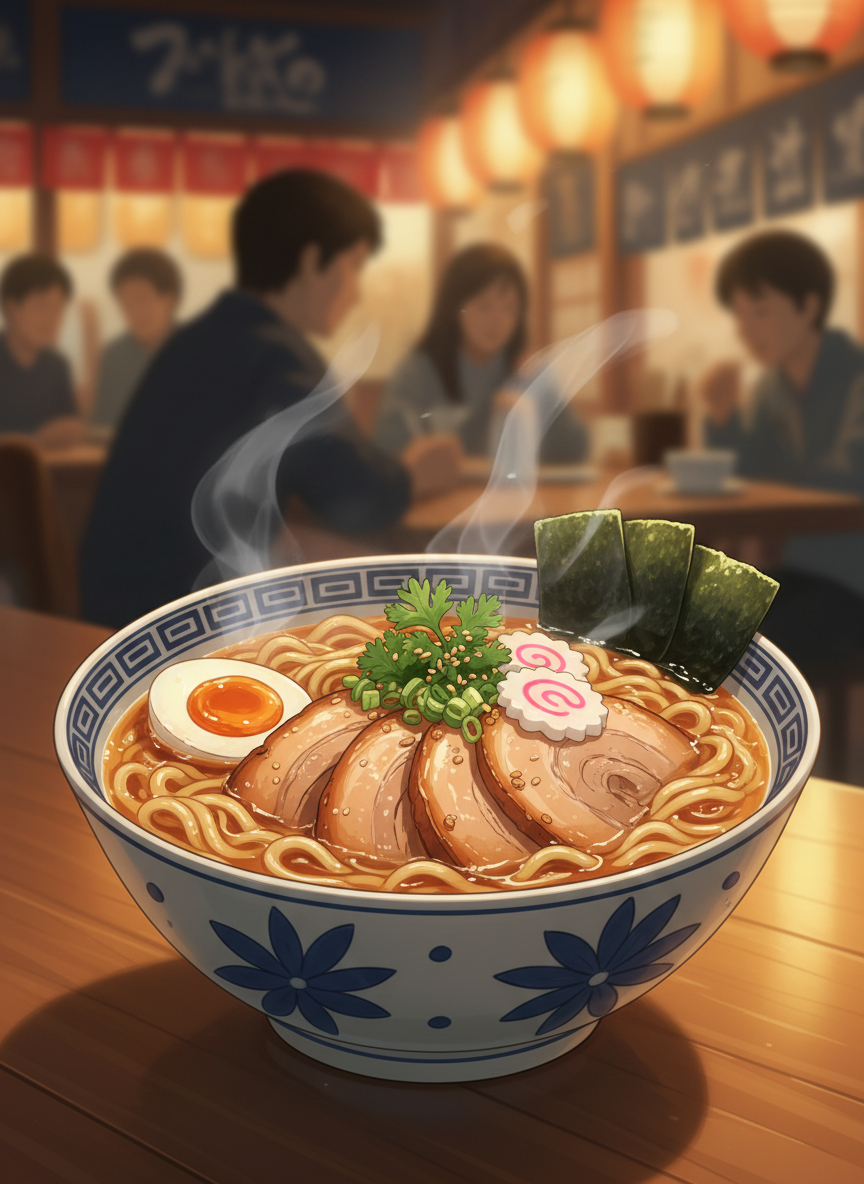
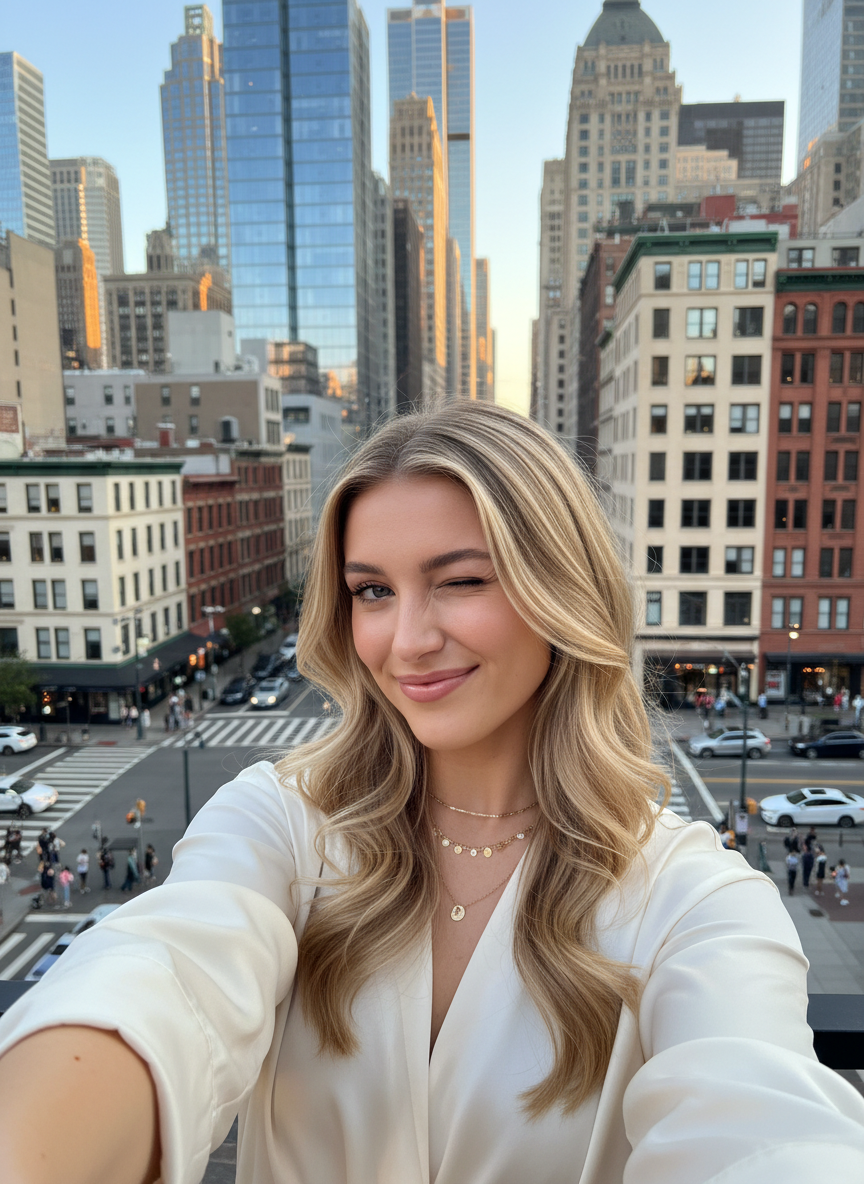
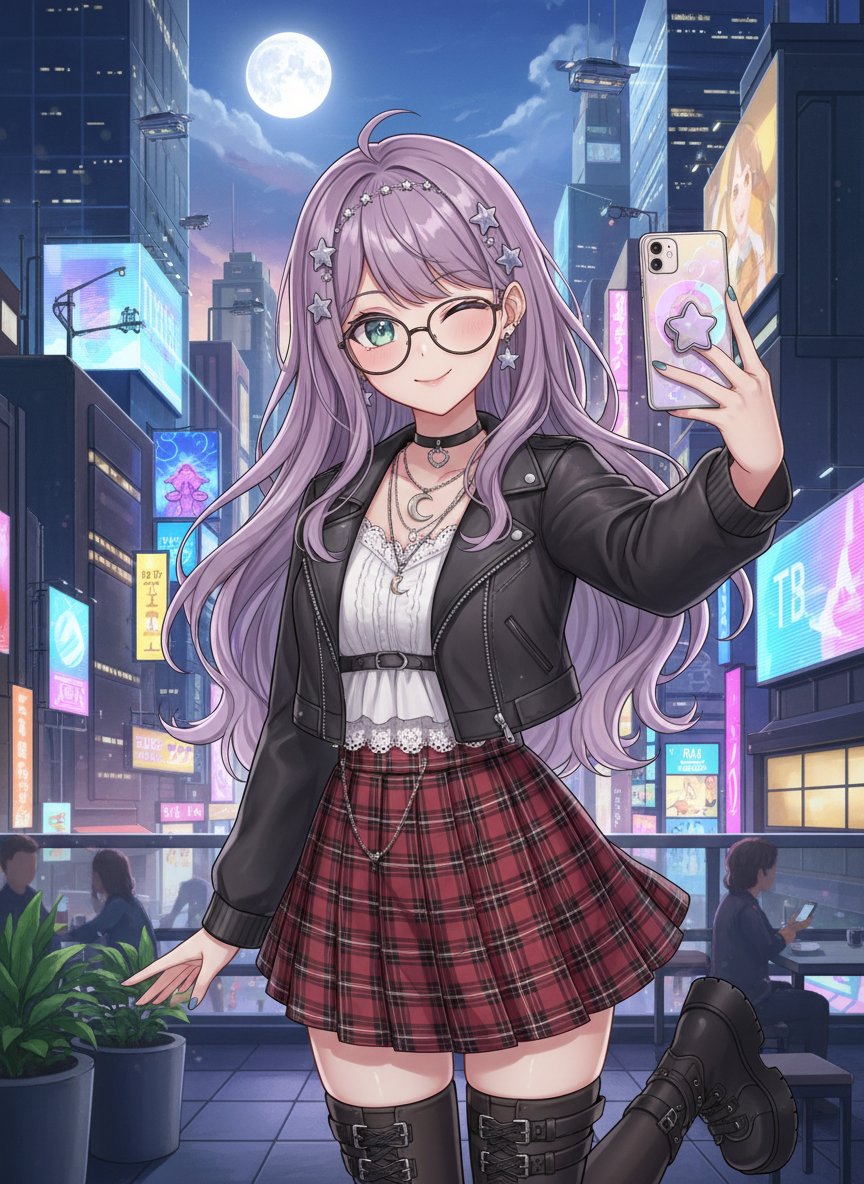
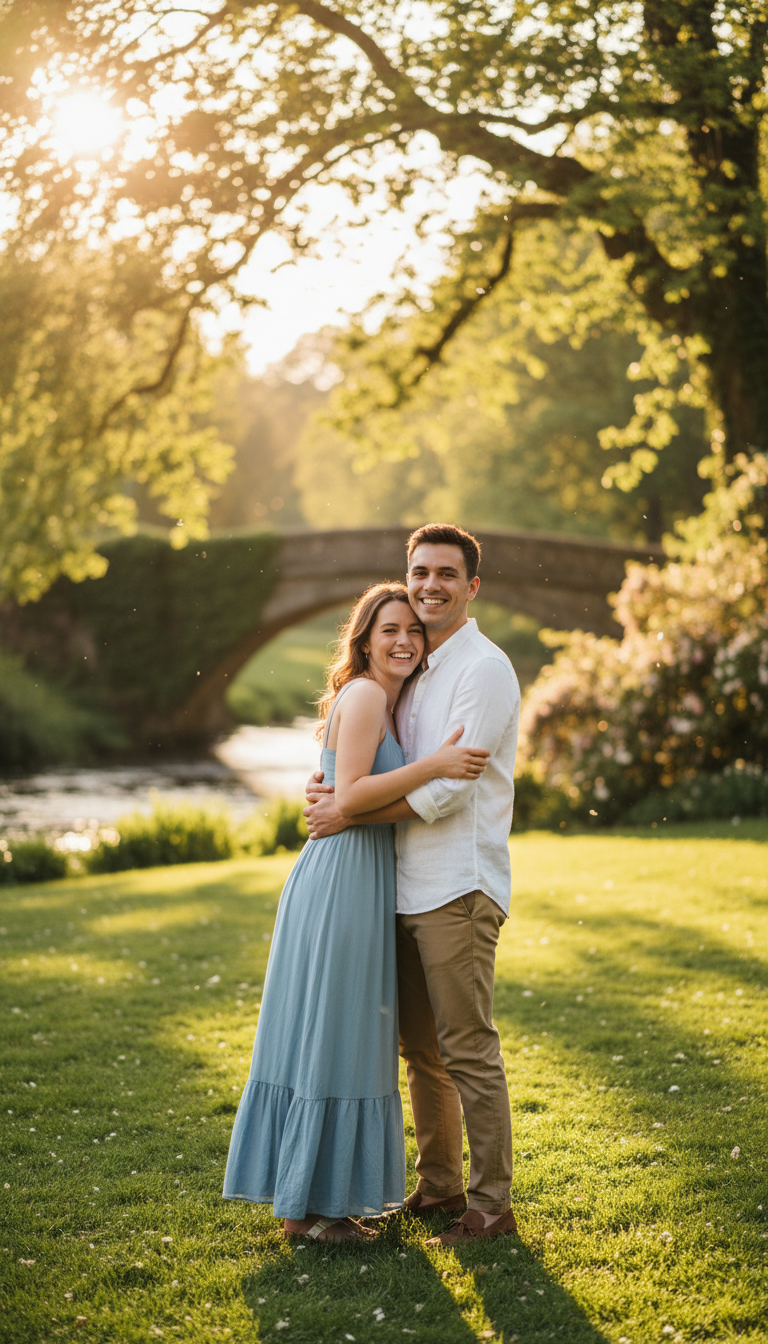
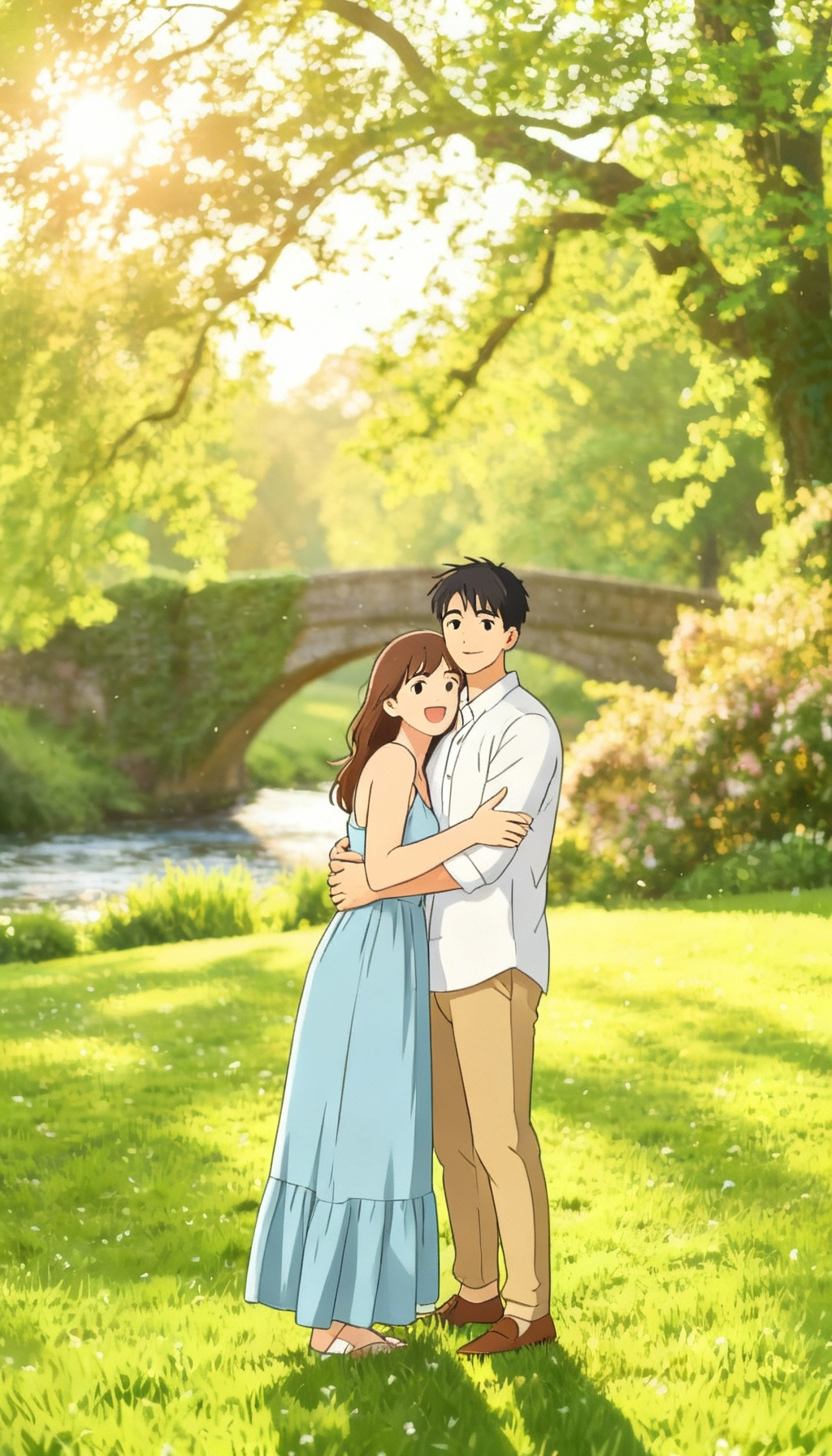
Before and After — See the Anime Transformation
Real photos turned into polished anime art across portraits, pets, food, and city scenes.
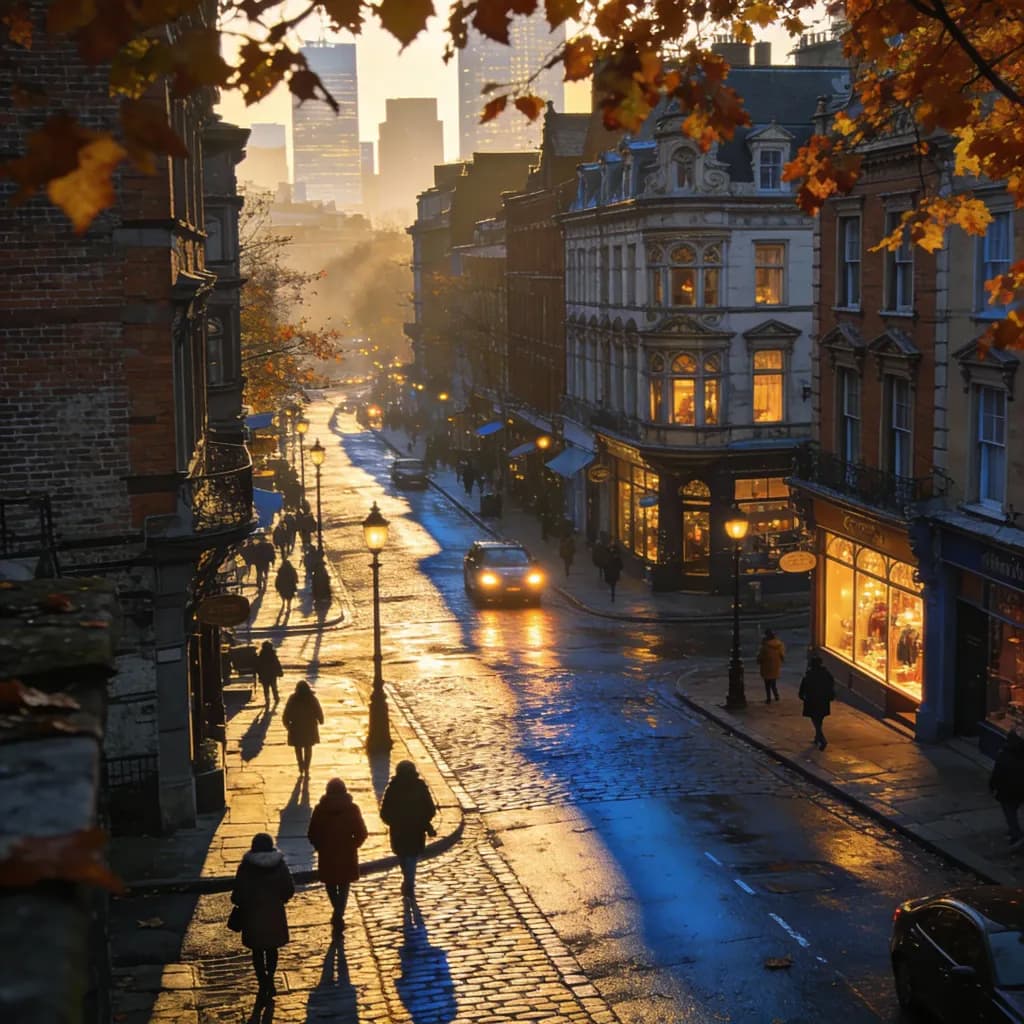
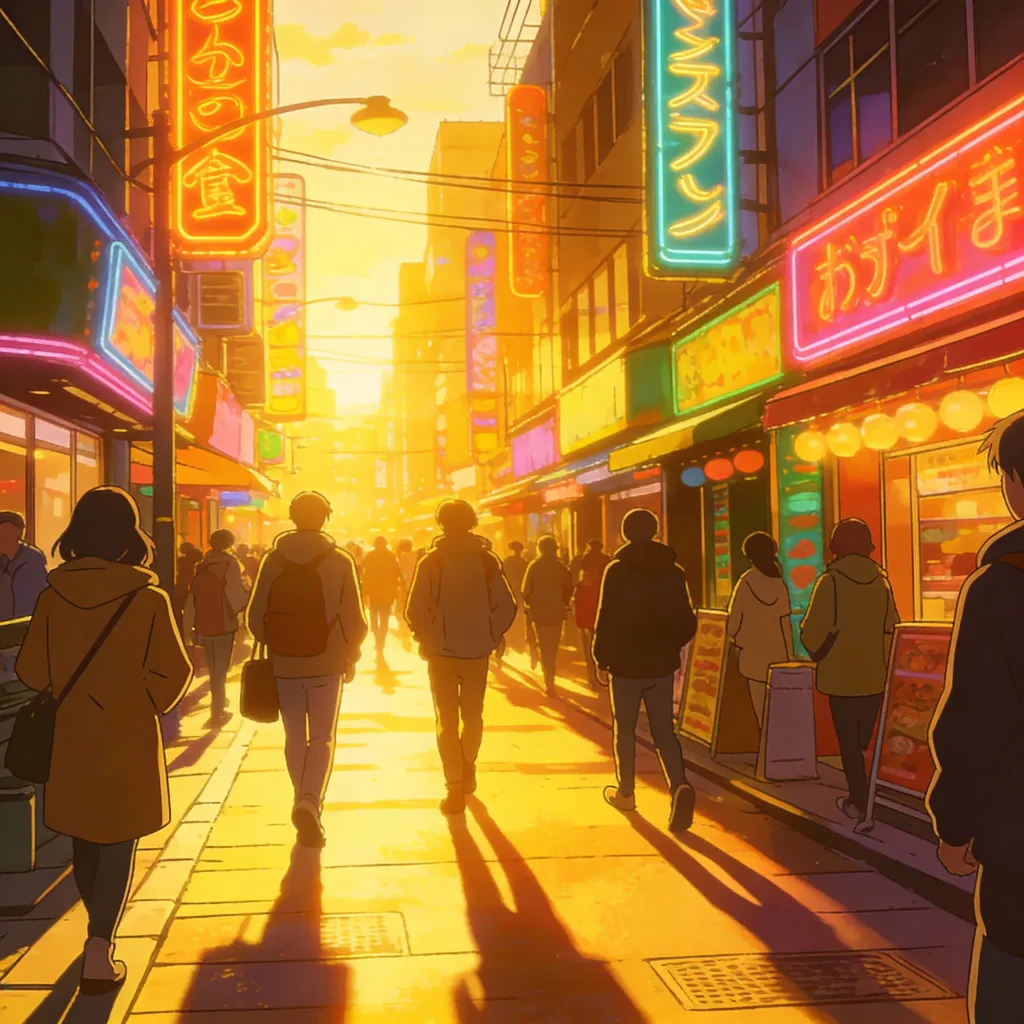
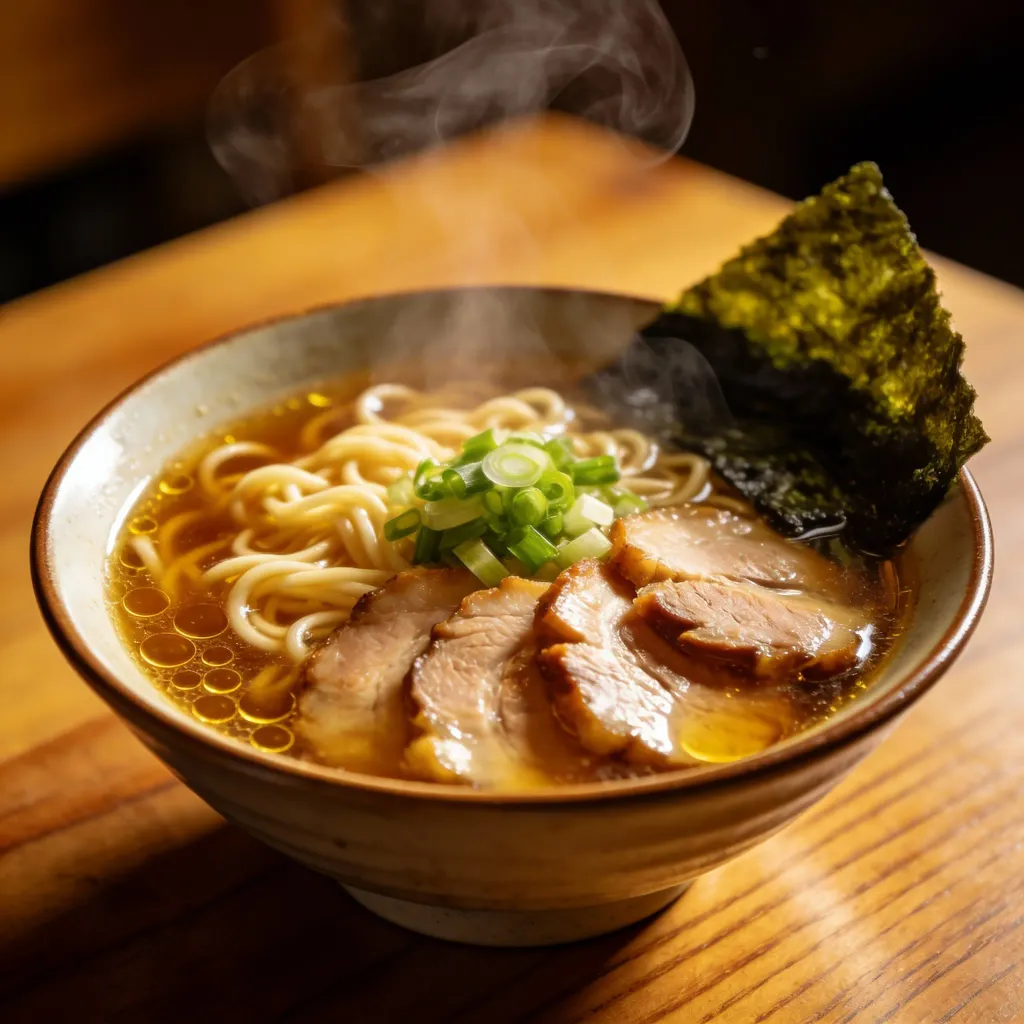
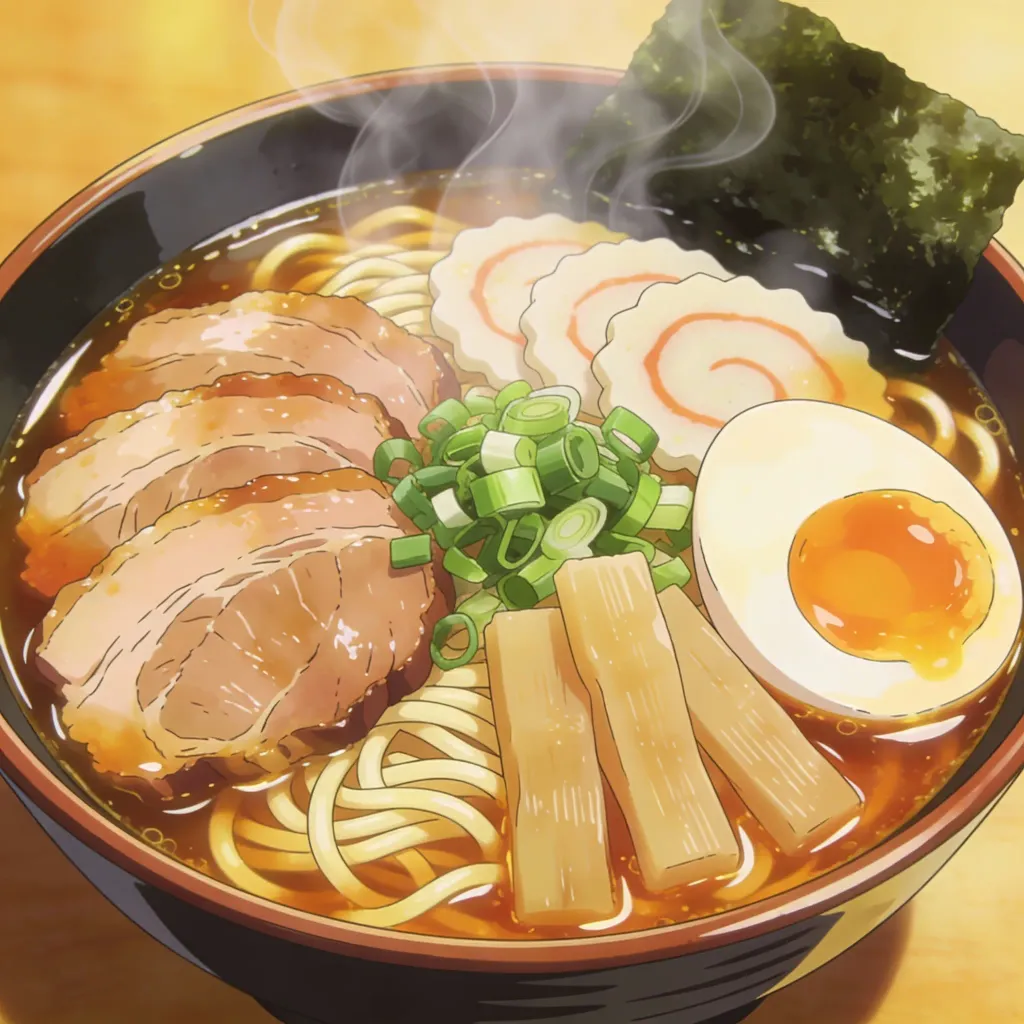
Solution for avatar creators
From real photo to anime identity asset in one streamlined workflow
This page is built for creators, streamers, and social teams who already have real photos and need anime-style assets that still feel recognisable. The value is not just another generic filter. It is a faster path from source image to a usable avatar, thumbnail, post, or character reference.
Creators making anime avatars and social visuals from real photos
Use it when the source is a selfie, portrait, pet, food shot, or location photo and the goal is a polished anime version for publishing, testing, or creative direction.
Generic filters lose identity
Many image filters create an anime look but change the face, pet, or scene too much to use as a personal or branded asset.
Manual edits slow campaigns
A simple avatar refresh can turn into prompt tuning, masking, retouching, and repeated exports across multiple tools.
Style tests get scattered
Creators need to compare multiple anime styles quickly instead of rebuilding the same prompt for every variation.
Before
A raw selfie, pet photo, or travel image that does not suit an anime channel, profile, or creator campaign.
After
A recognisable anime-style version with cleaner linework, stronger colour mood, and enough polish to test as an avatar or social visual.
- 1Upload the photo you want to stylise.
- 2Choose an anime direction such as webtoon, manga, chibi, or cinematic anime.
- 3Generate a first version and compare it with the original.
- 4Download the strongest result or rerun another style for A/B creative tests.
The page keeps the workflow focused on photo-to-anime conversion instead of sending users to a blank prompt canvas.
Try multiple anime directions from the same source image before committing to a profile or campaign look.
Case study
Indie creator refreshes profile visuals
A creator preparing a channel relaunch can upload existing portraits, test several anime treatments, and keep the version that still looks like them while matching the channel's visual language.
Useful outcome
A practical anime avatar and supporting visuals without commissioning a full custom illustration pass.
LlamaGen creator workflow, avatar and social content
30+ Anime Filters and Styles: From Manga to Ghibli
Explore a range of anime looks for portraits, pets, scenery, and everyday photos. Use these styles when you want a distinct anime mood rather than a generic filter result.

Webtoon

Manga

Ghibli

Cyberpunk

DnD

Snoopy

Chibi

Clay

Simpson

South Park

Family Guy
Gallery
Photo to Anime Gallery: See the AI Magic
See how portraits, pets, food, and travel photos change when turned into anime-style images with cleaner lines, stylised colours, and illustration-like detail.
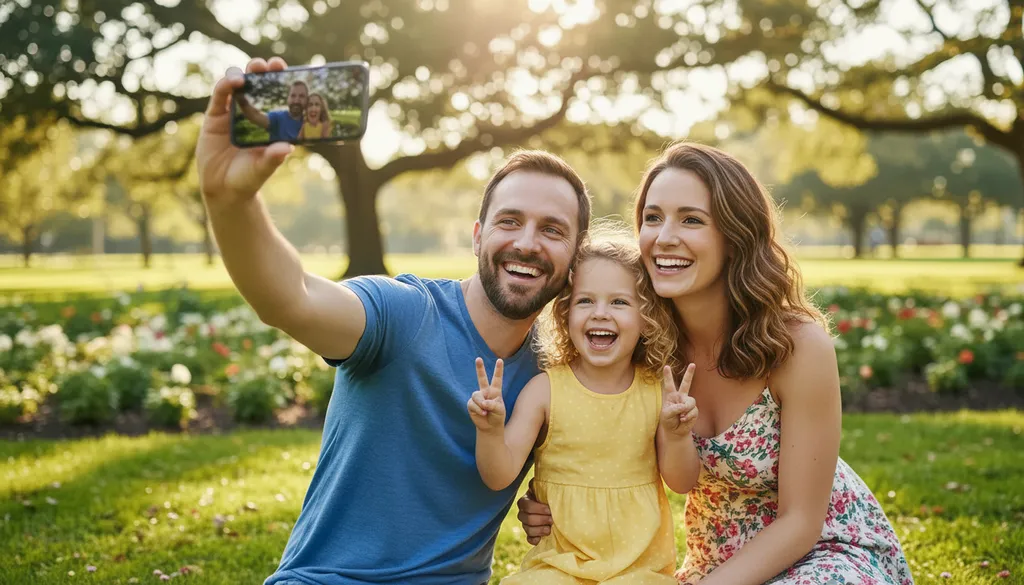
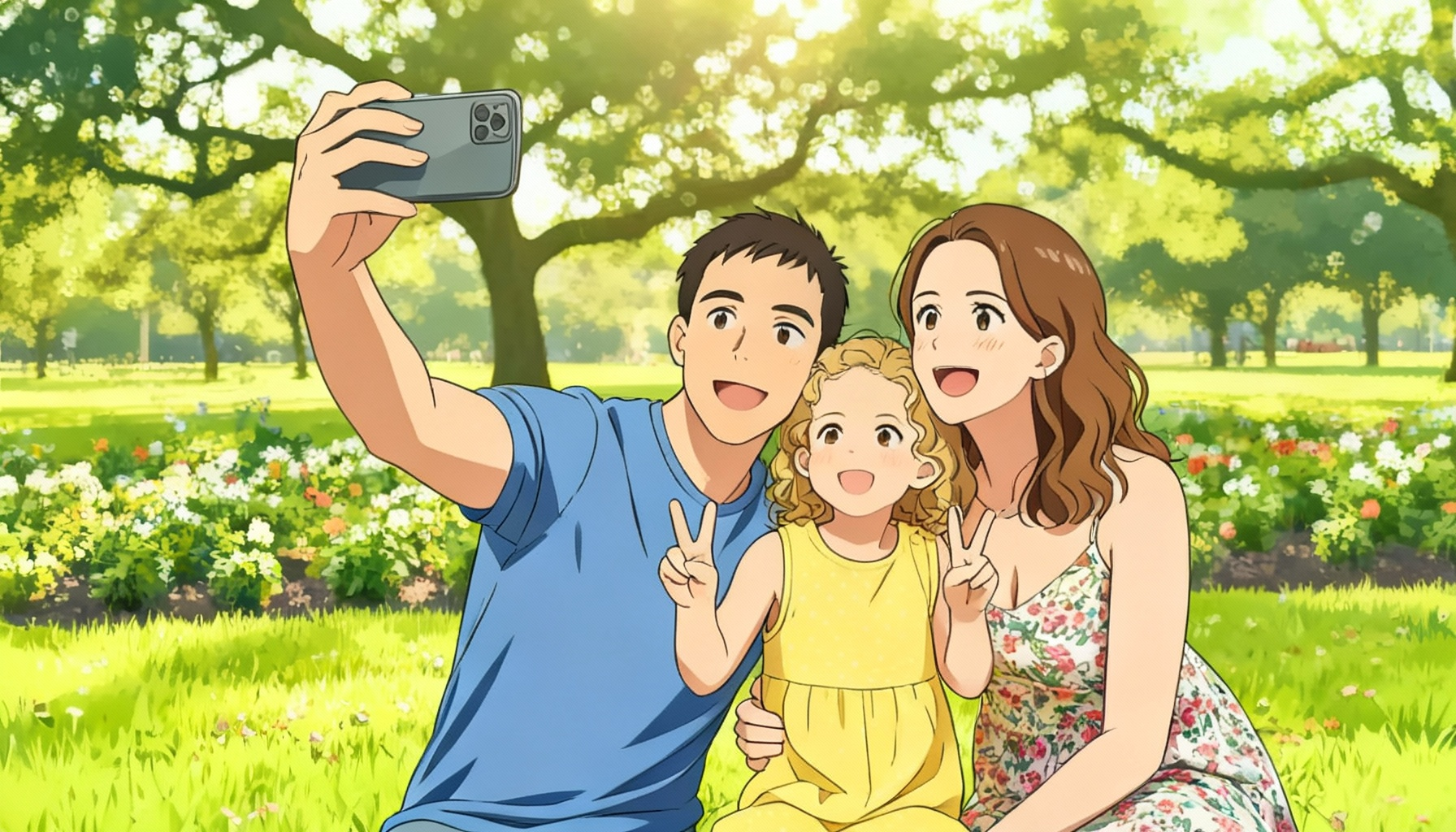
Explore Our Photo to Anime Art Gallery See Stunning AI-Powered Transformations
Browse examples across portraits, animals, scenery, and food to see which types of photos work best for anime-style output.
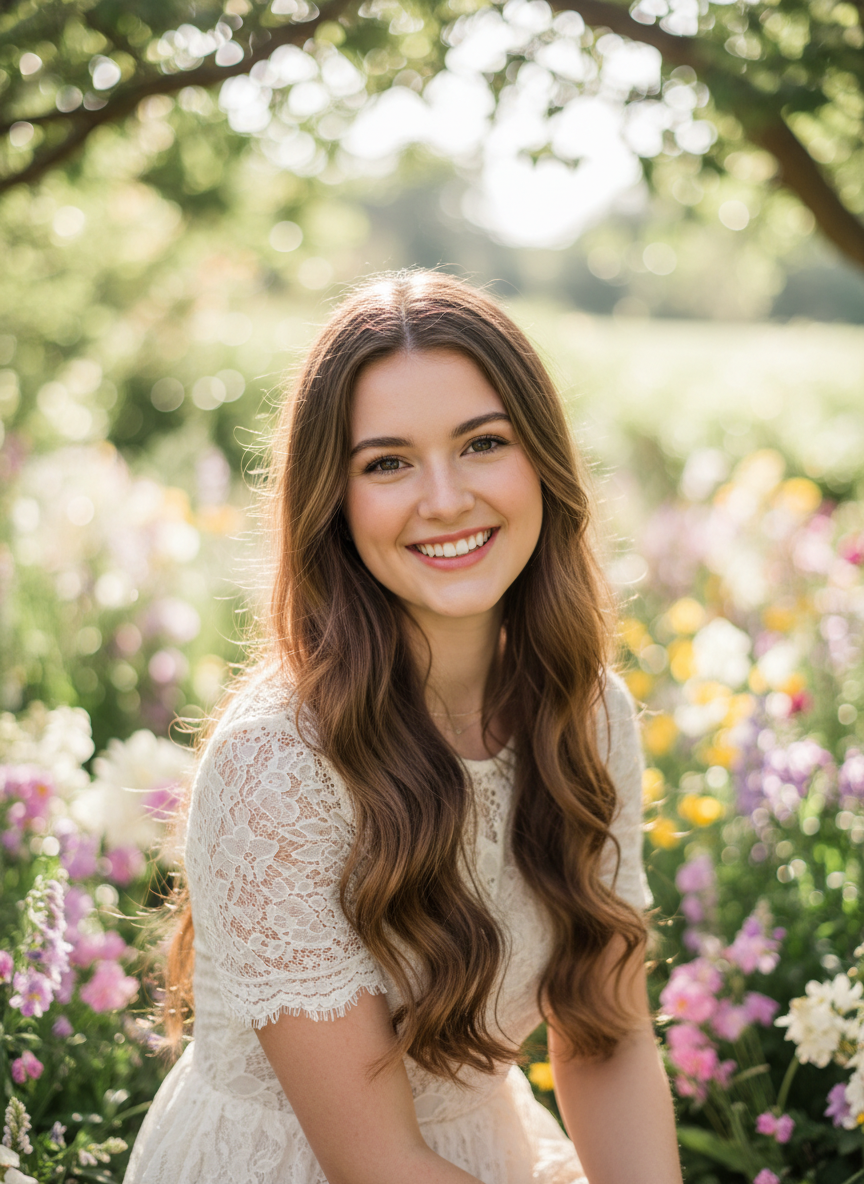
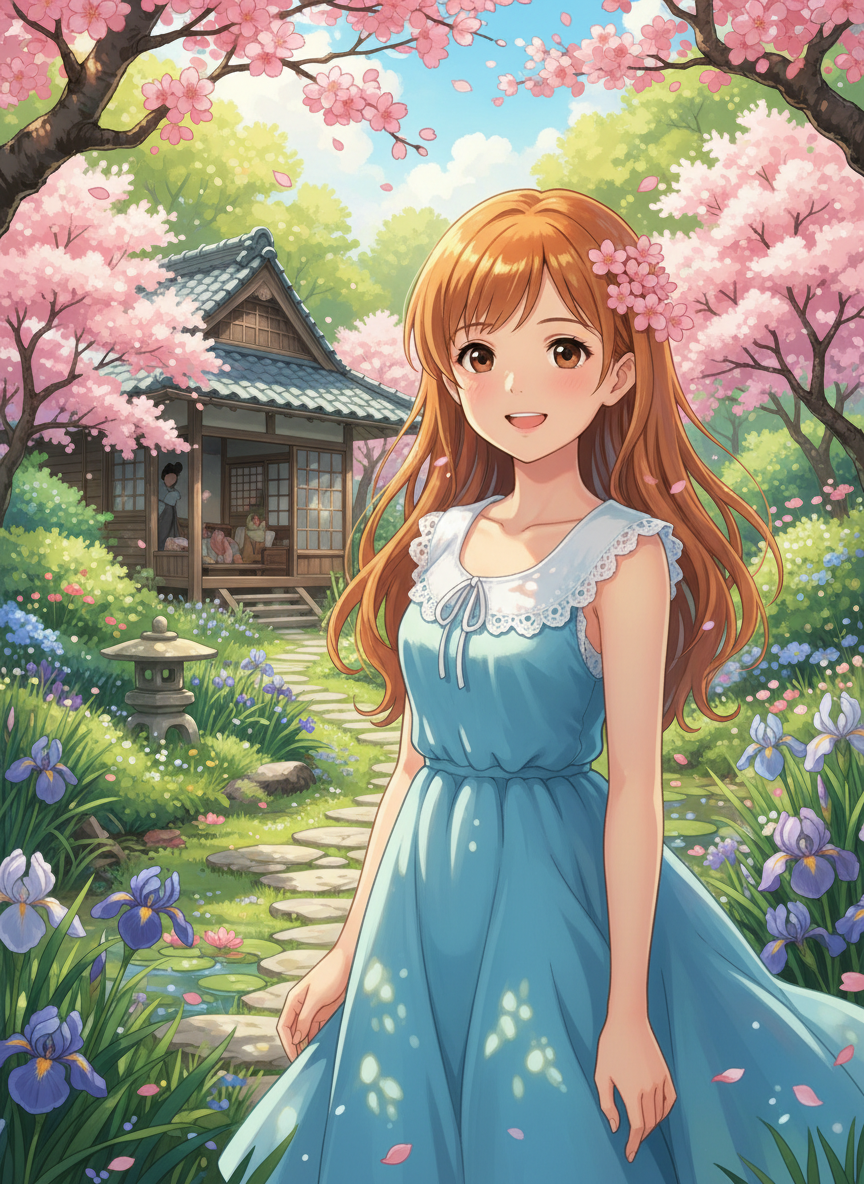
People to Anime
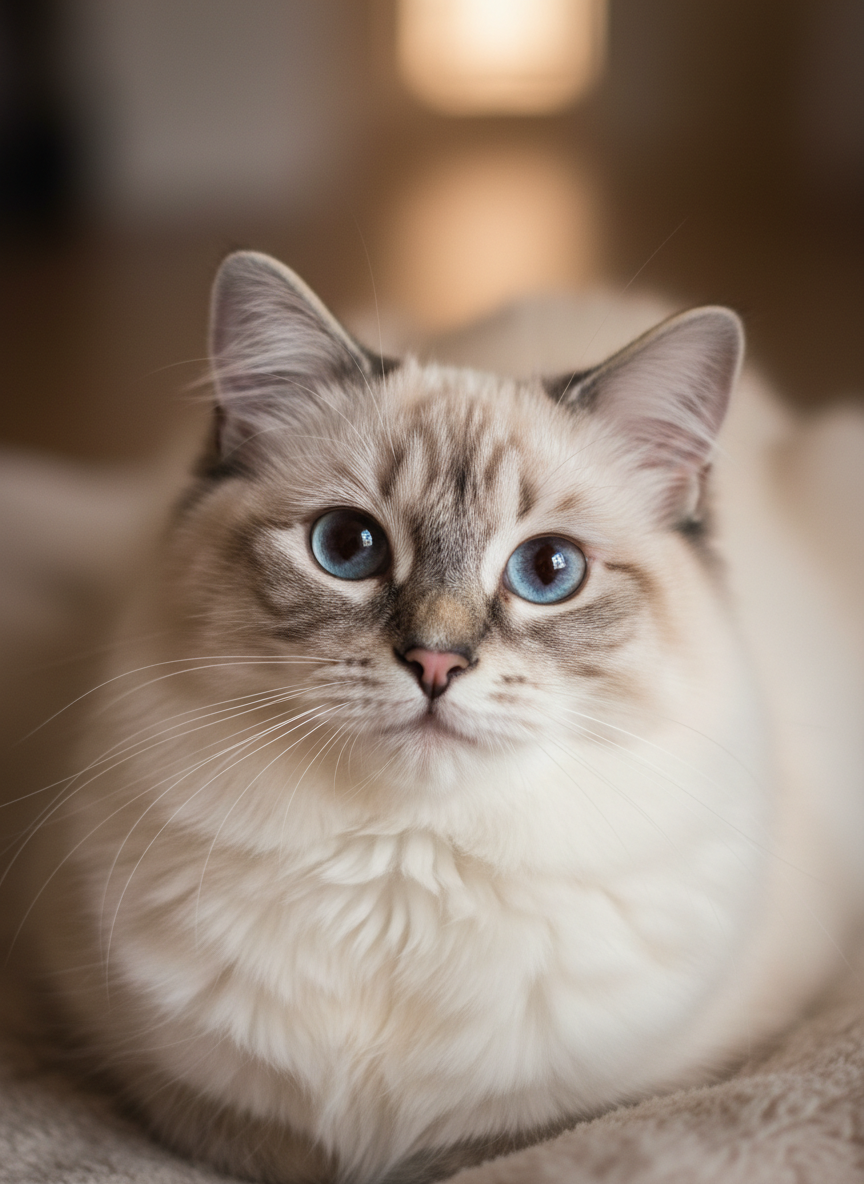
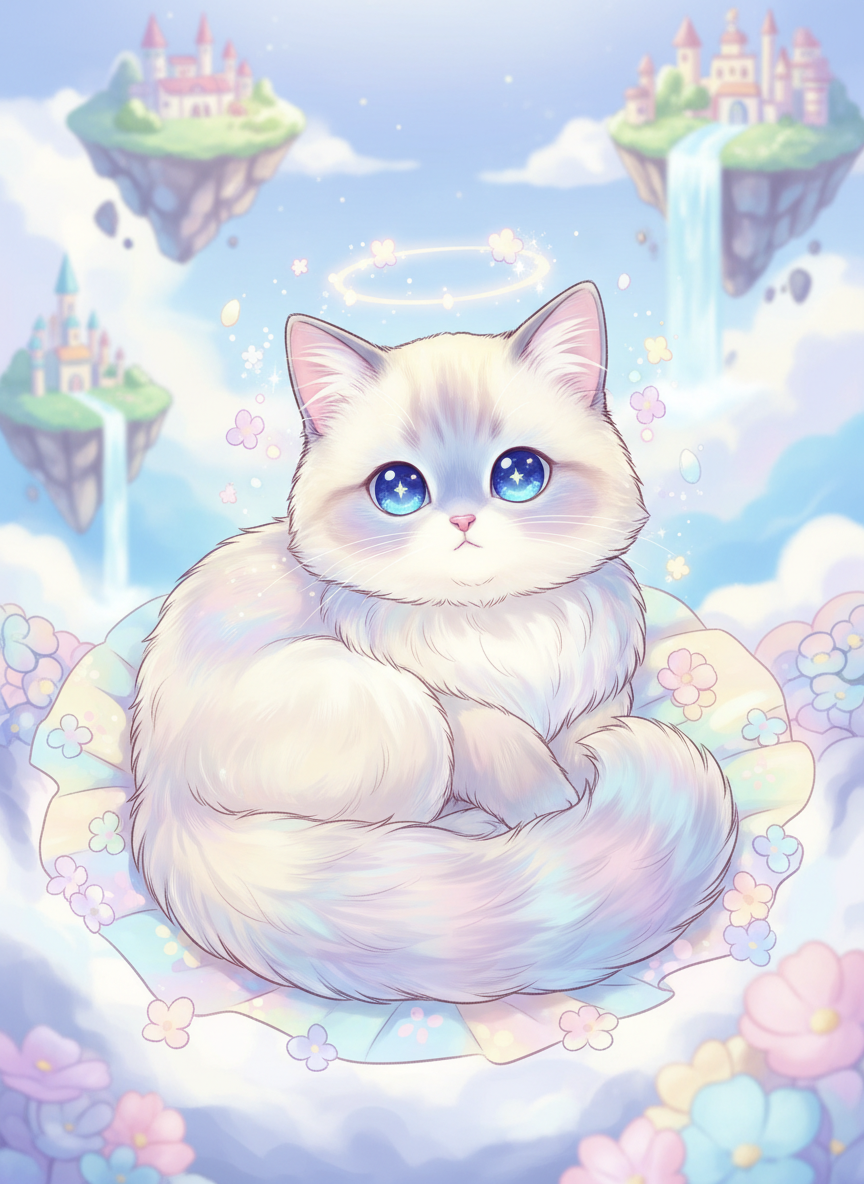
Animals to Anime
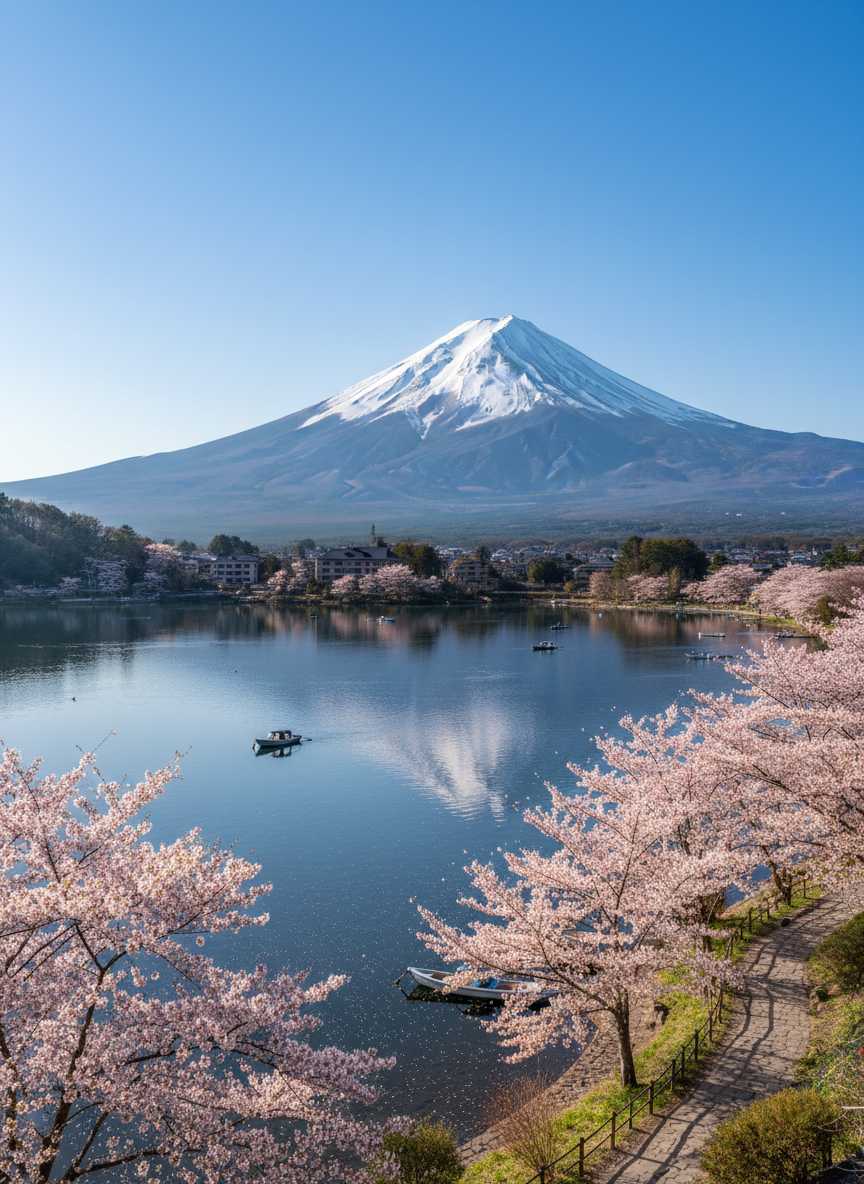
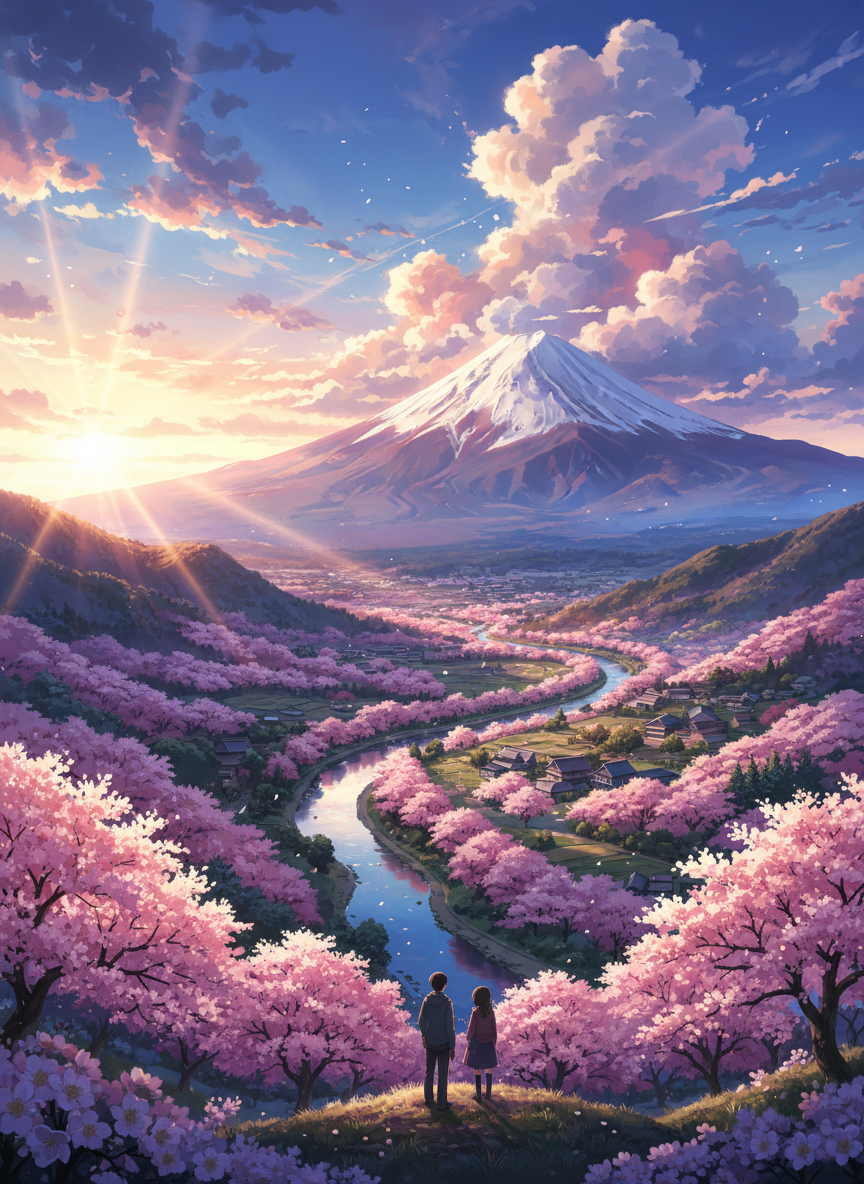
Scenery to Anime
Still Life to Anime


Create Your Own Anime Avatar with LlamaGen
Use your own selfie or portrait to create an anime avatar for social profiles, gaming identities, and creator pages. This workflow is better suited to real-photo inputs than a general AI anime art generator because it starts from your uploaded image.
Clear, Downloadable Results
Generate anime-style images you can review, compare with the source photo, and download for your creative workflow.
Free to Start
Try the photo-to-anime workflow for free before deciding whether you need more generations or paid export options.
Reference-Driven Conversion
Start from an uploaded photo so the generated anime version follows the subject, pose, and overall composition of your source.
Useful for Real Photo Types
Convert selfies, portraits, pets, food, and scenery instead of being limited to one narrow input category.
Multiple Anime Styles
Choose from a range of anime styles, like Studio Ghibli and manga, to personalise your transformation.
Compare and Iterate
Review the result beside the original, then try another style when you want a different line, colour, or mood treatment.
How to Turn Your Photo into Anime with LlamaGen
Upload the Photo
Start with a selfie, portrait, pet image, or another clear photo that you want to convert into anime style.
Choose an Anime Style
Pick the anime look that matches your goal, from manga-inspired portraits to softer cinematic styles.
Generate the Anime Version
The model reads the source photo and creates an anime-style interpretation while keeping the main subject recognisable.
Review and Download
Preview the result, download it, or try another style if you want a different anime treatment.
LlamaGen Photo to Anime AI vs Other Tools
Why choose us? Explore the 7 key advantages of our Photo to Anime AI tool.
| Feature | LlamaGen AI Photo to Anime | Other Tools |
|---|---|---|
| Best use | Built for photo-to-anime conversion from real uploaded images | Often broad AI art pages or generic style filters |
| Best inputs | Portraits, selfies, pets, scenery, and food photos | Usually optimised for one narrow category |
| Output focus | Anime-style images with recognisable subjects | Can drift away from the source photo |
| Style range | Multiple anime looks for different moods | Limited or single-style filters |
| Workflow | Upload, choose a style, and generate | More setup or heavier prompt work |
| Use case fit | Great for anime avatars and photo-based stylisation | Often better for text-only art generation |
FAQ About LlamaGen AI Free Photo to Anime Converter
What is a photo-to-anime converter?
A photo-to-anime converter turns a real uploaded image into an anime-style illustration. It works well for portraits, selfies, pets, scenery, and other photos when you want an anime version of the original image.
How do I turn a picture into anime?
Simply upload your photo to our tool, choose your preferred anime style, such as Manga or Ghibli, and let the AI generate the anime version for you.
Is this different from a general AI anime generator?
Yes. This page is focused on photo-to-anime conversion, where you start from an uploaded real image. A general AI anime generator is usually broader and may start from text prompts or non-photo workflows.
Is this tool free to use?
Yes, you can start using the Photo to Anime converter for free.
What style options are available in the Photo to Anime tool?
We offer more than 30 anime styles, including Webtoon, Manga, Studio Ghibli, Cyberpunk, and more to suit different creative goals.
Can I convert a selfie into anime?
Absolutely. Selfies work really well. Our AI is optimised to handle portraits and facial features effectively, making it ideal for creating anime avatars.
Are my uploaded images secure?
Uploaded images are processed to create the requested result. Avoid uploading sensitive material and review the current privacy policy for details about storage and data handling.
Explore more anime, manga, and comic tools
Take your workflow beyond photo-to-anime conversion into manga pages, comic generation, or editable layer sheets.
AI Manga Generator
Turn prompts, scripts, and references into manga pages, panels, characters, and storyboards.
AI Comic Generator
Create comic pages, strips, webtoon scenes, and story panels from text or ideas.
AI Layer Splitter
Separate characters, props, backgrounds, and objects into layer sheets for editing or motion.