

Shot decisions
Camera angle, shot size and action beats shape the board.
Paste in a script or scene outline and turn it into storyboard frames with camera angles, action beats, character placement and a visual plan for comics, animation or video.
Script excerpt
Prompt to result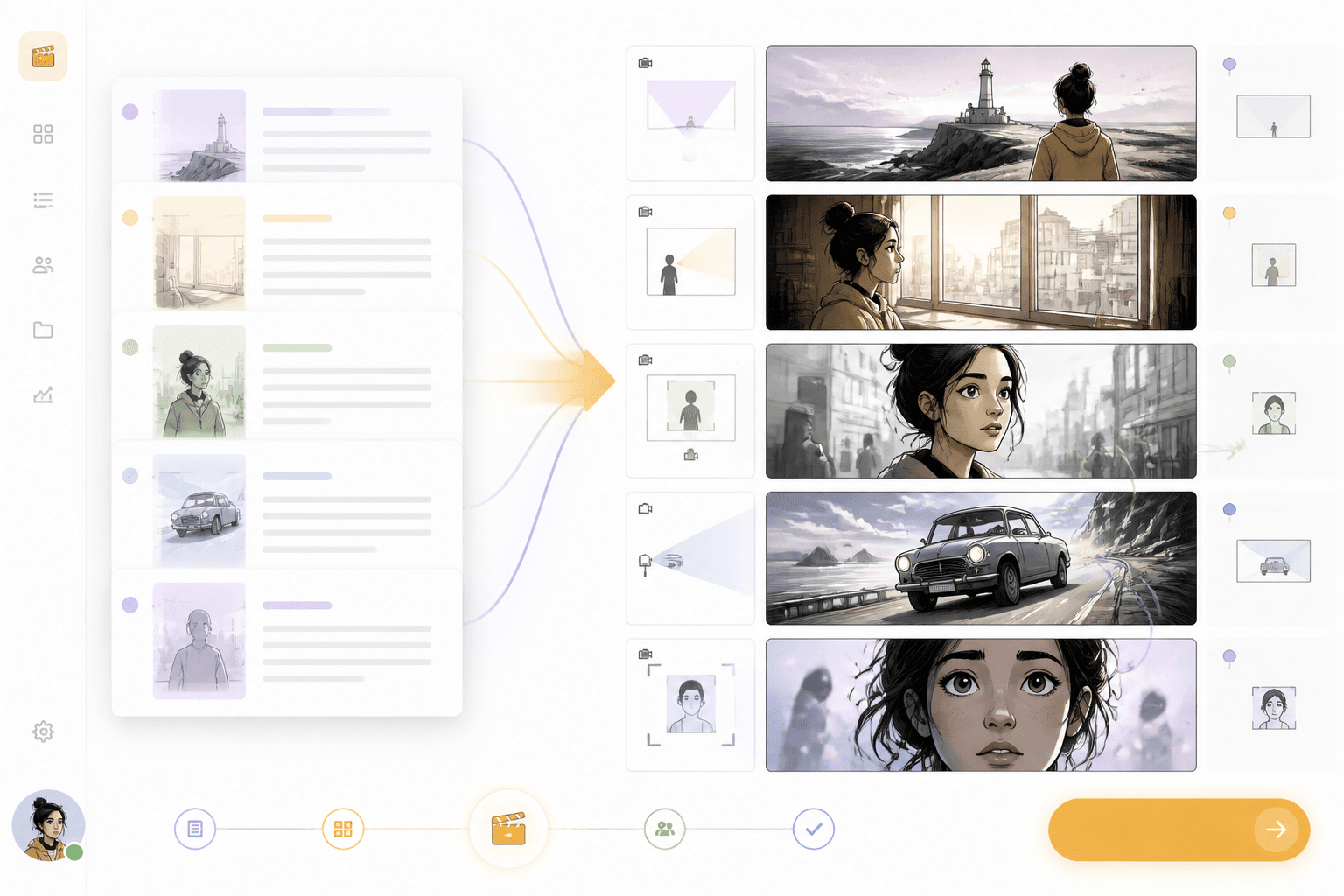
Shot board
Scene
to shot frames
Camera
planned before generation
Add screenplay text, scene notes or dialogue.
Break the action into frames, camera angles and character moments.
Review the board and move into comic, webtoon or video workflows.
Convert written scenes into visual sequences with clear shot order, camera direction and character beats.
Paste in action, dialogue and scene notes.
Review shot order, camera language and character beats.
A strong page should explain how text becomes shots, not just how someone can draw boxes.
Camera angle, shot size and action beats shape the board.
Characters and locations should stay clear across frames.
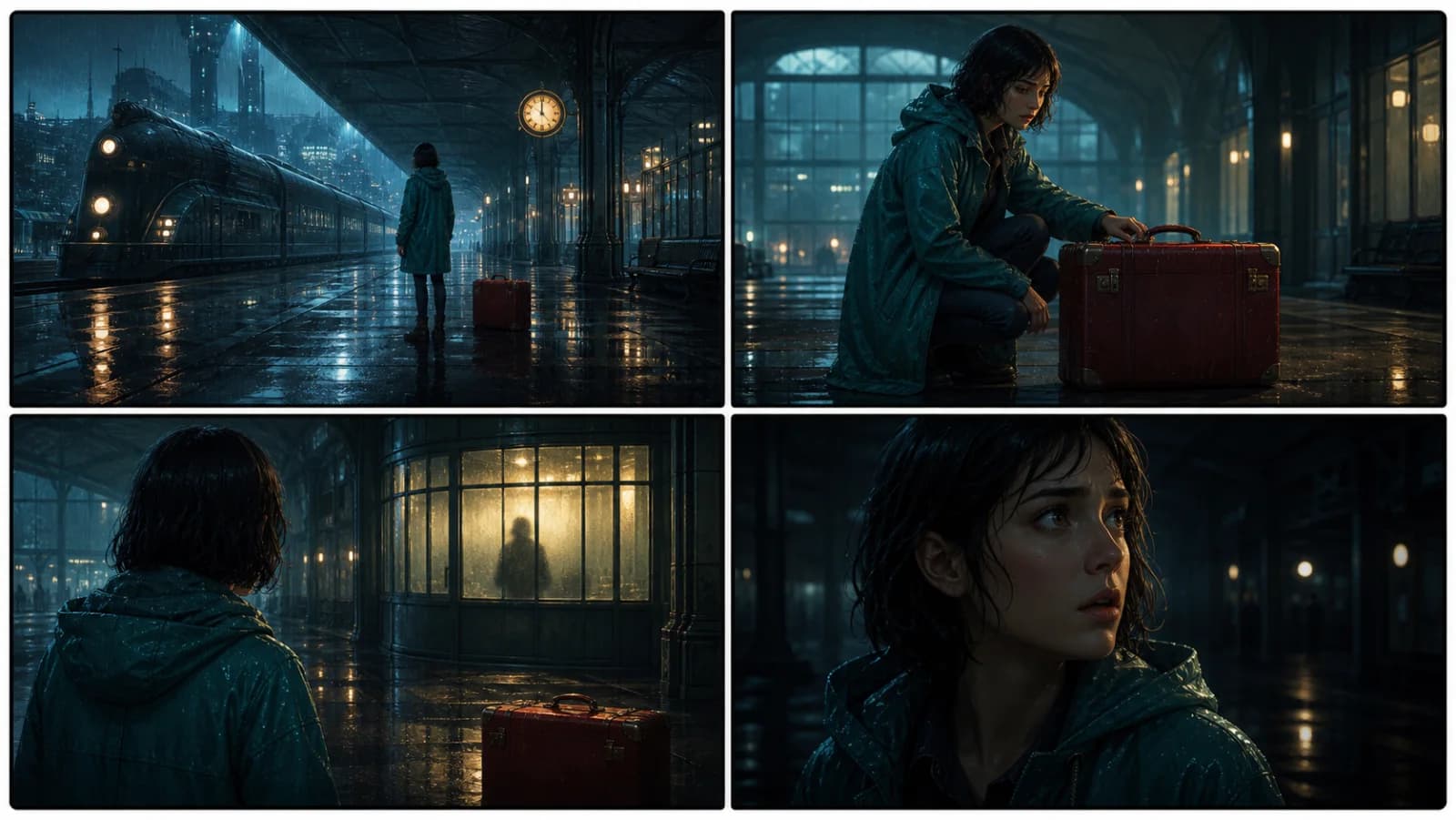
A storyboard can feed into comics, animation, video or webtoon workflows.
Script
Turn action lines and dialogue into a sequence of storyboard frames with clear shot intent.
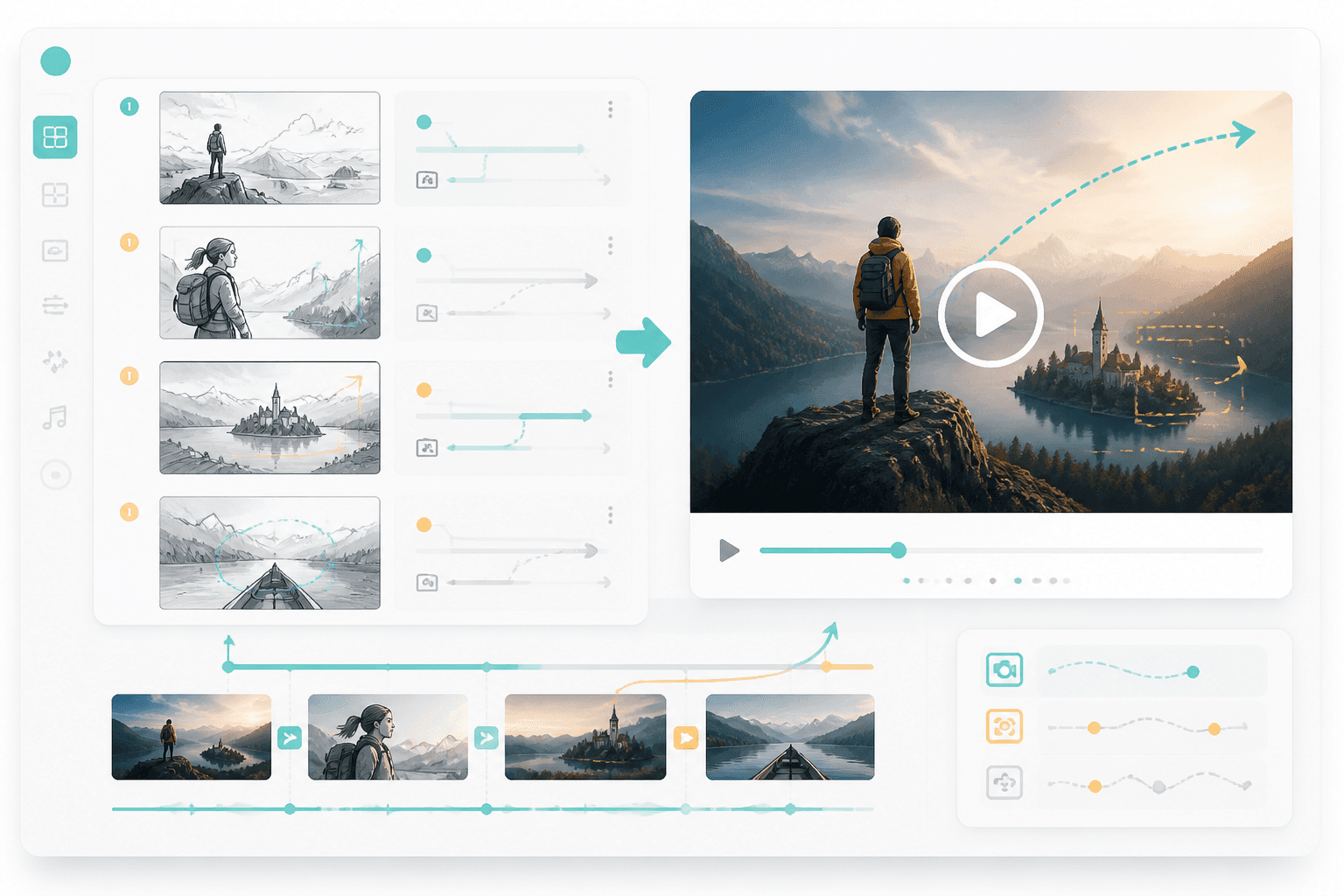
Video
Once the board is clear, move it into storyboard-to-video or animated comic production.
Workflow guide
Turn script action, camera direction and scene order into a connected storyboard instead of a static template board.
Add screenplay text, scene notes or dialogue.
Break the action into frames, camera angles and character moments.
Review the board and move into comic, webtoon or video workflows.
Include scene action, camera needs and output format.
Related writing workflow
Use the AI Screenplay Editor when a script, fiction draft, storyboard brief, video idea, or canvas note needs proper scene headings, action, dialogue, parentheticals, cover pages, outlines, beats, and collaboration-ready revisions.
INT. COMMUNITY CENTER - NIGHT
Folded chairs. A storm outside. MAYA stands at the microphone with a page of notes she no longer needs.
MAYA
If the city will not read the record, we will read it out loud.
Create a storyboard that makes the next comic, webtoon or video step easier to produce.