

Recurring locations
Schools, cafés, rooftops, bedrooms, and streets should be easy to reuse.
Create recurring locations and atmospheric scene backgrounds for vertical comics, manga pages, and webtoon episodes without redrawing every setting.
Background brief
Prompt to result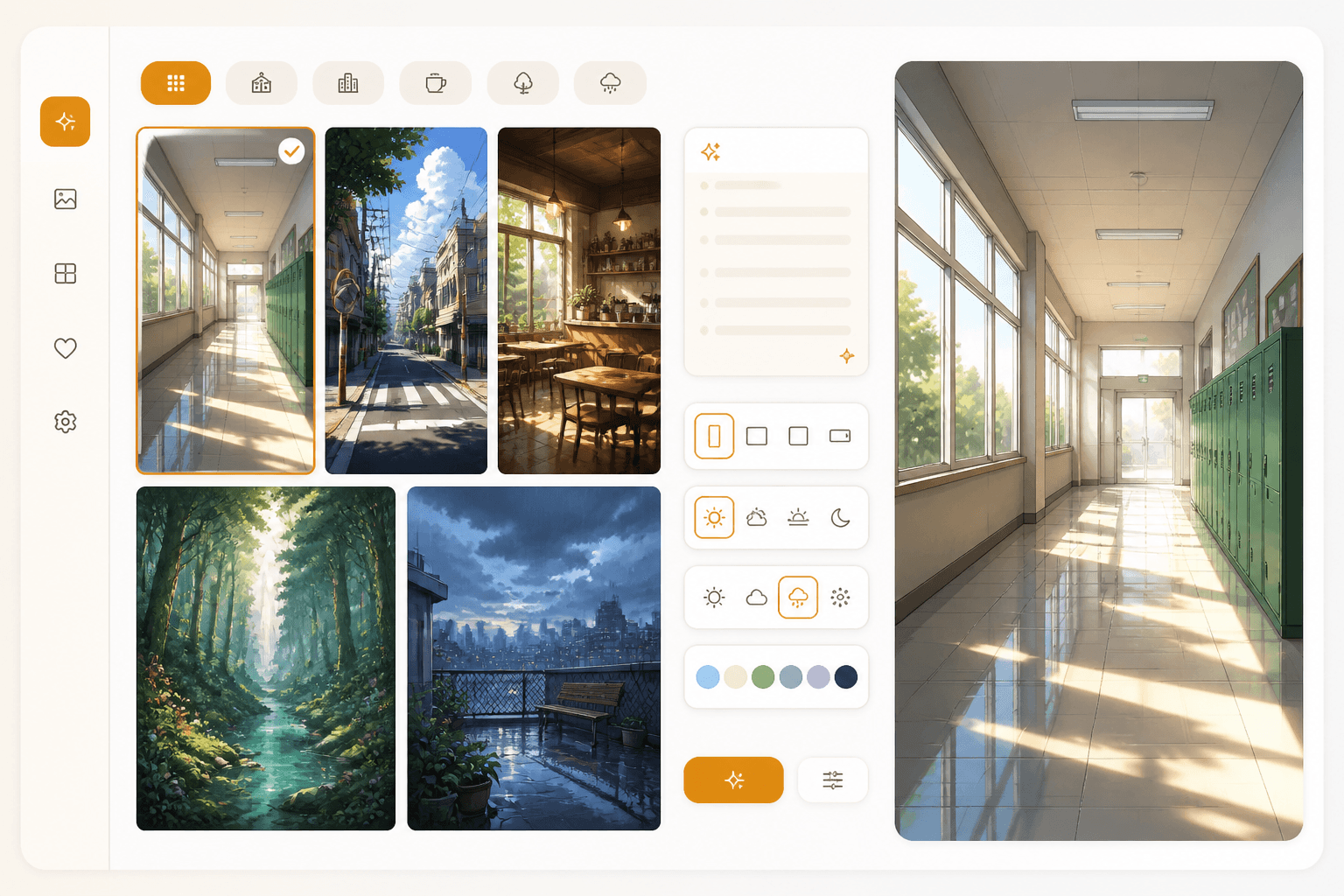
Scene gallery
Scenes
for recurring episodes
Mood
ready for panels
Add the setting, time of day, mood, and genre.
Guide the composition so characters and speech bubbles sit naturally.
Bring the background into storyboards, panels, and episodes.
Create production-ready locations for comics and webtoons instead of generic wallpapers.
Define the location, genre, mood, and where characters will appear.
Review the generated setting and reuse it across panels.
Creators often look for background tools because the setting needs to stay believable across many panels and episodes.
Schools, cafés, rooftops, bedrooms, and streets should be easy to reuse.
A strong background supports characters and speech bubbles instead of competing with them.
Romance, fantasy, action, and horror each need different lighting and environmental cues.
Locations
Create backgrounds that support recurring scenes, character blocking, and consistent story worlds.
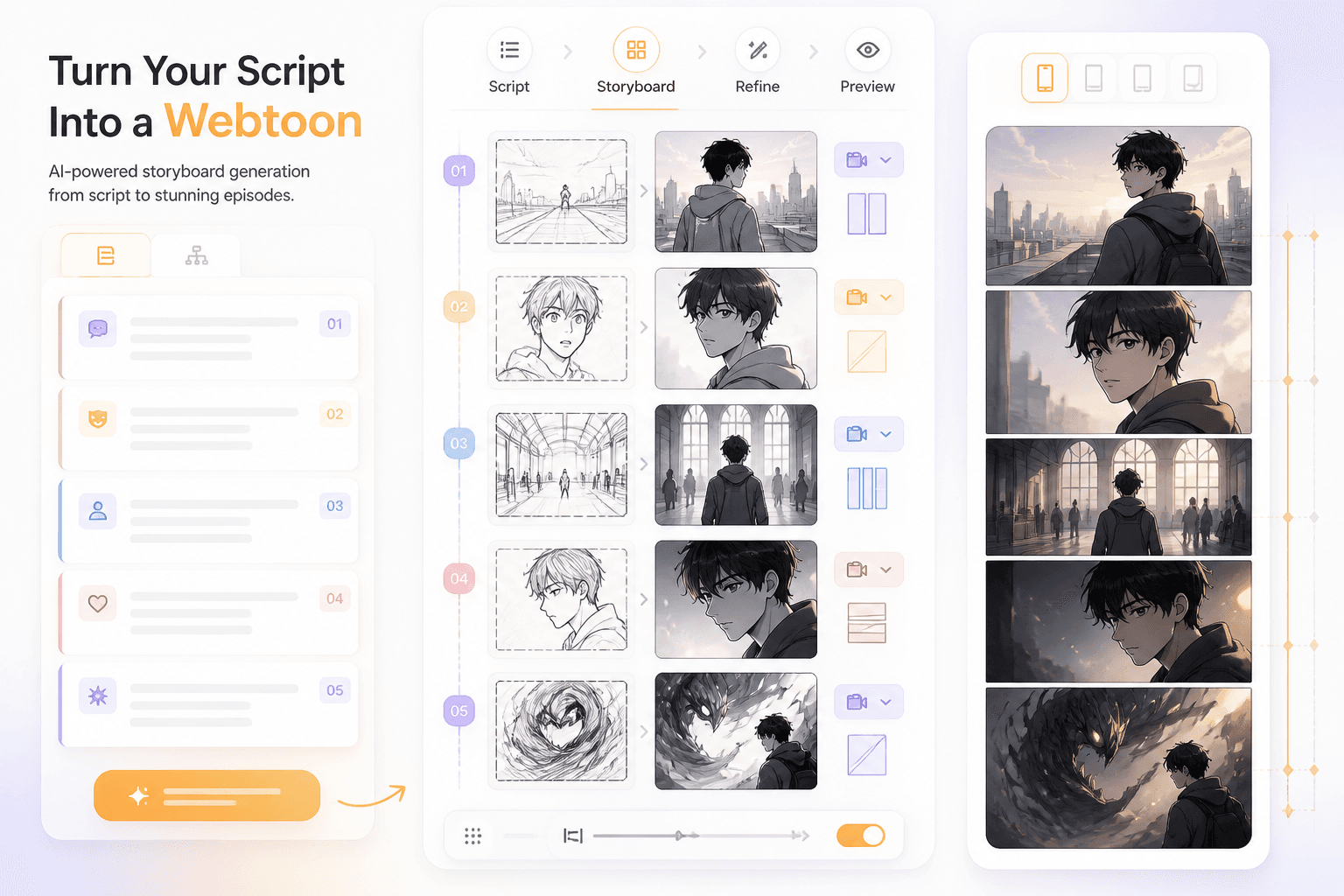
Storyboard
Connect locations to panel beats so the webtoon reads like one continuous world.
Workflow guide
A strong webtoon production workflow needs reusable locations, not just standalone character art.
Add the setting, time of day, mood, and genre.
Guide the composition so characters and speech bubbles sit naturally.
Bring the background into storyboards, panels, and episodes.
Include the setting, mood, camera, and space for characters.
Related writing workflow
Use the AI Screenplay Editor when a script, fiction draft, storyboard brief, video idea, or canvas note needs proper scene headings, action, dialogue, parentheticals, cover pages, outlines, beats, and collaboration-ready revisions.
INT. COMMUNITY CENTER - NIGHT
Folded chairs. A storm outside. MAYA stands at the microphone with a page of notes she no longer needs.
MAYA
If the city will not read the record, we will read it out loud.
Generate backgrounds your characters can revisit across panels, scenes, and episodes.