

A ten-page selected-scene adaptation: Down the Rabbit-Hole.
Original work by Lewis Carroll ↗Book to Comic AI Generator
Turn Your Book Into a Comic Book With AI
Upload your manuscript, novel, or nonfiction book and transform it into a comic book or graphic novel chapter by chapter, scene by scene, and panel by panel.
No rewriting. No random reinterpretations. Just your book, adapted into comics.
Generating comic pages requires a signed-in account and generation credits. Review the credit cost for your selected model and page settings in the studio before generating.
Only converting one excerpt or chapter? Open the Book Excerpt to Comic uploader. This page is for planning a chapter-by-chapter book adaptation.
Home Library · English-language works
You know the story. Now read the comic.
Ten familiar English classics, each reimagined as a ten-page comic adaptation of a selected scene. Read the original text, follow the characters and inspect how the scene becomes a finished work.
A ten-page selected-scene adaptation: The road out of the Munchkin country.
Original work by L. Frank Baum ↗A ten-page selected-scene adaptation: The buried key and the hidden door.
Original work by Frances Hodgson Burnett ↗A ten-page selected-scene adaptation: Fezziwig’s Christmas party.
Original work by Charles Dickens ↗A ten-page selected-scene adaptation: First impressions at the Meryton assembly.
Original work by Jane Austen ↗A ten-page selected-scene adaptation: A Scandal in Bohemia: the empty house.
Original work by Arthur Conan Doyle ↗A ten-page selected-scene adaptation: The map in the sea-chest.
Original work by Robert Louis Stevenson ↗A ten-page selected-scene adaptation: A Christmas breakfast shared.
Original work by Louisa May Alcott ↗A ten-page selected-scene adaptation: The night of creation.
Original work by Mary Wollstonecraft Shelley ↗A ten-page selected-scene adaptation: The road to Green Gables.
Original work by L. M. Montgomery ↗Original English texts are identified as public domain in the United States by their source editions. Copyright status can differ elsewhere. All artwork is newly generated; no modern translation, publisher cover or film design is used. These are selected-scene adaptations, not complete novels.
Direct answer for authors
Yes, LlamaGen can help turn written manuscripts into comic pages.
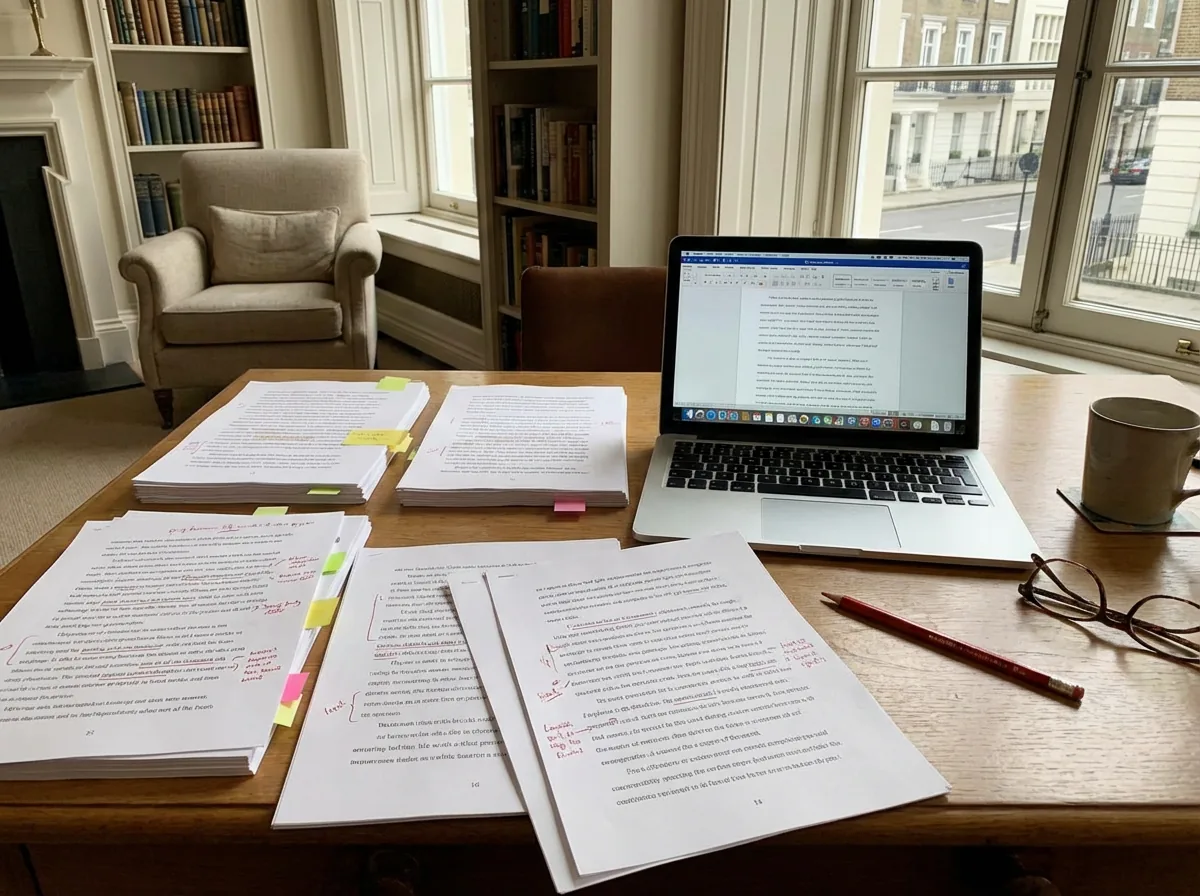
Instead of asking AI to invent a new version of your book, use your original manuscript as the source material and guide the adaptation chapter by chapter.
Book to comic AI
For authors who already have a manuscript and want the comic to follow the original material.
Novel to graphic novel AI
For fiction writers who need character continuity, scene pacing, and chapter-by-chapter visual planning.
Manuscript to comic book
For memoir, coaching, educational, inspirational, and nonfiction projects that need a faithful visual adaptation.
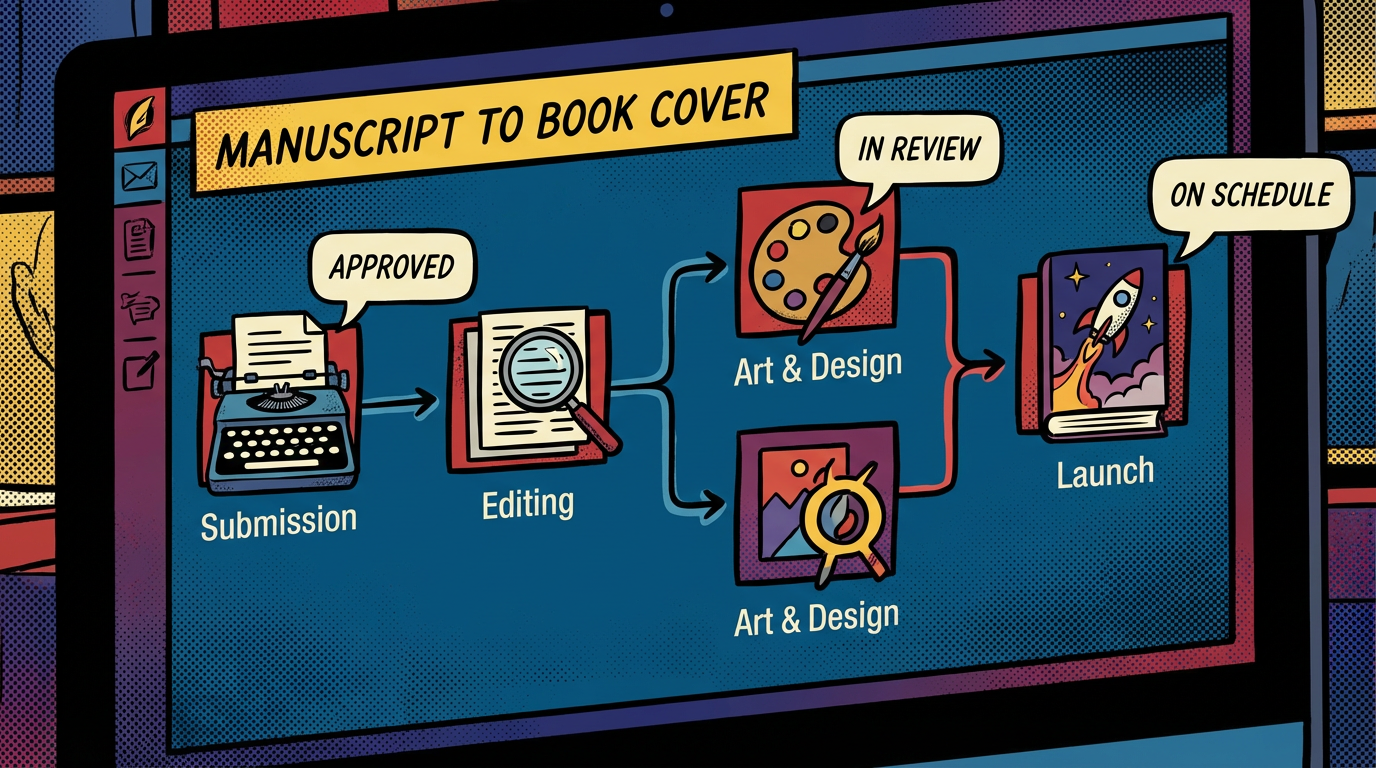
01
Upload Chapter 1
Use your real source
02
Review Panel Plan
Approve before visuals
03
Generate Pages
Continue scene by scene
Not a rewrite
A visual adaptation workflow for authors
Keep your manuscript as the source of truth and review the adaptation before generating artwork.
AI will change my story
Keep your original plot and chapter structure as the source of truth.
AI will create different interpretations
Review each scene and panel plan against your manuscript before generating.
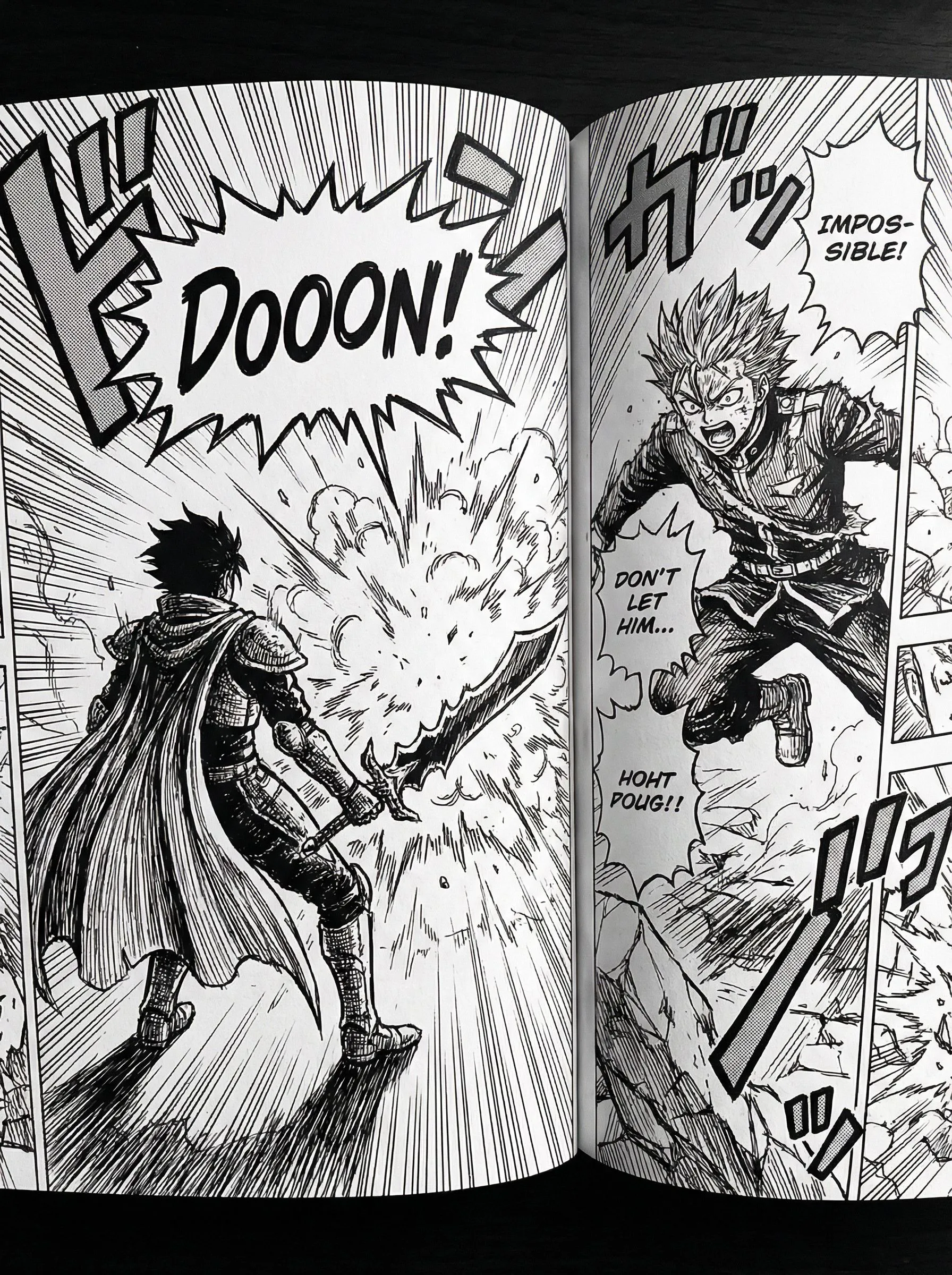
Characters will drift between pages
Build character profiles before generating scenes and pages.
Keep the manuscript in charge of the adaptation.
Use your plot order, character notes and dialogue as a review checklist while planning the comic.
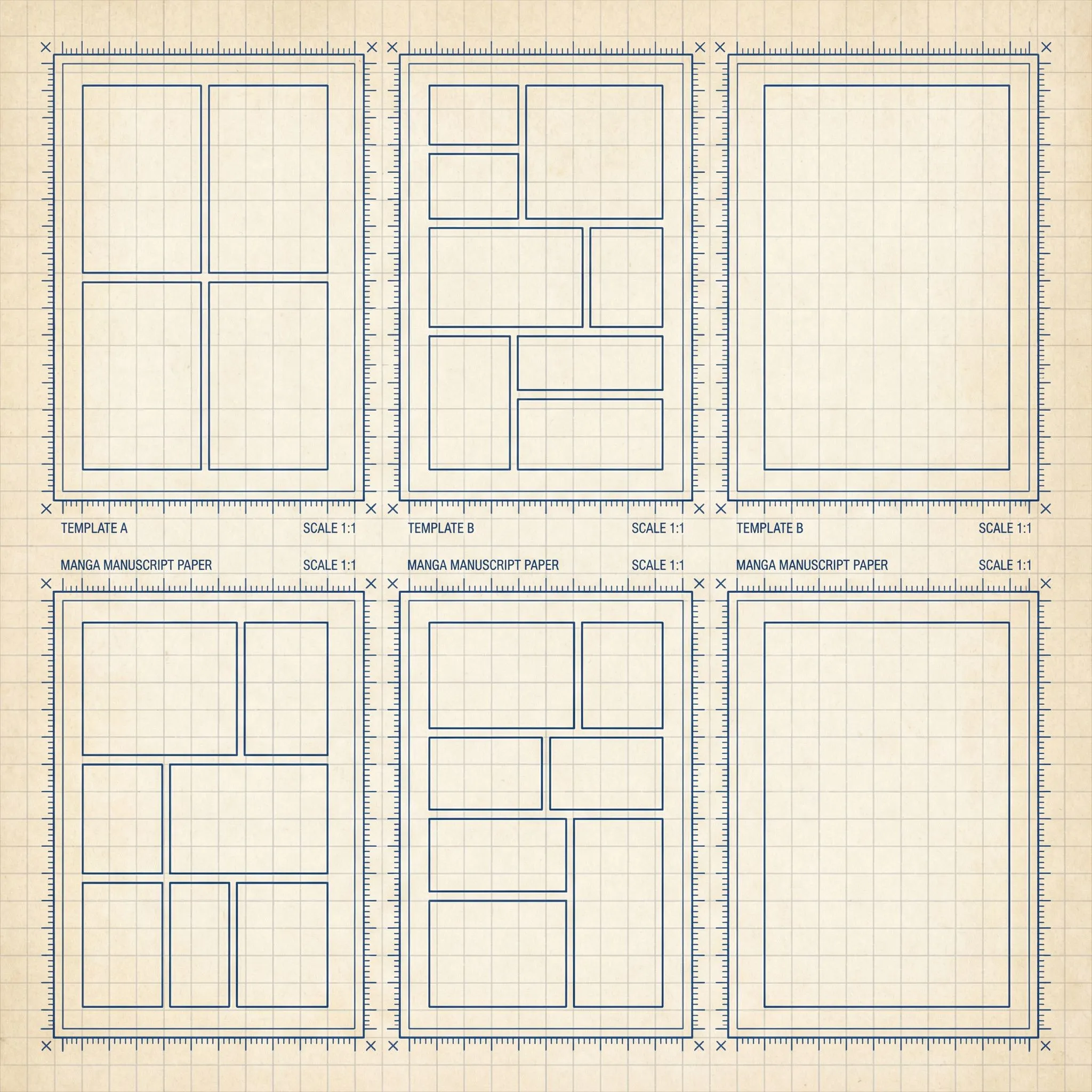
Review the panel breakdown before image generation.
Authors should not find out after generation that AI drifted. Inspect the comic script, dialogue condensation, and panel plan first.
Continue one chapter at a time.
Long books work better as a guided production flow: chapter by chapter, scene by scene, and panel by panel.
Who it is for
Built for authors, coaches, educators, and storytellers
Turn novels, lessons, memoirs, and long-form writing into comic scenes while keeping the original story at the center.
Authors with published books
Turn written material into visual scenes without losing the original point.
Coaches turning teaching material into visual stories
Use comic pages to make teaching, narrative, or inspirational content easier to see.
Educators converting lessons into comics
Turn written material into visual scenes without losing the original point.
Memoir writers
Use comic pages to make teaching, narrative, or inspirational content easier to see.
Children's book creators
Turn written material into visual scenes without losing the original point.
Christian and inspirational book authors
Use comic pages to make teaching, narrative, or inspirational content easier to see.
Nonfiction authors who want visual storytelling
Turn written material into visual scenes without losing the original point.
Book to Comic AI FAQs
Is the example on this page a live book conversion?
No. The Petal and the Pace is an existing original, ten-page Home Library comic with a story outline, character guide and page-by-page scene plans. The two pages shown here illustrate that workflow. They are not the result of uploading a novel or a photo. Enter your own text in Comic Studio, or use the separate Book Excerpt to Comic uploader for a selected passage.
Do I need an account and credits to generate comic pages?
Yes. Generating comic pages requires a signed-in account and generation credits. Review the credit cost for your selected model and page settings in the studio before generating.
Can I upload a book and turn it into a comic?
Yes. LlamaGen is built to help authors transform long-form stories into comics, graphic novels, manga, and visual storyboards. For best results, adapt the book chapter by chapter, scene by scene, and panel by panel.
Will AI rewrite my manuscript into a different story?
The page is designed around faithful adaptation. Use your manuscript as source material, review the script and panel breakdown, and preserve plot, characters, tone, and dialogue before generating pages.
How is this different from the Book Excerpt to Comic tool?
This page explains planning a book or manuscript adaptation across chapters, characters and panel reviews. The separate Book Excerpt to Comic uploader creates an editable comic page from a selected passage. Neither page promises one-click conversion of an entire book.
Can I test one chapter before converting the whole book?
Yes. That is the recommended workflow. Start with Chapter 1, a selected scene, or an excerpt, review the adaptation, then continue with the next chapter once the style and structure feel right.
Does this work for nonfiction, coaching, or educational books?
Yes. The workflow can help turn lessons, memoir chapters, inspirational writing, teaching material, and nonfiction scenes into visual storytelling formats.
Can I keep the original dialogue?
You can preserve original dialogue where it fits the page, or lightly condense it for speech bubbles and captions while keeping the meaning and tone intact.
Start small, verify the adaptation
Turn Chapter 1 into comic pages before you commit the whole book.
Upload a chapter, review the script and panel breakdown, then generate comic pages only after the adaptation matches your source material.