

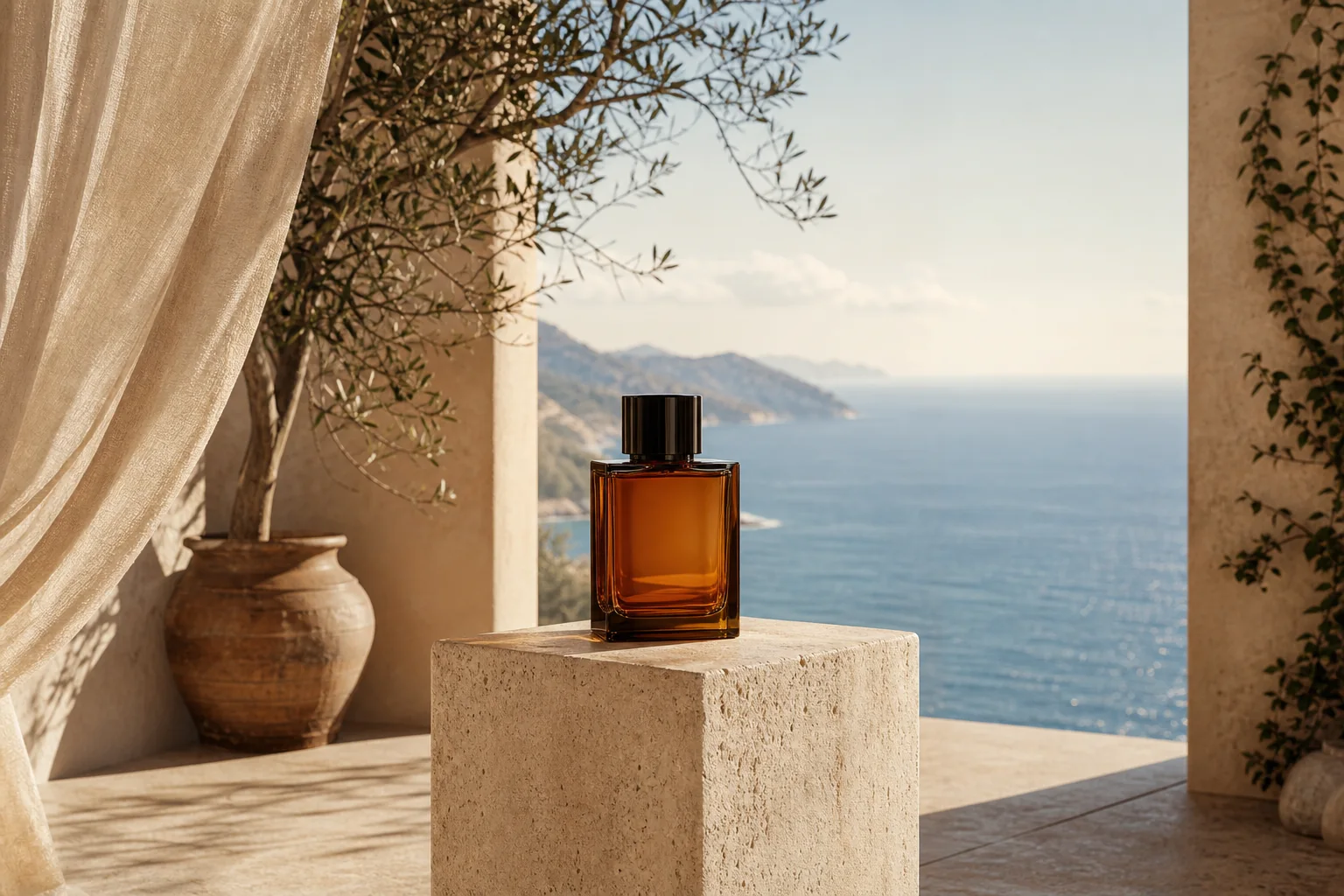
Original frame
Expanded canvas
Square → landscapeLeft + right
Build campaign space around a product
Keep the product centered while adding environment and negative space for a wide layout.
AI outpainting for any aspect ratio
Open the canvas beyond the original frame and let AI paint the missing scene. Reframe portraits, product shots, artwork, and landscapes for any layout without stretching the subject.
Source
1:1 crop
Canvas
Left + right
Result
3:2 image
Try it on your image
Upload an image, choose the new frame, preview the added canvas, and generate the finished extension in one focused workflow.
AI image extender loads when you reach it.
One source, a better frame
The outlined area is the protected source image. Everything outside it is new canvas completed by AI.
Keep the product centered while adding environment and negative space for a wide layout.
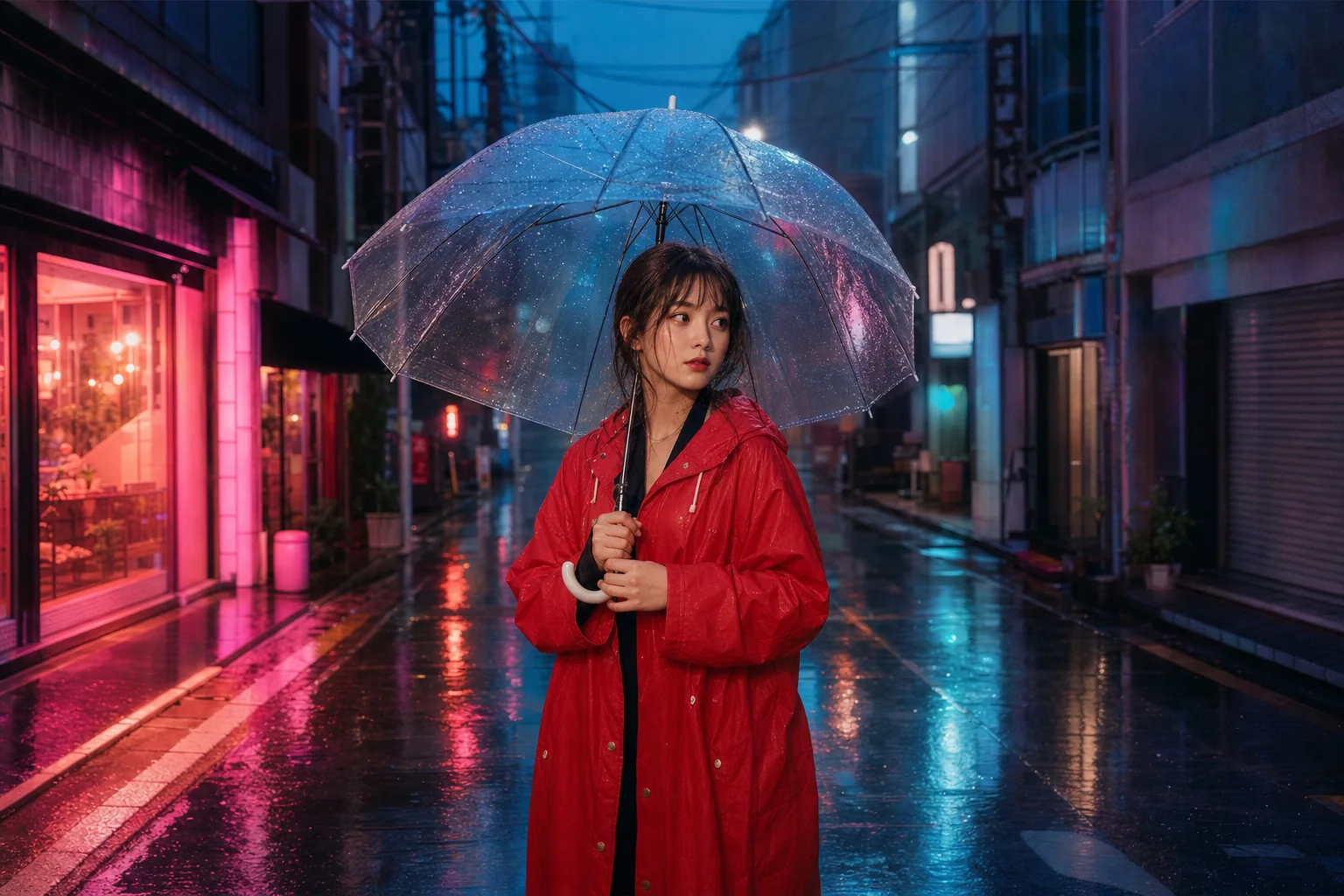
Preserve the person and let the surrounding light, architecture, and atmosphere continue beyond the old crop.
Each example marks the protected source frame inside the larger AI-completed composition.
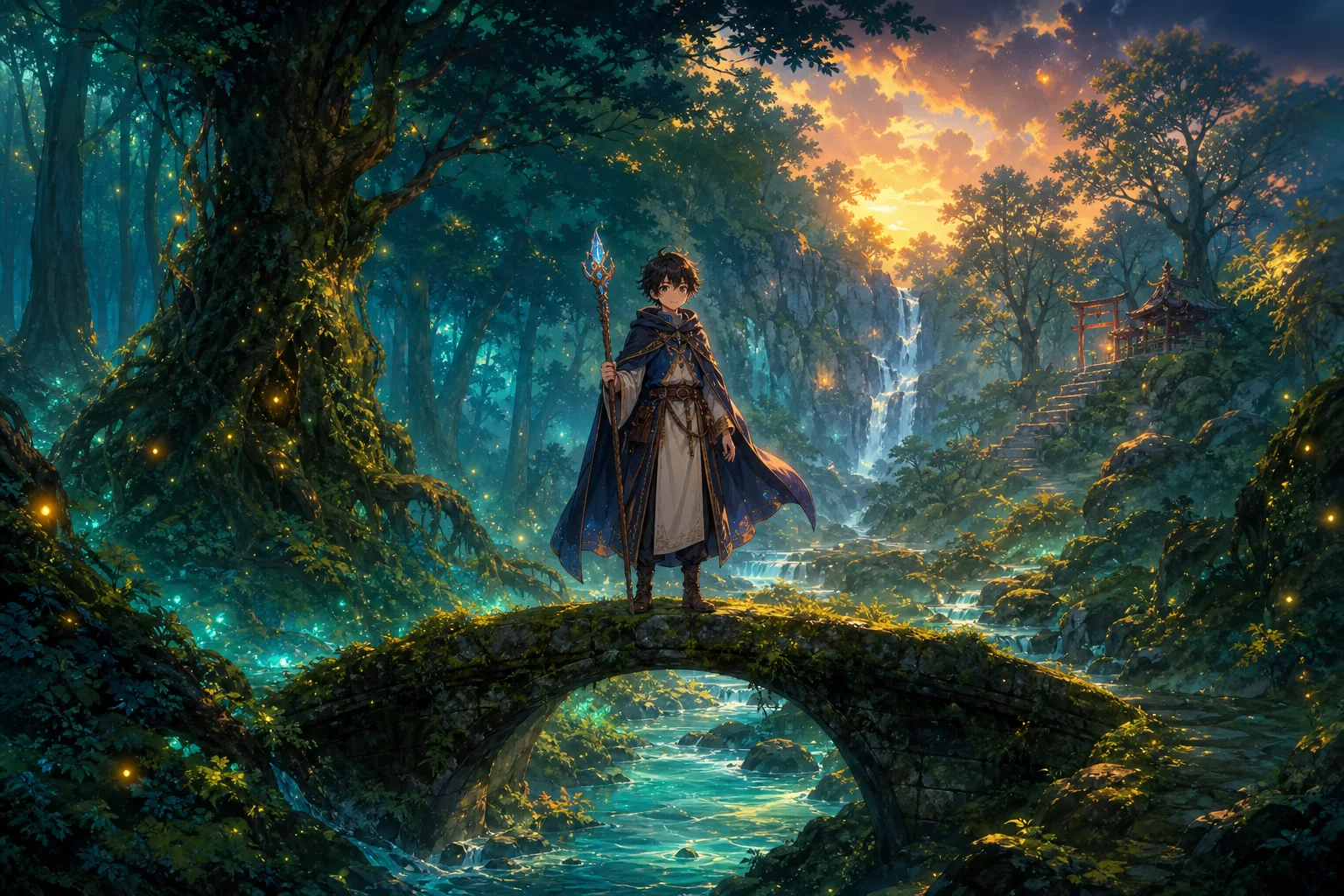
Portrait illustration expanded into a full story world
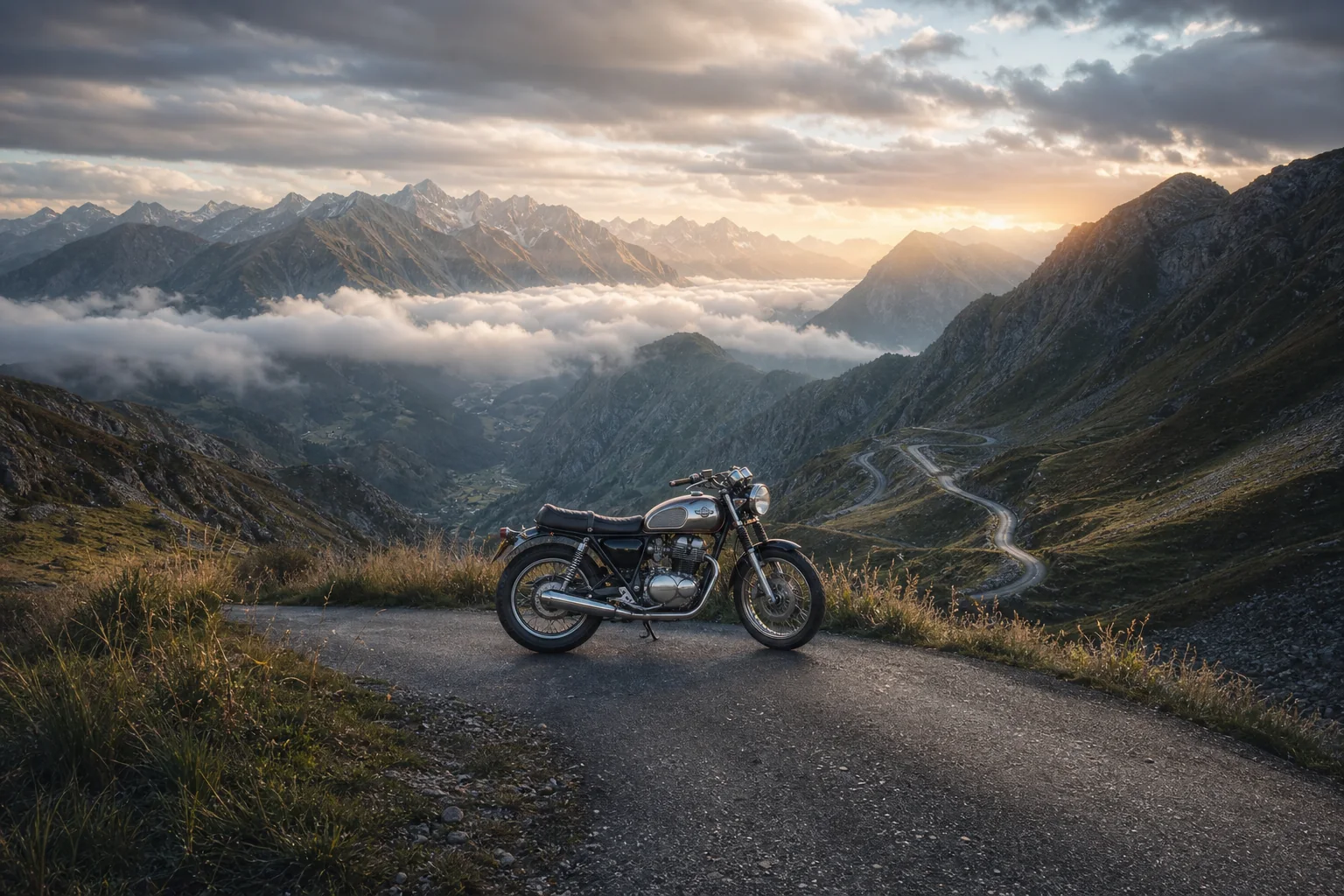
Tight vehicle crop opened into an alpine panorama
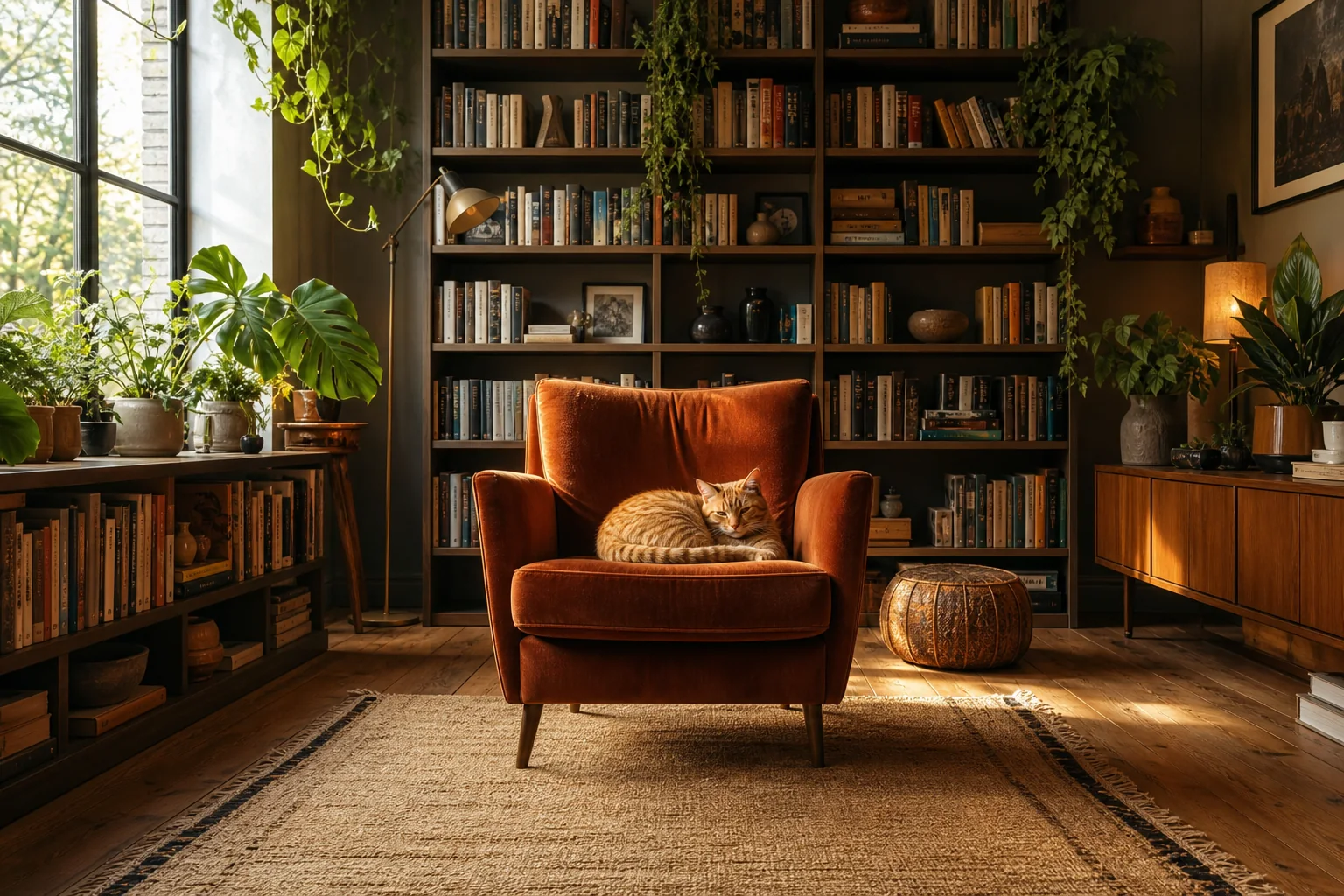
Armchair crop expanded into a complete interior
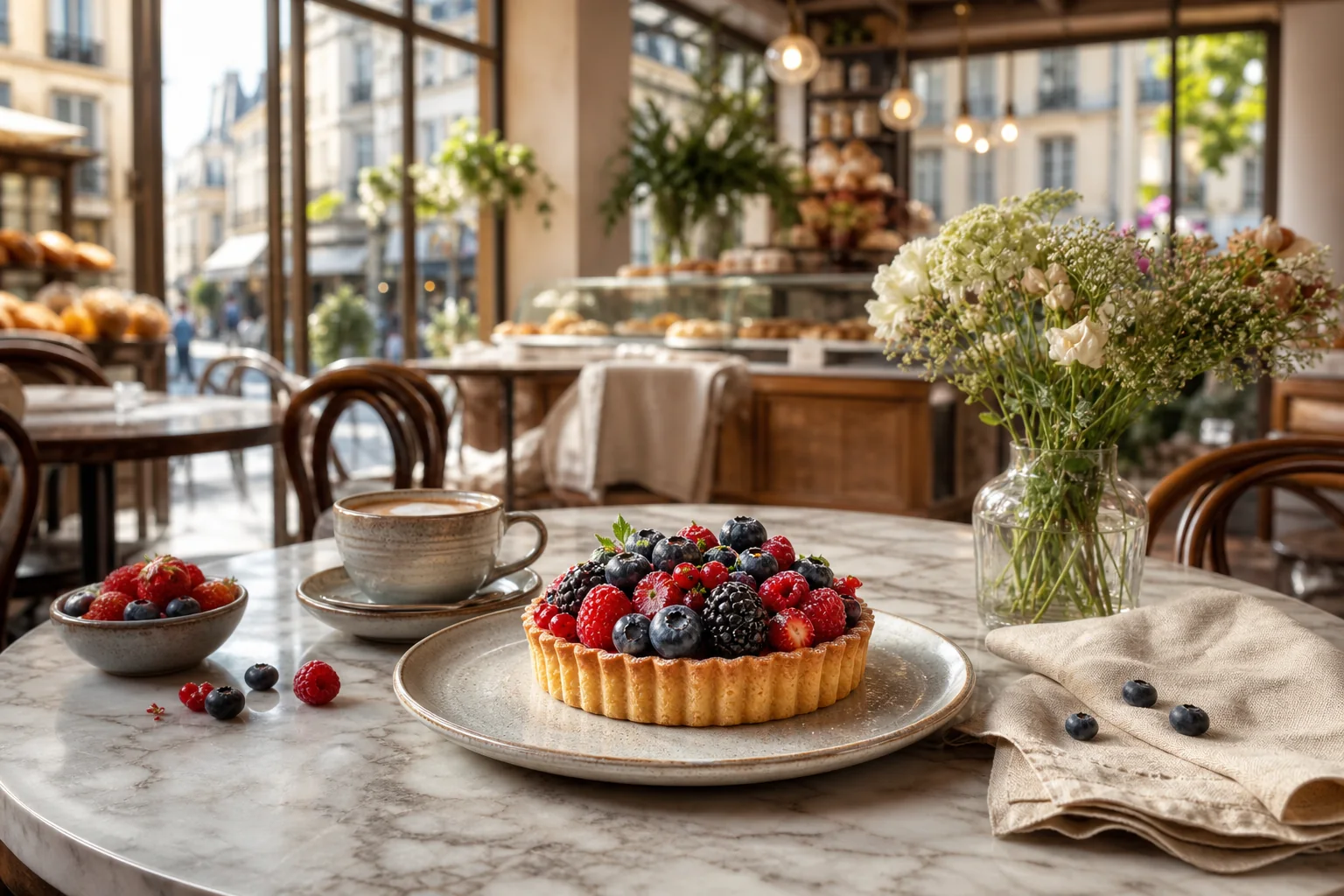
Tabletop crop widened for editorial storytelling
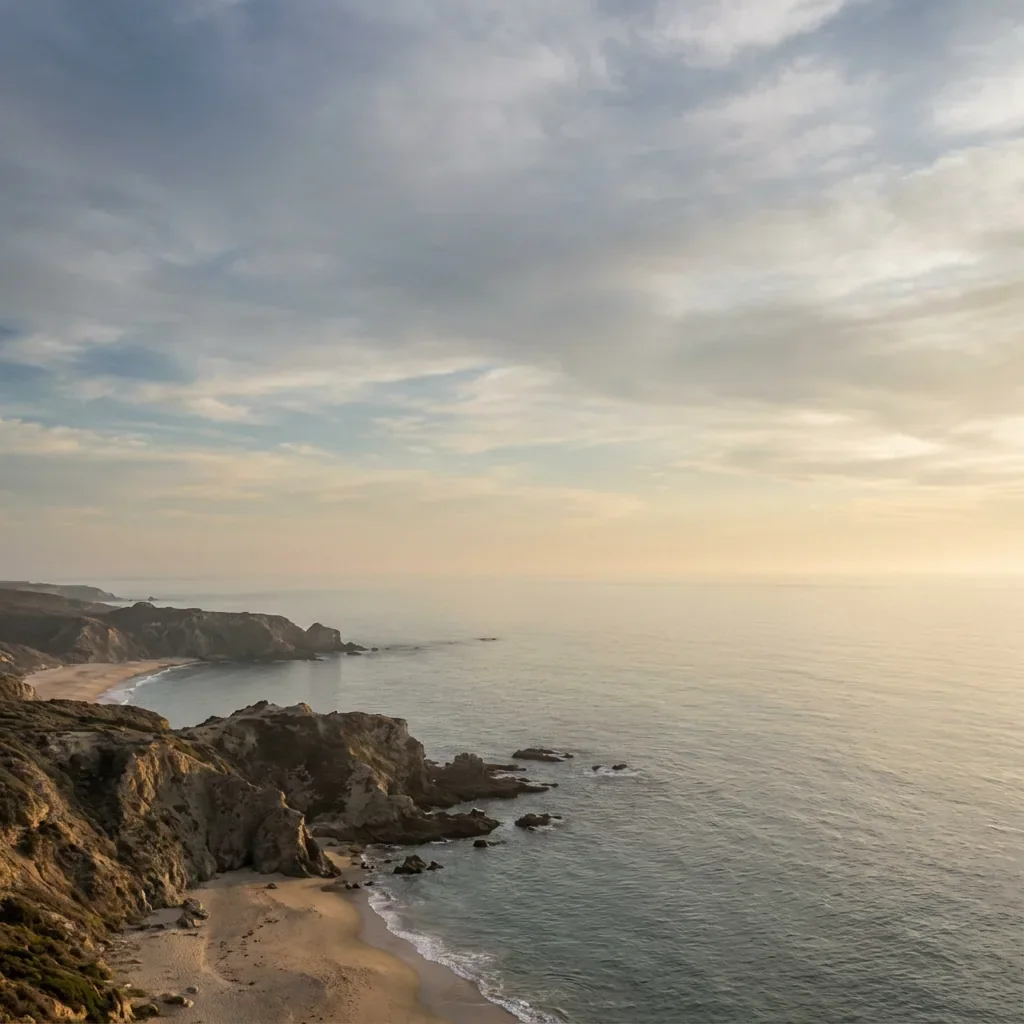
Add breathing room for a banner crop
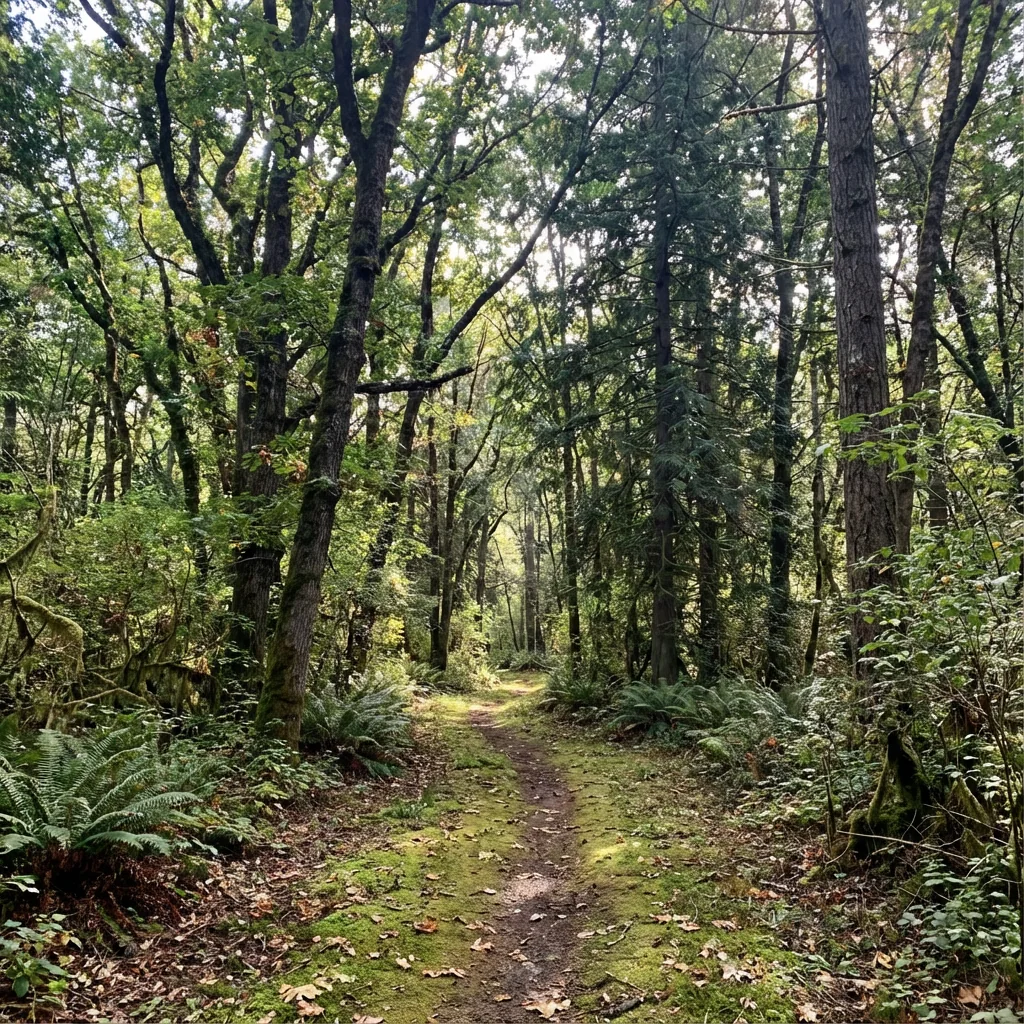
Continue organic textures beyond the old edge
Your image can be the next composition.
Open the extenderA few practical choices make outpainting results more natural.
Leave enough sky, wall, ground, or texture at the old frame so the model has a pattern to continue.
For a large one-sided expansion, two moderate passes usually provide cleaner context than one extreme jump.
Use a short prompt when the new area should include a specific setting, atmosphere, material, or object.
Choose the workflow that matches the job.
Upload the source, open the canvas where you need room, then generate and download the completed scene.
01Start with a clear JPG, PNG, or WebP. The original image becomes the protected center of the new composition.
02Add pixels to the top, bottom, left, or right. Use a preset aspect ratio or tune each side for the exact layout.
03Let AI continue the lighting, texture, and scene beyond the old frame. Review the result and download the version you want.
Open the AI Image Extender, choose a larger frame, and turn the missing space into part of the scene.
Open Image Extender