Gallery
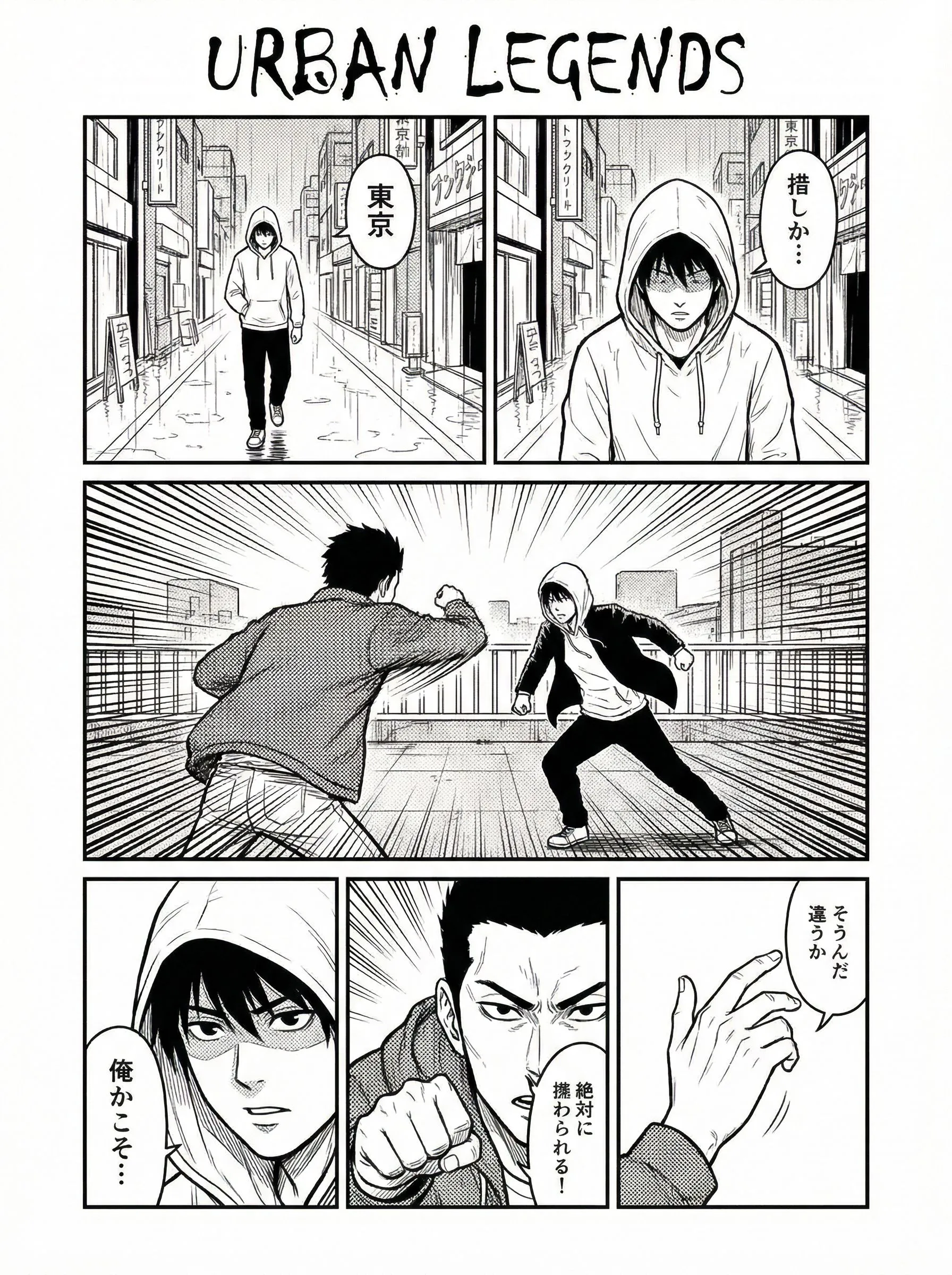
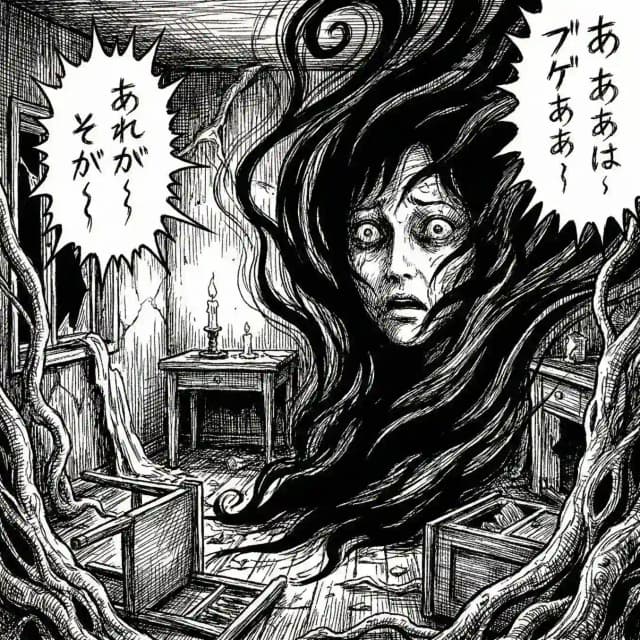
Manga Gallery: Created with LlamaGen
See what creators are making with the tools — from explosive action scenes to quiet, romantic moments.
Explore Different Genres Created with AI Support
The tools adapt to your storytelling style, whether you’re going for high-octane action or subtle emotional beats.
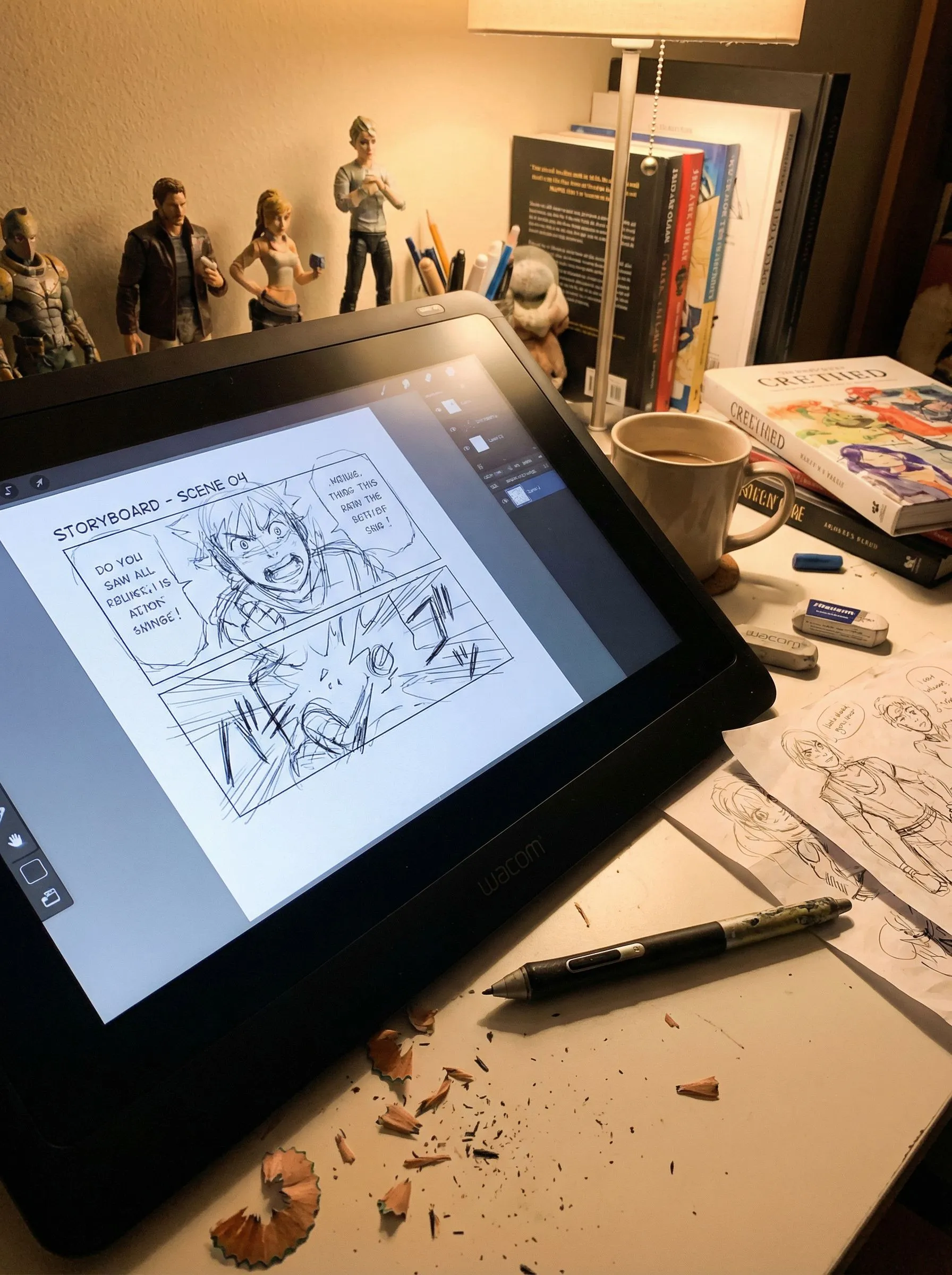
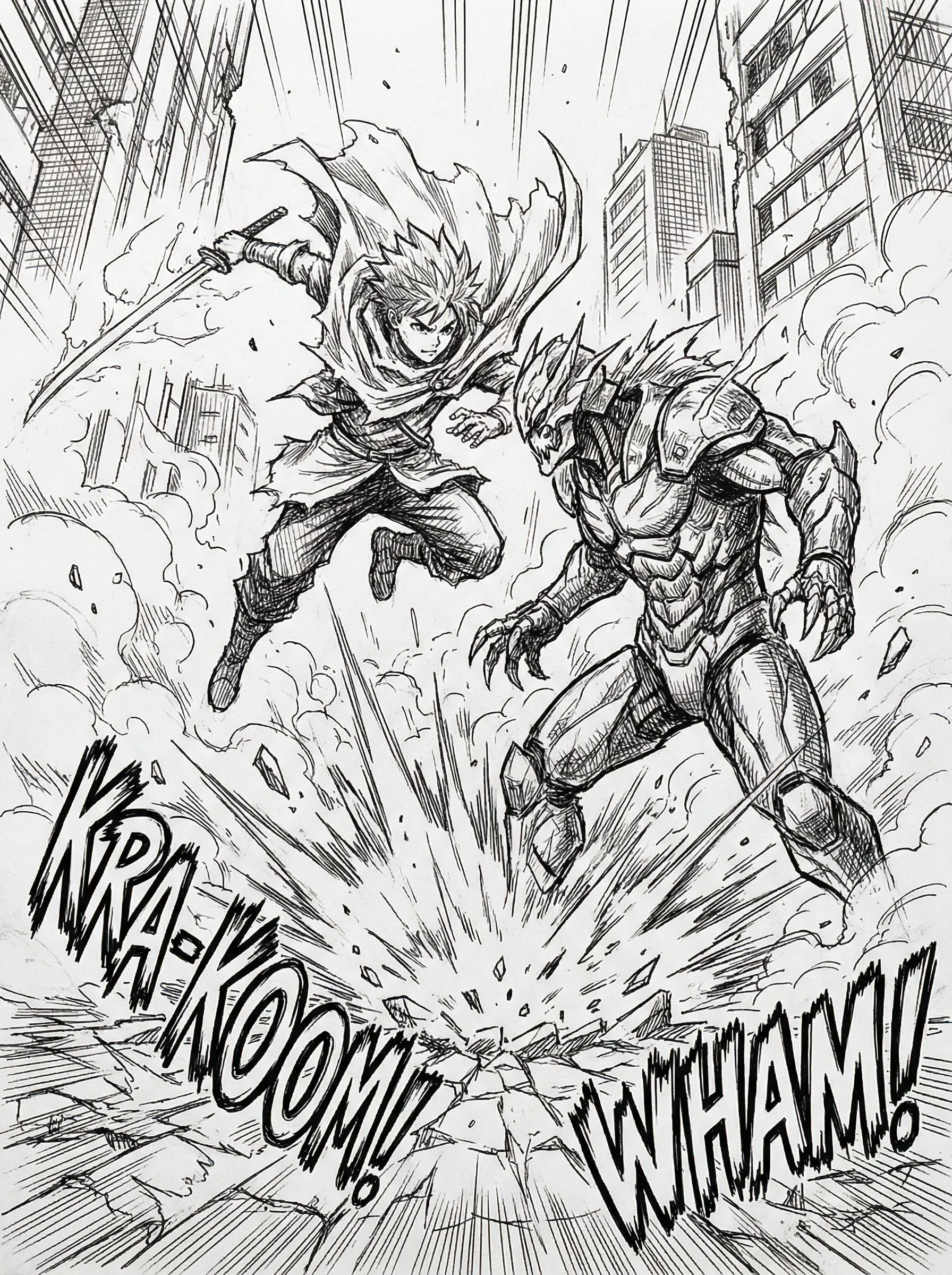
Action
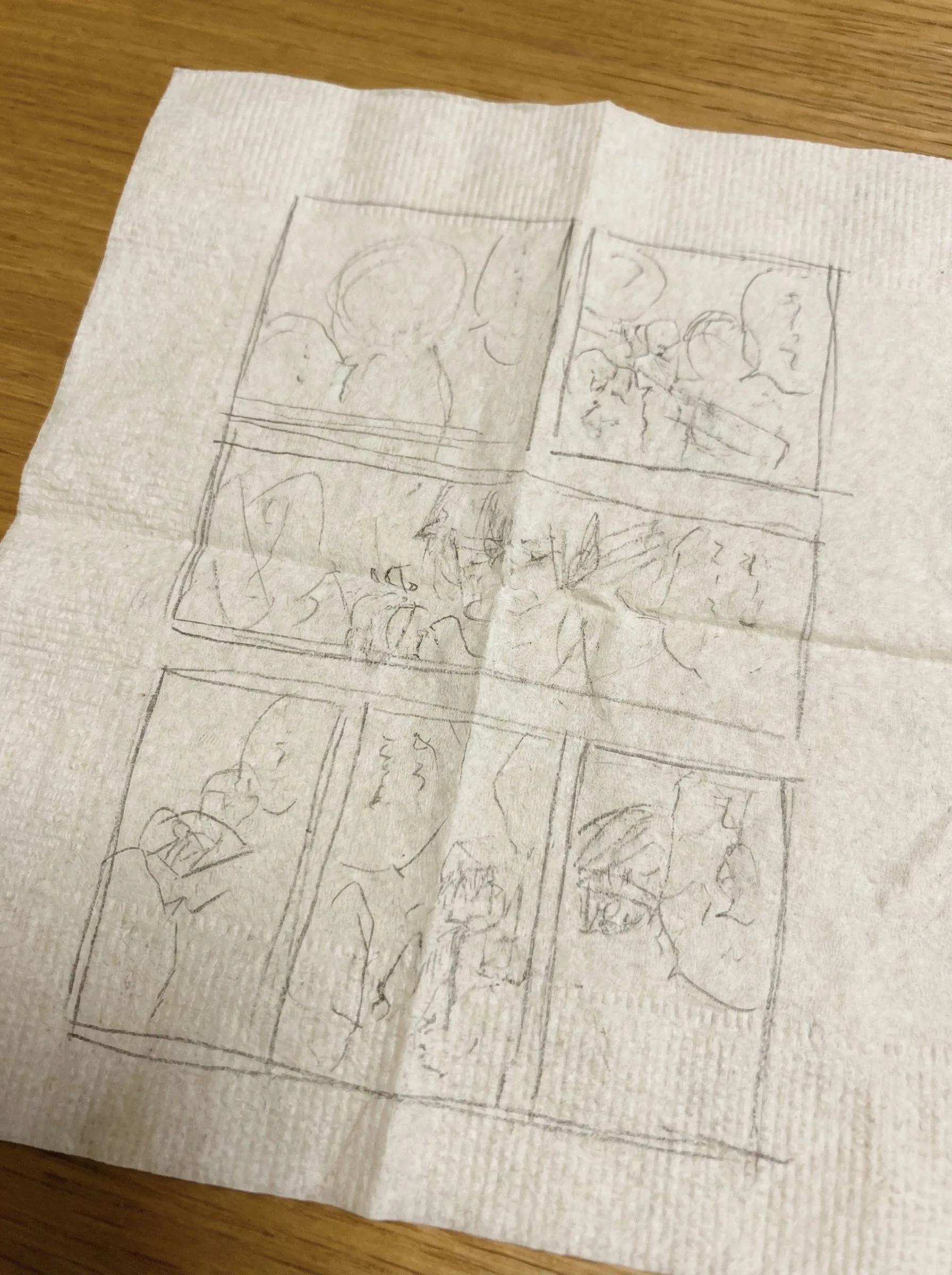
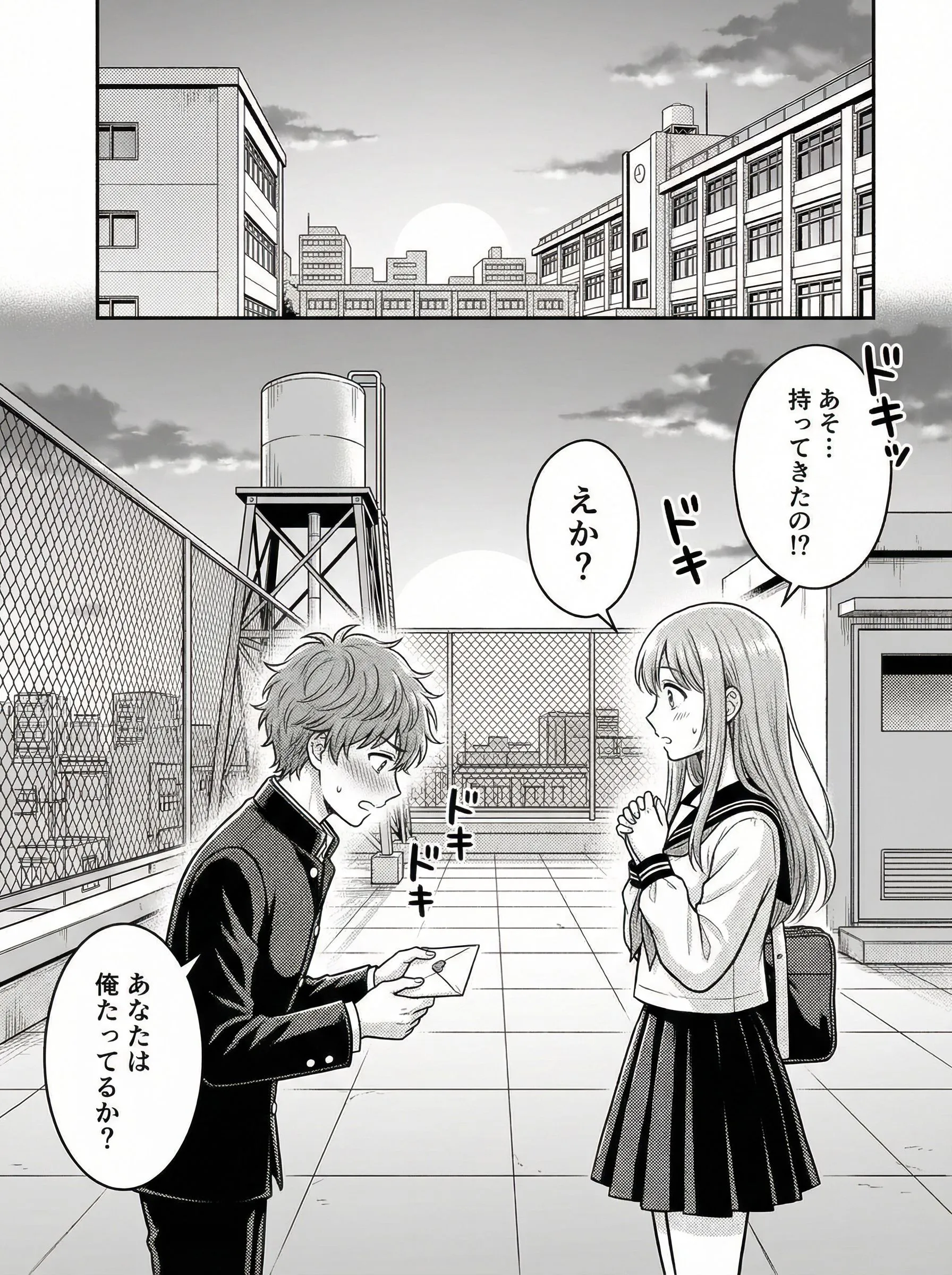
Romance
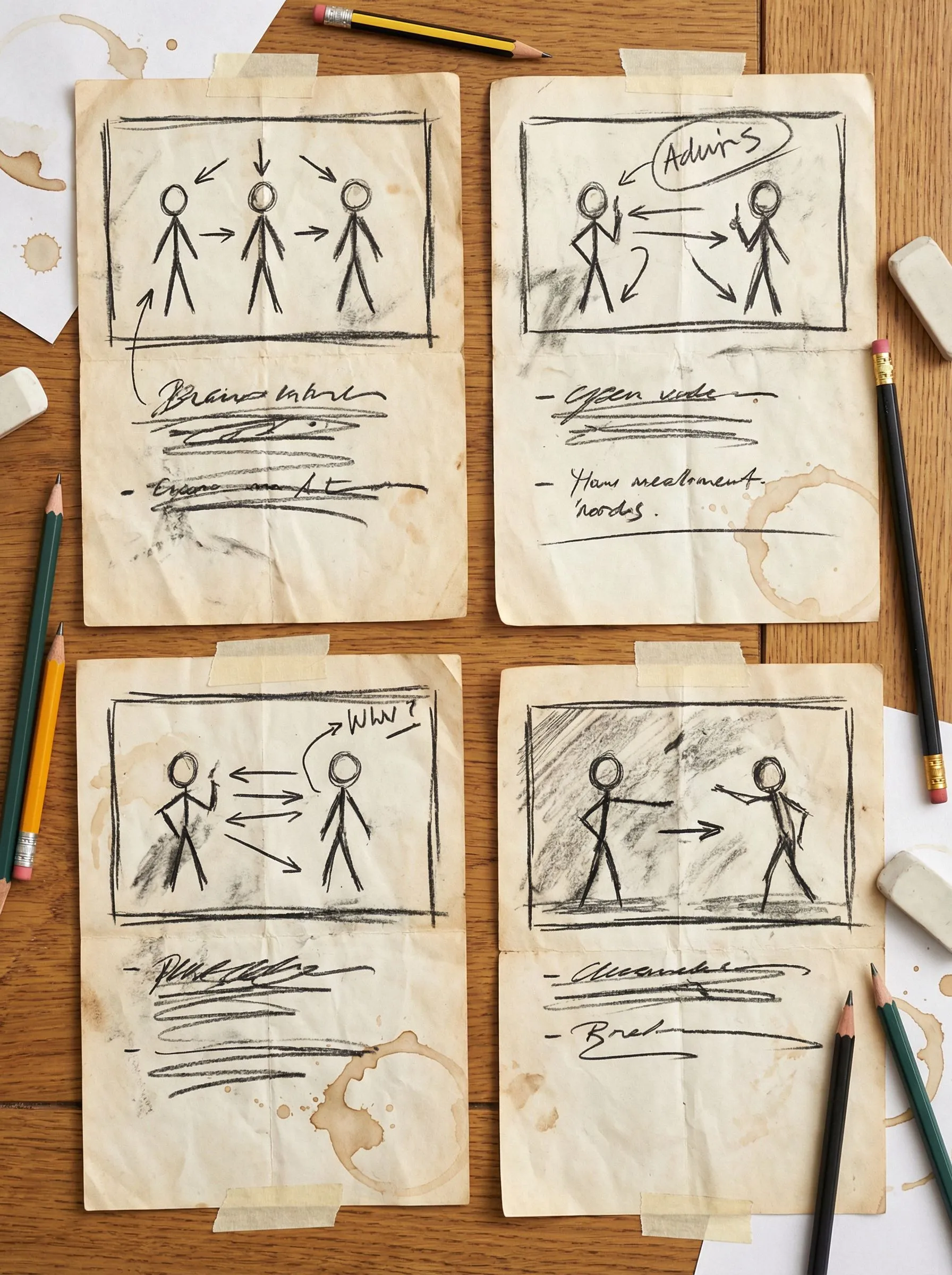
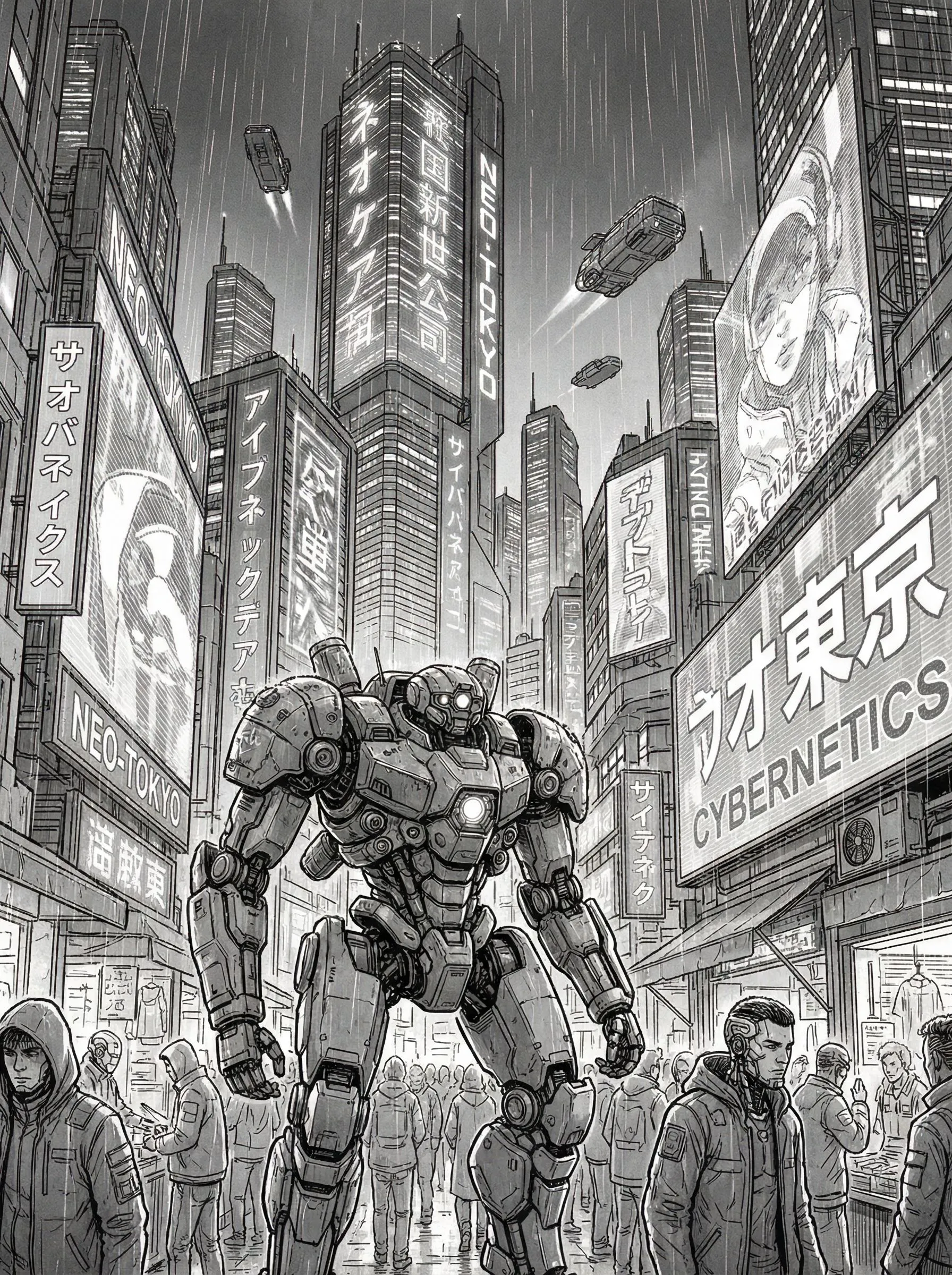
Sci-Fi
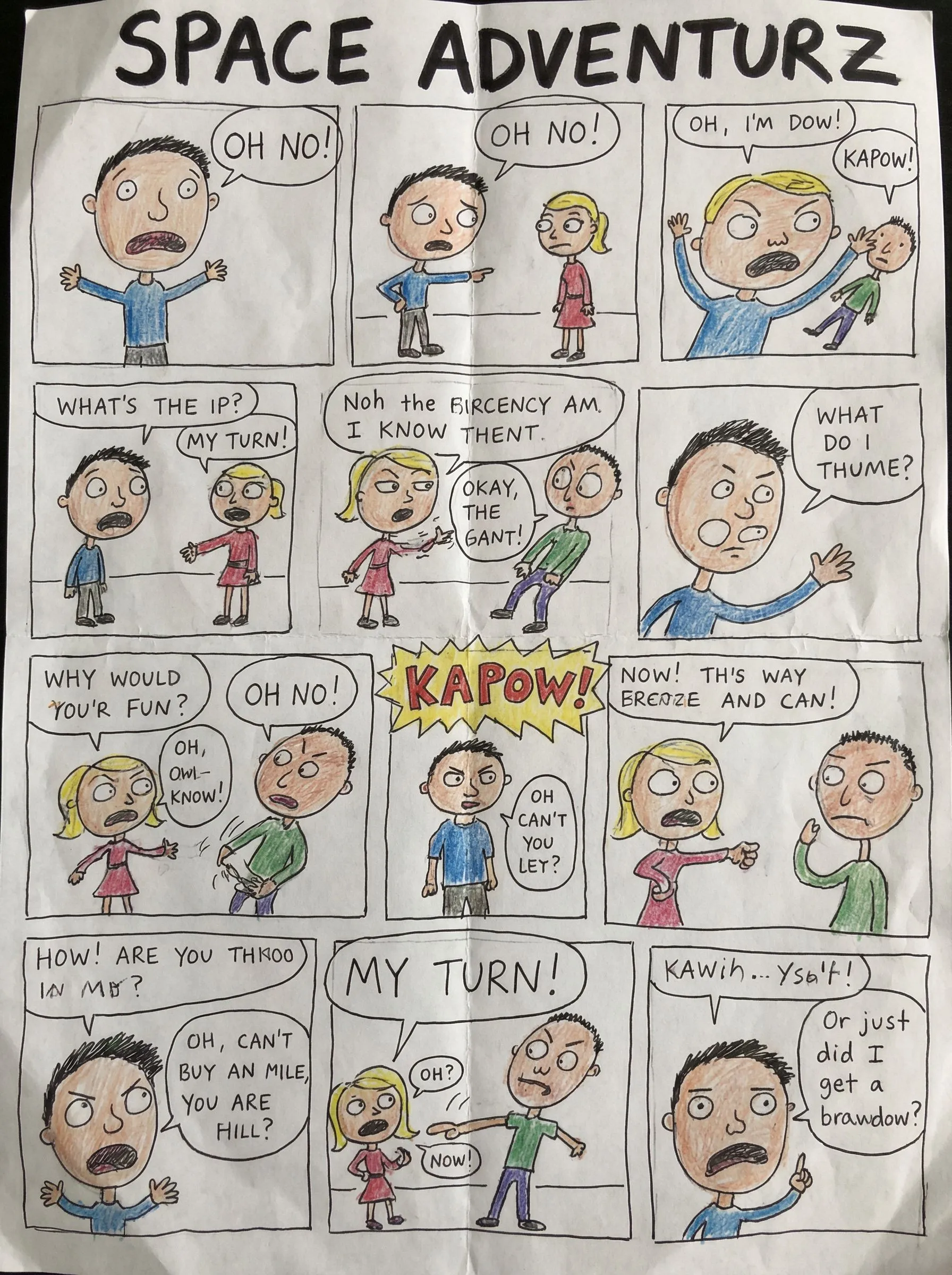
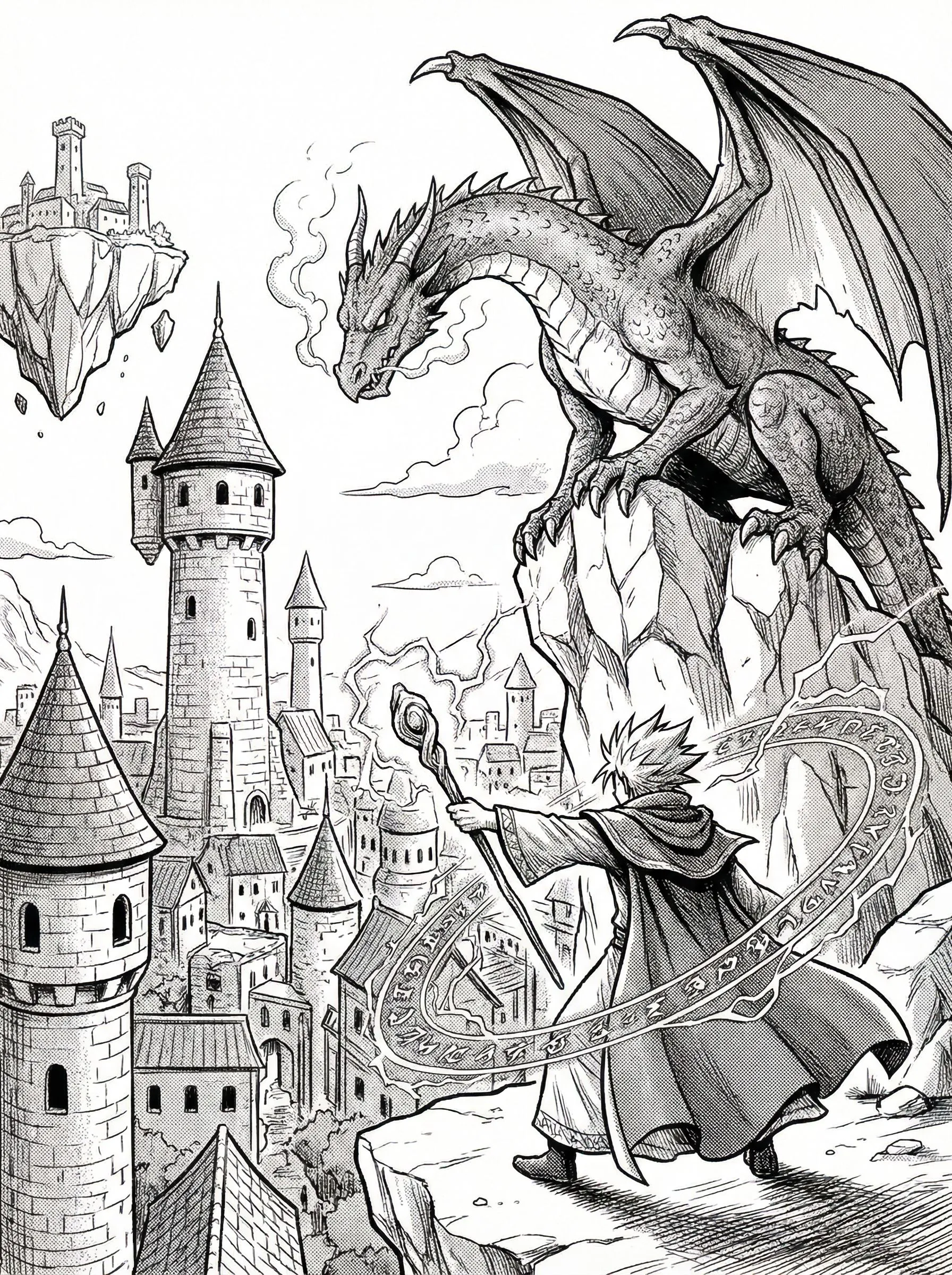
Fantasy
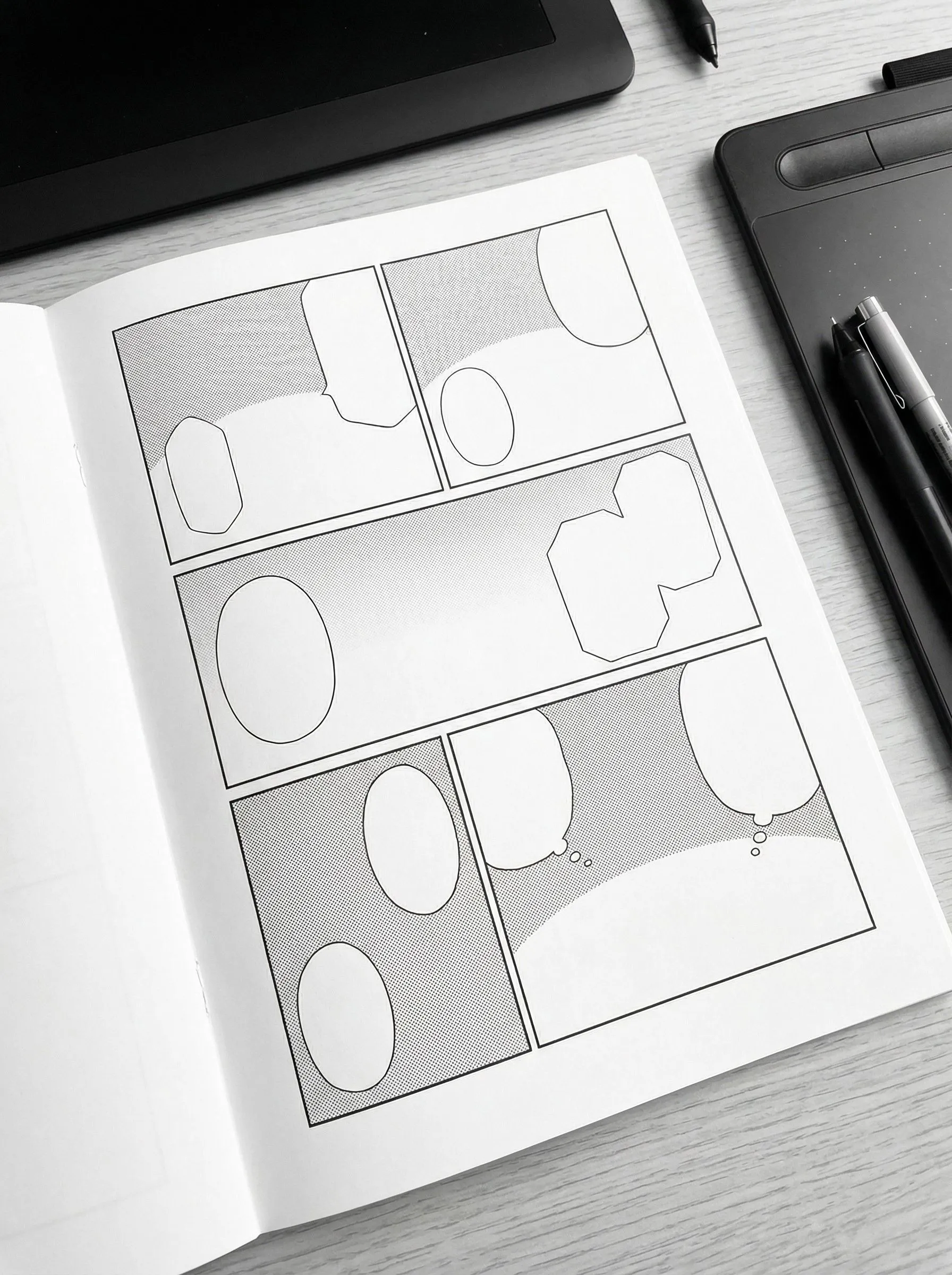


Smart Panel Layouts
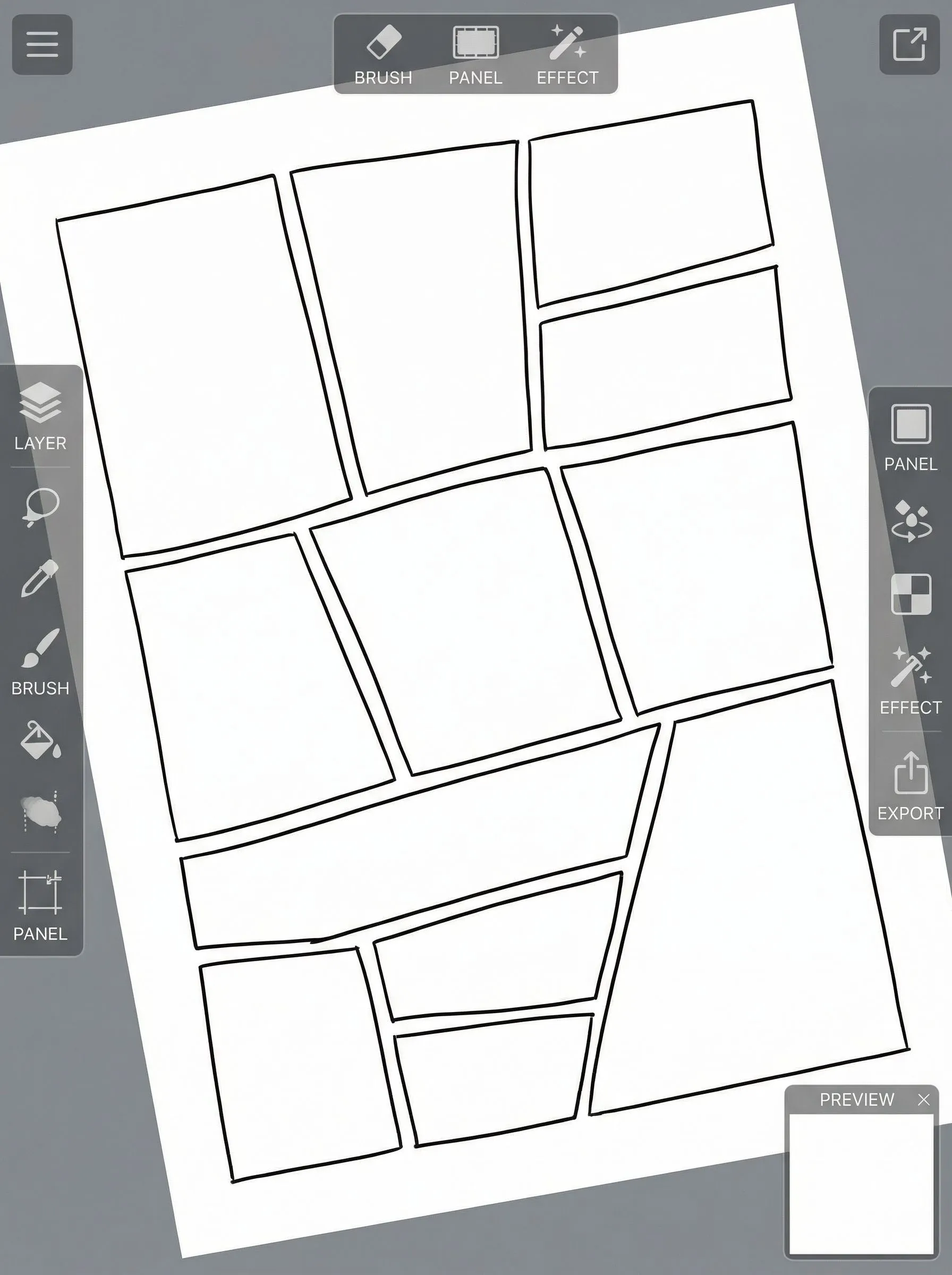
Generate dynamic panel layouts automatically based on your story flow.
Easy Character Placement
Drag and drop characters into panels with automatic perspective support.
Professional Export
Export in high-resolution formats suitable for print and digital release.
Free to Use
Start creating without upfront costs or hidden fees for basic features.
Secure Cloud Save
Projects are stored in the cloud with secure access from wherever you work.
Rich Asset Library
Browse backgrounds, props and effects to support your pages.
How to Create Manga with LlamaGen
Start Your Project
Choose a page format (A4, B4, Webtoon) and layout style.
Generate Layout
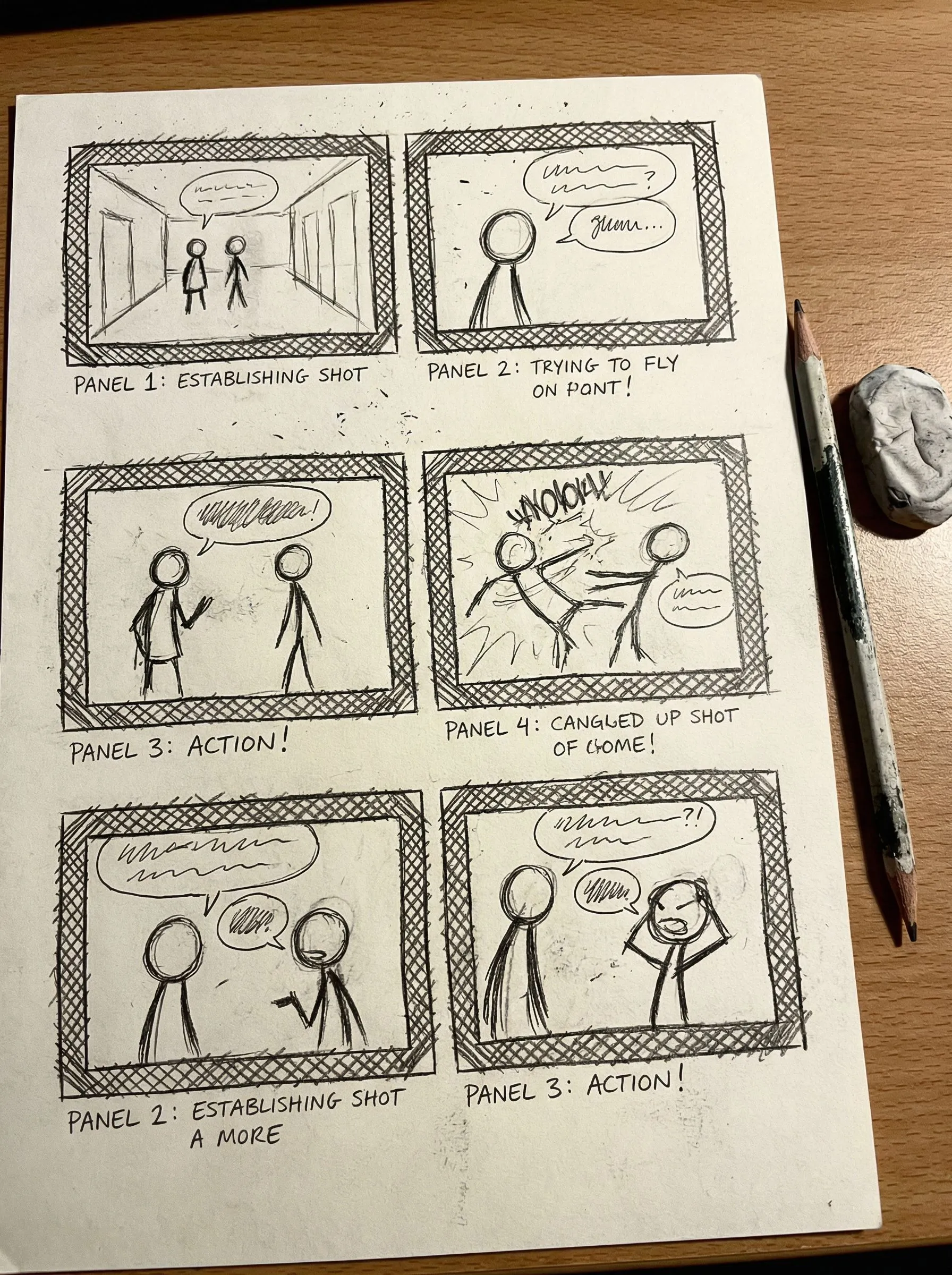
Upload a script or sketch to get an AI-generated panel layout.
Add Content
Place characters, backgrounds and speech bubbles into the panels.
Export
Download your finished page in high resolution.
LlamaGen Manga Editor vs Other Tools
Reasons creators choose this editor for their manga projects.
| Feature | LlamaGen Manga Editor | Traditional Software |
|---|---|---|
| Cost | ✅ Free to Use | ❌ Costly Subscriptions |
| Learning Curve | ⚡ Quick to Start (AI Assisted) | 🐢 Steep Learning Curve |
| Layout Creation | ✨ Auto-Generated Layouts | ⚠️ Fully Manual Drawing |
| Assets | 🎨 Built-in AI Assets | ❌ Buy or Find Separately |
| Collaboration | ☁️ Cloud-Based Projects | ⚠️ Manual File Sharing |
| Platform | 🌐 Runs in Your Browser | 💻 Desktop Only |
| Updates | 🚀 Regular AI Updates | 🐢 Occasional Major Versions |
Frequently Asked Questions
What is the Manga Layout Editor?
It’s an AI-supported tool that helps you create professional manga page layouts from scripts or sketches.
Is it free to use?
Yes, the core layout features are free to use.
Can I use it for commercial projects?
Yes, you keep the rights to the layouts you create, subject to any applicable terms for assets or other tools you use.
What formats does it support?
You can export to common image formats such as PNG, JPG and PSD.
Do I need drawing skills?
Drawing skills are helpful, but the layout editor focuses on composition and structure so you can still plan pages without advanced art skills.
Can I import my own art?
Yes. You can upload your own drawings and characters and place them into your layouts.