

Camera Angle Control - Photo Angle Editor with AI
Upload media, hold and drag to change camera angle, and generate from 12 best angles. Transform your images with AI Image Camera Angle Control using natural conversation plus horizontal angle, vertical angle, and zoom distance controls.
Edit by chat, expand scenes, remove objects, change backgrounds, and generate new camera angles from a single photo with Qwen Image Edit and AIOmnigen workflows.


Interactive angle lab
Upload one image, change the angle, and edit by chat
This embedded tool lets you transform images through natural conversation. Upload one photo, then expand, remove objects, change backgrounds, or generate new camera angles with interactive camera controls and edit models including Qwen Image Edit.
Multi-Angles
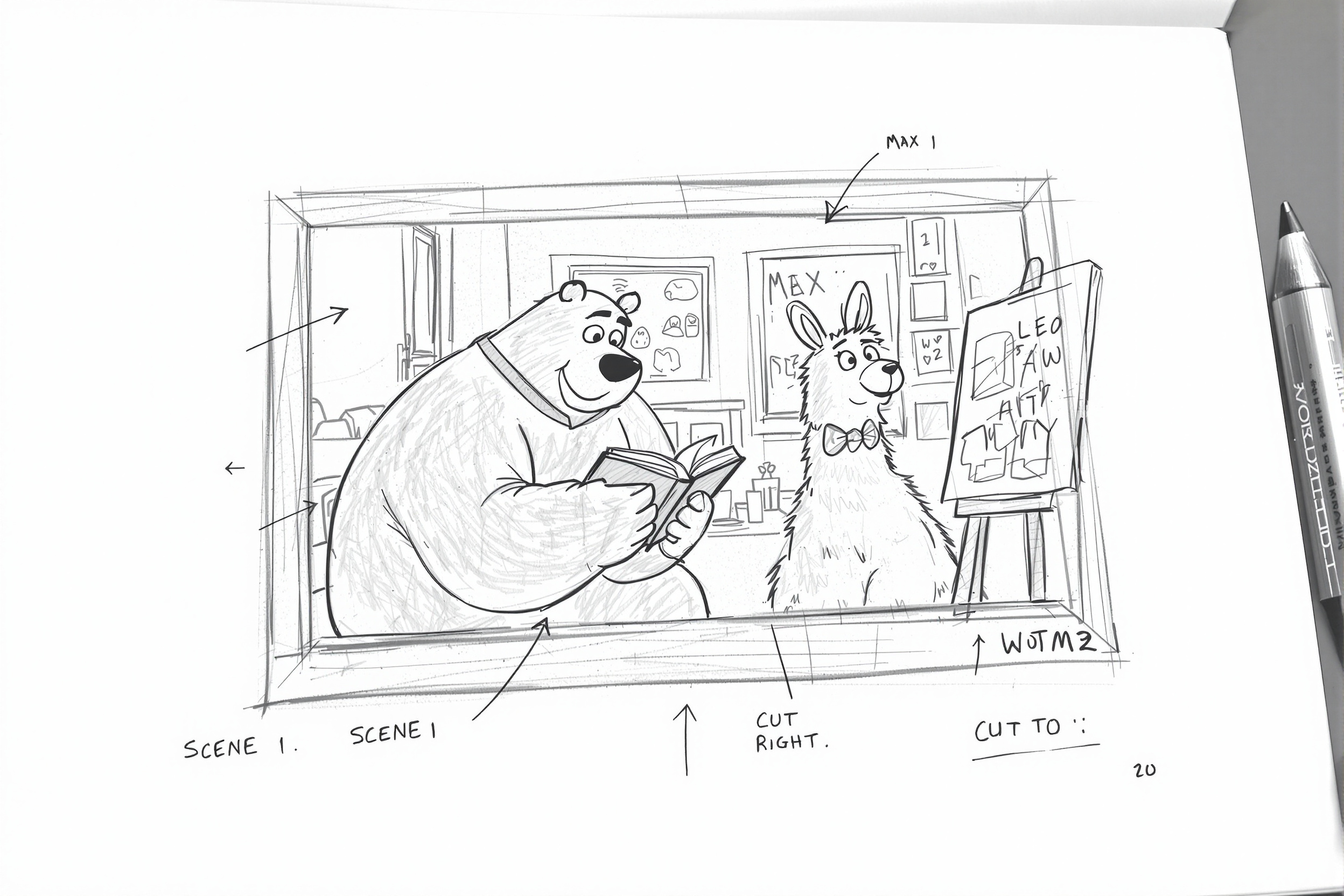
Source Reference
Upload a reference image
Use the Replace and Remove buttons above anytime.
Generated Result
Príklady

Source

Overhead Angle
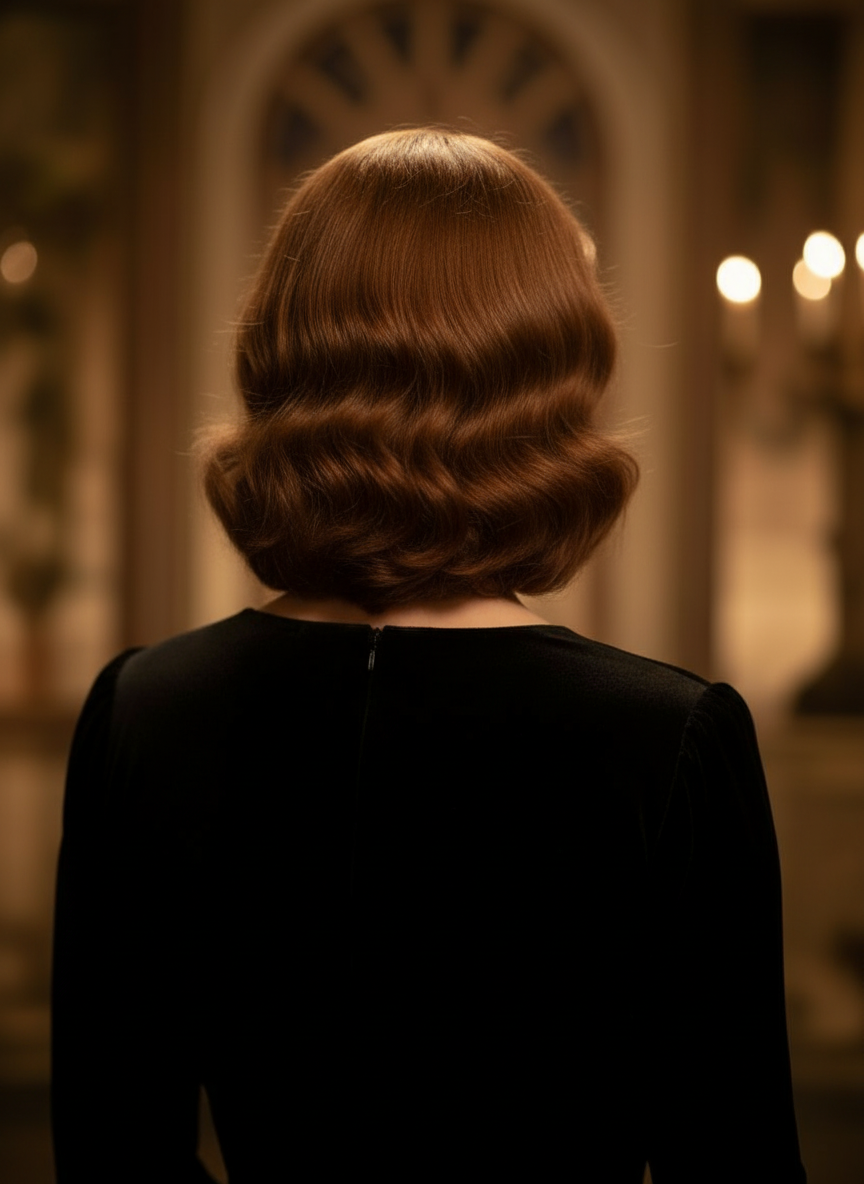
Back Angle

Three-Quarter Side
What is Camera Angle Control?
Camera Angle Control is a photo angle editor with AI for people who want to transform images through natural conversation. Upload one image, chat to edit it, then adjust angle, tilt, framing, and zoom to generate new viewpoints while keeping the subject identity consistent.
Generate from 12 best angles
Explore low angle, high angle, eye-level, Dutch angle, over-the-shoulder, and other reusable camera presets before you commit.
Keep one subject consistent
Use a reference image so the tool keeps the subject, lighting logic, and visual identity closer to the original photo.
Edit and reframe in one workflow
Use chat-driven image edits and camera control together to expand scenes, remove objects, swap backgrounds, and reframe the same image.
Transform your images through natural conversation
Simply upload an image and chat to make edits. Expand the frame, remove objects, change backgrounds, and generate alternate camera angles without rebuilding the image from scratch.
Open Camera Angle ControlAdjust horizontal angle, vertical angle, and zoom distance
Hold and drag to change camera angle or use intuitive sliders to adjust horizontal angle, vertical angle, and zoom distance. Generate clean variations from a single photo with a faster image-camera-control workflow.
Generate a new angleHow to use Camera Angle Control in 3 steps
A simple workflow for photo editing, reframing, and AI camera control.
Upload a subject image
Start with one photo or reference image you want to keep consistent while editing and reframing.
Set the camera plan
Pick one of the 12 best angles, then hold and drag or use controls to adjust horizontal angle, vertical angle, tilt, and zoom distance.
Chat, render, and review
Describe edits in natural language, generate the new view, and review the result for design, content, or production handoff.
See one image reframed into a new camera angle
This example keeps the same subject identity, then rotates the viewpoint into a reusable angle study for editing, storyboarding, layout review, and creative exploration.

Original subject image
The base drawing stays unchanged. This is the source image used to control the camera-angle pass.

360-degree angle result
After rotating the viewpoint, the same subject is reframed into a broader angle study without changing the character design.
Why teams use this for camera-angle exploration
Built for shot exploration, coverage planning, and fast visual review.
Reference-driven generation
Start from an uploaded base image instead of prompting a brand new subject every time.
Angle presets that match production language
Quickly test eye-level, low angle, high angle, Dutch angle, bird's-eye, and over-the-shoulder coverage.
Useful for previz and boards
Compare shot ideas before storyboarding, comic layout, or animation review gets locked.
Comic and cartoon ready
Switch between comic and cartoon visual direction without rebuilding the control surface.
Fast framing experiments
Move from close-up to wide shot and from neutral tilt to dramatic staging in seconds.
Designed for review cycles
Generate one angle study, discuss it, then iterate on the next setup immediately.
Vyberte si plán, ktorý je pre vás vhodný
Užite si vysokú kvalitu AI kreativity vďaka flexibilným abonentným plánom.



Štandardný plán -20%
Viac kreditov znamená viac možností tvorby
15000 kreditov obnovovaných mesačne
Režim jednej/viacerých strán
Automatické titulky
10 vlastných komiksových postáv
Neobmedzené používanie Gemini 3
Rýchle generovanie
Pokročilé AI modely obrázkov
Stabilný výstup rozprávania
Vytvorte až 20 panelov na jedno zadanie
Pro plán -20%
Nekonečné generácie pre neobmedzené nápady
45000 kreditov obnovovaných mesačne
Všetko v STANDARD
Konzistentnosť postáv
Komiks na video
Neobmedzená tvorba postáv
Najrýchlejšia generácia
Všeobecné obchodné podmienky
Neobmedzené šablóny
Nano Banana/FLUX/CyaniModel
Skorý prístup k pokročilým AI funkciám
Vytvorte až 40 panelov na jedno zadanie
Neobmedzený plán -40%
Rýchle, pre firemné použitie a s exkluzívnym prístupom
135000 kreditov obnovovaných mesačne
Všetko v PRO
Neobmedzené projekty
Konzistentnosť postáv
Neobmedzený počet postáv vo vašich komiksoch
Najrýchlejšia generácia videa
Globálny jazykový balík
Všeobecné obchodné podmienky
Správca účtu
Prístup do galérie členov
Nano Banana/FLUX/CyaniModel
Vytvorte až 64 panelov na jedno zadanie
Neobmedzený plán produkcie -40%
Pre profesionálnych tvorcov. Najlepšie pre komiksy, animácie, filmy a seriály.
270000 kreditov sa obnovuje mesačne
Všetko v UNLIMITED
Neobmedzené projekty
Neobmedzená dĺžka príbehu
Konzistentnosť postáv
Neobmedzený počet postáv vo vašich komiksoch
Najrýchlejšia generácia videa
Globálny jazykový balík
Všeobecné obchodné podmienky
Správca účtu
Nano Banana PRO Majstrovské dielo
Vytvorte až 64 panelov na jedno zadanie
Balík kreditov

6000
7,500credits+25.00%

12000
20,000credits+66.67%

30000
50,000credits+66.67%
Tímový plán
Prémiový zážitok, navrhnutý pre tímy.
- Zdieľané kredity pre celý tím
- Spoločný pracovný priestor pre spoluprácu
- Bezproblémová migrácia zdrojov
- Správa tímu a oprávnenia
- Prioritná zákaznícka podpora
Frequently asked questions
Need reusable boards after angle exploration?
Open Free Storyboard Template to split storyboard sheets, download clean frames, and keep your review package organized.
Ready to control the next angle of your image?
Upload one image, hold and drag to change camera angle, and generate a new view in minutes.