Preserved in the result
- Short brown hairstyle and three-quarter facial angle
- Takeaway coffee cup and neutral knit clothing palette
- Single-subject vertical portrait composition
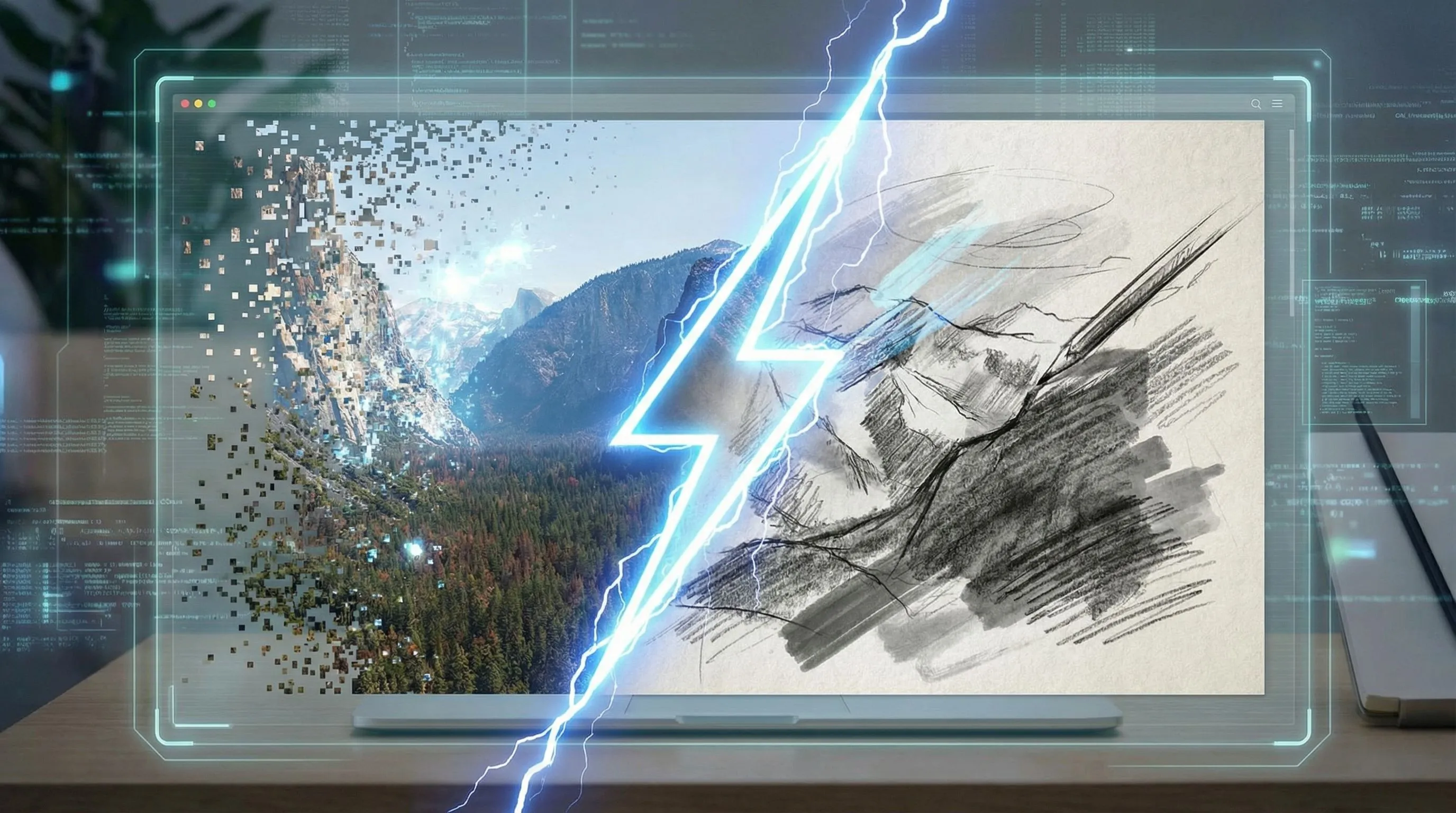
先上傳照片或圖片,再轉成漫畫風插畫、漫畫書分鏡,或快速套用照片轉漫畫效果,之後還能繼續補上文案、分鏡與工作室精修。

1Upload one photo
2Choose a comic style
Source-to-output evidence
This published LlamaGen transformation keeps the source picture and the manga result side by side, then records what survived the conversion, what changed, and which generation facts were not retained.

The unedited source shows one person holding a phone and takeaway cup in a softly lit café.
Open original picture
The result converts the portrait into clean manga line art while retaining the subject, cup, clothing palette, and vertical composition.
Open manga result2 · Recorded page brief
Transform the café portrait into manga-style artwork with expressive line art and stylized shading.
The exact provider prompt was not retained. This is the published page brief, not a reconstructed generation log.
Café portrait source
SHA-256 9a7be5c24a17d955b4ad48c0543c8047a79a10cc33ac662c39f6df63abe51ed5Manga portrait output
SHA-256 90edb0f827fbf50058d3faf88e59560a2219b2b0119b55d131e429a8cbae4742Known evidence limitation
This is a retrospectively audited published transformation. Its original model, seed, exact provider prompt, generation timestamp, latency, cost, first-pass decision, and revision history were not retained, so this section makes no claims about them.
This proves the picture-to-manga conversion step. Continue in the studio when the same result needs panels, captions, or a longer comic sequence.
Try It With My Picture從圖片到漫畫風、漫畫書插畫或可編輯漫畫分鏡,只要幾個步驟

可先免費從一張圖片開始。無論是人像、寵物照、商品照、場景或截圖,都能轉成漫畫風格。

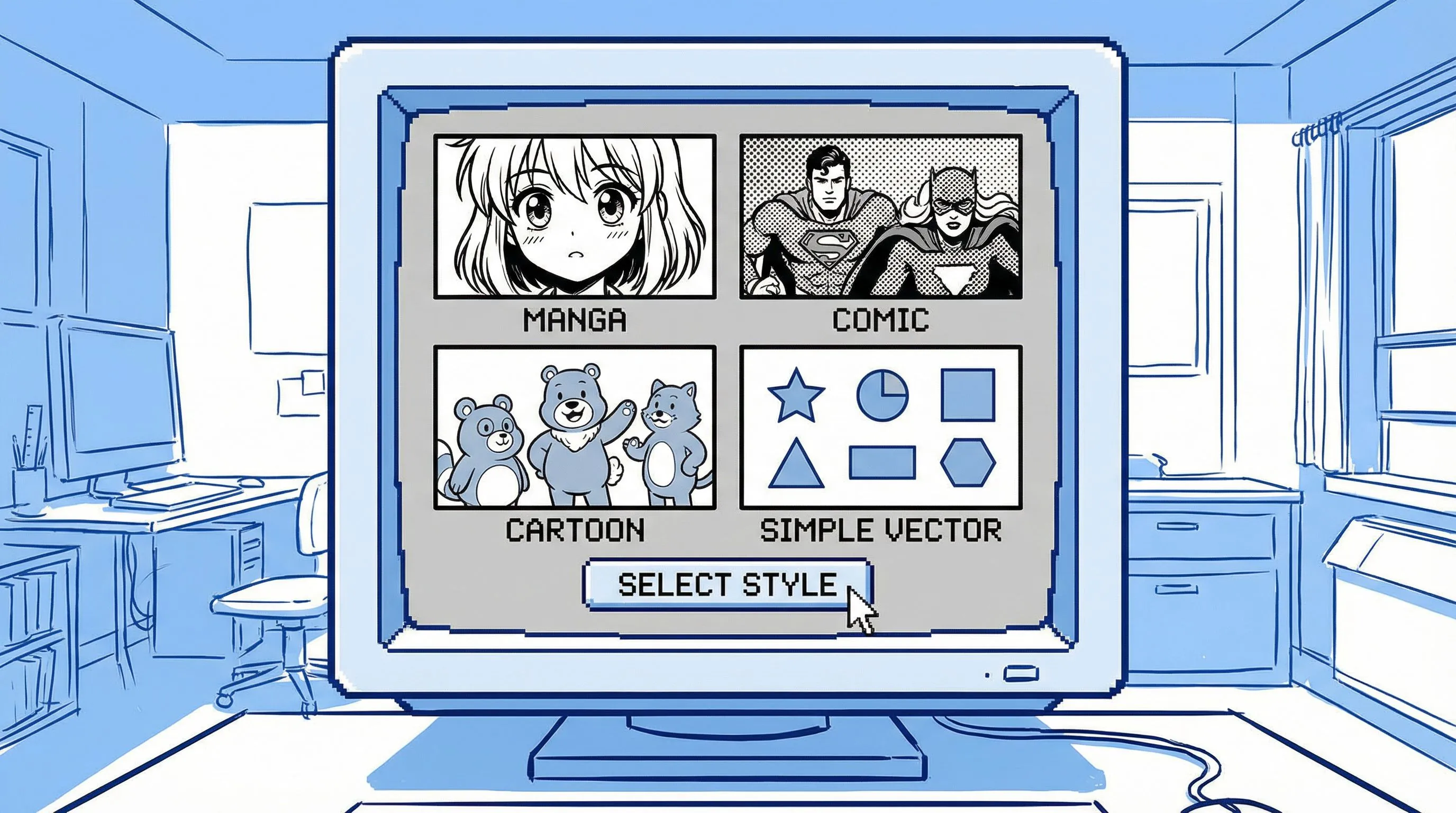
你可以指定圖片轉漫畫、照片轉漫畫風格、照片生成漫畫書插畫、4 格漫畫,或簡單的線上漫畫濾鏡效果。

在工作室中開啟漫畫草稿,繼續調整畫面風格、分鏡、文案、提示詞,以及可直接輸出的創意素材。

個人化角色漫畫
如果作品需要固定出現的人物、商品或場景,可接著進入完整工作室工作流程,加入多張參考圖與可重複使用的風格方向。

依照需求選擇輸出:單張漫畫風圖片、漫畫書分鏡,或可編輯的漫畫序列。
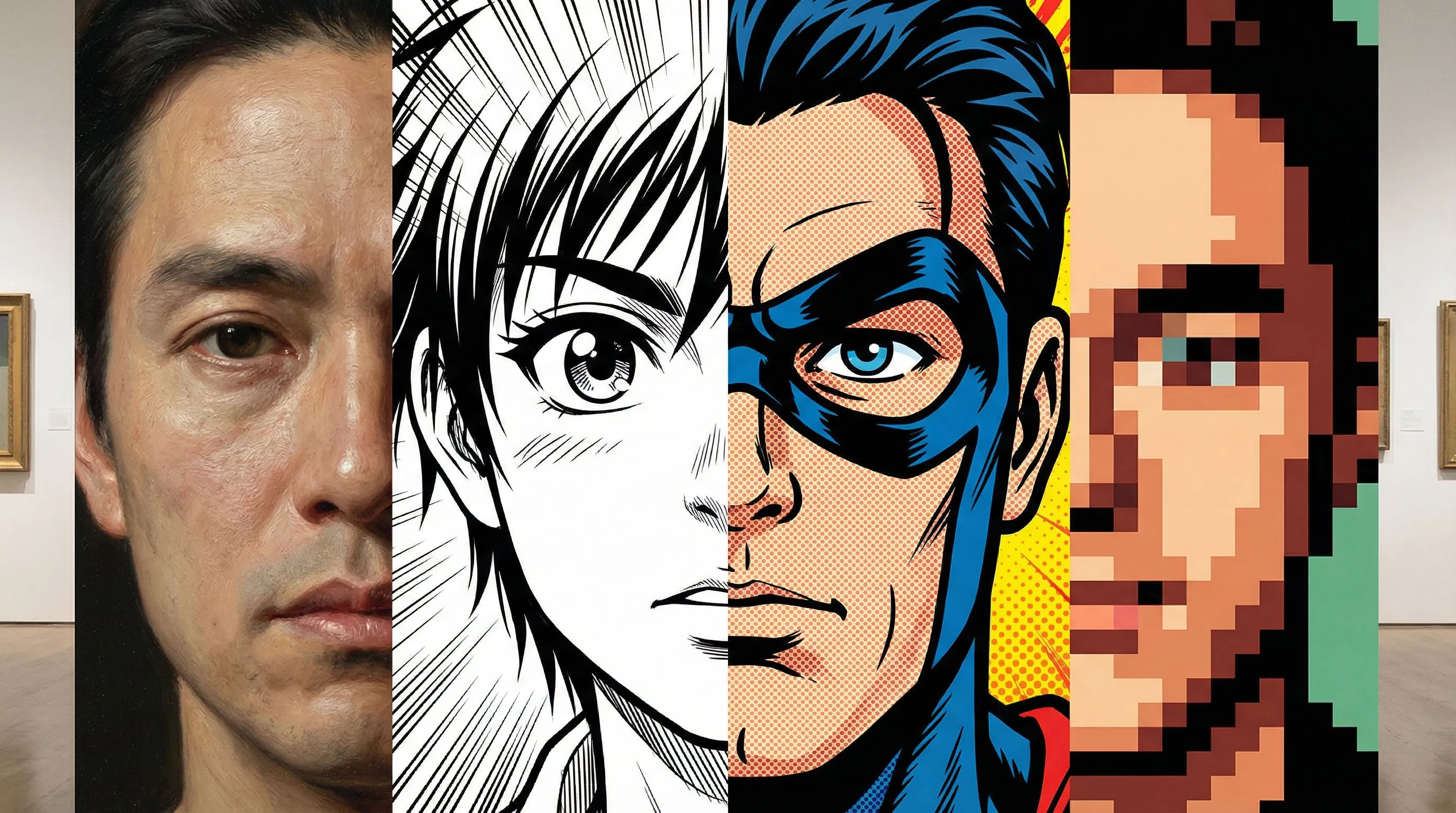
把人像、寵物、商品與場景轉成線條鮮明、帶有網點陰影且構圖清楚的漫畫風圖片。
只用一句指令,就能把圖片導向超級英雄分鏡、日漫靈感場景、復古漫畫風,或乾淨俐落的卡通漫畫視覺。
先用一張圖片和簡單的漫畫濾鏡方向開始;如果草稿需要文案、分鏡或更強的一致性,之後還能繼續編輯。
一般濾鏡只改變外觀;LlamaGen 能把圖片變成真正可用的漫畫素材。
這套工作流程是為實際製作品質而設計:一致性、目的性與可編輯性缺一不可。
| 需求 | LlamaGen 圖片轉漫畫 | 基礎照片濾鏡 |
|---|---|---|
| 輸入 | 圖片加提示詞;若專案需要連貫性,還可搭配多張參考圖與風格範本。 | 單張圖片加通用風格預設。 |
| 用途 | 可製作廣告、解說內容、社群故事、故事板與培訓視覺。 | 通常只能產出一張風格化圖片。 |
| 一致性 | 多張參考圖有助於保留商品、人物、場景與整體視覺方向。 | 很難在多次輸出中維持身份或商品細節一致。 |
| 輸出 | 可編輯的漫畫專案,包含分鏡、文案、提示詞與精修。 | 只有單張平面圖片,後續迭代空間有限。 |
Generated with Gemini 3.1 Flash
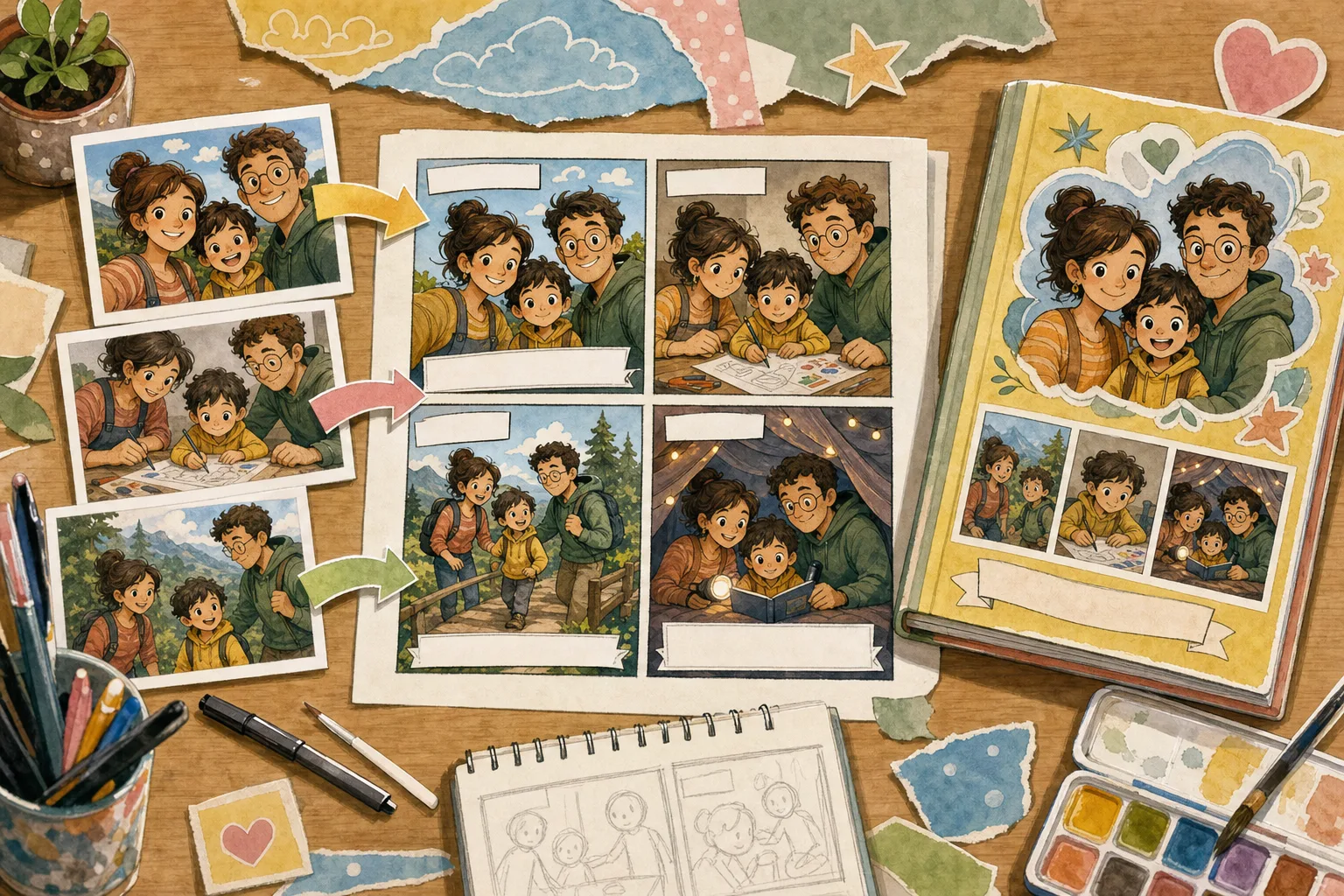
先用一張圖片快速生成漫畫風效果,當概念需要更長篇的個人化漫畫時,再加入更多參考圖

Four-panel case
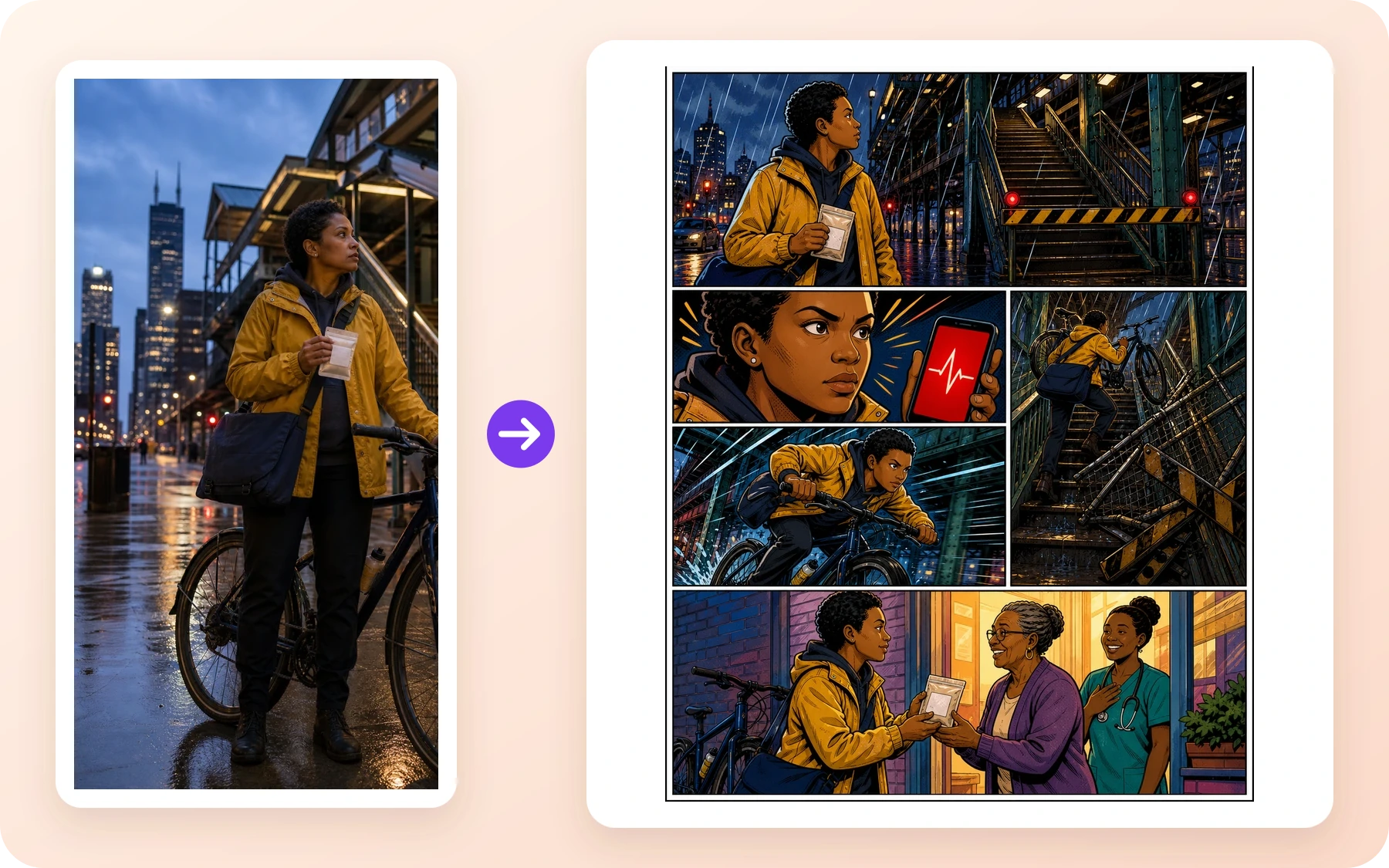
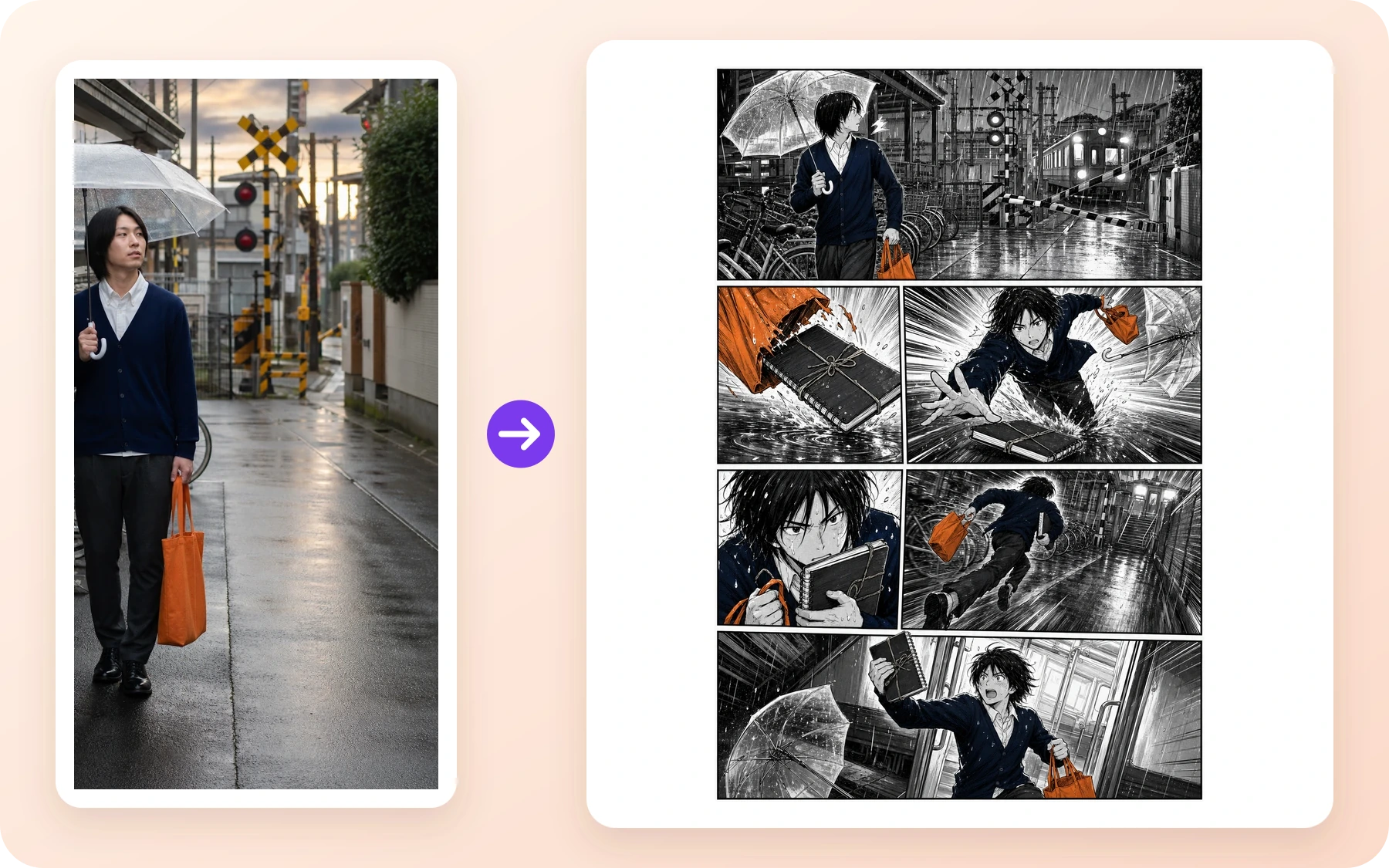
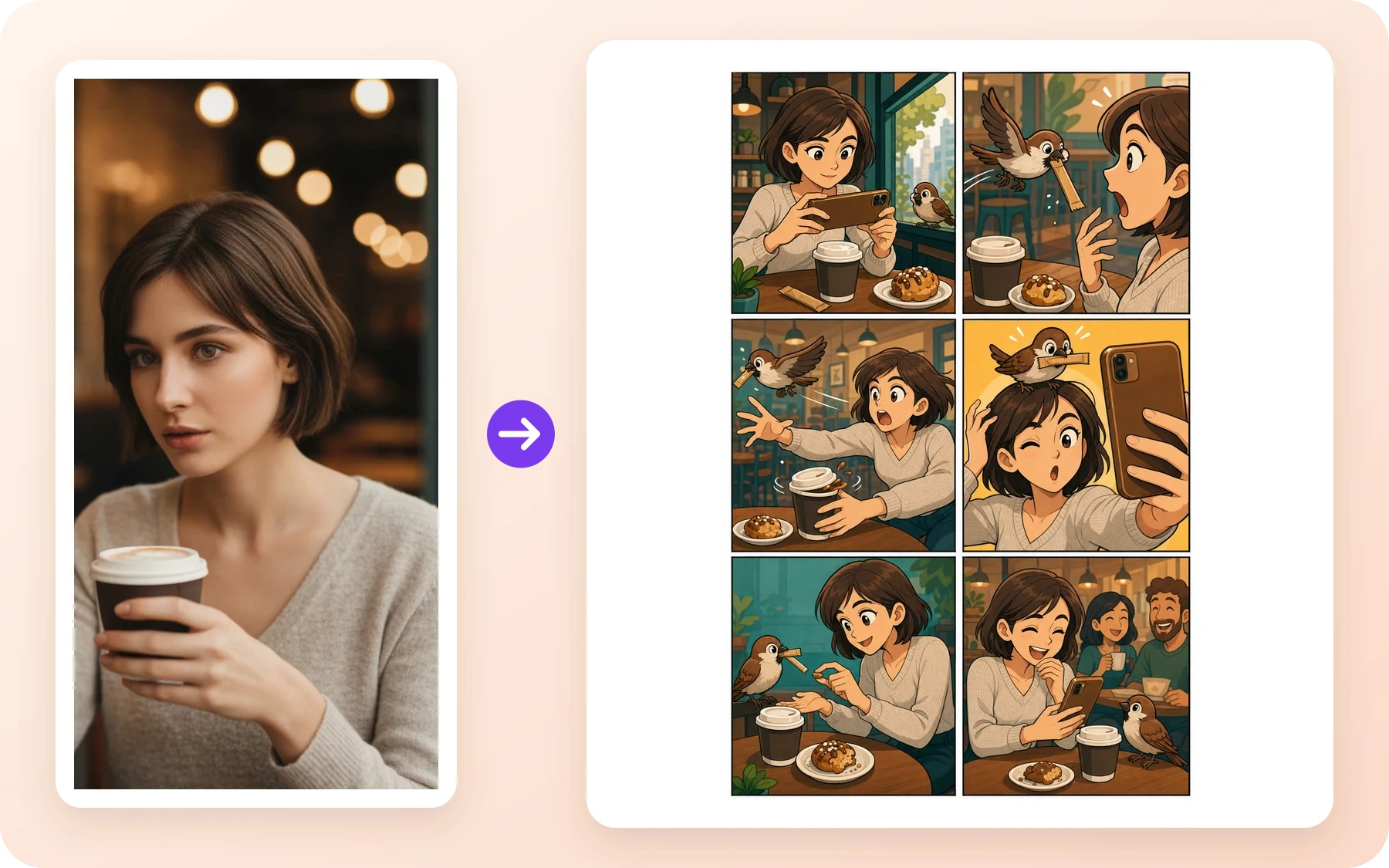
活動漫畫:高張力的上市視覺,帶出明確主角時刻。

Four-panel case
社群故事:貼近日常的場景,搭配有表情張力的角色反應。

Four-panel case
故事板草稿:清楚呈現衝突、動作與分鏡構圖。
Trusted by comic creators and enthusiasts worldwide
I use this to quickly prototype panel layouts. It captures the American comic style perfectly.
Stan M.
Comic Artist
The manga filter is amazing. I can turn my cosplay photos into actual manga pages.
Emily R.
Manga Fan
Great for getting inspiration when I am stuck. The noir style is particularly impressive.
Chris P.
Illustrator
可以。只要上傳照片或圖片,描述你想要的漫畫風格,就能使用 LlamaGen 作為照片轉漫畫 AI 生成器,製作漫畫風圖片、分鏡與可編輯漫畫草稿。
上傳流程支援常見圖片格式,例如 JPG、PNG、GIF、WebP、HEIC 與 HEIF。若要補充故事說明,建議直接使用提示詞欄位,並讓上傳圖片聚焦在你想轉換的主要視覺。
是否可商業使用,取決於你的 LlamaGen 方案條款,以及你對原始圖片所擁有的權利。建議先用第一版結果測試漫畫方向是否合適,再進一步製作正式素材。
一般濾鏡通常只是替單張圖片換風格。LlamaGen 則能從這張圖片出發,繼續延伸到分鏡、文案、提示詞、角色參考與工作室精修。
可以。在完成第一版照片轉漫畫草稿後,若專案需要固定人物、商品、場景或更長的個人化漫畫內容,就可以加入更多參考圖並使用工作室精修。
LlamaGen 會根據你的角色參考、名稱、備註、風格選擇與提示詞脈絡,讓重複出現的角色在漫畫中更容易被辨識。