以劇本為核心的視覺規劃

劇本轉故事板

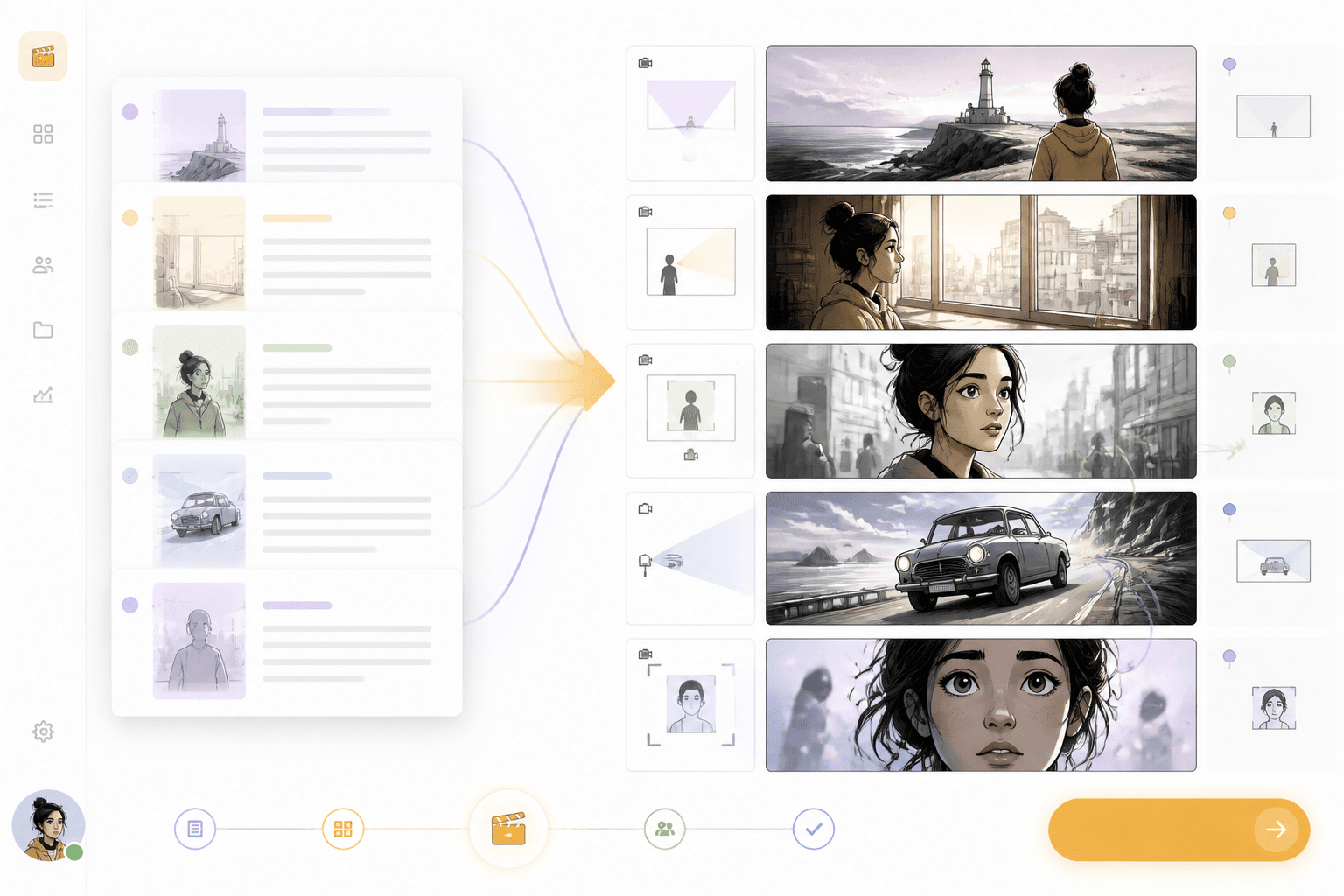
貼上劇本或場景大綱,即可轉成包含鏡頭角度、動作節奏、角色站位與視覺規劃的故事板,適用於漫畫、動畫與影片製作。

劇本片段

Prompt to result
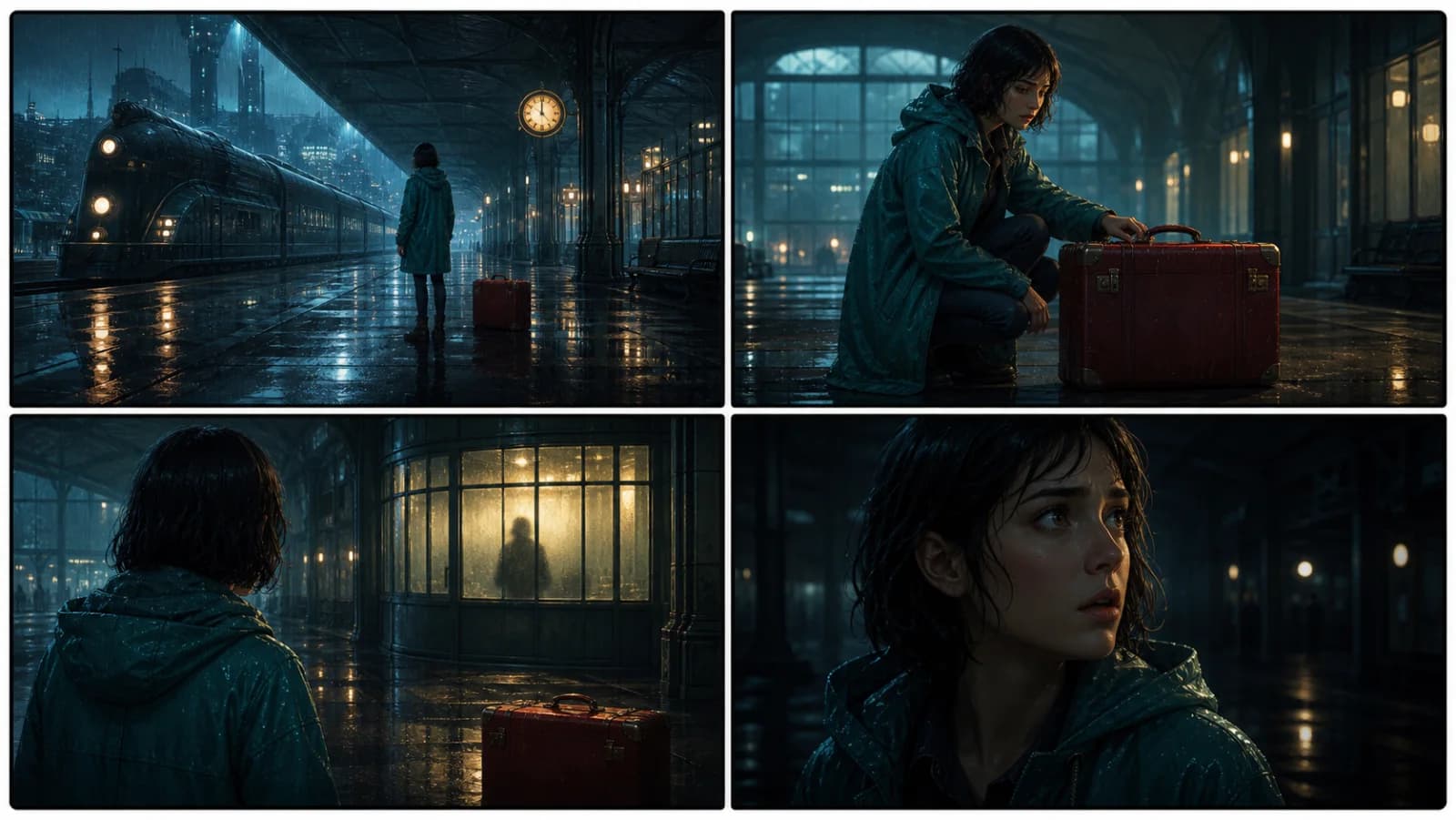
Interior train station. The hero spots the missing suitcase. A shadow passes behind the glass. Cut to a close reaction.
Generate
劇本轉故事板產品示意圖

分鏡板

場景

轉為鏡頭畫面

鏡頭

生成前先完成規劃

01

貼上劇本

加入劇本文字、場景筆記或對白。

02

拆解鏡頭節奏

將動作拆成畫面、鏡頭角度與角色關鍵時刻。

03

生成故事板畫面

檢視故事板後,接著銜接漫畫、網路漫畫或影片工作流程。

為真實劇本打造的故事板工作流程。

將文字場景轉成視覺序列,清楚呈現鏡頭順序、攝影方向與角色節奏。

劇本輸入

貼上動作、對白與場景筆記。

鏡頭景別
鏡頭角度
場景節奏
對白提示

故事板畫面

檢視鏡頭順序、鏡頭語言與角色節奏。

劇本轉故事板結果預覽

劇本需要轉成視覺語言。

好的分鏡頁面要說清楚文字如何變成鏡頭,而不只是讓使用者畫出幾個方框。

鏡頭決策

鏡頭角度、景別與動作節奏會直接影響故事板表現。

場景連貫性

角色與場景在不同畫面之間都應保持清楚一致。

Four-shot final storyboard for The Last Train Signal

銜接製作流程

故事板可進一步銜接漫畫、動畫、影片或網路漫畫製作流程。

劇本轉為故事板畫面

劇本

從文字場景提取視覺節奏。

把動作描述與對白轉成一連串故事板畫面,清楚表達每個鏡頭的目的。

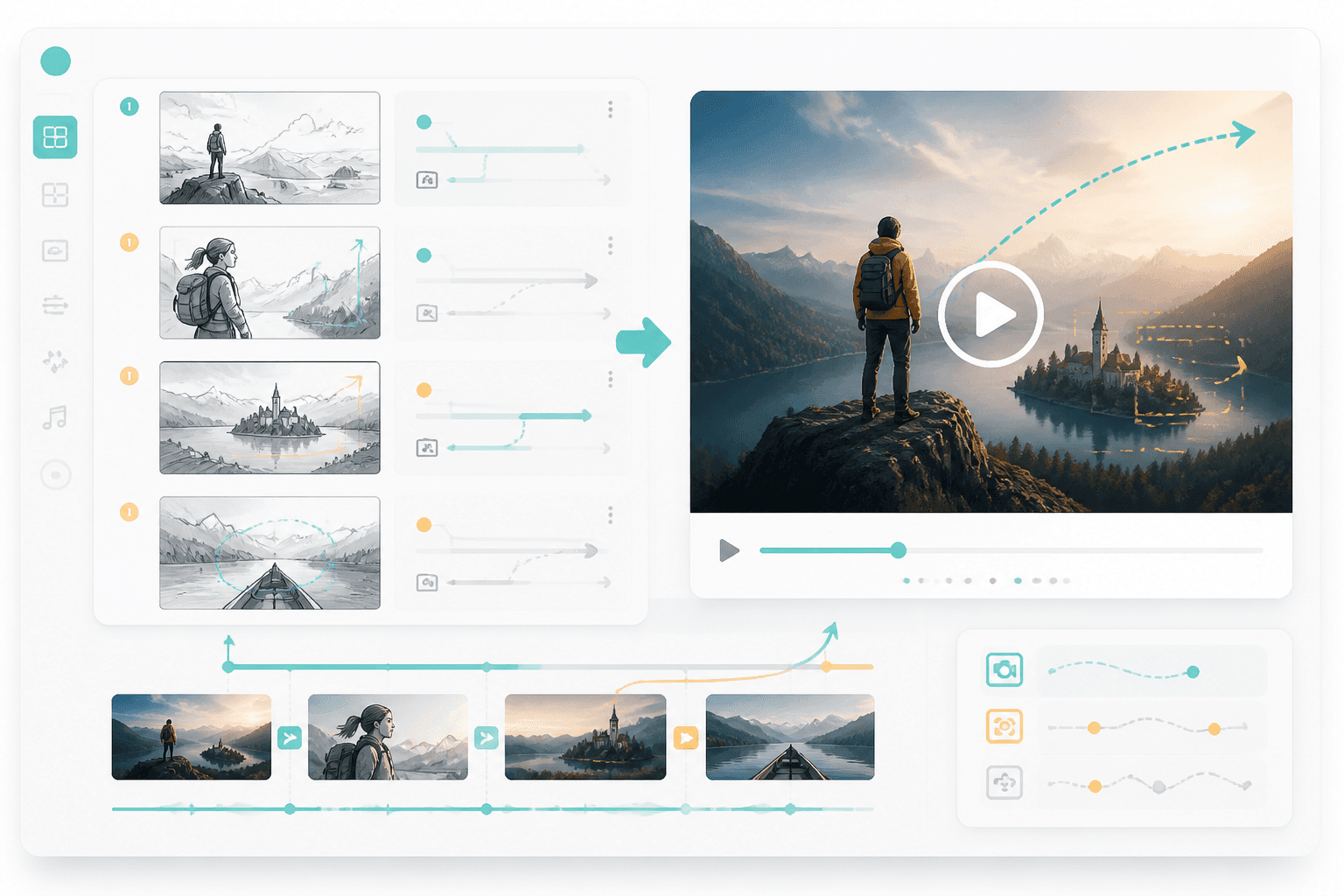
故事板轉影片工作流程預覽

影片

為動態製作準備故事板。

故事板確認後,可直接接續到 storyboard-to-video 或動畫漫畫製作流程。

Workflow guide

在製作前先把場景視覺化。

把劇本動作、鏡頭指示與場景順序整理成連貫的故事板,而不只是靜態範本。

01

貼上劇本

加入劇本文字、場景筆記或對白。

02

拆解鏡頭節奏

將動作拆成畫面、鏡頭角度與角色關鍵時刻。

03

生成故事板畫面

檢視故事板後,接著銜接漫畫、網路漫畫或影片工作流程。

劇本轉故事板提示詞範例

可加入場景動作、鏡頭需求與輸出格式。

Turn this short film scene into eight storyboard frames with camera angles and action beats.
Storyboard a YouTube intro script with wide shot, close-up, product reveal, and final CTA frame.
Convert a comic scene script into six frames with dialogue space and reaction shots.

Related writing workflow

Move the draft into screenplay form.

Use the AI Screenplay Editor when a script, fiction draft, storyboard brief, video idea, or canvas note needs proper scene headings, action, dialogue, parentheticals, cover pages, outlines, beats, and collaboration-ready revisions.

Hollywood formattingOutline, cover, and beatsAdvisor notes
Explore AI Screenplay Editor
Screenplay passReady

INT. COMMUNITY CENTER - NIGHT

Folded chairs. A storm outside. MAYA stands at the microphone with a page of notes she no longer needs.

MAYA

If the city will not read the record, we will read it out loud.
FormatHollywood
Beatslinked

劇本轉故事板 FAQ

把你的劇本轉成視覺節奏。

建立故事板,讓後續的漫畫、網路漫畫或影片製作更好接續。